Tag: buying-guide

  • What happens between your Tesla order and delivery day.

    What happens between your Tesla order and delivery day.

    Placing a Tesla order is the easy part. Here’s what actually happens in the weeks after, based on Tesla’s own delivery guidance.

    Right after you order

    Download the Tesla app right away — Tesla uses it to confirm your registration and delivery location, both of which need to be set before your order can move forward. This is also where you submit trade-in details and financing information if you’re using either.

    VIN assignment

    Once a specific vehicle is built and assigned to your order, you’ll get a VIN (vehicle identification number) along with an estimate of when it will arrive at your delivery location. At that point, you need to upload proof of insurance in the app and submit final payment before the car can be handed over.

    Scheduling your appointment

    When your vehicle is confirmed available, Tesla sends an SMS letting you know it’s assigned, followed within a few days by a message with a link to schedule your delivery appointment. You can reschedule through the app’s Scheduling tab — but not within 48 hours of the appointment, so build in some buffer if your plans are still in flux. Any outstanding paperwork typically becomes available in the app within 24 hours of your scheduled appointment, so it’s worth checking the day before rather than assuming everything is already signed.

    Delivery day itself

    At most delivery locations, you check in, complete payment acceptance in the app, and unlock the car with your phone instead of a physical key. If you live more than 220 miles from a delivery location, Tesla also offers carrier delivery to your home for a fee, according to its delivery day support page.

    Timelines between VIN assignment and delivery vary by location, configuration, and how busy the quarter is — the Tesla app is the most current source for your specific estimate, and it’s normal for that estimate to shift as your date approaches. Once you have a firm delivery window, it’s worth reviewing what to check at pickup before you sign off.

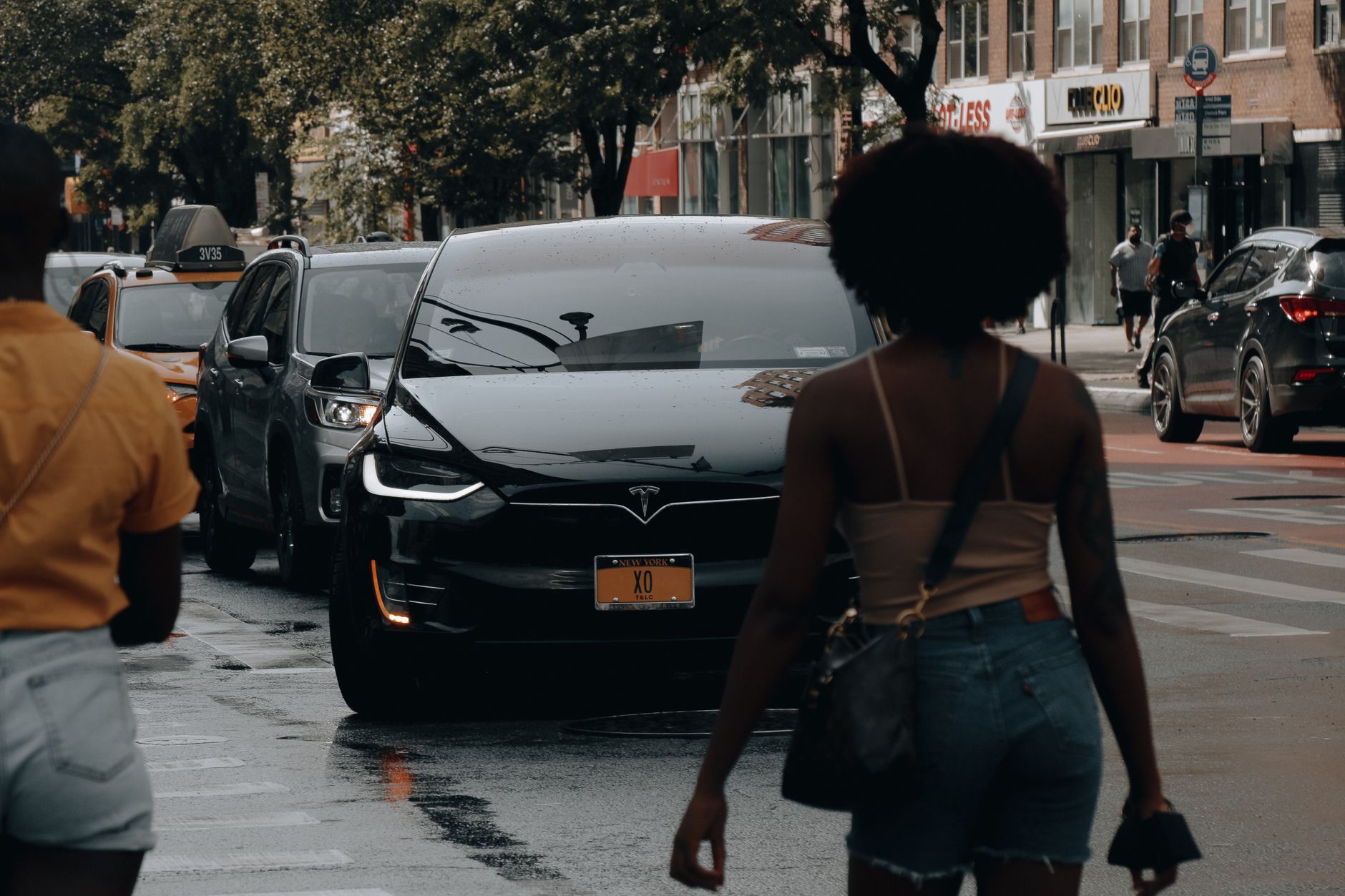
    Photo by AI25.Studio Studio.
  • Buy these accessories in your first month.

    Buy these accessories in your first month.

    A new Tesla does not need much to be fully usable, but a handful of accessories solve real problems in the first few weeks. This guide sticks to categories that Tesla itself sells or that established EV outlets consistently recommend, not specific brands to buy.

    All-weather floor liners. Tesla’s carpet mats show wear and stains quickly, which is why the company sells its own all-weather interior liners through its shop. Electrek makes the same case for aftermarket sets: liners are easier to clean than carpet and reduce wear that can affect resale value later. Any set built specifically for your model and trim year does the job; the point is having one, not which brand you pick.

    A way to charge at home. Every Tesla ships with a Mobile Connector, which Tesla’s own support page lists as adding 4 to 6 miles of range per hour on a standard 120-volt household outlet, or 23 to 30 miles per hour on a 240-volt outlet, depending on the vehicle. For many owners who charge overnight, that is already enough. If you want faster, hands-off charging, Tesla’s Wall Connector adds up to 44 miles of range per hour at 11.5 kW (48 amps) on vehicles that support it, or up to 30 miles per hour on models capped at 32 amps, such as Model 3 and Model Y rear-wheel-drive versions. It costs $535 from Tesla and must be hardwired by a licensed electrician, so confirm you actually need the extra speed before buying one.

    A dedicated USB drive for Dashcam and Sentry Mode. Tesla’s built-in cameras only record once a USB drive is plugged in and formatted correctly. Tesla’s owner’s manual calls for at least 64 GB of storage, a sustained write speed of 4 MB/s or higher, and the exFAT format with a base-level folder named TeslaCam; the car can format a drive for you once it is plugged into the USB-A port in the glovebox. It is a small, inexpensive purchase that switches on a security feature that otherwise sits unused.

    A windshield sun shade. Tesla’s large windshield and glass roof let in more heat than a typical car, and outlets like Electrek recommend a heat shield or sunshade for that reason, both to keep the cabin cooler after parking in the sun and to limit UV exposure on the dashboard and trim over time.

    A portable tire inflator. Tire pressure affects range and tire wear, and Electrek flags a portable air compressor as worth keeping in the frunk so you can check and correct pressure without a stop at a gas station. That matters more on an EV, where an underinflated tire has a more noticeable effect on efficiency.

    A backup key card. By default, your phone is your Tesla’s key, connecting over Bluetooth, as described on Tesla’s vehicle keys support page. A dead phone battery or a software glitch can lock you out, which is why Tesla sells a Key Card two-pack with a bifold wallet for $40. It is a cheap way to make sure you are never stuck outside your own car.

    None of this requires spending much in the first month. Match each category to how you actually use the car: someone who parks in a garage can skip the sun shade, and someone who charges mostly at work may not need a Wall Connector at all.

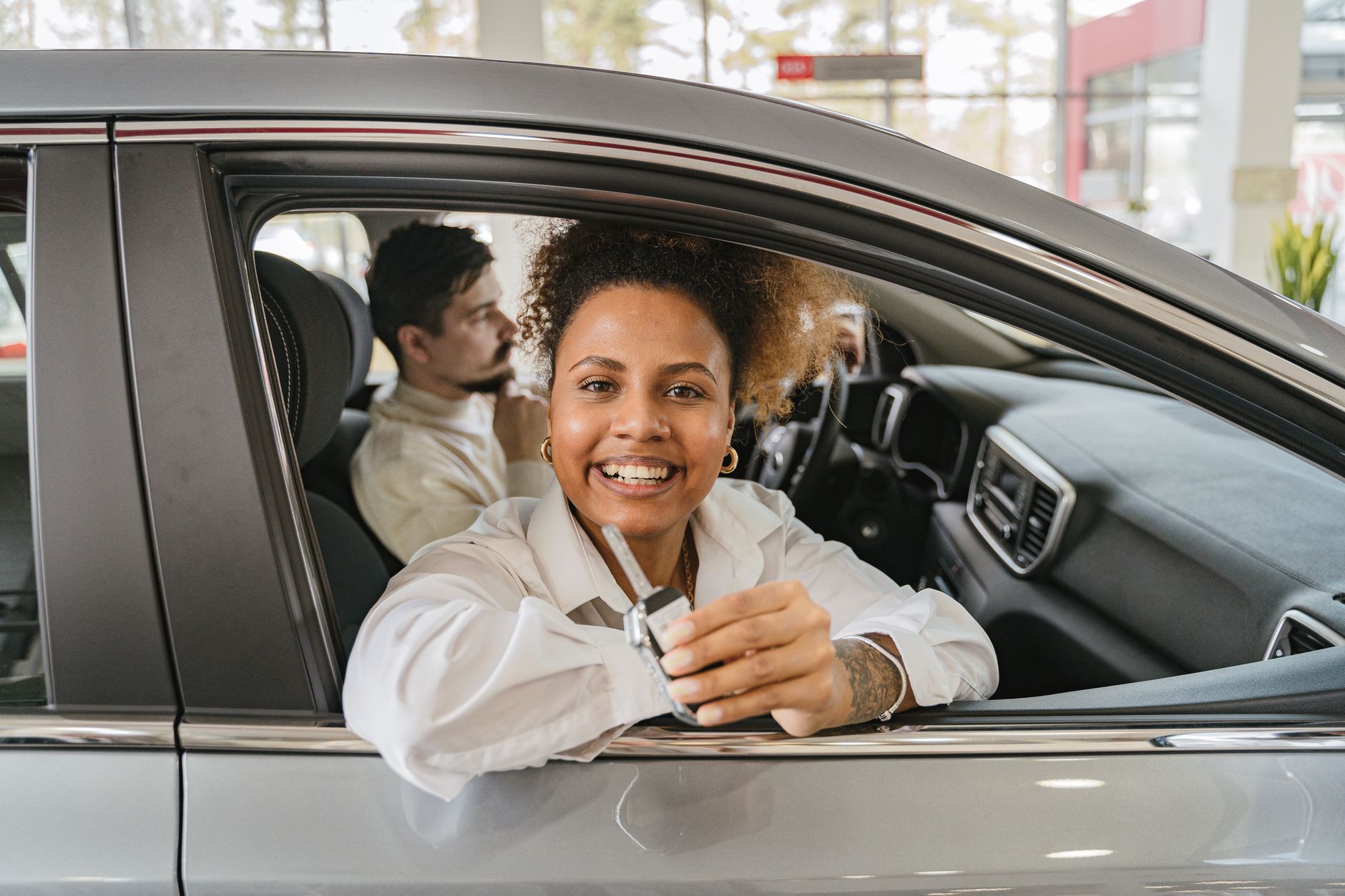
    Photo by Makara Heng.

  • Inspect Your Tesla Before You Accept Delivery

    Inspect Your Tesla Before You Accept Delivery

    Before you sign for your Tesla and drive it off the lot, walk around the car and check it carefully. Once you accept delivery, it becomes harder to prove that a scratch, a loose trim piece, or a chip in the glass was there when you picked up the car rather than something that happened afterward.

    Start with the paperwork. Tesla has you submit insurance information, final payment, and identification through the app before your delivery appointment, and asks you to bring your driver’s license, insurance, and any trade-in documents so they can be matched against your order. At the vehicle, confirm the VIN matches that paperwork. Tesla’s own warranty documentation notes that the VIN is stamped on the upper dashboard, driver’s side, and is visible through the windshield.

    Walk the exterior in daylight. Look at panel gaps around the hood, doors, trunk, and charge port for consistency, and check the paint for scratches, swirl marks, or uneven color. Check every window and the windshield for chips or cracks. This matters beyond looks: Tesla’s new vehicle warranty excludes windshield or window glass that is broken, chipped, scratched, or cracked, unless it resulted from a defect in Tesla’s material or workmanship, so any glass damage you spot needs to be on record before you leave.

    Check the tires next. Look at tread depth and condition on all four. Tires are not covered by Tesla’s vehicle warranty; the same document states that tires have their own warranties and are subject to their own terms and conditions, so a tire issue is between you and the tire manufacturer, not Tesla.

    Inside, open and close every door, the trunk, and the frunk, and check that interior trim panels sit flush and don’t rattle. Test the seats, seatbelts, mirrors, and all interior and exterior lights, including turn signals and brake lights.

    On the touchscreen, confirm it boots up and responds normally. Tesla recommends reviewing “Meet Your Tesla” and your car’s software update information before you leave, and notes that you can tap “Service” on the touchscreen after delivery to reach the digital owner’s manual. Check the odometer too; a new vehicle’s reading should reflect only the mileage added during manufacturing, transport, and any test drives at the delivery center.

    Confirm what charging equipment came with your car. Tesla states plainly that charging equipment does not come standard with every Tesla vehicle, so check your order details against what is actually in the trunk or frunk before you drive away.

    If you find a problem, write it down on the delivery paperwork and photograph it before you sign. Your Tesla New Vehicle Limited Warranty coverage begins on the first day the vehicle is delivered, and to get anything fixed afterward, you contact Tesla and provide the VIN, current mileage, and a description of the defect. The signed delivery paperwork becomes available afterward in your Tesla Account, under “Manage” and then “Documents”, but a defect noted and photographed at delivery is easier to resolve than one reported after you have already been driving the car. Report anything you find right away, rather than waiting until you get home.

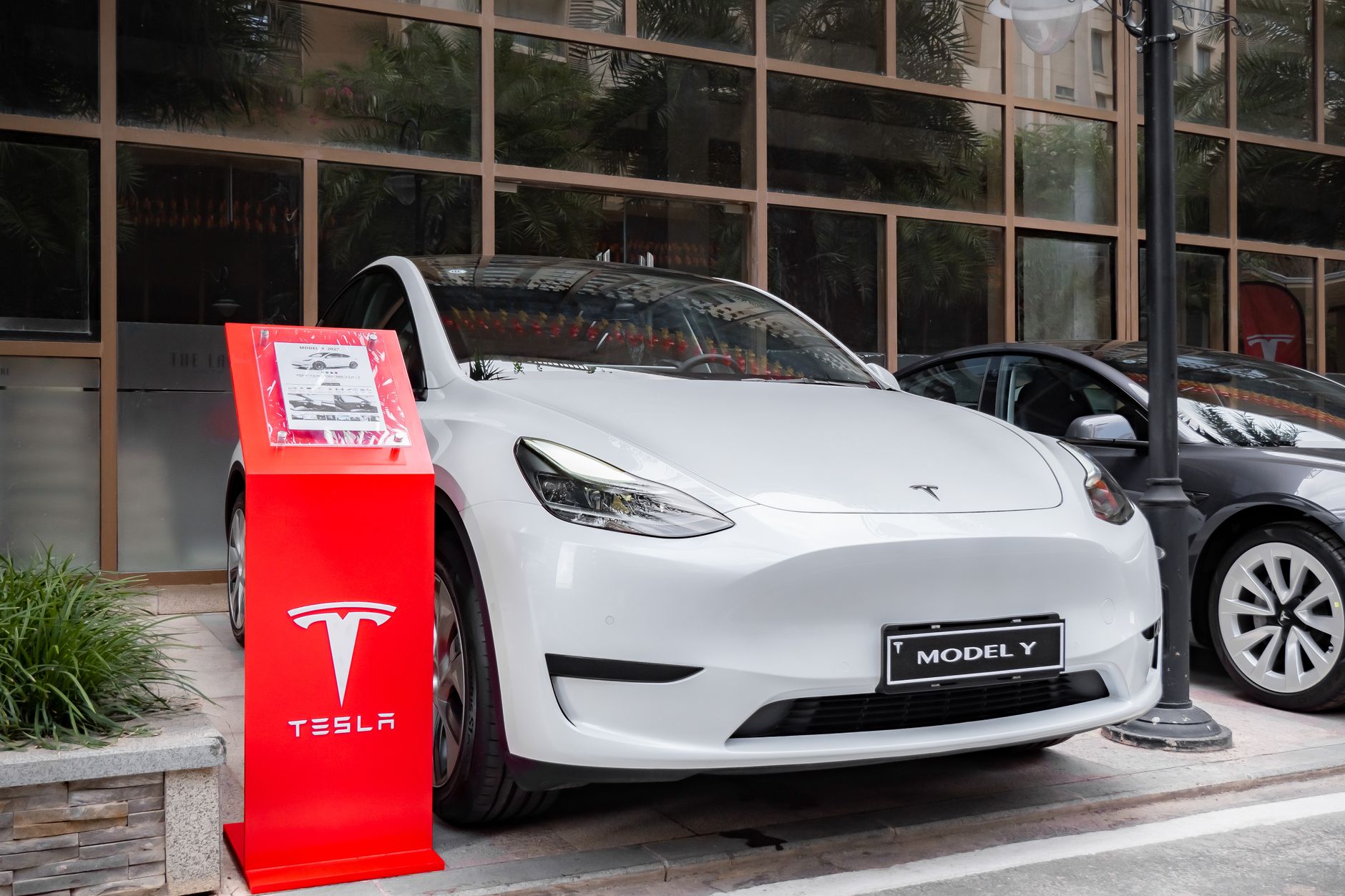
    Photo by Reinaldo Simoes.