Tag: supercharging

  • Why your Tesla charges fast to 80% and crawls to 100%.

    Why your Tesla charges fast to 80% and crawls to 100%.

    If you’ve watched a Supercharging session, you’ve seen it: the kW number climbs fast at first, then drops off sharply somewhere past 80%. That’s not a problem with your car, it’s how every EV charging curve works. As InsideEVs explains, a battery naturally resists being pushed toward full charge, and both electrical resistance and heat buildup increase as the state of charge rises, so the vehicle’s battery management system throttles the current to keep temperatures in a safe range.

    Tesla confirms the same behavior directly. Tesla’s support page states that “charging speeds slow as the battery charges, so reaching 100% charge will typically take significantly longer than reaching 80%,” and notes that at high-use Superchargers, your car’s charge limit may be automatically capped at 80% to reduce congestion for other drivers waiting behind you.

    The practical takeaway differs for daily driving versus a road trip. At home overnight, the slow tail end costs you nothing, you’re asleep, and Level 2 home charging is already far slower than Supercharging, so the curve barely matters. On a road trip, it matters a lot. Charging from 10% to 80% might take roughly 25 to 30 minutes on a modern Tesla, but pushing from 80% to 100% at the same stop can take nearly as long as that entire first stretch.

    That’s why Tesla’s in-car navigation typically routes you to your next Supercharger with just enough charge to arrive, rather than filling to 100% at every stop. If you’re planning a multi-stop trip, it’s almost always faster overall to make an extra short stop at 80% than to sit through the slow final 20% once. Let the trip planner calculate the stops, it’s already accounting for this curve when it tells you how long to charge.

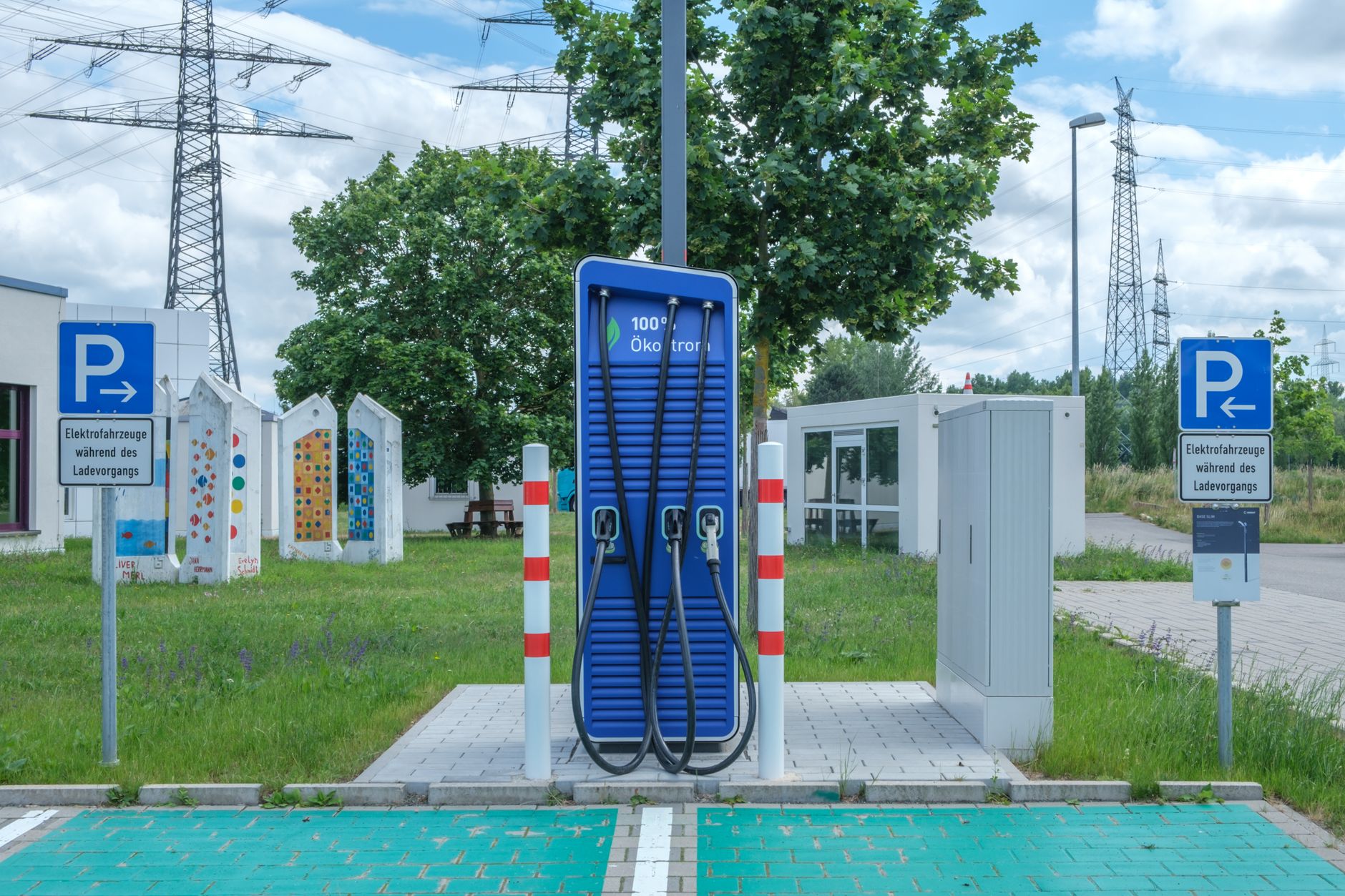
    Photo by Reinhard Bruckner.
  • Battery Preconditioning: Why Your Tesla Warms Up Before You Supercharge

    Battery Preconditioning: Why Your Tesla Warms Up Before You Supercharge

    A cold battery charges slower. That’s the whole reason preconditioning exists, and it’s worth understanding if you want to spend less time standing at a Supercharger.

    Why a cold battery slows you down

    Tesla’s own Model Y owner’s manual puts it plainly: the battery’s charge rate is decreased when it’s too cold. Lithium-ion chemistry just accepts current more slowly at low temperatures, so a battery that arrives at a Supercharger cold will pull fewer kilowatts, at least at first, than one that arrives already at its ideal operating temperature.

    How preconditioning fixes that

    The fix is to warm the battery before you plug in, not after. According to Tesla’s manual, you can minimize charge time by using Trip Planner to warm the battery while driving to a Supercharger. In practice, this means routing to a Supercharger through the car’s navigation — Trip Planner’s own charging stops count — rather than typing in an address manually and hoping the car figures it out.

    Preconditioning is a separate function from the scheduled, departure-time preconditioning you can set under Controls, which warms the battery and cabin for a set time you choose. That scheduled version has a real limitation worth knowing: per the owner’s manual, scheduled charging cannot be used with fast chargers, including Superchargers — it’s built for charging on AC power at home, not for a Supercharger stop.

    A side benefit if you have a heat pump

    Tesla vehicles with a heat pump can reuse some of that warmth: heat already in the battery can help warm the cabin while driving, which the manual notes reduces overall energy consumption compared to heating the cabin from scratch. Preconditioning done ahead of a drive isn’t purely a charging-speed feature — it can shave a little off the energy you’d otherwise spend on climate control.

    What this means for your next road trip

    If you’re planning a longer trip, let Trip Planner pick and route to your Supercharger stops instead of navigating to them manually. It’s a small habit that puts the temperature work in before you arrive, so more of your stop is spent charging and less of it is spent waiting for the battery to warm up on its own.

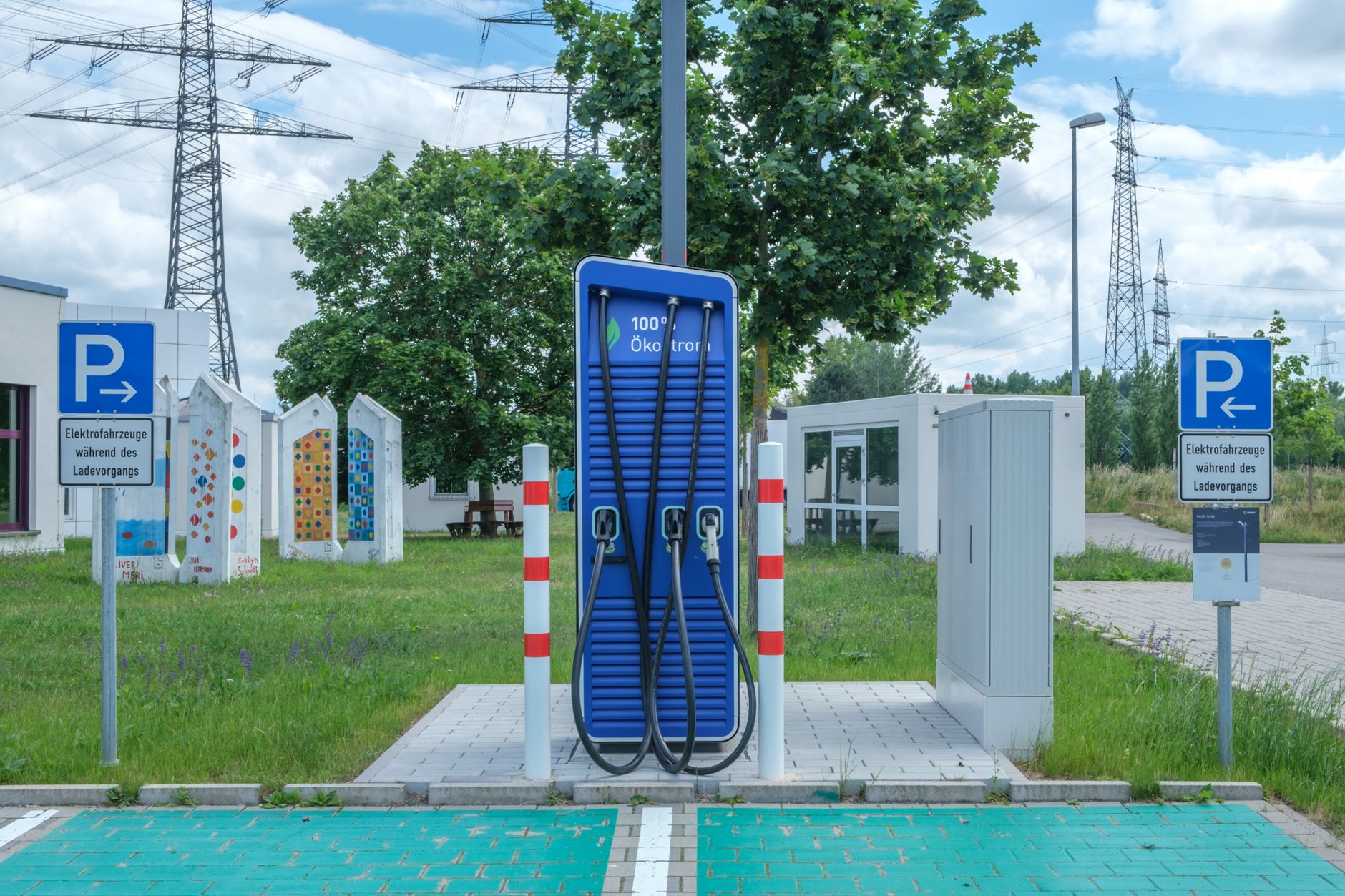
    Photo by Reinhard Bruckner.