Blog

  • What Tesla’s FSD 14.3.9 update actually changes

    What Tesla’s FSD 14.3.9 update actually changes

    Tesla began rolling out Full Self-Driving (Supervised) version 14.3.9, also labeled software version 2026.27.5, to eligible cars in North America starting September 6, 2026, according to release notes published by Not a Tesla App. As with past FSD releases, the update is going out gradually rather than to every car at once, so owners may not see it appear immediately.

    A new safety feature that can take the wheel

    The headline addition is a feature Tesla calls Automatic Collision Evasion. According to Electrek’s report on the feature, it lets FSD Supervised briefly take over steering, braking, and acceleration during manual driving if the car detects an imminent frontal collision that Automatic Emergency Braking alone may not stop, or if it senses the driver is severely inattentive. Tesla describes it as a last-resort function, not a replacement for an attentive driver, and Electrek notes the car intervenes only below highway speeds of about 85 mph. Drivers can override the maneuver with firm, deliberate steering force; tapping the brake alone does not cancel it.

    Neural network and driving-behavior changes

    Beyond the new safety feature, Tesla’s official release notes for 2026.27.5 describe an upgraded reinforcement-learning training stage for the FSD neural network, a rewritten AI compiler and runtime that Tesla says produces a 20% faster reaction time, and an updated vision encoder aimed at rare and low-visibility scenarios. The notes also list behavior tweaks such as reduced unnecessary lane biasing and tailgating, improved handling at complex intersections with compound traffic lights, and a unified model shared across Summon, FSD, and Robotaxi.

    One driver’s reaction on video

    Recharge and Roam posted this reaction on September 6, 2026:

    The video shows one driver’s personal experience testing the update and is not a substitute for Tesla’s own release notes. For the specifics of what changed in FSD 14.3.9, see the sourced release notes and reporting linked above.

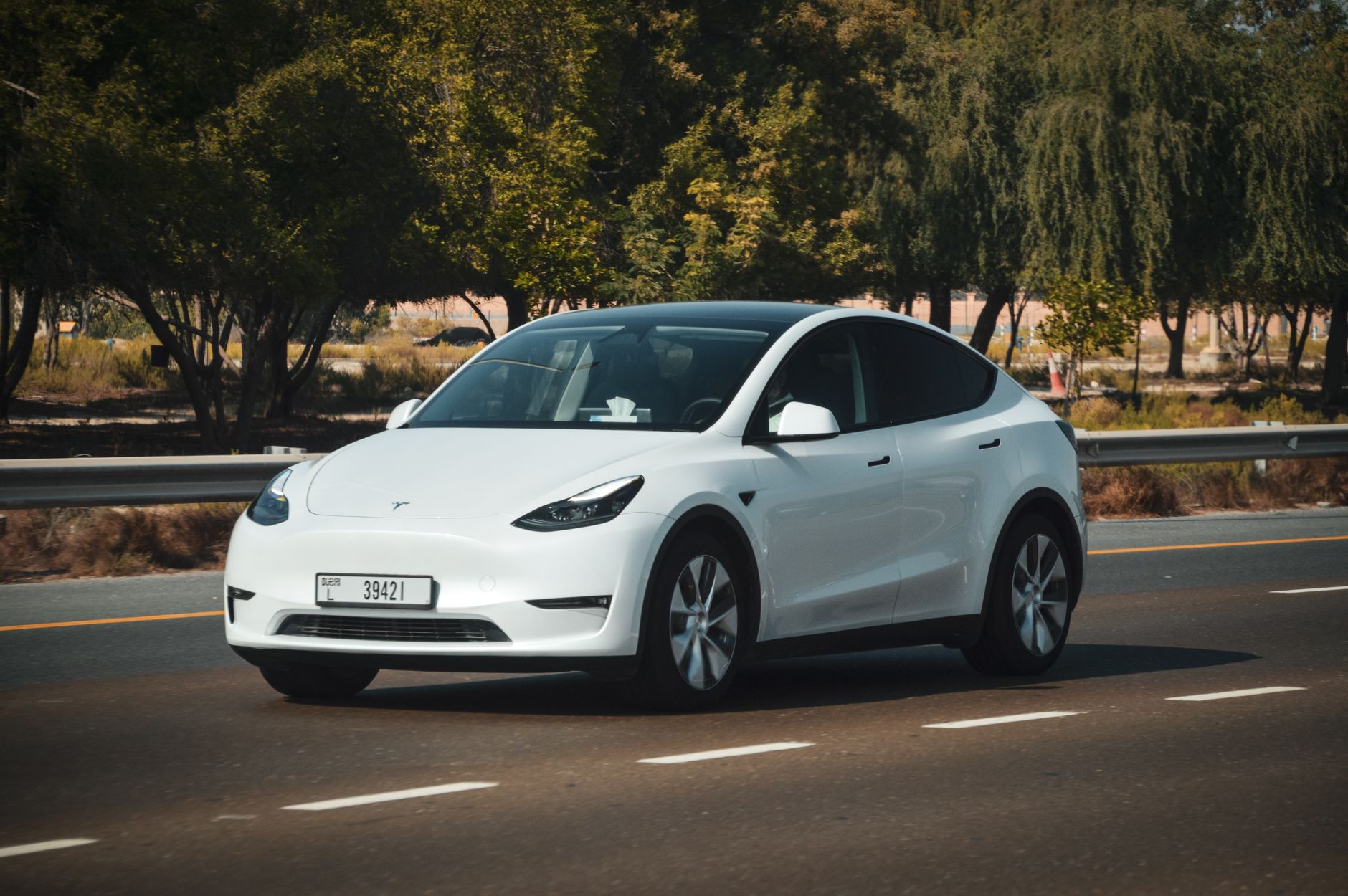
    Photo by Saksham Vikram.
  • Here’s what the 2026 Model Y actually costs, trim by trim.

    Here’s what the 2026 Model Y actually costs, trim by trim.

    The 2026 Model Y starts at $41,380 for the base Standard trim and tops out near $58,880 for the Performance AWD, before options — five trims in total, each with a different range and drivetrain.

    What each trim actually gets you

    The lineup breaks down into five trims, according to Edmunds: Standard RWD at $41,380 with an EPA-estimated 321 miles of range, Premium RWD at $46,380 with up to 357 miles, Premium AWD at $50,380, and Performance AWD at $58,880 with a 3.3-second 0-60 time. A limited-production Launch Series is also available, built on the Long Range AWD with Full Self-Driving (Supervised) included standard. All figures include destination, per Edmunds.

    What a spec sheet doesn’t tell you

    Range and price don’t cover fit, finish, or the small day-to-day annoyances that only show up after you’ve actually lived with a car — that’s where an independent, hands-on review fills the gap a spec sheet can’t.

    Ryan Shaw published a hands-on review of the 2026 Model Y on September 3, 2026, walking through his complaints and overall impressions after time with the car:

    Shaw’s video reflects his own experience with one vehicle, not a defect pattern Tesla has confirmed — treat it as one owner’s take, and check the trim details above against your own configuration before you buy.

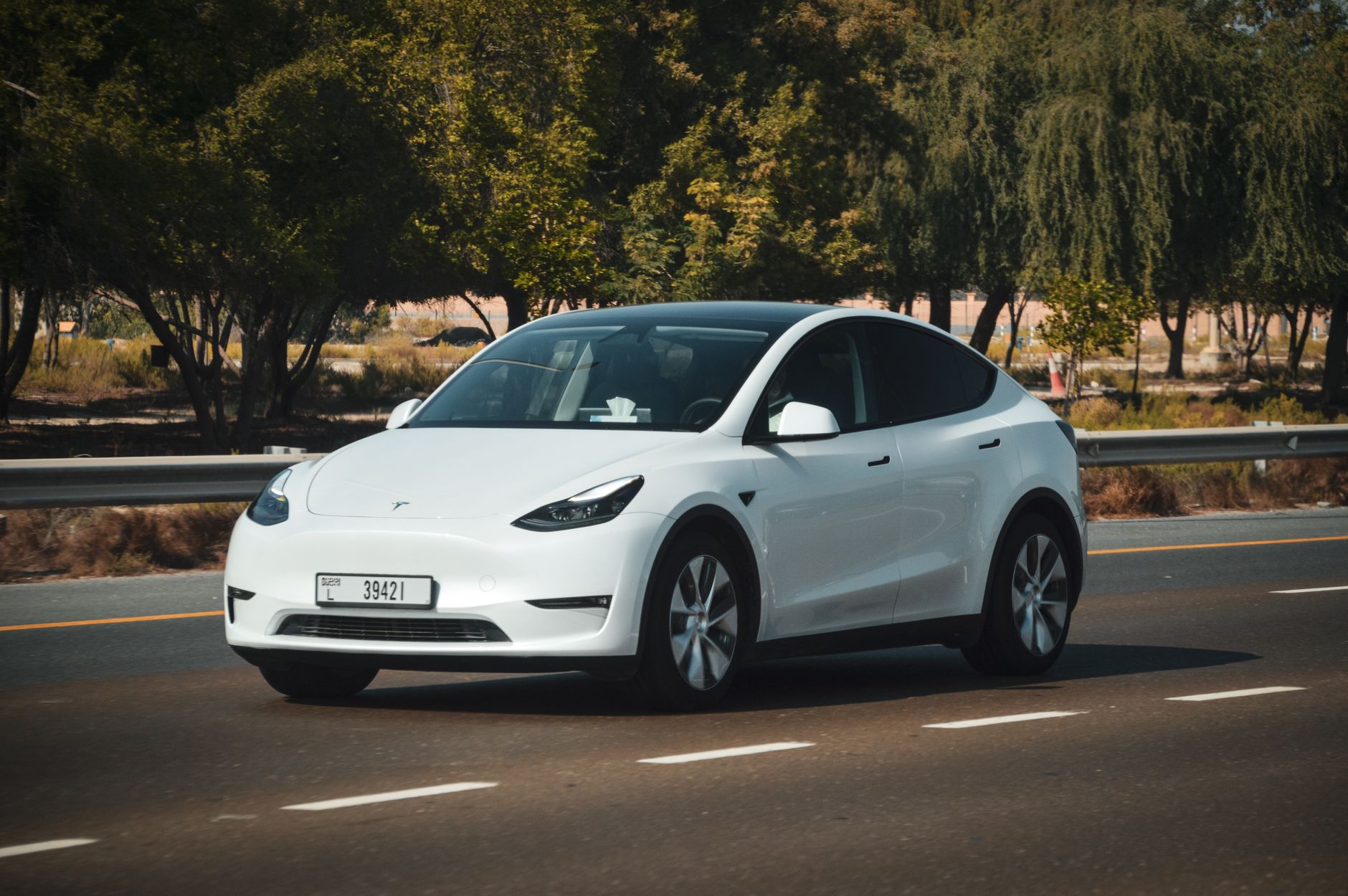
    Photo by Saksham Vikram.

  • Tesla launched Cybercab in Austin. Here’s what it actually does for riders.

    Tesla launched Cybercab in Austin. Here’s what it actually does for riders.

    Tesla launched Cybercab to the public in Austin on September 3, 2026, letting riders hail the driverless two-seater within the city’s existing robotaxi service area.

    What Cybercab actually is

    Cybercab is a two-seat vehicle with no steering wheel or pedals, built to run entirely on Tesla’s Full Self-Driving software and AI4 computer, according to Teslarati’s coverage of the launch. The event was invite-only and held at Tesla’s Austin headquarters; the car also includes Starlink satellite connectivity for in-cabin entertainment, per the same report.

    How riders actually get one

    Riders hail a Cybercab the same way they already hail Tesla’s Model Y robotaxis — through the Robotaxi app — and can travel to any destination inside Tesla’s existing Austin service area, Teslarati reports. Cybercab is joining that Model Y robotaxi network rather than replacing it right away; both vehicle types are now running inside the same geofenced zone.

    Tesla’s own channel posted a launch recap the same day:

    That’s Tesla’s own footage of the event, not a third-party account — but for the specifics on what Cybercab is and how to actually book a ride, the reporting linked above is the place to check before you rely on it.

    Photo by Abhishek Navlakha.

  • Is Tesla’s Acceleration Boost worth buying?

    Is Tesla’s Acceleration Boost worth buying?

    Acceleration Boost is a one-time, roughly $2,000 software purchase that trims about four-tenths of a second off your Tesla’s 0-60 mph time. It’s easy to add after delivery, and just as easy to skip — here’s what it actually buys you.

    What it does, and who can buy it

    Tesla’s Acceleration Boost upgrade is limited to Long Range All-Wheel-Drive trims of Model 3 and Model Y — a Long Range Rear-Wheel-Drive car doesn’t qualify, because the boost relies on the second motor a dual-motor car has, according to a reference guide from Not a Tesla App. On the refreshed Model Y, the upgrade has cut the factory 0-60 time from 4.6 seconds to 4.2 seconds, per Not a Tesla App’s coverage of the Model Y version. Pricing has held at $2,000 in the US across the model years it’s been offered, per the same sources.

    How to actually buy it

    Unlike options you check off at order time, Acceleration Boost is a post-delivery purchase, made from inside the car or the Tesla app rather than during checkout. On the touchscreen, it’s under Controls > Upgrades; in the app, it’s Upgrades > Software Upgrades. Tesla gives buyers a 48-hour window to request a refund if they change their mind, according to the Not a Tesla App guide — after that, the purchase is final, and a second attempt at the same upgrade won’t be refundable.

    Is it actually worth it

    Four-tenths of a second off the line is noticeable, but it won’t change how the car handles or how you drive day to day — this is closer to a fun-to-drive extra than a practical one, and Tesla doesn’t market it as improving safety, range, or handling. Because it’s bought through software rather than locked in at order time, there’s no reason to decide before delivery: drive the car for a few weeks first, confirm your trim actually qualifies in the app, and only buy it if the stock acceleration genuinely left you wanting more.

    Photo by I’m Zion.

  • What Tesla’s tire pressure sensors actually monitor, and when one needs replacing.

    What Tesla’s tire pressure sensors actually monitor, and when one needs replacing.

    A tire pressure warning on your Tesla’s touchscreen usually means exactly what it says — but sometimes it means the sensor itself, not the tire, needs attention. Here’s how the system actually works, and what a replacement costs.

    How Tesla’s TPMS works

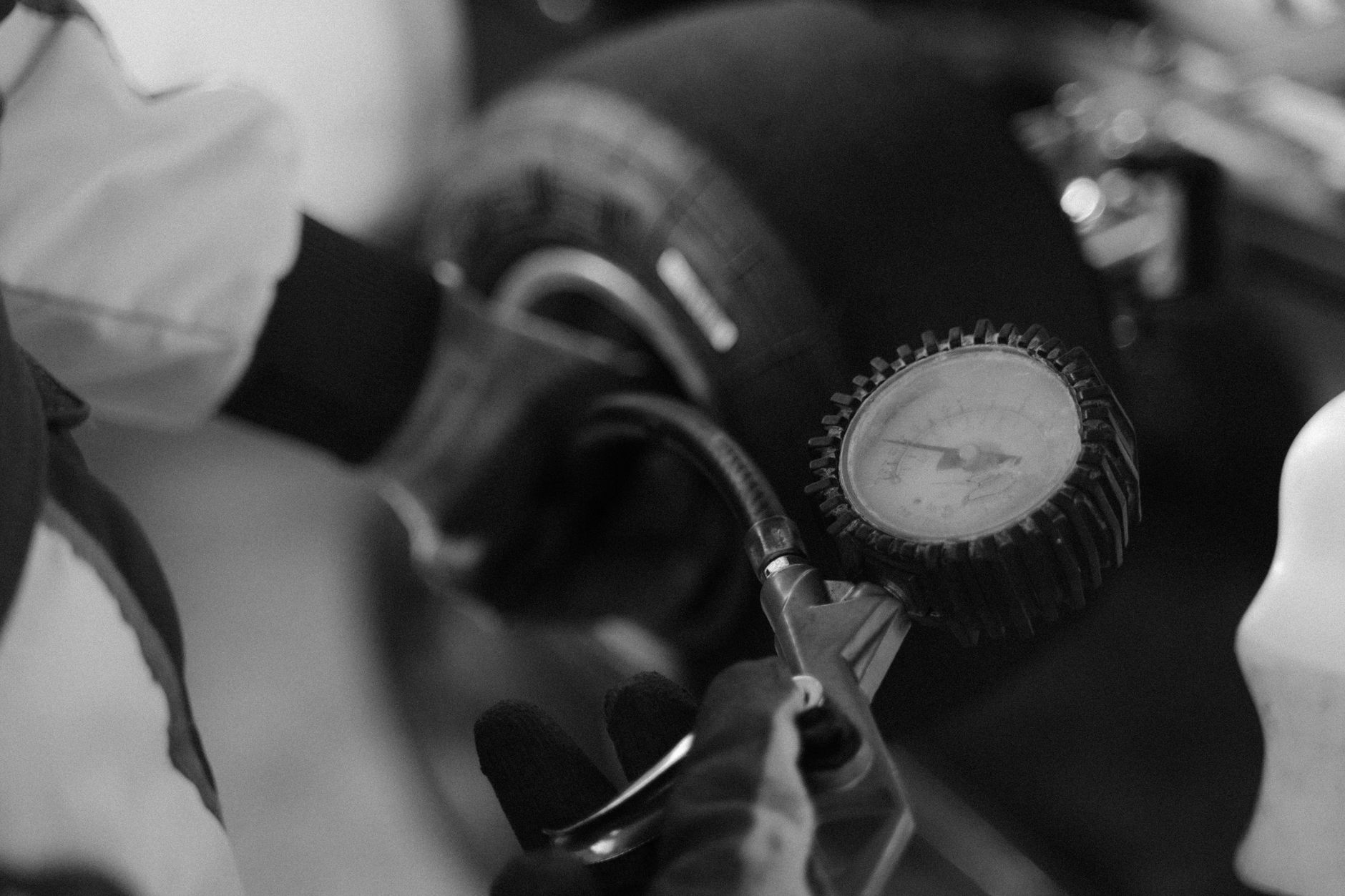
    Each wheel carries a small, battery-powered sensor that measures live pressure and temperature and transmits it to the car, according to a TPMS troubleshooting guide from Tesla accessory retailer Tesery. When pressure actually drops, the touchscreen shows an orange tire icon; if a sensor stops communicating altogether, you’ll see a “Sensor Fault” message instead of a pressure reading — a different problem with a different fix.

    Tesla has used two sensor types over the years: an RF sensor operating at 433 MHz, and a Bluetooth (BLE) sensor used on newer vehicles. The two aren’t interchangeable, so buying the wrong type for your model year simply won’t pair, per the same guide.

    Why a sensor eventually fails

    TPMS sensors run on a sealed, non-rechargeable battery. Tesery’s guide puts the typical service life at 5 to 7 years, depending on driving conditions and temperature extremes — when the battery depletes, the sensor goes silent rather than gradually weakening, so the fault can seem to appear out of nowhere.

    What replacement actually costs

    At a Tesla Service Center, a full set of four sensors runs roughly $280 to $380 for Model 3 and Model Y, and somewhat more for Model S and Model X, according to Tesery. Independent tire shops typically charge less for the same part: about $45 to $75 for a single sensor including installation and programming, or $140 to $240 for all four.

    A sensor fault doesn’t necessarily mean a tire is losing air, and it isn’t something you did wrong. If your Tesla is a few years old and a sensor goes quiet, it’s usually just the battery reaching the end of its service life — the same way a key fob eventually needs a new one. Check the actual pressure readings on the touchscreen or in the Tesla app before assuming the worst; if all four wheels show plausible numbers except one that’s gone blank, that’s your sensor, not your tire.

    Photo by Tima Miroshnichenko.

  • Smart Summon can drive your Tesla to you. Here’s what it actually requires.

    Smart Summon can drive your Tesla to you. Here’s what it actually requires.

    Smart Summon lets your Tesla pull itself out of a parking spot and drive to you with nobody behind the wheel. It’s a genuinely useful party trick, but it comes with real limits worth knowing before you rely on it.

    What it actually does

    Using the Tesla app, you choose “Come to Me” or “Go to Target” — the car either drives to your phone’s location or to a spot you drop a pin on. It uses the same cameras and sensors as Autopilot to steer around obstacles and stop for people, and it only moves while you hold a button down in the app; let go, and it stops immediately.

    The limits that matter

    Smart Summon caps out around 6 mph, and your phone has to stay within roughly 213 feet (65 meters) of the car with a clear line of sight the whole time. It’s built for private parking lots and driveways, not public roads. The car also needs to be unplugged with the doors and trunk closed, and if a door opens, you touch the wheel or pedals, an obstacle appears, or your phone loses connection, it stops on the spot.

    Tesla’s own channel posted a short clip of Smart Summon working its way across a rain-slicked lot:

    That’s one demonstration on Tesla’s official channel, not a claim that Smart Summon is rated for every wet-weather condition — the operating limits above are what actually govern how and where you can use it, rain or not.

    Photo by Erik Mclean.

  • Hurricane season peaks September 10. Here’s how to get your Tesla ready.

    Hurricane season peaks September 10. Here’s how to get your Tesla ready.

    The Atlantic hurricane season hits its climatological peak on September 10. If you own a Tesla in a hurricane-prone state, a few charging habits now can matter if an evacuation order comes.

    Charge to 100%, not your daily limit

    Tesla generally recommends charging to around 80% for daily use to protect long-term battery health, saving a full charge for road trips. Ahead of Hurricane Milton in 2024, Tesla told owners to charge all vehicles up to 100% ahead of the storm — the same logic applies to any storm serious enough to trigger evacuation orders where you live. Do it while there’s still time and grid power, not the night the storm arrives.

    Tesla has a mobile Supercharger backup — but don’t count on it reaching you

    When storm damage knocks out fixed Superchargers, Tesla has deployed mobile Superchargers powered by Megapack batteries, delivering up to 125 kW — about half the speed of a standard V3 stall — to the hardest-hit areas after landfall. That’s a real capability Tesla has used before, but it shows up after the storm, in specific locations. Plan your evacuation charging around fixed stations that are still working, not the chance that a mobile unit lands near you.

    Know your evacuation route’s charging options before you need them

    States in hurricane-prone regions add their own temporary charging along evacuation corridors, too. During Milton, Florida’s emergency management department installed temporary 50 kW chargers along the I-75 evacuation corridor and near I-4, added to the federal Alternative Fuels Data Center’s station locator. Check that tool, plus Tesla’s in-app trip planner, for your specific evacuation route before hurricane season peaks — not while you’re already driving away from the storm.

    None of this guarantees your route will have working chargers during an actual evacuation — grid outages and demand surges are real risks for every driver, gas or electric. The point is margin: charge early, know your route’s stations in advance, and don’t wait until the battery is low to start looking.

    Photo by Guillermo.

  • What Tesla’s new San Francisco and Queens Superchargers mean for your road trip.

    What Tesla’s new San Francisco and Queens Superchargers mean for your road trip.

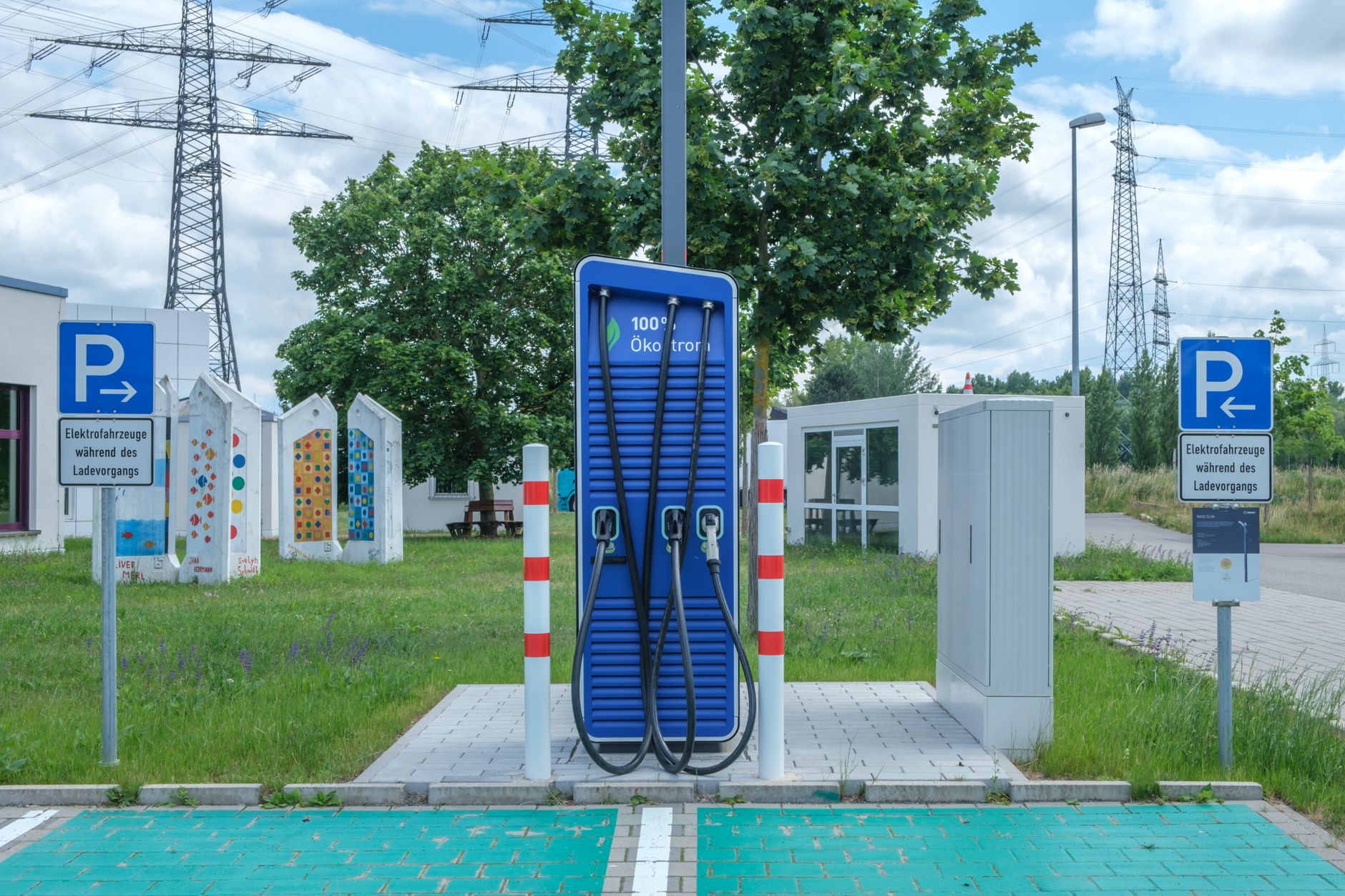
    Two of Tesla’s largest Supercharger stations yet are going up inside dense cities instead of along interstates: a planned 124-stall station in San Francisco, and a station with roughly 64 to 68 stalls going up in Maspeth, Queens. Neither changes anything about how your own car charges. But if a route ever takes you through a metro area like these, the size and location of a station change what’s worth checking before you commit to it.

    What a “V4 stall” actually is. Both stations use Tesla’s current V4 hardware: a newer charging post with a thicker cable and a small screen, separate from the power cabinets set back from the stalls that generate the electricity. That distinction matters because a V4 post doesn’t guarantee a V4 speed — some V4 posts installed so far are still wired to older cabinets behind them, so the stall you plug into and the power actually available to it are two different things.

    San Francisco’s station is planned with 16 power cabinets built for up to 500 kW. Almost no Tesla on the road can pull that full rate today. Model Y, Model 3, Model S, and Model X all run 400-volt battery packs that cap out around 250 kW no matter how fast the stall itself can go, and only the Cybertruck’s 800-volt architecture can go higher — up to 325 kW at V4 stalls as of a recent update. A big station’s headline number describes the hardware, not what your dash will actually show.

    Size matters more in a city for a different reason: demand. A Supercharger in a dense neighborhood doesn’t just serve people passing through — it serves everyone nearby who parks on the street or in an apartment garage and needs to charge overnight or before work. A small lot with only a handful of stalls fills up fast for exactly that reason, which is part of why Tesla is now building 100-plus-stall stations inside cities instead of only on highways. Queens’ station sits right off I-495 and includes two pull-through stalls built for trailers, so it works as a stop for through-traffic between Long Island and Manhattan, not just for local charging.

    Here’s what that actually means for planning a route through a dense metro area:

    Check live and forecasted stall counts, not the total stall count. Tesla’s in-car navigation already shows how many stalls are open at a station on your route. Google Maps goes a step further with an “on arrival” prediction beneath the live count, estimating how many stalls will likely be free by the time you actually get there. A station’s total stall count tells you its capacity on a good day — it doesn’t tell you what it looks like at 6 p.m. on a weekday when local owners are charging too.

    Re-check that forecast close to departure. The prediction is based on real-time and historical usage, so it shifts. Look the night before you leave and again right before, especially if your route runs through a city rather than a rural stretch of interstate.

    Have a backup station in mind. Dense metro areas often have more than one Supercharger within a short detour of each other. If the forecast for your first choice looks tight, know your second option before you’re already low on charge.

    If you’re towing, filter for pull-through stalls. A standard stall isn’t built for a trailer. Stations like the one planned for Queens are adding a small number of pull-through spots specifically for that.

    A big new station’s stall count is a ceiling, not a promise. What you actually get — a fast charge, an open stall, no wait — comes down to your car’s battery and whatever the app tells you in real time, not the number in the headline.

    Photo by Reinhard Bruckner.

  • Tesla’s biggest-ever China recall adds eye tracking to 2.74 million cars

    Tesla’s biggest-ever China recall adds eye tracking to 2.74 million cars

    China’s State Administration for Market Regulation ordered Tesla to add cabin-camera eye tracking to 2.74 million Model 3 and Model Y cars, on top of the steering-wheel torque check Tesla already uses there. The fix is a free over-the-air software update, not a hardware recall.

    What the regulator objected to

    The recall covers 2,740,642 China-built Model 3 and Model Y vehicles produced between March 4, 2019 and December 7, 2025. According to Electrek’s reporting, regulators determined Tesla’s existing attention-monitoring — based on whether a hand is applying pressure to the steering wheel — is insufficient to alert a driver whose gaze has left the road, which they judged raises crash risk. A second report from Gulf News confirms the same figures and notes the updated system will check both torque on the wheel and where the driver’s eyes are pointed.

    How cabin-camera monitoring already works on U.S. Teslas

    Cars sold in the U.S. already ship with a cabin camera, and it’s doing similar work today. Teslarati reports that the camera tracks eye gaze, head position, and steering inputs in real time while Autopilot or FSD is active (and above roughly 40 mph after 10 minutes of manual driving), issuing escalating visual and audible alerts if it judges you inattentive, before disengaging driver-assist features. Images are processed onboard and aren’t sent to Tesla unless you opt in to data sharing. The China order pushes that same eye-tracking approach from a driver-assist feature into the baseline attention check for a huge slice of Tesla’s fleet — it doesn’t change anything for U.S. cars on its own.

    Ryan Shaw covered the recall in this video from September 1, 2026:

    His video is a quick news rundown — the regulatory filing details and Tesla’s own documentation above are what actually back up the facts here.

    Photo by Vladimir Srajber.

  • What charging a Tesla at home actually costs compared to gas

    What charging a Tesla at home actually costs compared to gas

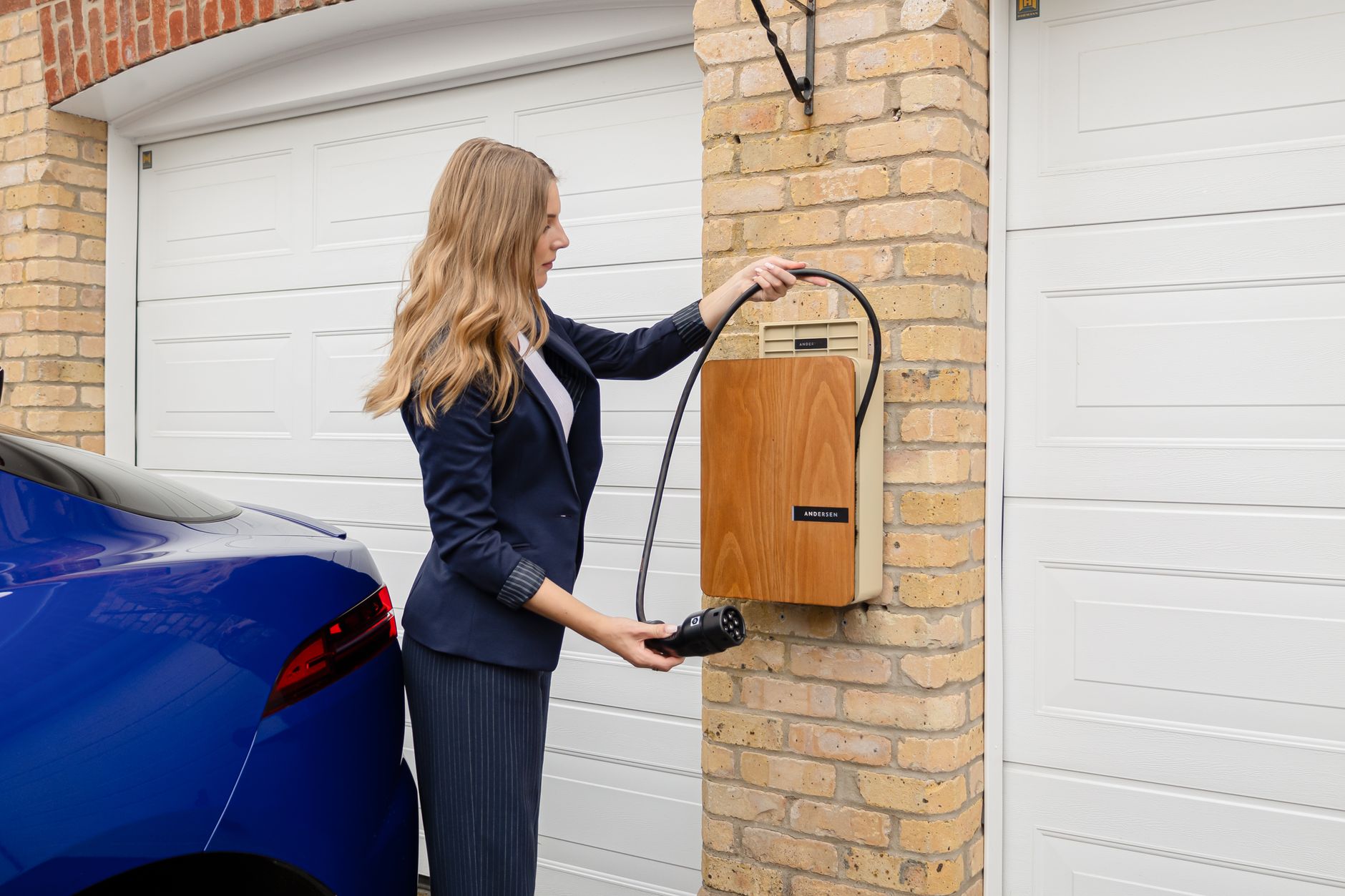
    Charging a Tesla at home costs roughly $12 to $16 for a full charge at the national average electricity rate — about a third of what it costs to cover the same distance in a comparable gas car.

    What a full home charge actually costs

    At the U.S. average residential electricity rate of $0.17 per kWh, EnergySage calculates a full charge at $12.03 for a standard Model 3, $15.91 for a Model 3 Long Range, and $15.95 for a Model Y Long Range RWD. Worked out per mile, that’s about 6 cents for a Tesla versus roughly 16 cents for a comparable gas vehicle — a savings EnergySage puts at over $1,200 a year for a driver covering about 12,200 miles.

    Why the real number depends on your state

    That $0.17/kWh figure is just a national average, and electricity rates vary far more than gas prices do. Electric Choice’s breakdown puts the national average closer to 18.44 cents per kWh, but rates run from around 11 cents per kWh in North Dakota to nearly 40 cents per kWh in Hawaii — a full 60 kWh charge that costs under $12 in a cheap-power state can run close to $24 in Hawaii. Whatever your Tesla’s battery size, check your own utility rate before assuming a national-average figure applies to you.

    Kim Java ran her own charging math on a road trip in this video from August 31, 2026:

    Her numbers reflect one charging session on her own rate plan and route — the sources above, not the video, are the evidence for what charging actually costs and how much you’ll save over gas.

    Photo by Andersen EV.