Blog

  • Model X vs. Cybertruck: which one actually fits you.

    Model X vs. Cybertruck: which one actually fits you.

    If you’re cross-shopping Tesla’s three-row SUV against its pickup truck, the decision usually comes down to three things: price, how far each one actually goes, and what you plan to haul. Here’s how the Model X and Cybertruck compare on the numbers that matter.

    Price and range

    As of August 2026, the Model X starts at $114,990, while the Cybertruck starts at $69,990 — a gap of about $45,000. On paper, the Cybertruck also has the longer EPA-rated range, 329 to 352 miles depending on trim, compared with the roughly 330 miles rated for the Model X trim used in independent testing. So unloaded, the two are close, with a slight edge to the Cybertruck.

    Towing is where it gets interesting

    The spec sheet favors the Cybertruck for towing: it’s rated to pull up to 7,500 pounds, versus 5,000 pounds for the Model X. But a real-world range test tells a different story. When InsideEVs tested both vehicles towing the same 3,250-pound Bowlus Volterra travel trailer over a mix of highway and rural roads, the Model X went 235 miles before running low, using about 71% of its rated range. The Cybertruck managed only 160 miles, using about 47% of its rated range — despite starting with more range and a higher tow rating on paper.

    In other words, the truck with the bigger towing number actually lost more than half its usable range once a trailer was hooked up, while the SUV held onto most of its range. If you plan to tow anything a real distance — a camper, a boat, a trailer full of gear — that gap in charging stops adds up fast, and it matters more than the number on the spec sheet.

    Seating and cargo

    The Model X seats up to six people across three rows, with roughly 92 cubic feet of enclosed cargo space when the rear seats are folded — useful for gear you don’t want exposed to weather. The Cybertruck seats five and offers about 56 cubic feet combined between its front trunk and covered bed, plus an open bed for hauling dirty or oversized items an SUV can’t easily carry.

    Who each one is actually for

    The Model X makes more sense if you’re a family or SUV buyer who needs to carry six people and enclosed cargo regularly, and who only tows occasionally. The Cybertruck makes more sense if you’re a truck or utility buyer who values an open bed, a lower purchase price, and higher payload over long-distance towing range. Both can tow a trailer. Only one of them does it without needing to stop and charge nearly twice as often.

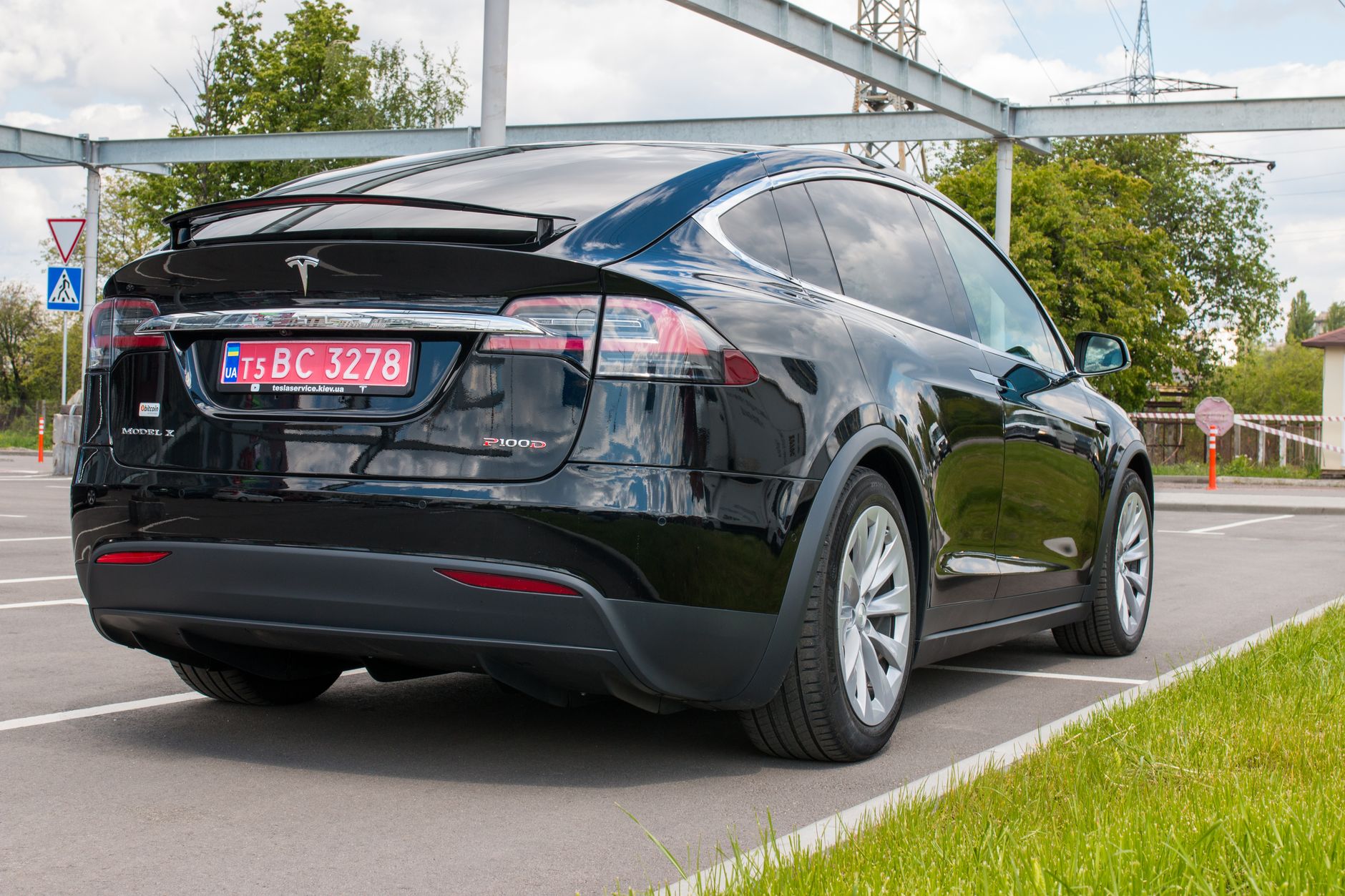
    Photo by Stephen Leonardi.
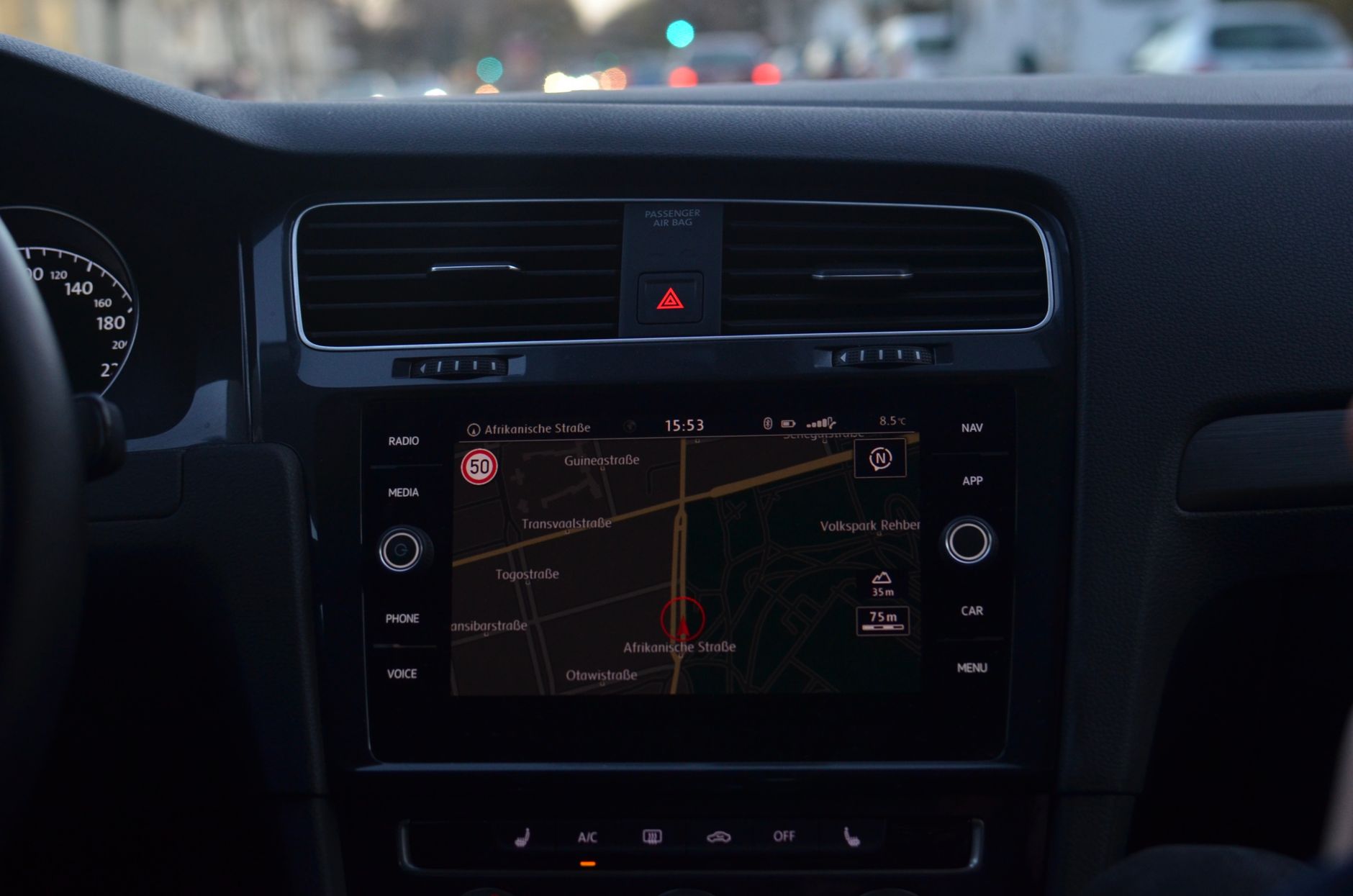
  • Tesla’s Automatic Navigation now learns your routine, not just Home and Work.

    Tesla’s Automatic Navigation now learns your routine, not just Home and Work.

    Tesla’s 2026.26 Summer Update expanded Automatic Navigation so it pays attention to more than Home, Work, and your calendar. According to Tesla’s official release notes, the feature “now adapts to your routine,” and the car “can now suggest and route to the places you visit regularly, like a school drop-off on the way to work, or the gym on the way home.” It’s turned on at Controls > Navigation > Automatic Navigation.

    Automatic Navigation isn’t new. Before this update, it could already predict a destination from a synced phone calendar or route you to a saved Work address on a weekday morning. What changed is that it now watches for places that aren’t on your calendar at all, a recurring school run, a regular gym visit, a coffee shop you stop at most mornings, and starts offering routes to those without you typing an address. Electrek’s coverage of the update describes it as the car proactively offering routing suggestions before a destination is manually entered, based on recurring stops in a driver’s routine. Tesla notes the underlying location data stays anonymous and isn’t tied to a specific vehicle’s identity.

    Preferred Routes: favoring the road you already know

    The same update also introduced Preferred Routes, a related but separate navigation change. Tesla’s release notes state that “Navigation now prioritizes routes that you’ve taken before” instead of defaulting purely to the fastest calculated path. This one comes with a requirement: it only works if Online Routing is switched on, found at Controls > Navigation > Online Routing. An owner who has that setting off won’t see the car favor familiar roads over an unfamiliar but technically quicker one.

    For day-to-day driving, the two features work together. A parent who drives the same route to school most mornings may start seeing that trip suggested automatically, and once selected, the car is more likely to route down the streets that driver actually uses rather than a route the navigation system calculates as marginally faster. Neither feature requires setup beyond checking that the relevant toggle is on in the Navigation settings menu.

    As with any Tesla software release, 2026.26 didn’t reach every car at once. Tesla Oracle’s rollout tracking, citing data from TeslaFi.com and Tessie.com, put the update at roughly 15 to 20 percent of the fleet as of early August 2026, with some Hardware 3 and Hardware 4 vehicles on certain FSD versions still waiting. So an owner who doesn’t see Automatic Navigation offering new suggestions yet, or doesn’t find an Online Routing toggle, likely just hasn’t received 2026.26 as this update reaches their car.

    Owners can check whether the update has arrived under Software in the car’s touchscreen settings or the Software Update section of the Tesla app. Once it has, both settings live in the same place: Controls > Navigation.

    Photo by Skylar Kang.

    Photo by Skylar Kang.

  • Charging your Tesla at work: the etiquette that keeps a shared charger usable.

    Charging your Tesla at work: the etiquette that keeps a shared charger usable.

    A charger in the parking lot at work behaves nothing like the one in your garage. It’s shared with every other EV driver on your floor, nobody’s paying a per-minute congestion fee to move along, and there’s no app nudging you the way Tesla’s Supercharger network does. That makes workplace and public Level 2 charging its own small set of manners, worth knowing before you plug in for the first time.

    Workplace charging is already a bigger part of EV life than most new owners expect. In Plug In America’s 2023 EV driver survey, more than a quarter of drivers who use workplace charging said they plug in weekly, and nearly another quarter charge there every day. The same survey found the workplace is the second most common place EV drivers charge, right behind home. If your employer has chargers, there’s a good chance you’ll end up relying on them regularly, not just in a pinch.

    The core rule: it’s not your parking spot

    Unlike a Supercharger stall, most workplace Level 2 stations don’t hit you with an automatic fee for leaving your car parked after it’s full. That makes it easy to plug in at 9 a.m. and forget about it until 5 p.m., even though your battery topped off hours earlier. ChargePoint’s own etiquette guidance puts the basic rule plainly: move your car once you’re done charging, since a full battery sitting in a charging spot is exactly the kind of thing that frustrates the next person who needs it. The same guidance also suggests charging only when you actually need the miles, rather than topping off out of habit every day just because the spot is open, and coiling the cable back up neatly instead of leaving it in a heap for the next driver.

    Manners measurably work

    This isn’t just etiquette for etiquette’s sake. A field experiment run across 105 workplace charging stations, described by Georgia Tech’s Energy Policy Innovation Center, tested two ways to get drivers to stop hogging chargers after their car was full. Charging a tiered fee of $1 per hour after four hours cut electricity use per session by 14.7%. Sending employees a normative here’s-what’s-expected email at the two-hour mark cut it by 18.9% on its own, and the effect was even stronger among managers, at nearly 25%. The researchers estimated that etiquette prompts alone freed up roughly one in five charger-hours that would otherwise have been tied up by finished cars. In plain terms: a polite reminder does almost as much as a fee, and costs the employer nothing to send.

    What you’ll actually find at a workplace charger

    Don’t expect a Tesla Supercharger stall in most employee lots. The Department of Energy’s Alternative Fuels Data Center notes that Level 2 stations are the type most commonly installed at workplaces, and a lot of them run on third-party networks like ChargePoint or Blink rather than Tesla’s own system. That usually means downloading a separate app or tapping an RFID card issued by your employer to start a session, on top of whatever your Tesla app already shows you. It’s worth setting that up before your first day of actually needing the charger, rather than discovering the login process while you’re already running low.

    The practical version

    Plug in when you genuinely need the range, not by default. Set a reminder to move your car once it’s topped off, especially if coworkers are waiting. Keep the cable tidy when you unplug. And get the charging network’s app installed ahead of time so a dead phone battery or a forgotten password isn’t what stands between you and a charged car at 5 p.m. None of it takes much effort, but a lot has changed for a handful of your coworkers if everyone skips it.

    Photo by Kindel Media.

  • Model Y L’s power seats and liftgate reverse when they hit resistance

    Model Y L’s power seats and liftgate reverse when they hit resistance

    The Model Y L’s power liftgate and its powered second- and third-row seats are built to stop moving, and usually reverse, the moment they meet something blocking their path. It is a pinch-protection measure aimed at fingers, pets, or cargo that end up in the way while a motor is doing the work instead of a hand.

    The liftgate stops itself on contact

    Tesla’s Model Y owner’s manual spells out the behavior for the power liftgate shared across the lineup, including the Model Y L: if the liftgate senses an obstruction while closing, it stops moving and chimes twice. Tesla’s instruction is to clear whatever is in the way and try closing it again rather than forcing it through.

    The powered seats work the same way

    The Model Y L, Tesla’s long-wheelbase six- and seven-seat version of the Model Y, extends that same protection to its rear seats. Both the second-row captain’s chairs and the third-row seats fold flat by motor rather than by hand, triggered from buttons in the trunk or from the touchscreen. Tesla’s own description of the feature says the powered seats and liftgate are designed to automatically pop back up when they detect an obstruction, the same stop-and-reverse logic as the liftgate, rather than continuing to press against whatever tripped the sensor. Because the motion is powered and can happen with the vehicle unattended, such as folding seats from the trunk, that automatic stop matters more than it would with manually operated rear seats.

    Tesla shows this off in a short clip posted to its official channel, dated July 21, 2026:

    As Tesla’s own channel, this video is a primary source for how the feature is meant to behave; the owner’s manual link above is the place to check exact liftgate procedures for your car.

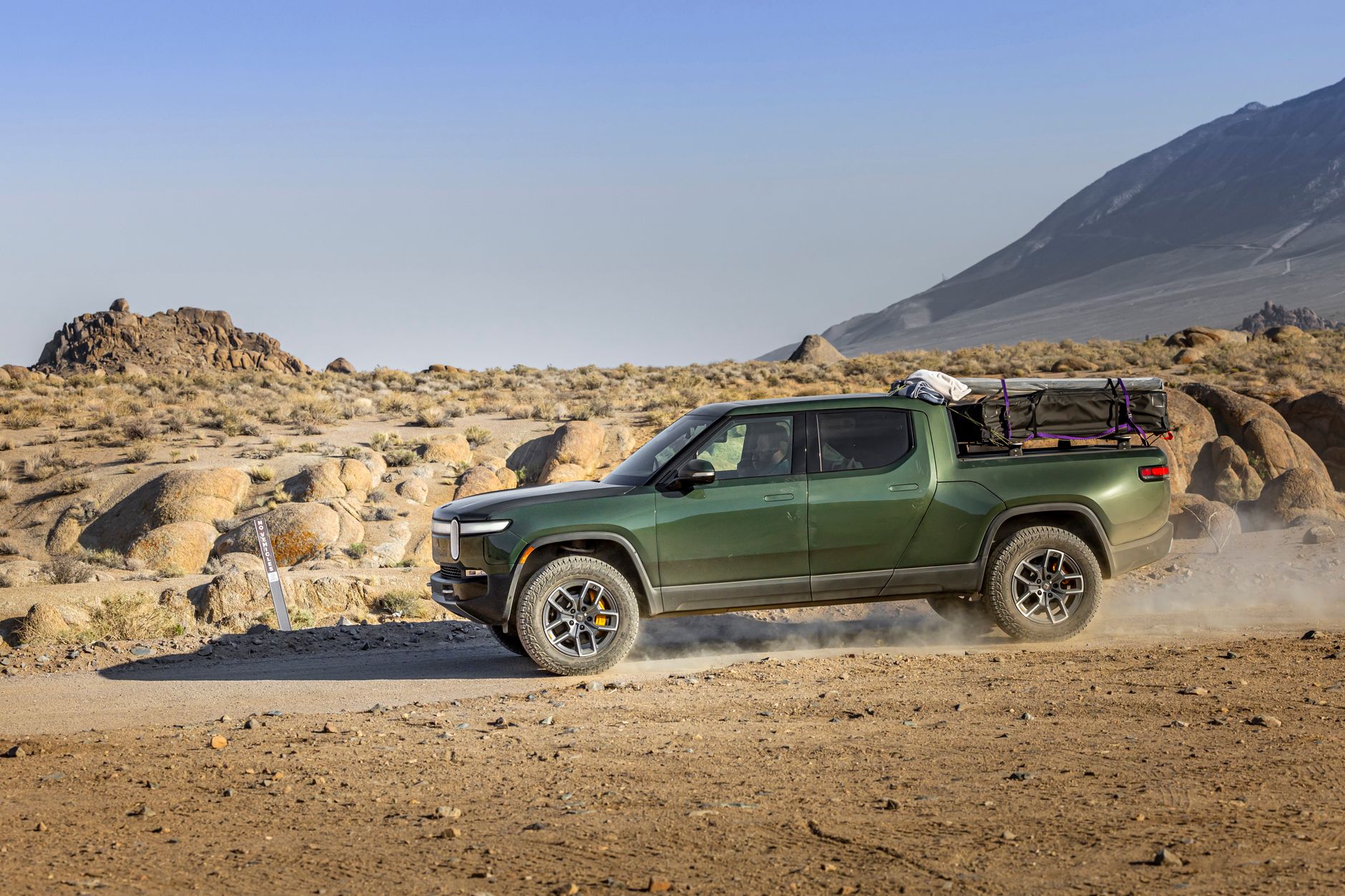
    Photo by I’m Zion.

  • Tesla launches a $35-a-month Powerwall lease for Texas homeowners

    Tesla launches a $35-a-month Powerwall lease for Texas homeowners

    Tesla has started offering a Powerwall lease through Tesla Electric, its retail electricity provider in Texas, letting homeowners get whole-home battery backup without buying the hardware outright. The program, detailed on Tesla’s support page for the Powerwall Lease, is limited to Texas areas with retail electric choice and requires the customer to also sign up for Tesla Electric’s Backup plan.

    The lease covers two Powerwall units installed at no upfront installation cost. Tesla’s support page states that Tesla Electric customers receive a monthly bill credit of $87 that is applied against the lease invoice each month, and that the system keeps a minimum 20% charge reserved for outages so owners retain backup power even during normal use. The page also describes Storm Watch, a feature that automatically charges the Powerwalls ahead of forecast severe weather.

    Tesla has not published the base lease price on its own site, but multiple outlets that reviewed the offer’s paperwork report the same figures. Electrek reports the lease starts at $122 a month in year one, with a 3% annual increase after that, plus a one-time $100 order fee. After the $87 Tesla Electric credit is applied, the effective cost works out to roughly $35 a month plus tax, as long as the customer stays enrolled in Tesla Electric. Switching to a different electricity provider drops the credit and raises the payment back to the full lease rate.

    The offer does not apply to homes with solar panels already installed, and nonstandard electrical work needed for the installation can add cost and affect credit eligibility, according to Tesla’s support page. Enrollment, permitting, and inspection have to be completed before the monthly credit starts showing up, and Tesla says credits begin within two billing cycles of the system getting permission to operate.

    Why Tesla is doing this

    The arrangement lets Tesla dispatch stored energy from leased Powerwalls back to the Texas grid during periods of high demand, a practice it already runs through its virtual power plant program with Tesla Electric in Texas. Bundling battery hardware with the electricity plan gives Tesla more batteries to draw on for grid support while lowering the up-front cost that has kept many homeowners from adding backup power in the first place.

    For now the lease is available only in Texas retail-choice areas, and Tesla has not said whether it plans to expand the structure to other states where it sells Powerwall and operates virtual power plants, such as California.

    Photo by Lena Netkach.

  • Do you need winter tires for your Tesla? Buy them before the rush.

    Do you need winter tires for your Tesla? Buy them before the rush.

    A Tesla’s instant torque and traction control make it capable in snow, but capable and properly equipped are two different things. Whether your Model 3 or Model Y actually needs a dedicated set of winter tires depends on your climate and the season, and if the answer is yes, the smart move is to shop now, in August, rather than wait for the first cold snap.

    Why all-season tires fall short on a Tesla in winter

    Every Tesla sends full torque to the wheels the instant you press the accelerator, with none of the gradual power buildup a gas engine has. That is part of what makes a Model 3 or Model Y feel quick, but it also puts more demand on the tires than a combustion car does. Consumer Reports notes that tires built for EVs need to carry a heavier load than tires on a gas car while still providing grip for the instant torque electric motors deliver, and that demand only grows once the pavement turns cold or wet.

    All-season tires are a compromise by design, and cold weather is where that compromise shows. Tire Rack’s own cold-weather testing found that ultra-high-performance all-season tires were not particularly adept in the cold and concluded there is no substitute for a dedicated winter tire. On an EV, that gap matters more than it does on a gas car: with instant torque available at every stop sign, a softer, siped winter-tire compound gives the traction control system something to actually grip, instead of just managing wheelspin on a tire that is already at its limit. InsideEVs makes a similar point, noting that EV torque is strong enough to spin the wheels at a stoplight if the tires cannot handle it, and that dedicated winter tires give extra grip in snow.

    Cold weather cuts range too, and tires will not fix that

    It helps to separate two different cold-weather problems. Winter tires address grip and stopping distance. They do not address the range loss that comes from cold battery chemistry and cabin heating, which is a separate issue entirely. InsideEVs points out that winter itself saps EVs of range, regardless of which tires are mounted. Do not expect a winter tire purchase to solve a cold-weather range drop. If you drive somewhere that gets genuinely cold, plan for both.

    When to actually switch

    Tesla’s own guidance is to switch to winter tires once the temperature is consistently at or below 45 degrees Fahrenheit, since all-season tires may not provide the same level of traction as winter tires in snowy or icy conditions and their rubber compounds start to stiffen as it gets cold. If you live somewhere winters stay mild and snow is rare, all-seasons are probably fine. If you are anywhere that regularly sees frost, ice, or snow, that 45 degree line is the point to plan around.

    Why August beats December

    The reason to think about this now, rather than after the first snowfall, is availability, not urgency. Consumer Reports advises shopping before winter arrives because winter and snow tires are built in the off-season, so inventories dwindle going into winter and your choices can become very limited, while buying early lets you beat the rush from last-minute buyers. Popular sizes, including the fitments common on Model 3 and Model Y, are exactly the kind that sell out first once demand spikes. Installers get squeezed too. One Montana tire shop reported appointments booked solid for weeks once the weather turned, with some shops booked out until early December. Buying a set now, while shops are unhurried and full size runs are still in stock, means you are not stuck choosing between an ill-fitting tire and driving on worn all-seasons through the first storm of the season.

    If you decide you need winter tires, a second set of wheels dedicated to them makes the seasonal swap faster and cheaper over time, since you are not paying to mount and balance new tires twice a year. But that is a secondary decision. The first one is simply not waiting until the driveway is already covered in snow to start shopping.

    Photo by https://kaboompics.com/.

  • Model Y vs. Model X: which one actually fits you.

    Model Y vs. Model X: which one actually fits you.

    Tesla builds two SUVs, and it is easy to assume they are just different sizes of the same thing. They are not. The Model Y starts at $39,990 before destination and order fees, while the Model X starts at $99,990 for the all-wheel-drive base trim and climbs to $114,990 for the Plaid version. That price gap alone tells you these two vehicles are aimed at different buyers, but the seating, cargo, and range differences matter just as much.

    Seating: an add-on third row vs. falcon-wing doors

    The Model Y comes standard with five seats. If you regularly carry six or seven people, Tesla sells a stretched Model Y L with six seats arranged in a 2+2+2 layout, with independent captain’s chairs in the second row, priced at $61,990 for the Launch Series trim and rated for 325 miles of EPA range.

    The Model X also seats five people standard, but Tesla offers a six-seat layout with second-row captain’s chairs for $6,500, or a seven-seat configuration that actually costs about $3,000 less than the six-seat option. The Model X is also the only Tesla SUV with the distinctive rear falcon-wing doors, which hinge at the roof and open upward — useful in tight parking spots where a normal door can’t swing open.

    Cargo space

    With all seats in place, the Model Y holds 33.1 cubic feet behind the second row, expanding to about 76 cubic feet with the rear seats folded flat. The Model X carries 43.5 cubic feet with all seats up, plus a 6.5-cubic-foot front trunk. Folding the Model X’s third row frees up meaningfully more room, while filling all three rows leaves it with the tightest cargo space of the two SUVs.

    Range

    The base rear-wheel-drive Model Y is EPA-rated for up to 321 miles on its standard 18-inch wheels, and the Premium RWD trim reaches up to 357 miles. The base Model X is EPA-rated for 352 miles, while the Plaid trades some range for performance at 335 miles. As of August 2026, these are manufacturer-published estimates; real-world range depends on wheel size, weather, and driving style, as it does with any EV.

    Towing

    If you plan to tow, the gap widens further. Tesla’s own owner’s manual lists the Model X’s maximum towing capacity at 5,000 pounds with the standard 20-inch wheels, compared with 3,500 pounds for a five-seat Model Y. That 1,500-pound difference matters if you’re pulling a boat, a larger trailer, or anything near the upper end of what a small camper weighs.

    Who should buy which

    The Model Y makes sense for most buyers. It costs less than half as much as the Model X, carries almost as much cargo with the seats folded, and covers more everyday range on its cheapest trim. The Model Y L closes most of the third-row seating gap for families who occasionally need six seats, without approaching Model X money.

    The Model X earns its price for a narrower group: buyers who want the extra towing capacity, the flexibility of a genuine seven-seat configuration, the falcon-wing doors for tight garages or parking, or the extra cargo room with all seats in use. If none of that applies to you, the Model Y is very likely the better $60,000 you’ll never spend.

    Photo by Borys Zaitsev.

  • Floor protection for your Tesla costs $25 or $300, depending on what you buy

    Floor protection for your Tesla costs $25 or $300, depending on what you buy

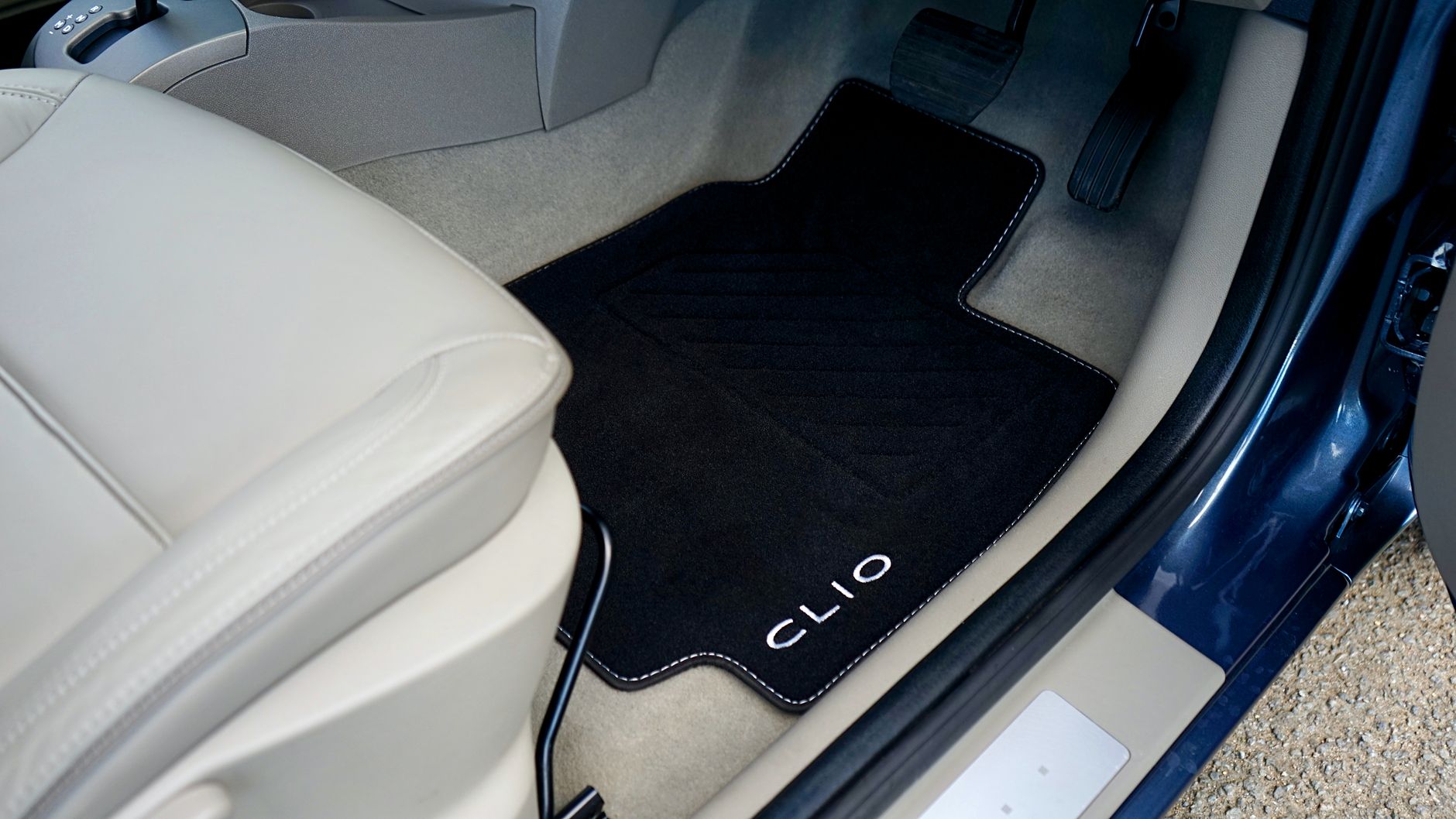
    Every Tesla ships with cloth or vegan-leather carpet in the footwells, not the rigid protective liners a lot of owners add later. If you want mud, snow melt, and spills to stop wrecking that carpet, you’re choosing between Tesla’s own liners and a cheaper aftermarket mat set.

    What Tesla charges for its own liners

    Tesla’s All-Weather Interior Liners for Model 3 run about $300 through Tesla’s Shop, and you have to be signed in as a verified owner of that exact model and year range to buy them. The Model Y version is sold as part of a $385 bundle that also covers the front trunk and rear cargo well.

    What a molded aftermarket set looks like

    Third-party sets are typically molded to a specific model and trim year, the same way Tesla’s are, but sell for a fraction of the price. GetTesla’s buying guide to floor mats covers what to check for material, fit, and coverage before ordering a set, since a bad fit is the most common complaint with cheaper options.

    One owner’s install and review

    Ryan Shaw, who reviews Tesla accessories on his channel, put a set of 3W premium mats through a hands-on install and review for the Model Y and Model 3 on August 14, 2026:

    Treat the fit and finish shown here as one reviewer’s experience with one specific product, not a verdict on every aftermarket mat — check the sourced buying guide above before you order a set for your own car.

    Photo by Mike Bird.

  • How to add a driver to your Tesla and share access without handing over your key

    How to add a driver to your Tesla and share access without handing over your key

    If more than one person in your household is going to drive the Tesla, you don’t need to share a single phone key or key card. The Tesla app lets you add other people as their own drivers, each with a phone key and access tied to their own account.

    How to add someone

    Per Tesla’s support page, from the Tesla app: open the app, select your vehicle, tap Security & Drivers, tap Manage Drivers, and follow the prompts to send an invitation. You can add up to five drivers per vehicle.

    The person you’re adding needs their own Tesla Account and needs to have downloaded the Tesla app before you can add their profile — you can’t just hand someone your login. Tesla also recommends both the owner and the new driver keep the app updated to its latest version for the feature to work correctly.

    What an added driver can and can’t do

    Added drivers get vehicle access through their own phone key, plus service scheduling and history, in-app messages, roadside assistance, and the car’s location. What they don’t get: the ability to add or remove other drivers, manage payment methods on the account, purchase upgrades, view charging history, or see insurance information. In other words, someone you add can drive the car and deal with a service visit, but they can’t rack up charges on your card or start inviting more drivers themselves.

    Why this beats sharing one key

    A shared physical key card or a single phone key logged into everyone’s phone works, but it means anyone with it has the same access as you — and if you ever need to cut someone off, you’re stuck re-keying instead of just removing them from the app. Adding drivers individually means each person’s access is separate, and pulling it is a two-tap process in Manage Drivers rather than a physical key swap. It’s worth setting up in your first week of ownership, before you’re relying on it in a hurry.

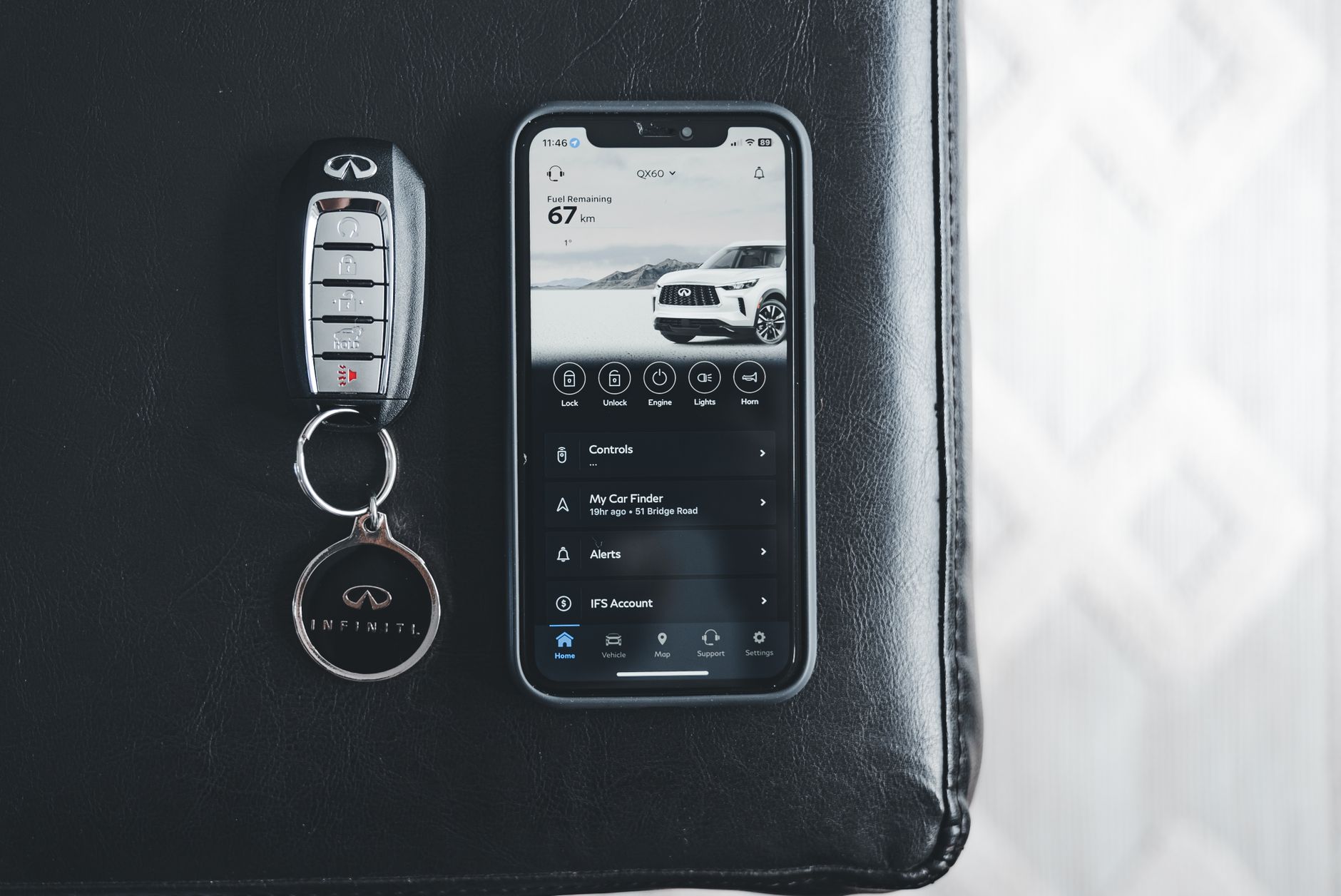
    Photo by Erik Mclean.

  • Your utility probably has a cheaper electricity rate for charging your Tesla

    Your utility probably has a cheaper electricity rate for charging your Tesla

    A lot of Tesla owners charging at home are still sitting on their utility’s standard electricity rate, even though most major utilities offer a separate plan built specifically for EV owners. Switching is usually free — the real cost is committing to charge at the right hours.

    How EV rate plans work

    Utility EV plans are a form of time-of-use pricing: electricity costs less during off-peak hours (usually overnight) and more during peak demand (typically late afternoon into evening). PG&E’s EV2-A plan prices power lowest from midnight to 3 p.m. every day, including weekends. Southern California Edison’s TOU-D-PRIME plan works the same way, and asks you to confirm you own an EV or other qualifying equipment to enroll. On the East Coast, Con Edison offers an EV-only time-of-use rate with a one-year price guarantee — if you’d have paid less on the standard rate, Con Edison compares the two after 12 months.

    Once you’re enrolled, set your Tesla to charge in the cheap window using Scheduled Departure or Scheduled Charging in the Tesla app, rather than relying on plugging in whenever you get home.

    What it actually saves you

    The savings depend on your utility, your usage, and how consistently you actually charge off-peak — there’s no single national figure, and any specific dollar amount quoted online reflects one household’s bill, not a guarantee for yours. What’s consistent across these plans: they only pay off if most of your charging happens in the off-peak window, since peak-hour rates on an EV plan are often higher than your old flat rate. If you can’t reliably shift charging to overnight, a standard plan may still work out cheaper.

    How to check what’s available to you

    Most EV rate plans require a smart meter, which most utilities have already installed for residential customers. To find out what’s available: log into your utility’s online account — PG&E, SCE, and Con Edison all list EV-specific rate options directly under their rate plan pages — or call customer service and ask specifically for an "EV rate" or "time-of-use EV plan." Not every utility offers one yet, but the list keeps growing; if yours doesn’t have a plan today, it’s worth asking whether one’s coming.

    Photo by Connor Scott McManus.