Blog

  • Tesla Model 3 trims compared: which one should you buy?

    Tesla Model 3 trims compared: which one should you buy?

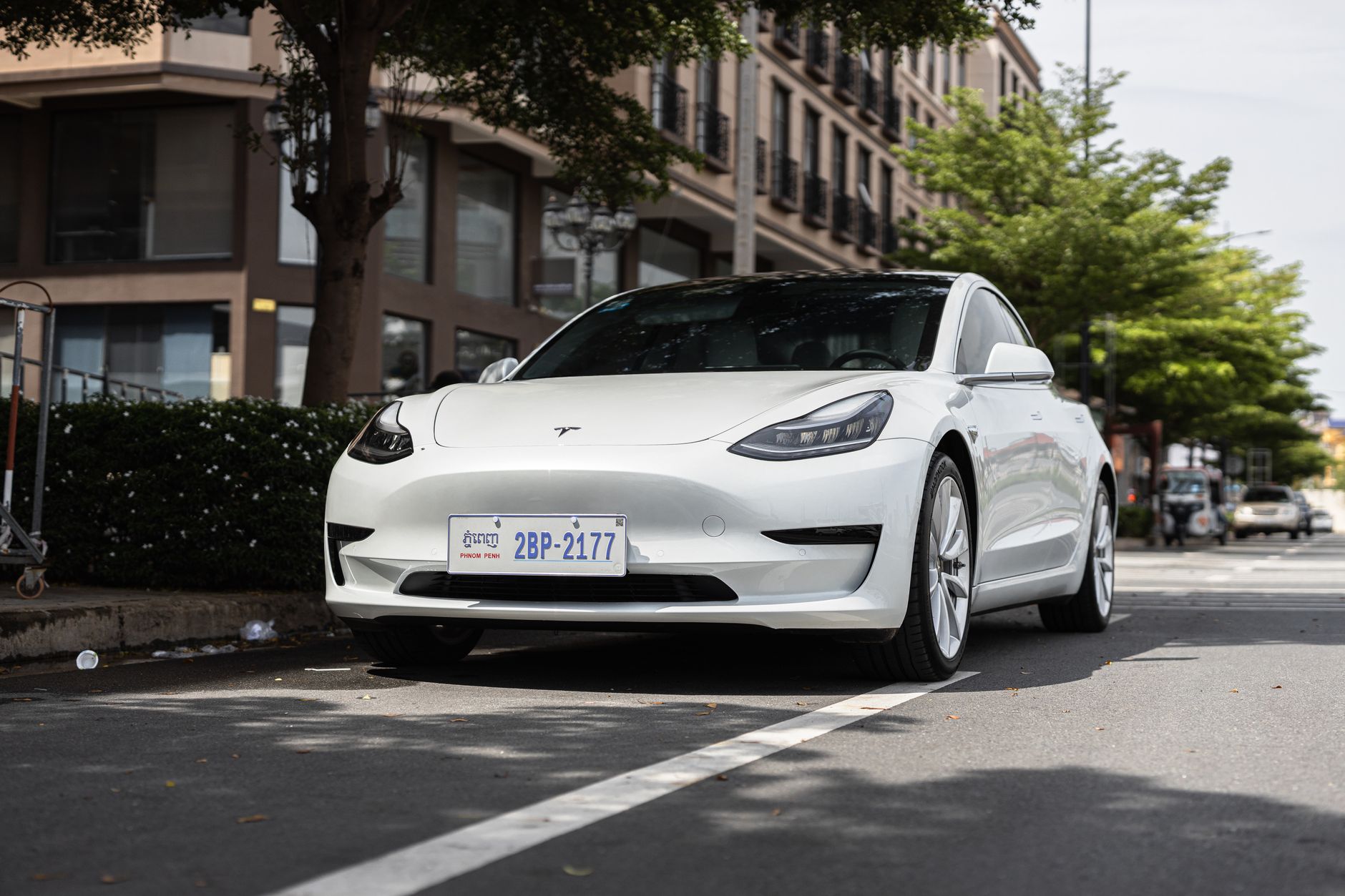
    Tesla restructured the Model 3 configurator in 2026, and the lineup now runs three trims instead of the confusing Standard/Premium split of previous years. Here’s what separates them, based on pricing and specs current as of July 3, 2026. Tesla’s own configurator pricing shifts fairly often, so treat these as a snapshot and confirm the live number before you order.

    Rear-Wheel Drive — $36,990

    The entry trim is the one that changed the most. It’s EPA-rated for 321 miles of range and does 0-60 mph in 5.8 seconds — a meaningfully bigger battery than the old base Model 3 offered, while still starting under $40,000 before destination and order fees. Independent range testing by Edmunds found it actually beat its EPA rating by nearly 6% in mixed driving, so the number on the window sticker is conservative if anything. It charges a bit slower than the other trims (capped around 225 kW at a Supercharger versus 250 kW), which mostly matters on longer road trips rather than daily driving.

    Long Range All-Wheel Drive — $48,880

    This is the trim built for people who road-trip often or drive in regions with real winters. All-wheel drive adds traction in rain and snow, and the bigger battery pushes range to 346 miles with a 4.2-second 0-60 time. The roughly $12,000 jump over the base trim buys range, traction, and quicker acceleration — worth it if you regularly drive long distances between charges, less necessary if your daily driving is mostly local.

    Performance All-Wheel Drive — $54,990

    The Performance trim trades some range (309 miles) for the quickest acceleration in the lineup at 2.9 seconds to 60 mph, plus upgraded brakes and suspension tuning. It’s the trim to pick if performance driving is the point; for most owners commuting and running errands, the Long Range trim delivers more real-world value per dollar.

    Which one should you buy?

    If your Tesla is mainly a commuter car with occasional longer trips, the Rear-Wheel Drive trim now covers a surprising amount of ground on a sub-$40,000 budget. Step up to Long Range All-Wheel Drive if you need winter traction or take regular multi-state trips, and reserve Performance for buyers who specifically want the quickest car in the lineup rather than the most range for the money. Whichever trim you’re considering, note that the Section 30D federal EV tax credit expired for vehicles acquired after September 30, 2025, so the sticker price above is what you’ll actually pay — factor that into the comparison rather than assuming a credit applies.

    Photo by I’m Zion.
  • Your Tesla’s first week: what to do after delivery.

    Your Tesla’s first week: what to do after delivery.

    Delivery day gets all the attention, but a handful of setup tasks in your first week make the rest of ownership go smoother. Here’s the short list, in the order it actually matters.

    Set up the Tesla app and mobile access

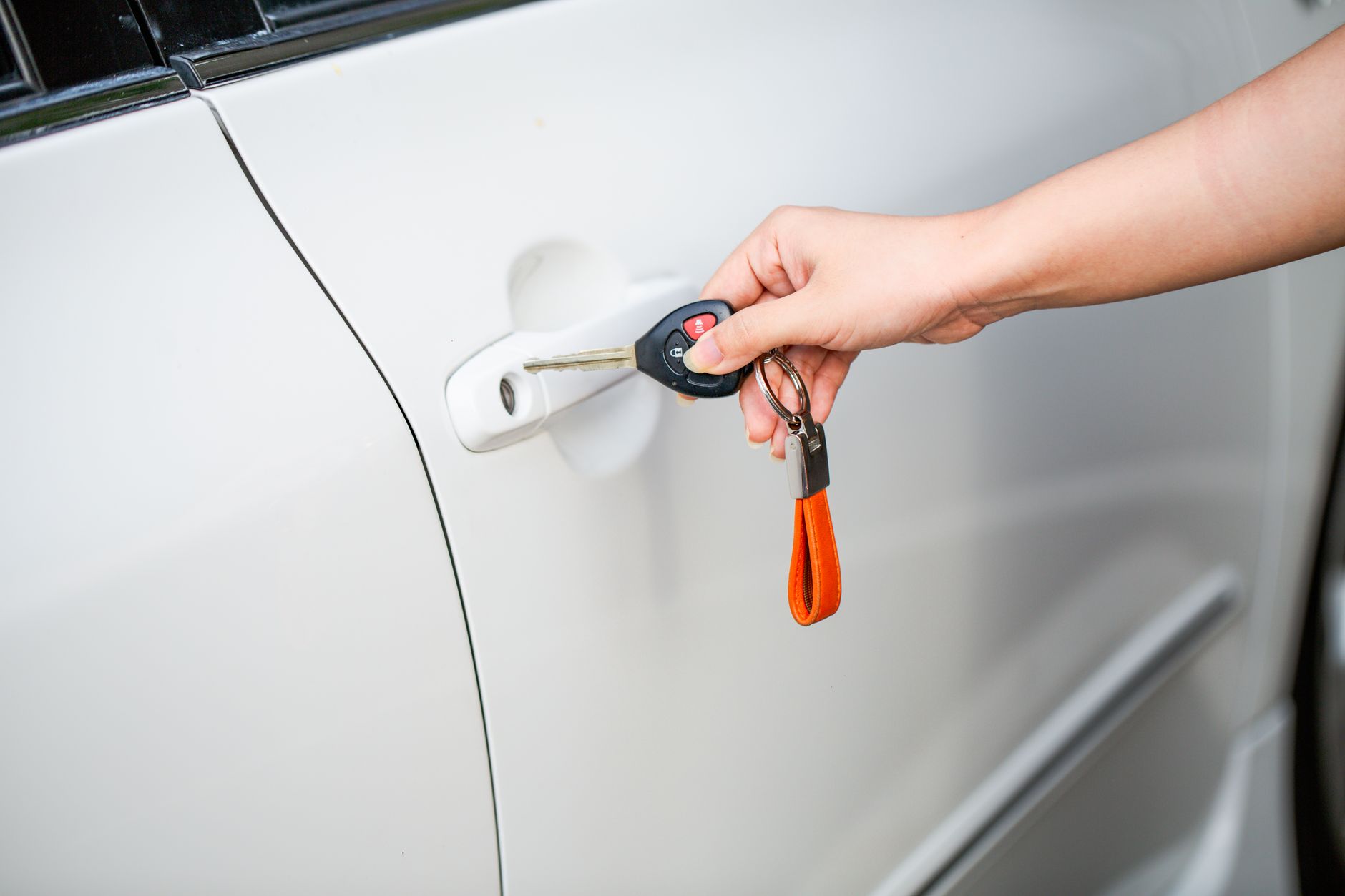
    Your car is basically unusable at full capability until the app is connected. Download the Tesla app, sign in, and from the touchscreen tap Controls > Safety > Mobile Access to turn it on. From there the app can lock and unlock the car, check charge status, and control climate remotely. Tesla also recommends new owners watch the Meet Your Tesla video series, which covers keys, doors, charging, and software updates in about 20 minutes total.

    Set up your phone key

    Once mobile access is on, set your phone as a key so you’re not relying only on a key card. In the app, select your vehicle and tap Set Up next to Phone Key — you’ll need app version 4.20 or later and Bluetooth turned on. Keep a key card in your wallet as backup for the first few weeks while you get used to it.

    Claim your Premium Connectivity trial

    New and transferred Tesla vehicles get a 30-day trial of Premium Connectivity, which adds live traffic visualization, satellite-view maps, streaming, and in-car internet browsing on top of the free Standard Connectivity tier. The trial clock starts the day you claim the vehicle in the app, so do that promptly if you want the full 30 days to decide whether the paid subscription is worth it for you.

    Lock in charging at home

    Most daily charging happens overnight at home rather than at a Supercharger. If you haven’t already arranged a dedicated circuit or a Wall Connector installation, this is the week to schedule an electrician — it typically takes longer to book an installer than it does to get the car itself. In the meantime, the Mobile Connector that may have shipped with your car can charge from a standard outlet, just slowly.

    Confirm your insurance

    If you didn’t finalize insurance before delivery, do it now. You can get an instant quote and buy a policy directly in the Tesla app, or bring your own provider’s policy information — either way, keep proof of insurance handy since some states require it for registration follow-up. Tesla’s insurance sign-up guide walks through the in-app process if you want to compare it against a quote from your existing carrier.

    Optional this week, not urgent

    A few things can wait: pairing HomeLink for your garage door is a paid accessory that requires professional installation at a service center, so it’s fine to schedule once you’re settled in. Same with most interior accessories — get the essentials (a phone mount, a set of mats) now, and take your time with the rest.

    Photo by Mix and Match Studio.

  • Protecting your Tesla’s paint: PPF, ceramic coating, or wrap.

    Protecting your Tesla’s paint: PPF, ceramic coating, or wrap.

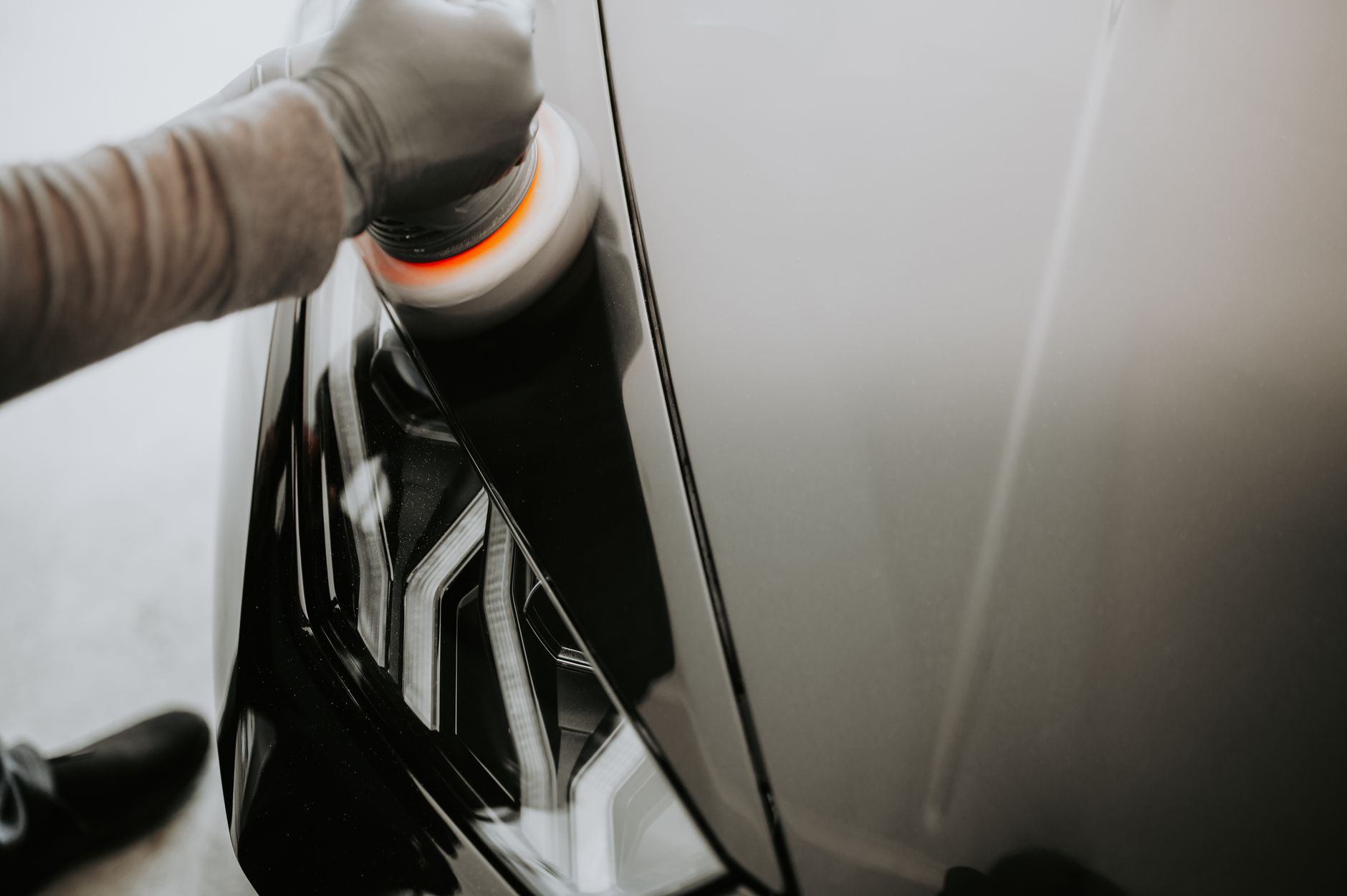
    A new Tesla’s paint is exposed to the same rock chips, road salt, and UV as any other car, and Tesla sells one option to deal with it directly. Beyond that, the aftermarket splits into two other approaches: ceramic coating and vinyl wrap. Each solves a different problem, at a different price.

    Tesla’s own paint protection film

    Tesla sells a small, self-install Paint Protection Film kit for Model Y (a matching kit exists for Model 3) for $50, covering just the rear doors and fenders — the panels most exposed to kicked-up debris from the front tires. It ships with two film sheets and a squeegee, and Tesla provides a self-install guide rather than requiring a shop visit. It’s inexpensive and narrow in scope: a targeted fix for the highest-wear panels, not full-body coverage.

    Full or partial PPF

    For broader coverage, professional paint protection film is the closest thing to armor for your paint. Pricing scales with coverage: partial front coverage (bumper, hood edge, mirrors) runs $600 to $1,500, full front coverage $1,500 to $3,500, and full-body wraps $5,000 to $8,000 or more. It’s a physical film that absorbs rock chips and light scratches directly, and quality installs last 5 to 10 years. It’s the most expensive option, but it’s also the only one of the three built to stop physical damage rather than just resist chemicals and add gloss.

    Ceramic coating

    Ceramic coating is a liquid polymer applied over the factory paint that bonds to the surface, adding a hydrophobic layer that beads water, resists chemical staining, and boosts gloss. It does nothing for rock chips. Professional application runs $800 to $2,500 for a full vehicle, or $1,100 to $3,700 if your paint needs correction (polishing out swirls and defects) first, which most shops recommend before coating. It lasts 2 to 5 years before reapplication, with touch-up cycles running $400 to $1,200 each time.

    Vinyl wrap

    Wrap is the odd one out: it’s primarily a cosmetic and color-change option that happens to add a layer of physical protection over the factory paint underneath. A full wrap costs $2,500 to $5,500 on a sedan-sized car like a Model 3, or $3,500 to $7,000 on a larger Model X or Model Y, and lasts 5 to 7 years on vertical panels before it needs replacing at a similar cost. If you also want to change your Tesla’s color without repainting it, wrap is the only one of the three that does both jobs at once.

    Which one

    These aren’t mutually exclusive — many shops apply ceramic coating over PPF for both physical and chemical protection in one package. For most new owners on a budget, Tesla’s own $50 kit on the rear doors and fenders covers the highest-wear spots for the lowest cost. Full PPF makes sense if you plan to keep the car long-term and want to protect resale-critical panels. Ceramic coating suits owners who mainly want easier washing and a glossier finish. Wrap is worth it only if you also want a color change.

    Photo by Luke Miller.

  • What Tesla maintenance actually costs.

    What Tesla maintenance actually costs.

    A gas car’s maintenance schedule is built around a combustion engine: oil changes, spark plugs, fuel filters, emissions checks. A Tesla has none of that. Tesla’s own vehicle maintenance page states plainly that its cars “require no traditional oil changes, fuel system maintenance, spark plug replacements or emission checks.” That doesn’t mean there’s nothing to do — it means the list is shorter and different.

    What Tesla actually recommends

    Per Tesla’s support page, the recurring items are:

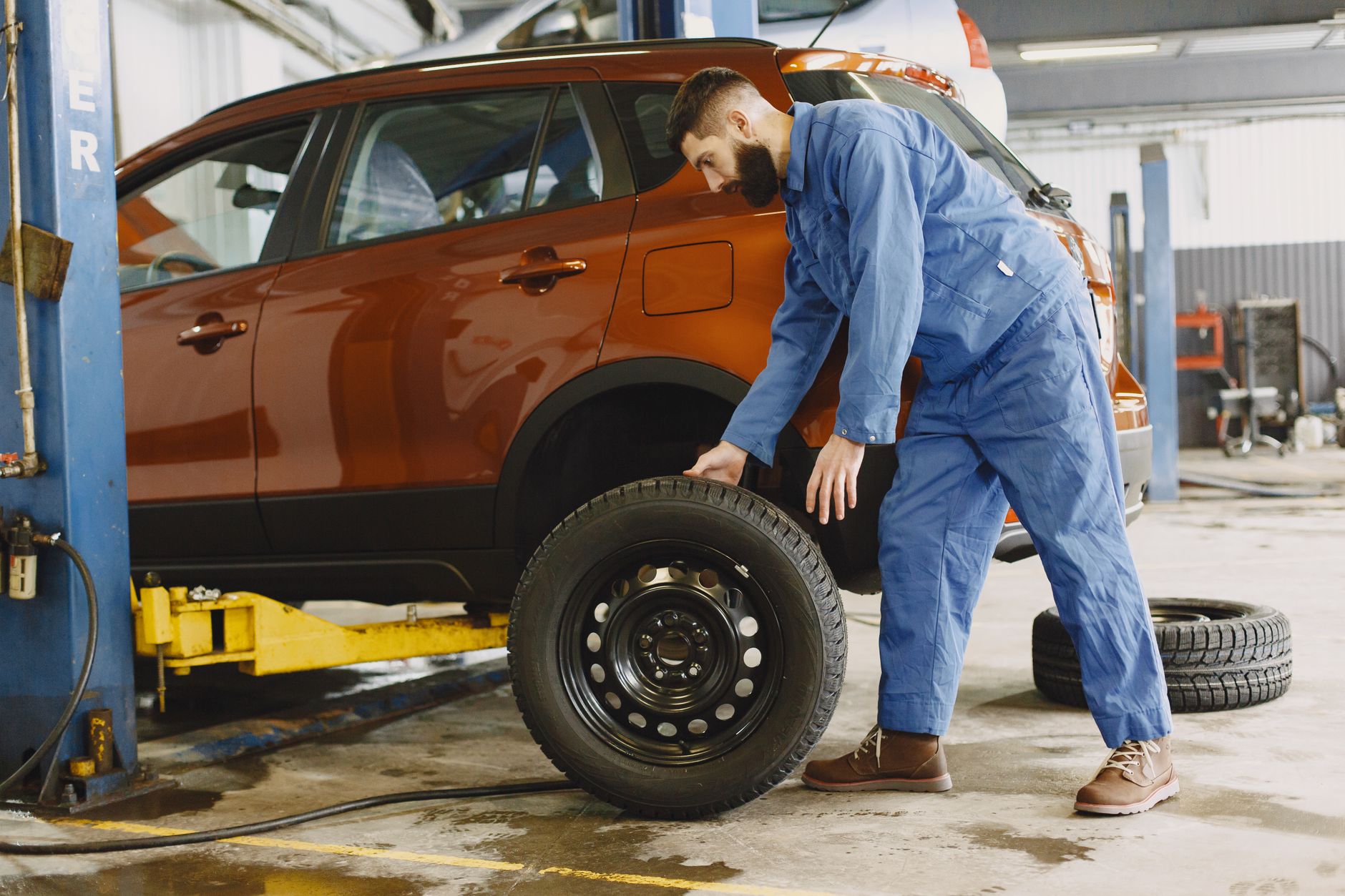
    • Tire rotation — every 6,250 miles, or sooner if tread depth between any two tires differs by 2/32 inch or more.
    • Cabin air filter — every 2 years on Model 3 and Model Y, every 3 years on Model S and Model X. Cybertruck doesn’t use a standard cabin air filter.
    • HEPA and carbon filter (on vehicles equipped with the option) — every 3 years, or every 2 years on Cybertruck, more often if you drive frequently on dirt or gravel roads.

    At the 2-year mark specifically, Kelley Blue Book’s Model 3 service schedule lists Tesla also replacing the A/C desiccant bag and brake fluid alongside the cabin filter — items Tesla’s own page doesn’t break out individually but that are standard at authorized service visits.

    What it costs

    Neither Tesla nor Kelley Blue Book publishes a fixed price list for these services — cost varies by service center, region, and whether you use a mobile technician or a service center visit. The one cost every owner does control is tires: because EVs are heavier and deliver instant torque, tires wear faster than on a comparable gas car, so budget for more frequent replacement than you might expect coming from a gas vehicle, and don’t skip rotations, since Tesla ties rotation timing directly to uneven wear.

    Beyond that, wiper blades and washer fluid are the only other truly routine consumables, and you can replace both yourself. There’s no manufacturer-required annual service to keep the vehicle’s factory warranty valid, so skipping the optional cabin filter swap for a year doesn’t put your coverage at risk — it just means dustier cabin air.

    The upshot: a Tesla isn’t maintenance-free, but nearly everything on the list is either a filter, a tire, or a fluid check — nothing tied to the drivetrain itself. Check your car’s own maintenance reminder under Controls > Service on the touchscreen, since intervals can vary slightly by model and model year.

    Photo by Gustavo Fring.

  • Charging your Tesla where there’s no Supercharger.

    Charging your Tesla where there’s no Supercharger.

    Every Tesla built for North America already has the plug it needs for a Supercharger: the NACS connector, no adapter required. But Superchargers aren’t the only fast chargers out there, and knowing how to reach the rest of the network matters on longer trips.

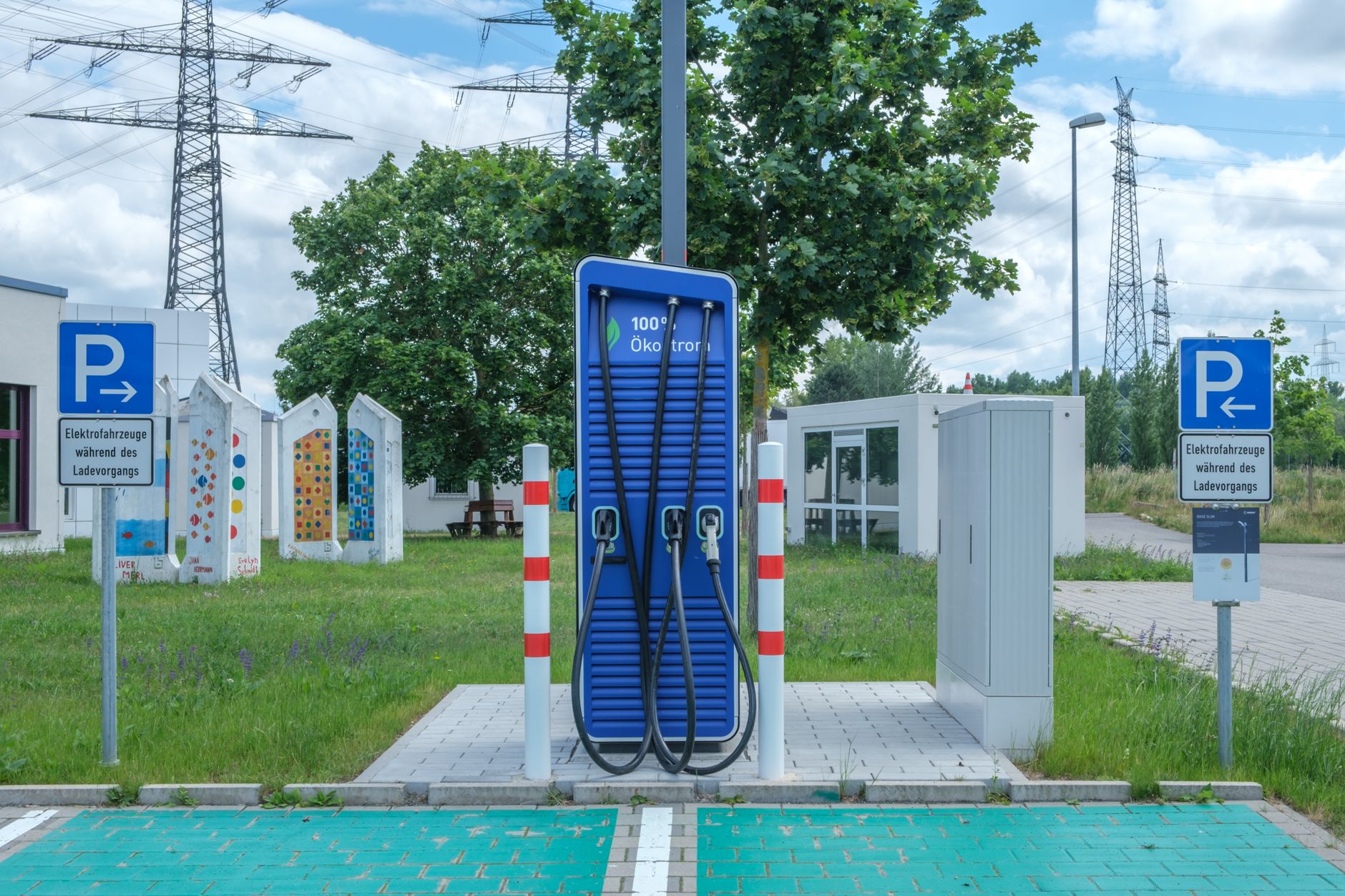
    Most non-Tesla DC fast chargers — from networks like Electrify America, EVgo, and ChargePoint — still use the older CCS1 connector, which doesn’t fit a Tesla’s port on its own. To use one, you need Tesla’s own CCS1 to NACS Adapter, currently listed at $200 in Tesla’s shop (price and stock status change, so check the listing before buying — it’s shown as out of stock as of this writing). It supports charging speeds up to 250 kW and works with Model 3 and Model Y directly; Model S and Model X built before the adapter was standard need a retrofit, which Tesla bundles with the adapter for $280 total.

    The reverse situation — other EVs plugging into Tesla Superchargers — gets more attention, but the adapter works both ways in the sense that it’s the same NACS-to-CCS1 conversion, just used from the Tesla side to reach a CCS1 plug.

    Is it worth buying?

    For most owners who charge at home and use Superchargers on trips, the answer is no — not yet. Tesla operates close to 35,000 of its own NACS-native fast-charging stalls in the US, while non-Tesla networks had roughly 1,550 non-Tesla NACS stalls total as of late 2025, per a tracking report from EVChargingStations.com — meaning most of what a CCS1 adapter unlocks is still the older CCS1 plug type, not a native NACS stall. That gap is closing: the same report notes ChargePoint has been rolling out dual-headed cables (CCS1 and NACS on the same charger, marketed as “Omni Port”) specifically to make old and new EVs work at the same stalls without an adapter at all.

    Where the adapter earns its keep is route planning in areas with sparse Supercharger coverage, or as a backup when a Supercharger station is full or offline. If you regularly drive through regions where Tesla’s own network is thin, it’s a reasonable $200 insurance policy. If your driving stays within range of Tesla’s Supercharger map, you likely won’t need it.

    Before buying, check current Supercharger density along your usual routes in the Tesla app’s trip planner. If gaps show up, that’s your signal the adapter is worth the price — not a fixed rule that every owner needs one.

    Photo by Reinhard Bruckner.

  • What happens between your Tesla order and delivery day.

    What happens between your Tesla order and delivery day.

    Placing a Tesla order is the easy part. Here’s what actually happens in the weeks after, based on Tesla’s own delivery guidance.

    Right after you order

    Download the Tesla app right away — Tesla uses it to confirm your registration and delivery location, both of which need to be set before your order can move forward. This is also where you submit trade-in details and financing information if you’re using either.

    VIN assignment

    Once a specific vehicle is built and assigned to your order, you’ll get a VIN (vehicle identification number) along with an estimate of when it will arrive at your delivery location. At that point, you need to upload proof of insurance in the app and submit final payment before the car can be handed over.

    Scheduling your appointment

    When your vehicle is confirmed available, Tesla sends an SMS letting you know it’s assigned, followed within a few days by a message with a link to schedule your delivery appointment. You can reschedule through the app’s Scheduling tab — but not within 48 hours of the appointment, so build in some buffer if your plans are still in flux. Any outstanding paperwork typically becomes available in the app within 24 hours of your scheduled appointment, so it’s worth checking the day before rather than assuming everything is already signed.

    Delivery day itself

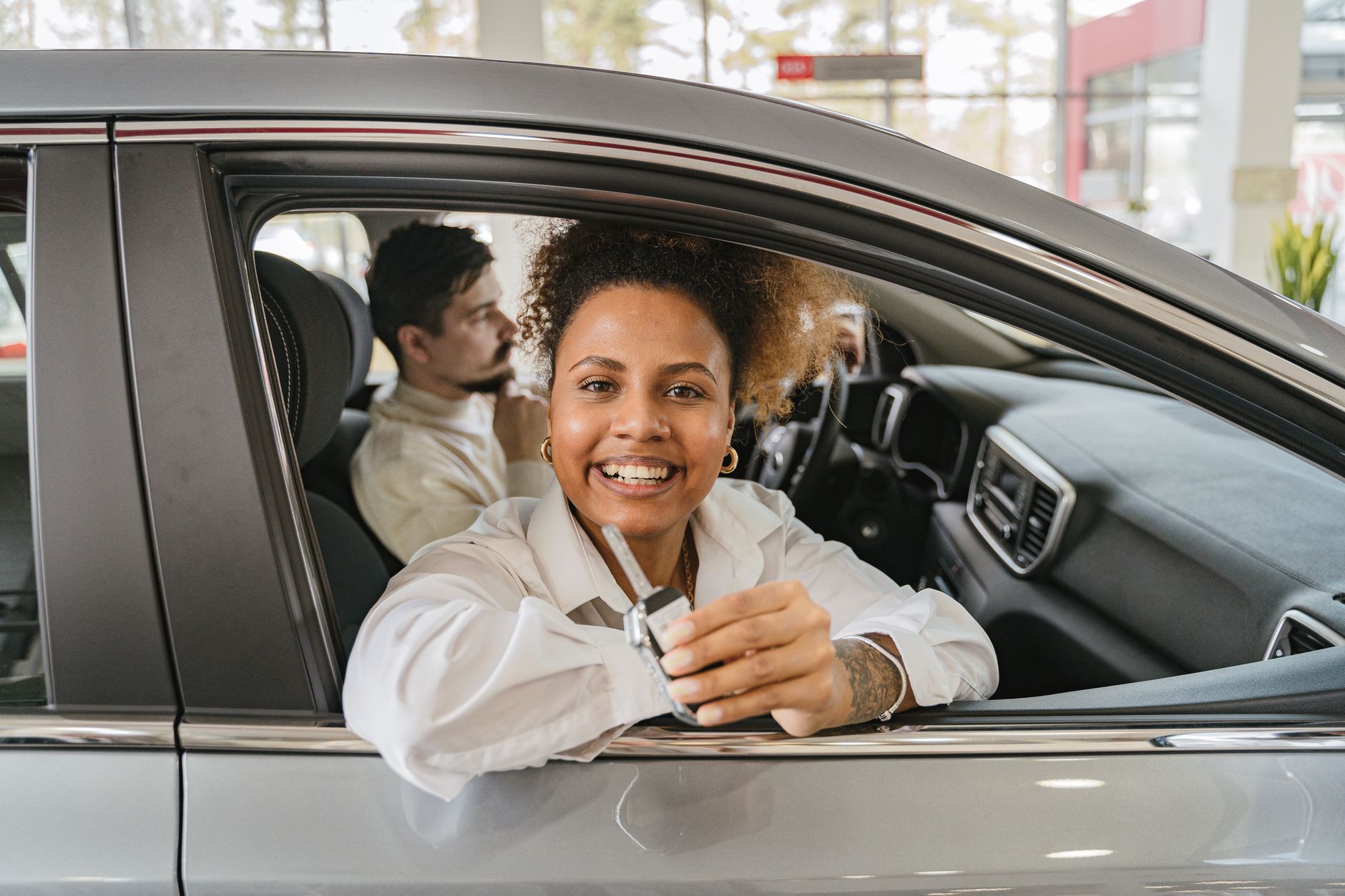
    At most delivery locations, you check in, complete payment acceptance in the app, and unlock the car with your phone instead of a physical key. If you live more than 220 miles from a delivery location, Tesla also offers carrier delivery to your home for a fee, according to its delivery day support page.

    Timelines between VIN assignment and delivery vary by location, configuration, and how busy the quarter is — the Tesla app is the most current source for your specific estimate, and it’s normal for that estimate to shift as your date approaches. Once you have a firm delivery window, it’s worth reviewing what to check at pickup before you sign off.

    Photo by AI25.Studio Studio.

  • Tesla’s robotaxi service reaches Miami.

    Tesla’s robotaxi service reaches Miami.

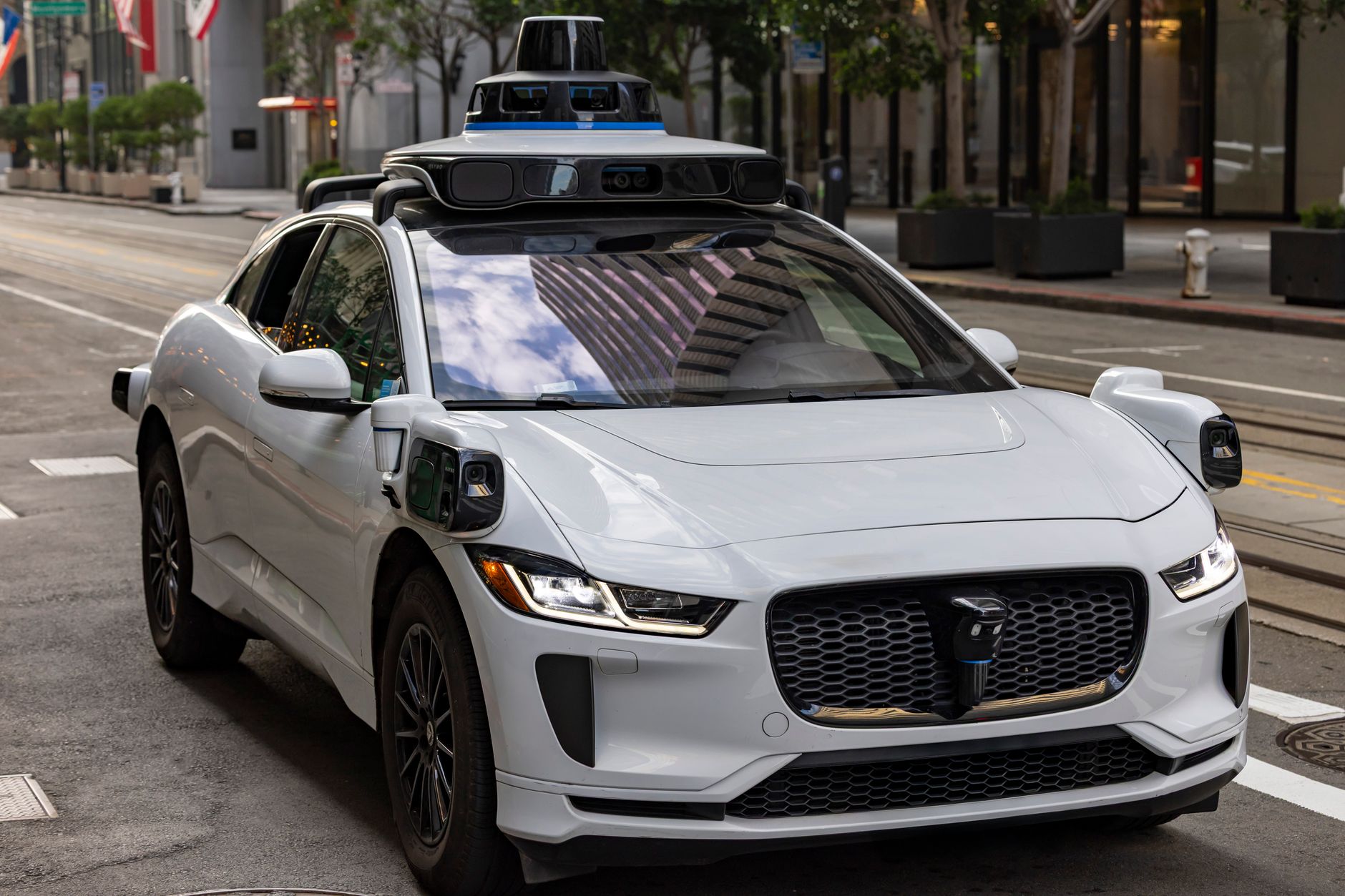
    Tesla’s robotaxi service is now operating in Miami, the company said on July 3, 2026, marking the ride-hailing network’s expansion into a third market after Texas and California, according to Reuters. Tesla’s official Robotaxi account posted “Robotaxi now available in Miami” on X to announce the launch, Reuters reported.

    The initial service area covers roughly 10 to 14 square miles across central and western Miami-Dade County, including routes near Miami International Airport. Access is currently limited to riders using Tesla’s app through a waitlist, rather than opening to the general public immediately, according to Hoodline.

    Unlike some of Tesla’s earlier robotaxi rollouts, which launched with a safety monitor in the front seat, reporting from Not a Tesla App indicates the Miami vehicles are operating without anyone in the driver’s seat from day one.

    Why it matters if you own a Tesla

    The Miami launch doesn’t change anything about the car in your driveway — Robotaxi runs on a separate fleet and app, not your personal vehicle’s Autopilot or FSD Supervised software. It is, however, a sign of how quickly Tesla is scaling the service: Miami is the third market in under a year, following earlier launches in Texas and California.

    Tesla continues to face competition in the robotaxi space from Alphabet’s Waymo and Amazon’s Zoox, both of which are also expanding their own driverless ride-hailing services in US cities, per the same Reuters report.

    For now, Miami access is limited to an initial rider group. If you’re in the area and want to try it, check Tesla’s Robotaxi app for waitlist availability rather than expecting immediate, citywide access.

    Photo by Stephen Leonardi.

  • Tesla now sells a six-seat Model Y.

    Tesla now sells a six-seat Model Y.

    Tesla has added a longer, three-row version of the Model Y to its US lineup. The Model Y L is now configurable online in the US and Puerto Rico, arriving first as a “Launch Series” priced at $61,990, according to Electrek.

    That makes it the most expensive Model Y you can buy today — more than the Performance trim’s $57,990 and well above the base rear-wheel-drive Model Y’s $39,990, per the same report.

    What’s different

    The Model Y L stretches the wheelbase by about 150mm (5.9 inches) and adds roughly 180mm (7 inches) to overall length — room Tesla uses for a genuine third row, rather than the cramped jump seats the standard Model Y introduced earlier this year. Seating is arranged 2+2+2: the second row gets heated, ventilated captain’s chairs with powered armrests and one-touch fold, and the third row gets heated, power-reclining seats with child-seat anchors.

    Other changes include 89 cubic feet of total cargo space, adaptive damping, staggered tires, upgraded acoustic glass, a 19-speaker audio system, a second-row 8-inch touchscreen, and 50W cooled wireless charging pads. Tesla rates the Model Y L at 325 miles of EPA-estimated range with all-wheel drive and a 4.4-second 0–60 mph time — quicker, and with more range, than most three-row electric SUVs it competes against.

    Should you buy the L instead of a regular Model Y?

    If you don’t regularly carry more than five people, the standard Model Y remains the cheaper, simpler choice — you’re not paying roughly $22,000 more for space you won’t use. The Model Y L makes sense specifically for buyers who need to seat six adults or older kids comfortably on a regular basis, something the standard Model Y’s third row was never really built for.

    It’s also worth knowing before you order: the Model Y L ships with FSD Supervised software included at launch. Trims and included features can change, so confirm current pricing and specs on Tesla’s own configurator before you place an order.

    Photo by Chenxi Yan.

  • What Does It Cost to Insure a Tesla in 2026?

    What Does It Cost to Insure a Tesla in 2026?

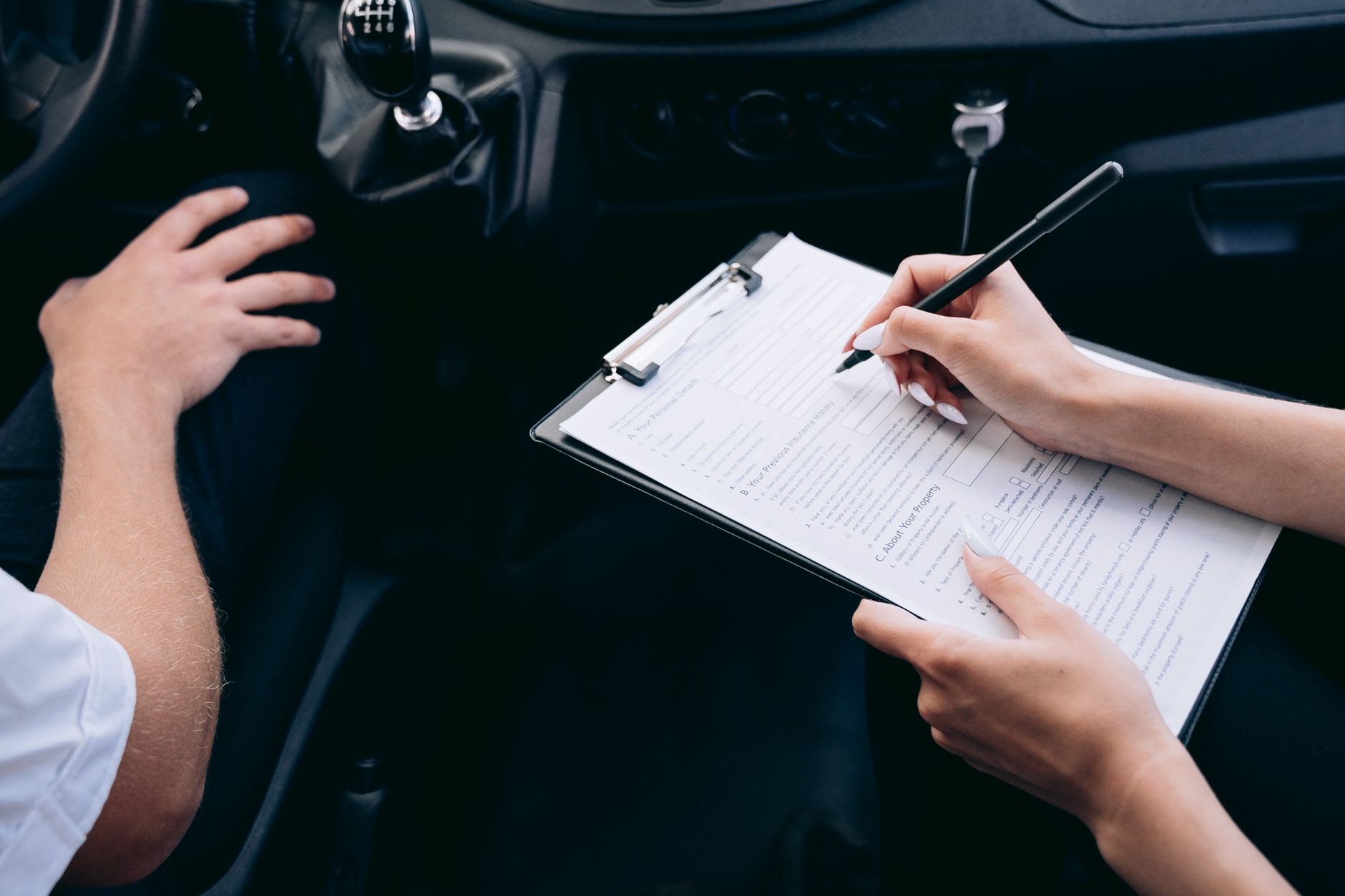
    Insuring a Tesla generally costs more than insuring the average new vehicle, and more than insuring the average electric vehicle from another brand. How much more depends heavily on which model you drive, where you live, and your own driving record — but a few data points can help you set expectations before you start shopping for quotes.

    As of June 2026, Insurance.com put full-coverage premiums at roughly $3,871 a year ($323/month) for a Tesla Model 3 and $3,836 a year ($320/month) for a Model Y. A separate analysis from Insurify, last updated July 2, 2026 and based on real-time quotes across its network of insurance partners, put the average across all Tesla models closer to $268/month for full coverage — a reminder that quoted averages vary by data source, driver profile, and methodology, so treat any single number as a ballpark rather than a quote. A third estimate from ValuePenguin, using a hypothetical 30-year-old driver with good credit in Texas as of June 30, 2026, priced the Model Y around $255/month and the Model 3 around $282/month full coverage.

    Whichever source you check, Teslas tend to cost more to insure than the typical new car. Insurance.com’s data put the overall Tesla average at about $4,512 a year, roughly 48% above its cited national average of $3,037 a year across all vehicles. That gap isn’t unique to Tesla: a broader Insurify report found electric vehicles overall cost about 42% more to insure than gas-powered cars ($3,159 vs. $2,218 a year), though that gap narrows to roughly 18% when comparing only 2024-model-year-or-newer vehicles, as safety tech becomes more standardized across the industry.

    A few factors specifically push Tesla premiums higher. Repair costs are a big one: collision-repair estimates cited by Insurance.com, drawing on Southern California body-shop data, averaged $3,914 for a Tesla versus $1,629 for a Honda. Insurers point to a few reasons for this: Tesla’s aluminum unibody construction often requires replacing larger panels rather than patching them, driver-assist sensors need recalibration after even minor collisions, and parts sourcing can be limited compared with higher-volume brands. Vehicle price also matters — a higher sticker price generally means a higher cost to replace or repair the car, which insurers factor into premiums. Your own driver profile (age, driving record, credit-based insurance score where allowed, and location) still plays the largest role in what you personally pay, the same as it would for any other vehicle.

    Tesla also sells its own policy, Tesla Insurance, directly through the Tesla app in 15 states: Arizona, California, Colorado, Florida, Illinois, Indiana, Maryland, Minnesota, Nevada, Ohio, Oregon, Tennessee, Texas, Utah, and Virginia. Outside California, Tesla’s Real-Time Insurance product prices coverage using your car’s own data rather than a separate tracking device. Drivers start with an assumed Safety Score of 90, which is recalculated monthly from the prior 30 days of driving and factors in behaviors like hard braking, speeding, and following distance, along with how much of your driving uses FSD (Supervised). Tesla states that premiums can adjust immediately when you change coverage, address, or drivers; monthly as your Safety Score, mileage, or FSD usage changes; and at renewal. California policyholders get a different Tesla Insurance product that doesn’t use Safety Score to set price, though they can opt in to see their score for informational purposes.

    Because quotes vary so much by insurer, state, and driver history, the practical step is to compare quotes from several carriers — including Tesla’s own program if it’s offered where you live — rather than relying on any published average as your expected price. Ask each insurer specifically how they treat EV repair costs and driver-assistance features, since that’s often where Tesla quotes diverge most from insurer to insurer.

    Photo by Mikhail Nilov.

  • Home Charging vs. Supercharging: What a Tesla Actually Costs to Charge

    Home Charging vs. Supercharging: What a Tesla Actually Costs to Charge

    The honest answer is: it depends on where you live, which Tesla you drive, and whether you’re charging at home or on a road trip. But the math is straightforward once you have three numbers — your electricity rate, your car’s efficiency, and Tesla’s Supercharger pricing — so here’s how to run it yourself.

    Home charging cost starts with your local electricity rate. The national average price U.S. households paid for residential electricity was 18.83 cents per kilowatt-hour as of April 2026, according to the U.S. Energy Information Administration. That’s a national blended average — rates run lower in parts of the Midwest and South and considerably higher in California, the Northeast, and Hawaii — so pull up your own utility bill for a more accurate number.

    Next is how efficiently your Tesla uses that electricity. Based on EPA testing, a Model 3 consumes about 256 Wh per mile (3.9 miles per kWh), while a Model Y Long Range AWD uses about 288 Wh per mile (3.5 miles per kWh) — the Model Y’s larger, less aerodynamic body draws more power per mile than the smaller Model 3. Performance trims and larger wheel options use somewhat more energy per mile.

    Multiply those two numbers together and you get cost per mile. For a Model 3 at the national average rate: 0.256 kWh/mile × $0.1883/kWh is about 4.8 cents per mile, or roughly $4.82 to drive 100 miles. For a Model Y Long Range: 0.288 × $0.1883 is about 5.4 cents per mile, or roughly $5.42 per 100 miles. Swap in your own utility rate and your car’s actual efficiency (shown on the trip screen) to get your own number.

    Supercharger pricing works differently, and Tesla doesn’t publish one flat national rate. Tesla bills most Supercharger sessions by the kWh, but the company uses “live pricing” at many stations, adjusting the rate in real time based on how busy the site is — plug in during a quiet stretch and you pay less; arrive when every stall is full and the price rises to spread out demand. Tesla also layers on a separate per-minute “congestion fee” if you leave your car plugged in after it finishes charging, which is a parking penalty, not a charging cost.

    Because pricing is dynamic and location-specific, there’s no single “Supercharger rate” to quote. As a representative range, InsideEVs has cited MotorTrend estimates putting typical Supercharger pricing between roughly 25 and 50 cents per kWh — call it double to triple the national home-charging average, though your local price could land outside that range. Using that range, a Model 3 would cost roughly $6.40 to $12.80 to Supercharge 100 miles’ worth of energy, and a Model Y Long Range roughly $7.20 to $14.40 — noticeably more than charging at home, even at the low end.

    Scale that to a typical month. An owner driving around 1,000 miles would spend roughly $48 to $54 charging a Model Y exclusively at home, versus roughly $72 to $144 doing all of that charging at Superchargers. Most owners land somewhere in between: home charging for daily driving, Supercharging occasionally for longer trips.

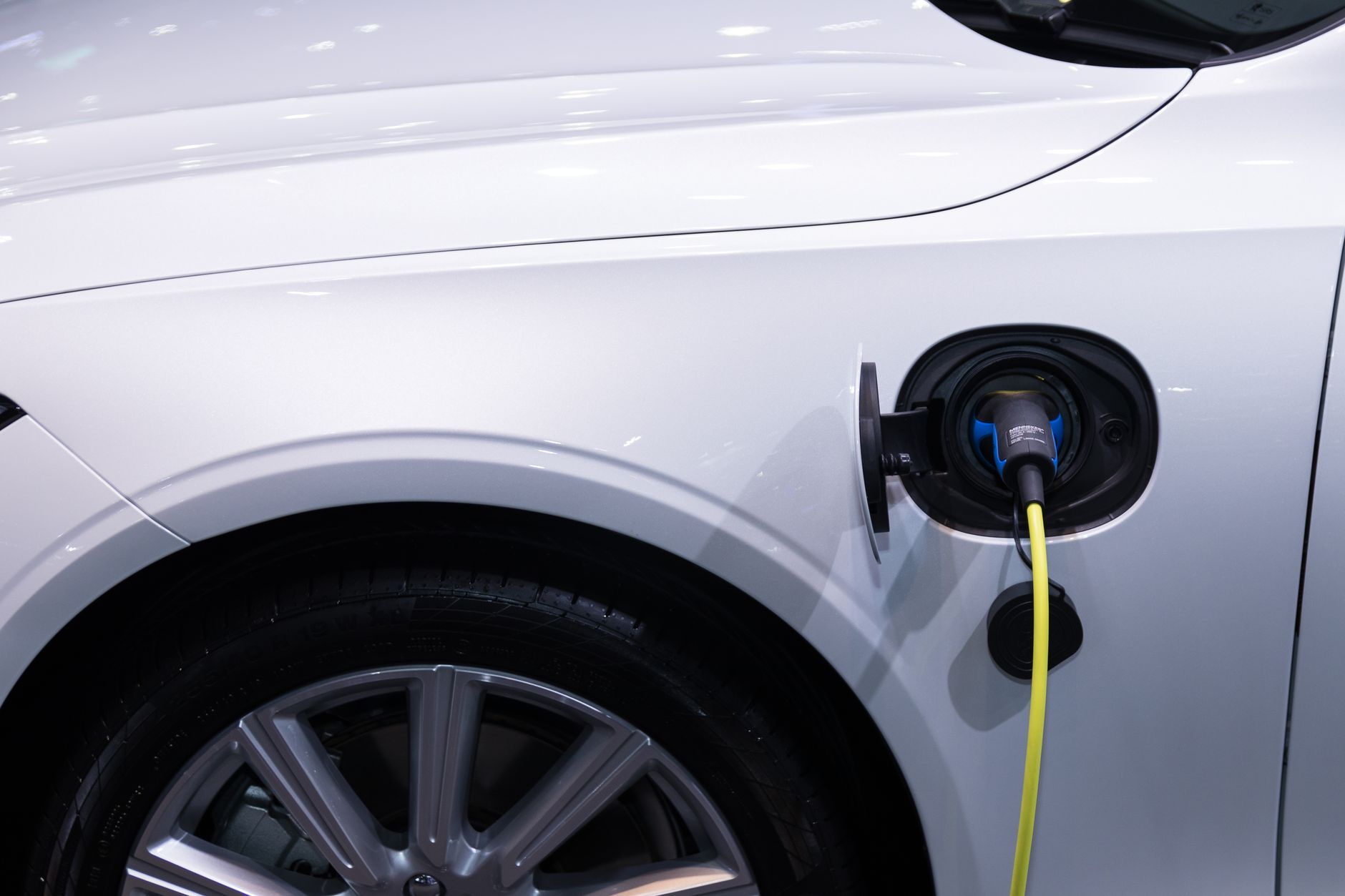
    There’s one more cost to factor in if you’re charging at home: installing a Level 2 charging station. A dedicated 240-volt home charger — including the hardware and an electrician’s labor to run the circuit — typically costs between roughly $750 and $2,600, depending on how far your electrical panel is from where you park and whether the panel needs upgrading. It’s a one-time expense, and for most owners the savings from home charging pay it back within a year or two.

    The takeaway: home charging is consistently the cheaper option, often by half or more, because you’re paying your utility’s flat residential rate instead of a premium, demand-based network rate. Superchargers remain useful — and often still cheaper than gasoline — for road trips or when home charging isn’t available, but for everyday driving, plugging in overnight at home is where the real savings are.

    Photo by Rathaphon Nanthapreecha.