Blog

  • Model S vs. Model X: which one actually fits you.

    Model S vs. Model X: which one actually fits you.

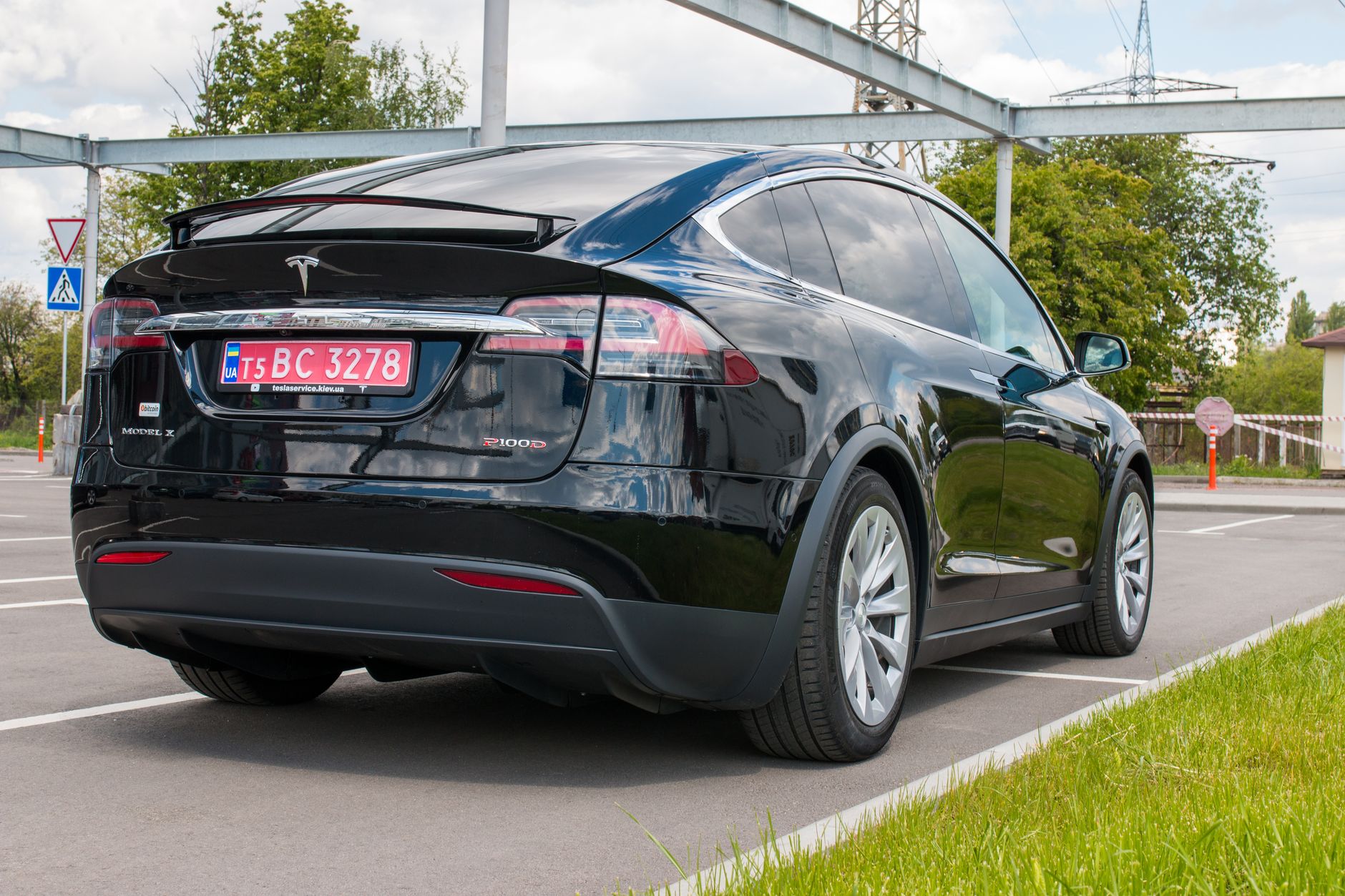
    Tesla stopped building the Model S and Model X in spring 2026. Both are still sold, but only from remaining dealer and inventory stock — Tesla is no longer taking new custom orders for either (see our earlier guide on what that changes for buyers). If you’re deciding between the two while stock lasts, here’s how they actually compare.

    Both start in six figures. Model S starts at $109,990 for the AWD trim and $124,990 for Plaid, per Cars.com. Model X starts higher, at $114,990 for AWD and $129,990 for Plaid. Neither figure includes destination or delivery fees, which move independently of the vehicle price.

    Range favors the sedan. Model S is EPA-rated at up to 410 miles on AWD and 368 miles on Plaid. Model X tops out at 352 miles on AWD and 348 on Plaid — the taller, heavier SUV body costs it roughly 50 to 60 miles of range at a comparable price point. Acceleration splits the same way: Model S AWD hits 60 mph in 3.1 seconds (1.99 for Plaid), while Model X needs 3.8 seconds (2.5 for Plaid).

    Practicality is where Model X pulls ahead. Model S seats 5 across two rows, with 25 cubic feet of cargo behind the rear seats and 61 with them folded. Model X seats up to 6 as standard, with a third row and falcon-wing doors available — behind the second row it offers 37 cubic feet, expanding to 92 with every row folded flat. If you regularly carry more than 4 passengers, or need the extra room an SUV body gives you, Model X is the only one of the two built for that.

    The practical takeaway: pick Model S if range and straight-line speed matter most and you rarely need more than 5 seats. Pick Model X if you need three-row seating, more cargo room, or a higher ride height. Because both are now selling from a shrinking, non-replenished inventory, the specific trim and color you want may not still be available in a few months — worth confirming current stock with a local Tesla location rather than assuming a build will still be orderable later.

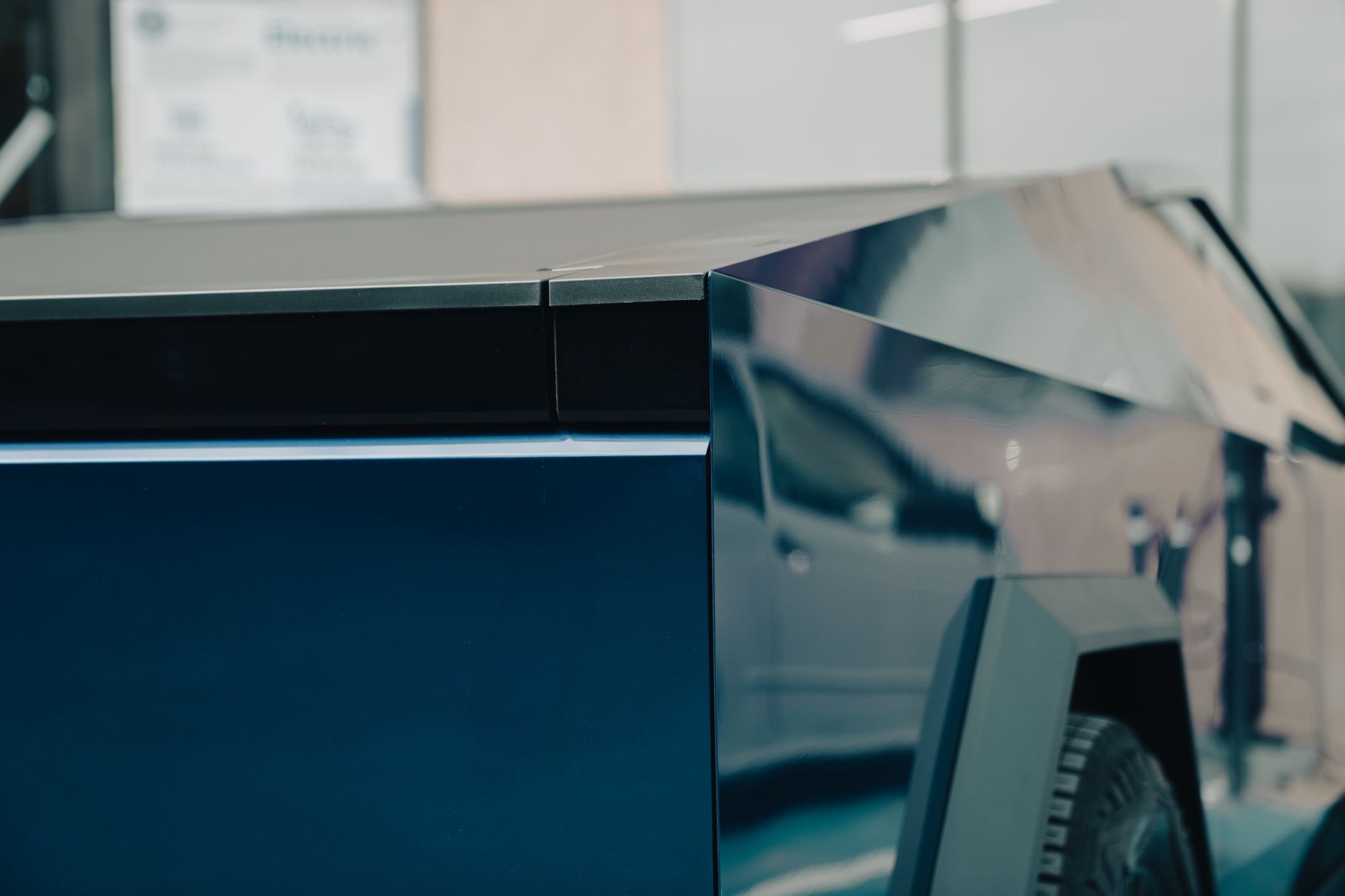
    Photo by Borys Zaitsev.
  • Do you need rain guards for your Tesla?

    Do you need rain guards for your Tesla?

    Rain guards — also sold as window deflectors or wind visors — are thin tinted strips that mount along the top of your side windows. They let you crack a window an inch or two in the rain without water coming in, and they cut down on wind noise and buffeting when you drive with windows down. They’re not a Tesla-made accessory; every option on the market is third-party.

    Do you need them? Not for anything safety- or function-related — Tesla’s windows and climate system work exactly the same without them, and skipping them changes nothing about how the car operates. They’re a comfort accessory for people who like to crack windows for airflow, especially with a pet in the car or on mild days when you’d rather not run the AC.

    Pricing varies a lot by brand. Tesevo lists its window visor set for Model 3/Y at $99.99, while Tesstudio’s 4-piece set runs $171, on sale from $257. Most sets use automotive-grade double-sided tape rather than the drilled, in-channel clips you’d see on older cars — Tesla’s frameless windows have no channel to clip into, so nearly every Model 3 or Y option is an external tape-on mount.

    A few things worth checking before you buy. Confirm the listing matches your exact body style — Tesla changed the window and mirror shape enough between the original Model 3/Y and the Highland (2024+) and Juniper (2025+) refreshes that a set made for one won’t sit right on the other. Clean the window frame thoroughly before applying the tape, and give the adhesive its full cure time (most brands list 24 to 48 hours) before running the car through an automatic wash.

    If you don’t crack your windows often, or you mostly drive with the climate system running, this is one of the more skippable Tesla accessories — genuinely nice to have if you’ll use it, but not something that changes the ownership experience if you pass.

    Photo by Cemre Kolay.

  • What charging your Tesla actually costs compared to gas.

    What charging your Tesla actually costs compared to gas.

    Charging at home costs a fraction of what gas costs per mile, and that gap matters more now that the federal EV tax credit is gone. Here’s the actual math, using current national rates.

    The average U.S. residential electricity price was 18.44 cents per kilowatt-hour as of May 2026, according to the U.S. Energy Information Administration. A Tesla Model Y RWD is EPA-rated at 24 kWh per 100 miles — about 0.24 kWh per mile. Multiply those together and a mile of home charging costs roughly 4.4 cents.

    Compare that to gas. The national average price for regular gasoline was $4.0121 per gallon on August 9, 2026, per AAA. The average new gasoline vehicle sold in the U.S. gets 27.2 mpg, the most recent measured figure in the EPA’s Automotive Trends Report. That works out to about 14.8 cents per mile — more than three times what home charging costs.

    Over 12,000 miles a year, that’s roughly $530 in electricity versus $1,770 in gas — a difference of about $1,240 a year, before factoring in the lower routine maintenance costs of an EV, like no oil changes and less frequent brake work thanks to regenerative braking.

    Two caveats before you assume your own number will match. First, this is a home-charging comparison — charging at a Supercharger or another public network costs more per kWh than charging at home, so relying mainly on public charging narrows the gap. Second, electricity rates vary widely by state and utility. An owner in a low-rate state will beat this math; someone paying a high residential rate will land closer to gas parity, though rarely worse.

    One thing did change this year on the savings side: the federal EV tax credit ended for vehicles acquired after September 30, 2025, per the IRS, so it’s no longer part of the math for a new purchase. What’s left is the ongoing cost to drive the car — and on that measure, the electricity-vs-gas gap hasn’t moved. It’s just carrying more of the savings story than it used to.

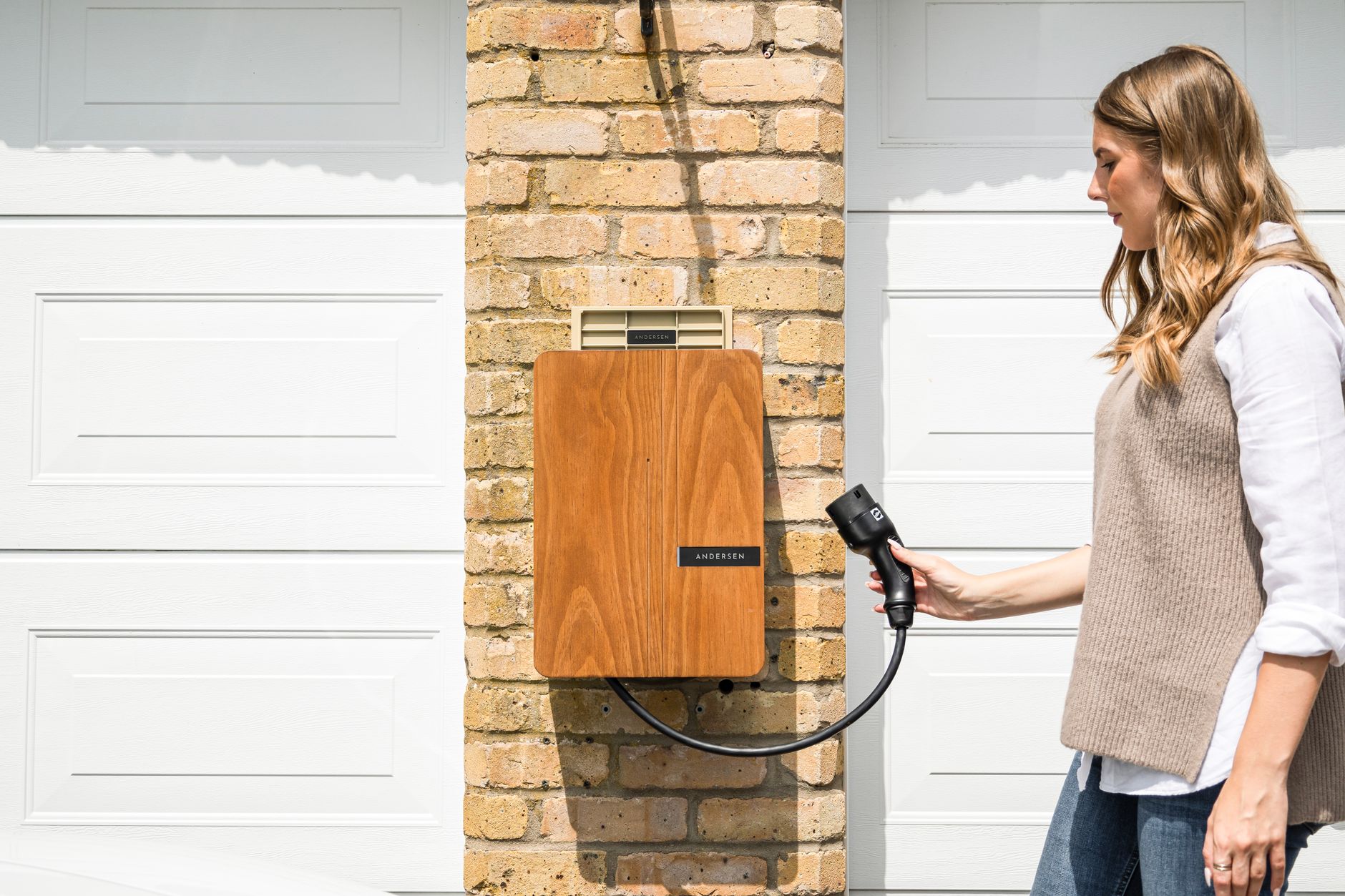
    Photo by Andersen EV.

  • Tesla’s Supercharger prices change with congestion now. Here’s how to pay less.

    Tesla’s Supercharger prices change with congestion now. Here’s how to pay less.

    Tesla has been moving Supercharger pricing away from a fixed rate-by-time-of-day model toward pricing that moves with how busy a station actually is right now. If you charge on the road regularly, that shift changes how you should think about when and where you plug in.

    Under the older system, Tesla set higher and lower per-kWh rates for specific hours of the day based on estimated busy times, shown on a chart in the app. The newer approach, which Tesla began piloting at 10 North American Supercharger sites in 2025 according to Not a Tesla App, prices a stall based on how many other cars are charging there at that moment, not the clock. A busy station costs more; a quiet one costs less. Tesla also added a “Find Lower Price Charging” feature that points you to a cheaper nearby station if the one you’re at is running a premium rate.

    The rollout has grown well beyond that initial pilot. As of November 2025, live congestion-based pricing was active at more than 550 Supercharger stations across Florida, California, New Jersey, Illinois, and New York, per Notebookcheck. Tesla told the outlet that the average rate paid across participating stations hasn’t changed overall, but that fewer drivers are hitting true peak pricing under the new model. Coverage has likely expanded further since then, so check the price shown in your car before you plug in rather than assuming your local station still runs the old system.

    A few practical takeaways. Prices lock in once you start a charging session, so what you see on the screen when you plug in is what you’ll pay for that session — it won’t rise mid-charge. If a nearby station shows a lower live price than the one you’re parked at, unplugging and plugging back in at that price (or driving the short distance to the cheaper site) is the only way to capture it; the rate doesn’t drop automatically at your existing stall. And because pricing tracks real-time demand rather than a fixed schedule, the old advice to charge late at night doesn’t guarantee a discount anymore — a quiet Supercharger at 2pm on a Tuesday can be cheaper than a crowded one at midnight on a holiday weekend.

    Your best move is the same either way: check the live price and any nearby alternatives in the Tesla app or your car’s touchscreen before you start charging, especially on high-traffic travel days when congestion pricing is most likely to kick in.

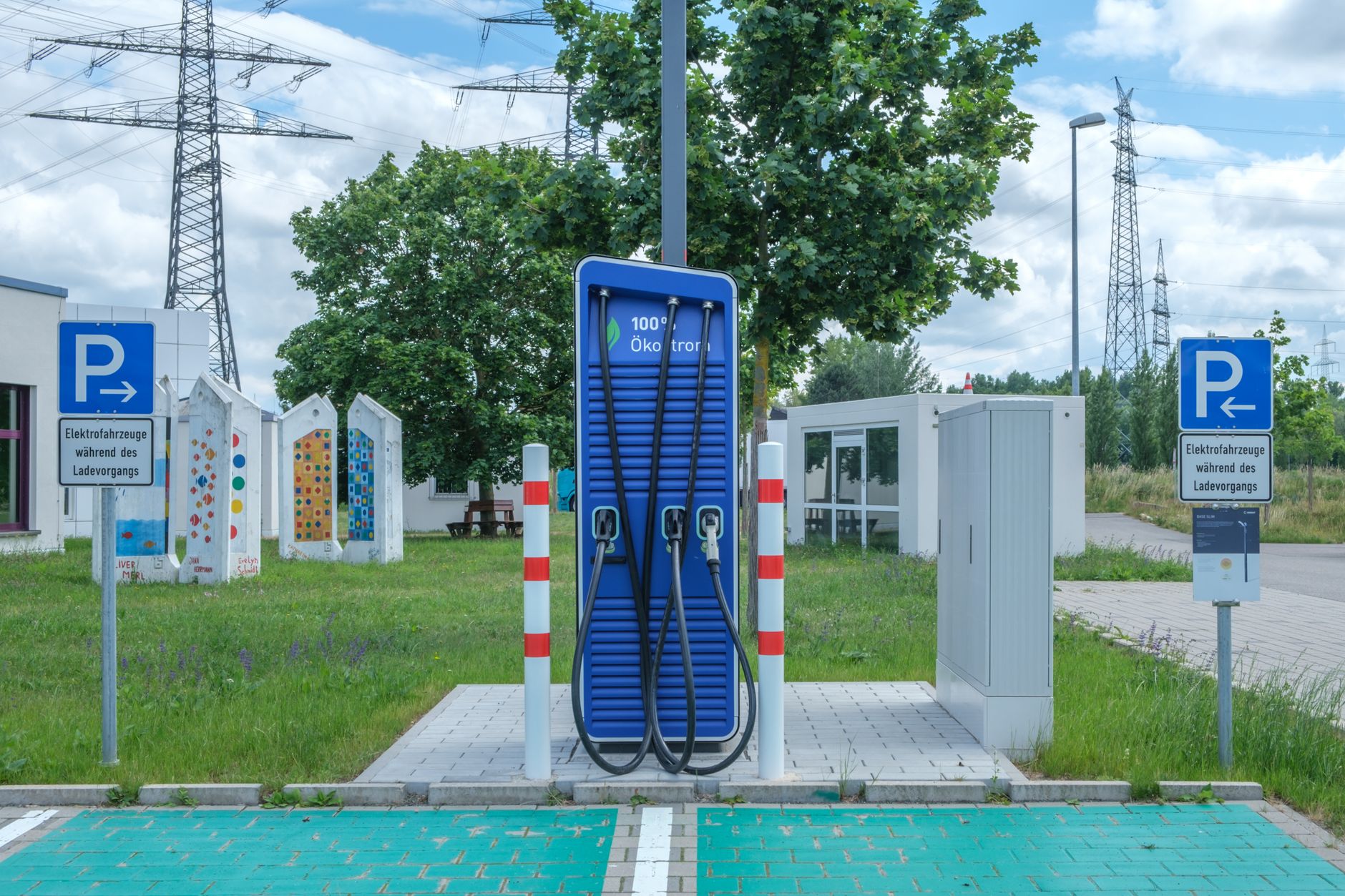
    Photo by Reinhard Bruckner.

  • What Tesla’s Dog Mode actually does, and how to turn it on.

    What Tesla’s Dog Mode actually does, and how to turn it on.

    If you’re leaving a pet in your Tesla while you run into a store, Dog Mode (Tesla calls it Pet Mode in the owner’s manual) keeps the climate control running and posts a message on the touchscreen so passersby know the animal is safe. Here’s what it actually does, and where its limits are.

    According to Tesla’s owner’s manual, turning on Dog Mode keeps the heating or air conditioning running to hold your set cabin temperature, and switches the center touchscreen to a large display showing the current cabin temperature along with a message that you’ll be back soon. The idea is to reassure anyone who walks by and glances in the window.

    Dog Mode has real limits. Tesla’s manual says the feature “is not intended for people, and should only be used for short periods of time while you stay in close proximity should you need to return to the vehicle.” It also won’t turn on if the cabin is already too hot or if the vehicle detects a problem with the climate system, and it stops running once the battery drops below 20% charge. With the mobile app open, you can watch the live cabin temperature remotely, and on supported vehicles, check the interior camera to see your pet directly (this needs app version 4.15.0 or newer, and isn’t available on vehicles with an older AI computer).

    To turn it on, open Climate controls on the touchscreen and select Dog. You can also start it from the Tesla app before you get out of the car.

    Separate from Dog Mode is Cabin Overheat Protection, which runs even when the car is empty and locked. Per the manual, it kicks in automatically once the cabin passes 105°F (40°C) and runs the air conditioning to bring the temperature back down. You can turn it on under Controls > Safety > Cabin Overheat Protection, or remotely through the app. It keeps working for up to 12 hours after you leave the car, or until the battery drops to your Low Power Mode threshold, whichever happens first — and Tesla notes that running it uses battery charge and can reduce your range.

    Both features depend on your Tesla having enough charge to run the climate system, so don’t treat either one as a substitute for just not leaving a pet in the car for long. Use Dog Mode for quick stops where you’re staying close enough to get back fast, and keep the mobile app open so you can check on the cabin temperature yourself.

    Photo by Tim Gouw.

  • Tesla extends Cybertruck warranty to 8 years after admitting a charging defect.

    Tesla extends Cybertruck warranty to 8 years after admitting a charging defect.

    Tesla is extending the warranty on part of the Cybertruck’s charging hardware to eight years after acknowledging a widespread defect, according to a report from Electrek published August 7, 2026.

    The affected part is the power conversion system (PCS), which combines the Cybertruck’s onboard charger and DC-DC converter. When it starts to fail, home charging speed drops from 48 amps to 24 amps before stopping altogether. Tesla said in a statement quoted by Electrek that it had “identified PCS electronics in pre-2026 Cybertrucks that do not meet our reliability standards and have made design changes to address this in newer vehicles.”

    Under the new terms, 2024 and 2025 Cybertrucks now carry an 8-year/150,000-mile warranty on the PCS. Cybertrucks built for the 2026 model year, which ship with the redesigned part, get a 7-year/70,000-mile warranty.

    Owners who already paid to replace a failed PCS out of pocket will be reimbursed, per the report. Electrek says owners had been charged as much as $5,000 to $7,200 for the repair, though Tesla had more recently been discounting it to roughly $1,000 as a “goodwill” gesture before this formal extension. Tesla is also pushing a software update that lets affected trucks keep Supercharging even with a failed PCS, and says it will cover Supercharging costs for owners waiting on replacement parts while the backlog clears.

    How common is the failure? Electrek cites an unofficial survey of Cybertruck owners that found roughly 41% of the 223 trucks surveyed — about 91 vehicles — had needed a PCS replacement. That’s a small, self-selected sample, not an official Tesla figure, so treat it as a rough signal rather than a defect rate for the full fleet.

    If you own a 2024 or 2025 Cybertruck, check your warranty coverage in the Tesla app or with your service center, and if you already paid for a PCS repair, contact Tesla about reimbursement. If your home charging speed has been dropping over time, that’s the symptom to watch for.

    Photo by Florian Avramescu.

  • Tesla voided Musk’s $29 billion ‘interim’ pay package after a Delaware court restored his original 2018 award.

    Tesla voided Musk’s $29 billion ‘interim’ pay package after a Delaware court restored his original 2018 award.

    Tesla has canceled a $29 billion compensation package it had granted CEO Elon Musk as a backup plan, after Delaware’s highest court restored the much larger pay package shareholders originally approved in 2018.

    What happened

    In December 2025, the Delaware Supreme Court reversed a lower court’s decision that had thrown out Musk’s 2018 stock option package, restoring an award worth roughly $56 billion at the time it was granted. Tesla had created the $29 billion “interim” package the year before, in August 2025, specifically as a hedge in case the Delaware court sided against the company on appeal.

    With the original package reinstated, Tesla disclosed in an SEC filing on April 23, 2026, that it had revoked the interim award, telling investors “there cannot be any ‘double dip.’” Musk keeps the 2018 package; the backup one is gone.

    What this means for owners

    None of this changes anything about your car, your service, or your warranty — it’s a corporate governance story, not a product one. What it does resolve is years of uncertainty over Tesla’s leadership structure: a legal fight over Musk’s compensation that had raised real questions about his long-term commitment to the company is now settled in his and the board’s favor. For owners weighing resale value or long-term parts and software support, a resolved governance dispute is one less variable hanging over the company’s direction.

    The bigger picture

    Separately, shareholders approved a new pay plan for Musk in November 2025 worth up to $1 trillion over the next decade if Tesla hits milestones like 20 million cumulative vehicle deliveries and 1 million robotaxis in commercial operation. That plan is separate from both the 2018 award and the interim package Tesla just voided. Those growth targets, not this cleanup of an old backup award, are the ones likely to actually shape the company’s roadmap in the years ahead.

    Photo by SevenStorm JUHASZIMRUS.

  • Set Scheduled Departure so your Tesla is warm and charged exactly when you leave.

    Set Scheduled Departure so your Tesla is warm and charged exactly when you leave.

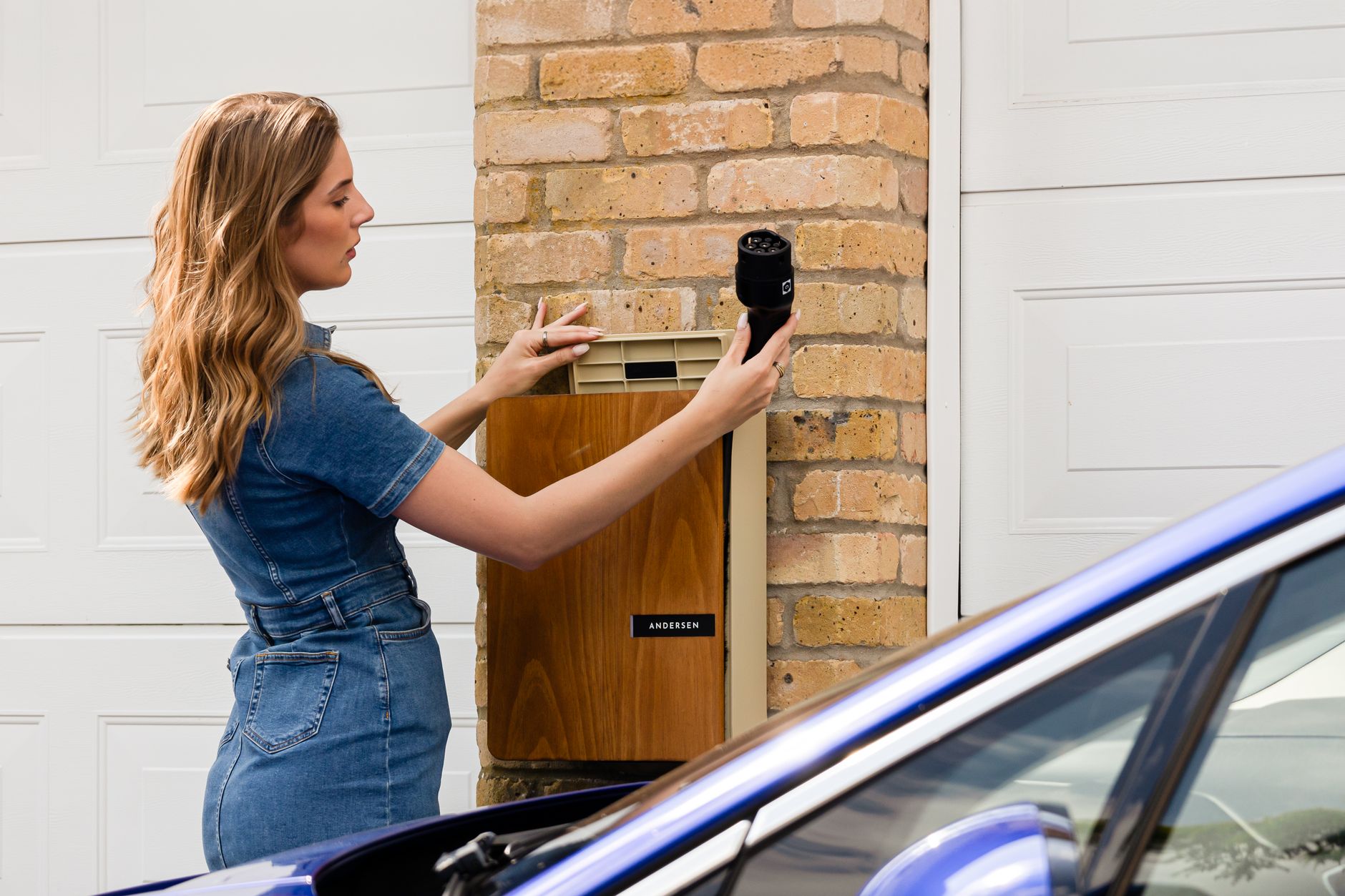
    Plug in at night and your Tesla can finish charging and warm itself up at the exact minute you plan to leave, instead of sitting fully charged and cold for hours before you get in. The feature that does this is called Scheduled Departure, and Tesla’s owner’s manual describes it as a way to schedule preconditioning and charging so the car is ready when you need it.

    What it actually does

    Scheduled Departure combines two separate settings. Preconditioning warms the battery and cabin so the car performs better and you’re not scraping ice or waiting on the heater once you’re inside. Scheduled charging works backward from a target time: tell it when you want to leave, and the car calculates when to start charging so it reaches your chosen battery level right around then, rather than hours earlier and then sitting at full charge overnight.

    How to set it up

    On the touchscreen, go to Controls, then Schedule, or set it directly from the Climate and Charging screens. You can also configure it from the Tesla app. Choose a location — Home or Work — and set your preconditioning and charging times for that location. The car remembers separate schedules per location, so a weekday morning setup at home won’t interfere with a schedule you set at work.

    Why this can save you money

    If your utility charges less overnight, setting your charge to finish right before you leave, rather than the moment you plug in, means more of your charging happens during the cheapest hours available — even in areas without a formal off-peak rate. It’s a free setting built into every Tesla, not an add-on, and it costs nothing to try for a week.

    One limitation to know

    Scheduled charging doesn’t apply at fast chargers, including Superchargers. Your schedule only affects charging on standard AC power, like a home Wall Connector or Mobile Connector. Plug into a Supercharger and it charges immediately at full speed no matter what your schedule says.

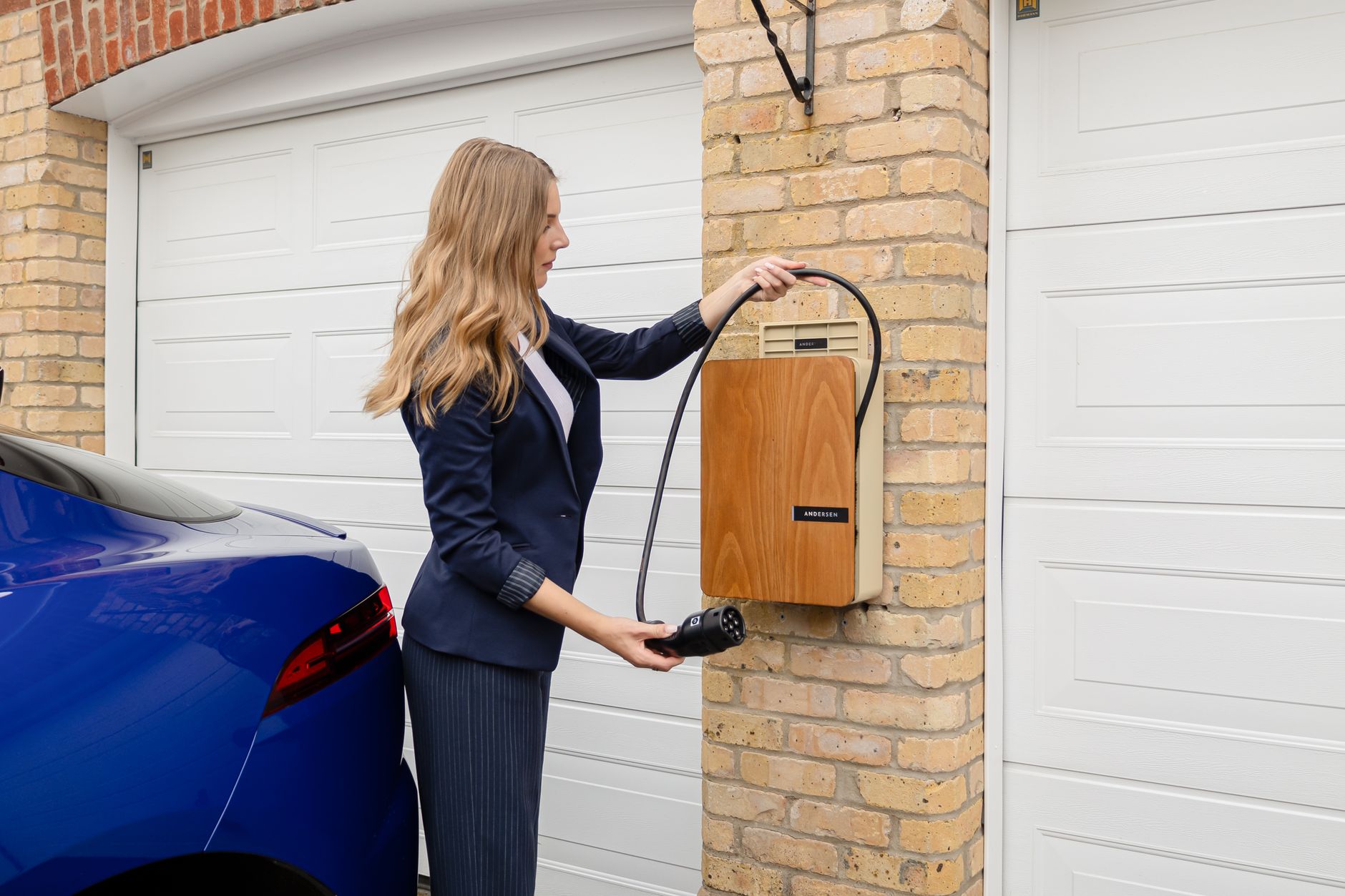
    Photo by Andersen EV.

  • Get your home ready before your Tesla arrives.

    Get your home ready before your Tesla arrives.

    Your Tesla can arrive in as little as a few weeks after you order it. Home charging installation usually takes longer than that — which means the best time to start is the day you place your order, not the week before delivery.

    Get an electrician to look at your panel first

    A professionally installed Wall Connector typically costs $750 to $1,500, and most of that is labor, not the hardware. Before an electrician can give you a firm quote, they need to see your electrical panel and confirm it has room for a new circuit. If your panel is already near capacity — common in older homes — the job can turn into a panel upgrade, which adds real time and cost. Book this visit early so you’re not finding out about a panel upgrade the same week your car shows up.

    Check whether you need a permit

    Many local jurisdictions require an electrical permit before a contractor installs home EV charging equipment, and some also schedule a follow-up inspection. Ask your electrician whether they pull the permit as part of the job — most do — and build the permit and inspection timeline into your schedule rather than assuming installation day is the finish line.

    If you live under an HOA, read the fine print

    Homeowners associations sometimes have rules about where exterior equipment like a Wall Connector can be mounted, or require a request form before work starts. Rules vary widely by community, so this isn’t legal advice for your specific HOA — it’s worth five minutes to check your association’s architectural guidelines before your installer shows up and finds out mid-job that the location needs approval first.

    You don’t actually need it installed by delivery day

    Every new Tesla ships with a Mobile Connector, and public charging exists for a reason. If your installation timeline slips past your delivery date, you can charge on a standard household outlet or a nearby Supercharger in the meantime — slower, but not a reason to delay accepting your car. Treat the home charger installation as a parallel project, not a prerequisite.

    Photo by Andersen EV.

  • Do you need a charge port lock or cover for your Tesla?

    Do you need a charge port lock or cover for your Tesla?

    Search for Tesla accessories and you’ll find two different products sold under similar names: soft covers that snap over the charge port to keep out dust and rain, and small locks that clip onto the charging connector to stop someone from pulling it out. Before buying either, it helps to know what Tesla already builds into the car, and which problem — if any — is actually documented.

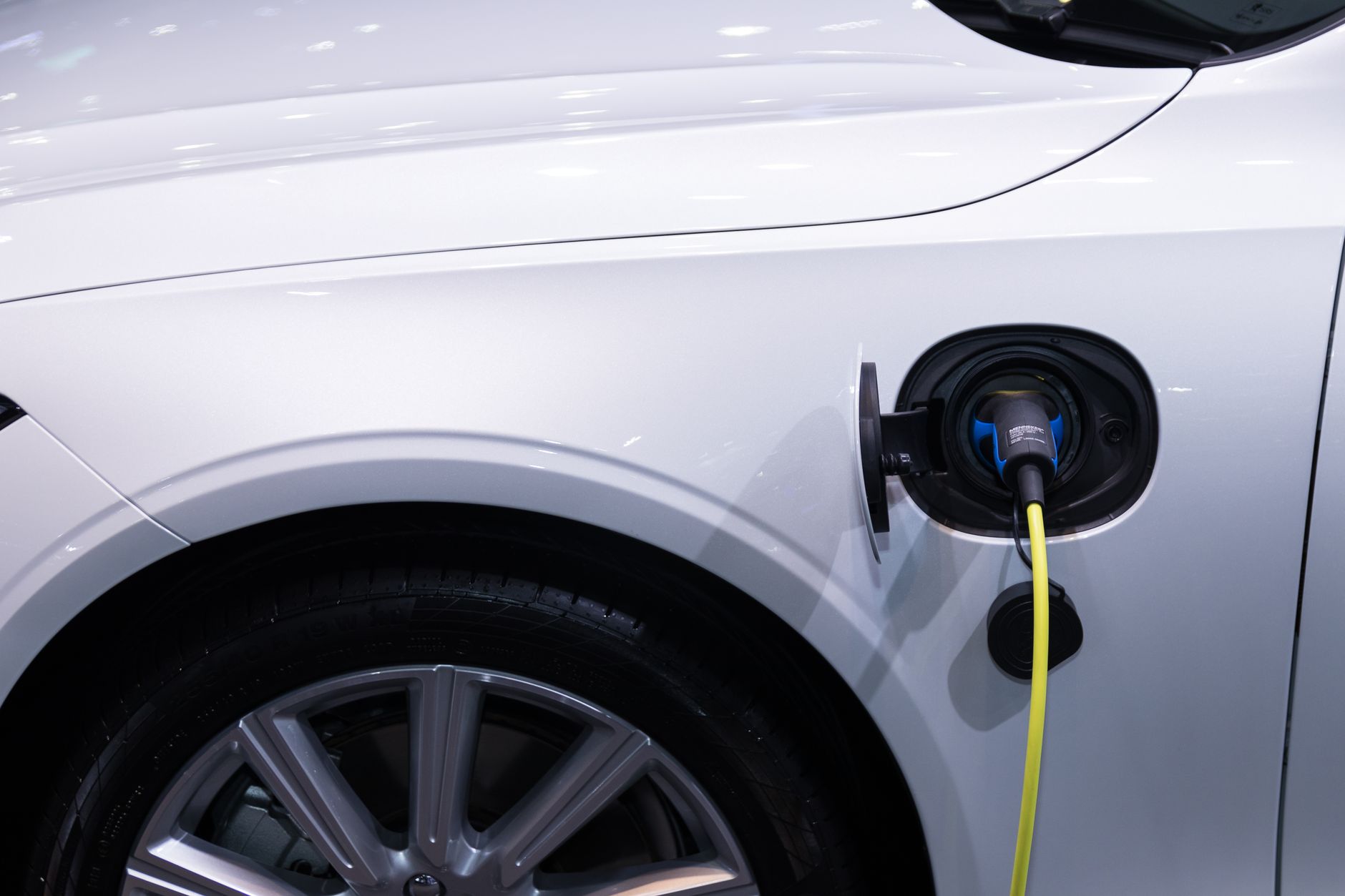
    Tesla’s charge port is more protected than it looks. It sits behind a motorized door that opens and closes on its own, and the owner’s manual instructs drivers never to close the door by hand, since forcing it can damage the mechanism. More importantly, when you plug in with a Tesla connector — at a Supercharger or with your own Wall Connector or Mobile Connector — a latch engages and locks the cable in place once charging starts. Tesla’s manual is explicit that this exists “to prevent unauthorized unplugging of the charge cable,” and the car has to recognize your phone or key card before the cable will release.

    Cold weather is the one built-in weak spot, though it’s not the kind a cover fixes. In freezing or icy conditions, that same latch can freeze in place, and Tesla’s own remedy is software, not hardware: use Scheduled Precondition to warm the port before you arrive, or use Defrost Car or the Inlet Heater setting to thaw a stuck latch. The manual also notes the car can still charge at a slower AC rate even if the latch never engages, so a frozen port is an inconvenience rather than a real failure.

    What about theft? It’s a genuine, growing problem in EV charging — just not the version a $20 accessory solves. Through the first five months of 2024, Tesla Supercharger stations in Seattle, Oakland, and Houston were hit by thieves cutting and stealing entire banks of cables for their scrap copper value, with one Houston station losing 18 of 19 cables in a single incident. That’s a documented, escalating problem, but it targets the charging network’s own tethered cables, not anything attached to your car — a personal charge port lock has nothing to do with it.

    The tampering that actually happens to individual Teslas is people unplugging a car that’s mid-charge, usually to free up the spot or steal the electricity for their own vehicle. Sentry Mode has caught this on video more than once: in one case from March 2020, a woman unplugged a Model 3 at a public Level 2 station just 15 minutes into a charge so she could plug in her own car, and in another from May 2020, someone walked up to a Tesla in a residential driveway and pulled the cable out. Notably, the 2020 report points out the vulnerable point wasn’t Tesla’s own locking system — it was the J1772 adapter used at non-Tesla public chargers, where the third-party charging cable clips into the adapter but isn’t locked the way Tesla’s own connector is locked into the car.

    Given all that, most owners don’t need either product. If you mainly charge at home or at Superchargers using Tesla’s own connector, the built-in latch already does the job a lock is meant to do. A cover is mostly cosmetic and dust protection, since the port and door are already sealed well enough that weather complaints are rare. The one scenario worth a lock is if you regularly charge in public using the J1772 adapter and are worried about someone disconnecting you — since that’s the specific point in the system Tesla doesn’t lock. If you do buy a cover or lock, make sure it fits your port’s actual shape, doesn’t block the motorized door from closing on its own, and — for a lock — actually secures the adapter-to-cable connection rather than a part of the system that’s already protected.

    Photo by Rathaphon Nanthapreecha.