Blog

  • Which Tesla holds the most cargo and tows the most? Compare the lineup.

    Which Tesla holds the most cargo and tows the most? Compare the lineup.

    Tesla’s US lineup now runs from a compact sedan to a full-size pickup, and cargo room and towing capacity swing just as widely. Model S and Model X are left out of this comparison because Tesla has confirmed it has stopped building both models as of April 2026, so they are no longer something you can order new. Here is how the four models you can actually buy today compare on space and towing.

    The Model 3 is the smallest hauler in the lineup. It has a 21-cubic-foot trunk plus a 3.1-cubic-foot front trunk, or frunk, for a combined 24.1 cubic feet of cargo space with the rear seats up. That is competitive for a sedan, and the trunk opening is unusually deep since there is no gas engine or exhaust system to work around. For towing, Tesla sells a factory tow package that is rated for up to 2,200 pounds on rear-wheel-drive and all-wheel-drive Model 3s built in 2024 or later. That is enough for a small utility trailer or a couple of jet skis, not much more.

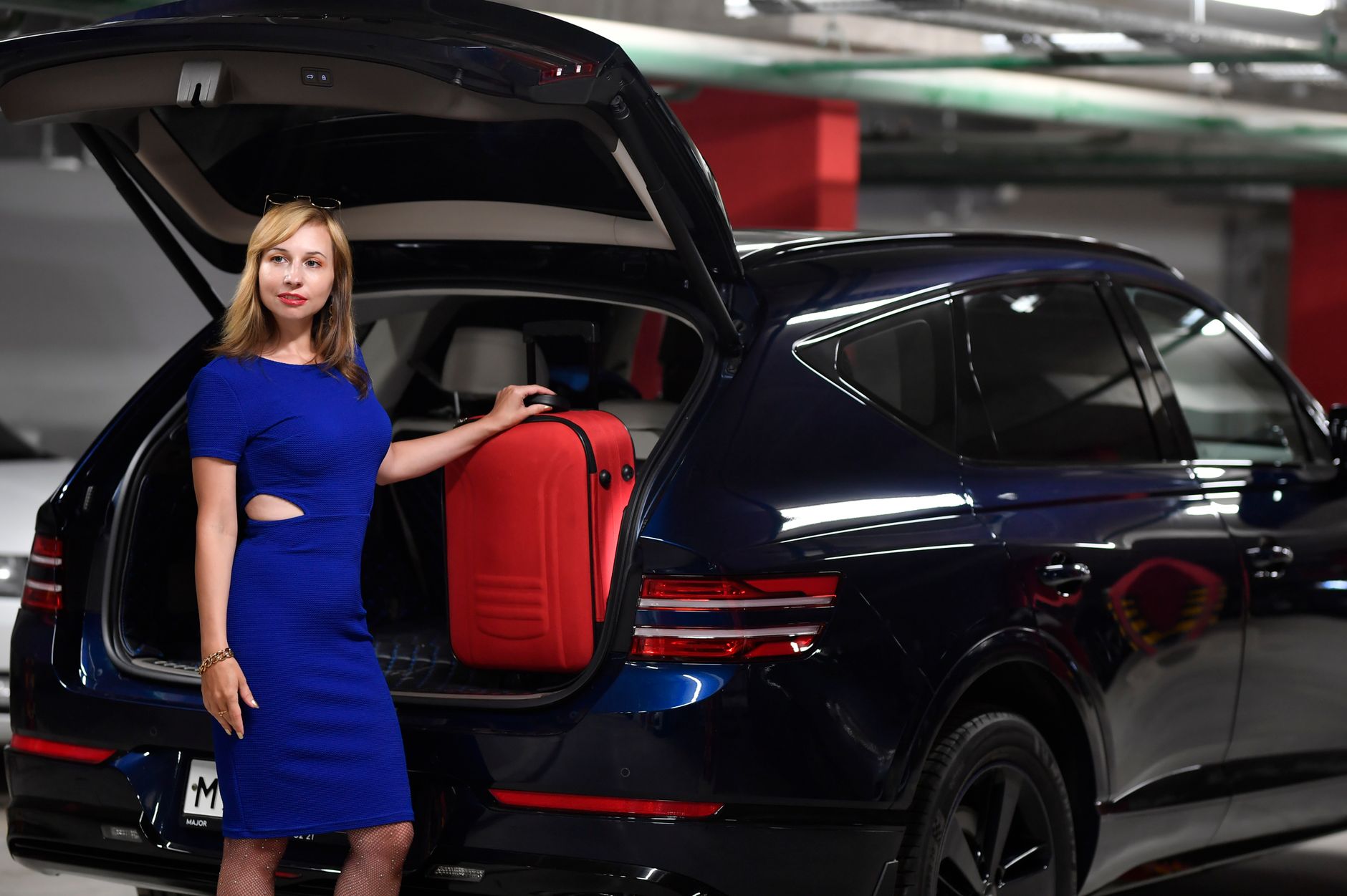
    The Model Y, Tesla’s best-selling model, holds noticeably more. Tesla and Edmunds list 33.1 cubic feet of cargo space with the rear seats up, expanding to 75.5 cubic feet with them folded flat, and the frunk adds roughly 4 more cubic feet up front. Towing capacity is the same across every Model Y trim: the factory tow package is rated for up to 3,500 pounds, enough for a small camper, a boat, or a loaded utility trailer.

    The Model Y L, the stretched six-seat version Tesla launched in the US in July 2026, goes further on cargo. With its second and third rows folded, it offers 89.6 cubic feet of total cargo space, well beyond the standard Model Y’s maximum. That extra room is the main reason to consider it over a regular Model Y if hauling gear matters as much as seating three rows. One thing to flag: as of this writing, Tesla has not published a separate US towing rating for the Model Y L, so don’t assume it matches the standard Model Y’s 3,500-pound figure until Tesla lists one for your specific configuration.

    Cybertruck wins both categories, and it isn’t close. Its composite bed, which Tesla calls the vault, measures 56.2 cubic feet and can be sealed under a powered tonneau cover, plus a separate frunk that adds about 7.1 more cubic feet. On towing, capacity depends on trim: the base Dual Motor All-Wheel Drive Cybertruck is rated to tow up to 7,500 pounds, while the Premium AWD and Cyberbeast trims are both rated up to 11,000 pounds. That upper figure is roughly triple what the Model Y can tow, and it puts Cybertruck in the same range as many gas-powered full-size pickups.

    If you need maximum cargo room without a truck bed, the Model Y L currently holds the most among Tesla’s crossovers and sedans. If towing is the priority — a boat, a larger travel trailer, a car hauler — only the Cybertruck’s Premium AWD and Cyberbeast trims get you into serious towing territory, since even the roomiest Model Y tops out at 3,500 pounds. The Model 3 remains the choice if cargo and towing aren’t the point at all, since it trails every other current Tesla on both measures.

    Photo by Vika Glitter.
  • What Tesla’s destination and order fees actually cover.

    What Tesla’s destination and order fees actually cover.

    When you configure a new Tesla, the price you see at checkout is not the final number. Tesla adds two mandatory line items before taxes and registration: an order fee and a destination fee. Both show up on every new vehicle order, regardless of which model or trim you choose.

    The order fee is a one-time charge you pay by credit card the moment you place your order. Tesla’s own support page states that “when placing your order, you will pay a one-time, non-refundable order fee with a credit card.” As of late July 2026, that fee was $250 on a new Model Y, according to Edmunds’ pricing breakdown. Think of it less like a deposit toward the car and more like a fee for reserving your build slot in the queue — it does not go toward the purchase price the way a deposit typically would.

    The destination fee is separate and larger. Tesla describes it as the charge that “covers the cost of shipping your vehicle from the factory to your delivery location,” and Tesla is explicit that it is “non-negotiable” and applies to every new order. As of publication dates in July 2026, Edmunds reported the destination fee at $1,390 on the Model Y, and the same $1,390 figure on the Model 3 — so it currently appears to be a flat amount across Tesla’s mainstream lineup rather than something that varies by model. Because destination fees are a standard practice across the auto industry, not a Tesla-specific markup, treat this figure as roughly representative rather than fixed for all time: manufacturers, including Tesla, adjust these amounts periodically, so confirm the exact number shown on your own order summary before you buy.

    What the fee covers is narrow: getting the physical car from the factory to wherever you take delivery, whether that’s a Tesla store, a delivery center, or your driveway. What it does not cover is everything else attached to buying a car. Sales tax, state registration and title fees, and any optional accessories or Full Self-Driving software you add are all billed separately and vary by state. The destination fee is Tesla’s version of what most traditional dealers call a “freight” or “delivery” charge, and like those fees, it is baked into the advertised price rather than something a salesperson adds later.

    Can you avoid it? Not by changing how you take delivery. Tesla states the fee applies to all new vehicle orders, and nothing in Tesla’s ordering process suggests picking up your car in person at a delivery center instead of having it dropped off waives the charge. It is not the kind of fee you can ask to have removed the way you might negotiate an add-on package at a traditional dealership — Tesla’s fixed, no-haggle pricing model applies to this line item just as it does to the vehicle price itself.

    The order fee works differently in one respect: it is non-refundable once paid, though Tesla’s order agreement has carved out specific exceptions in some cases, such as when a financing application is declined within a set window. If you are weighing whether to place an order at all, GetTesla’s guide on canceling a Tesla order and what happens to your money covers what you get back and what you don’t.

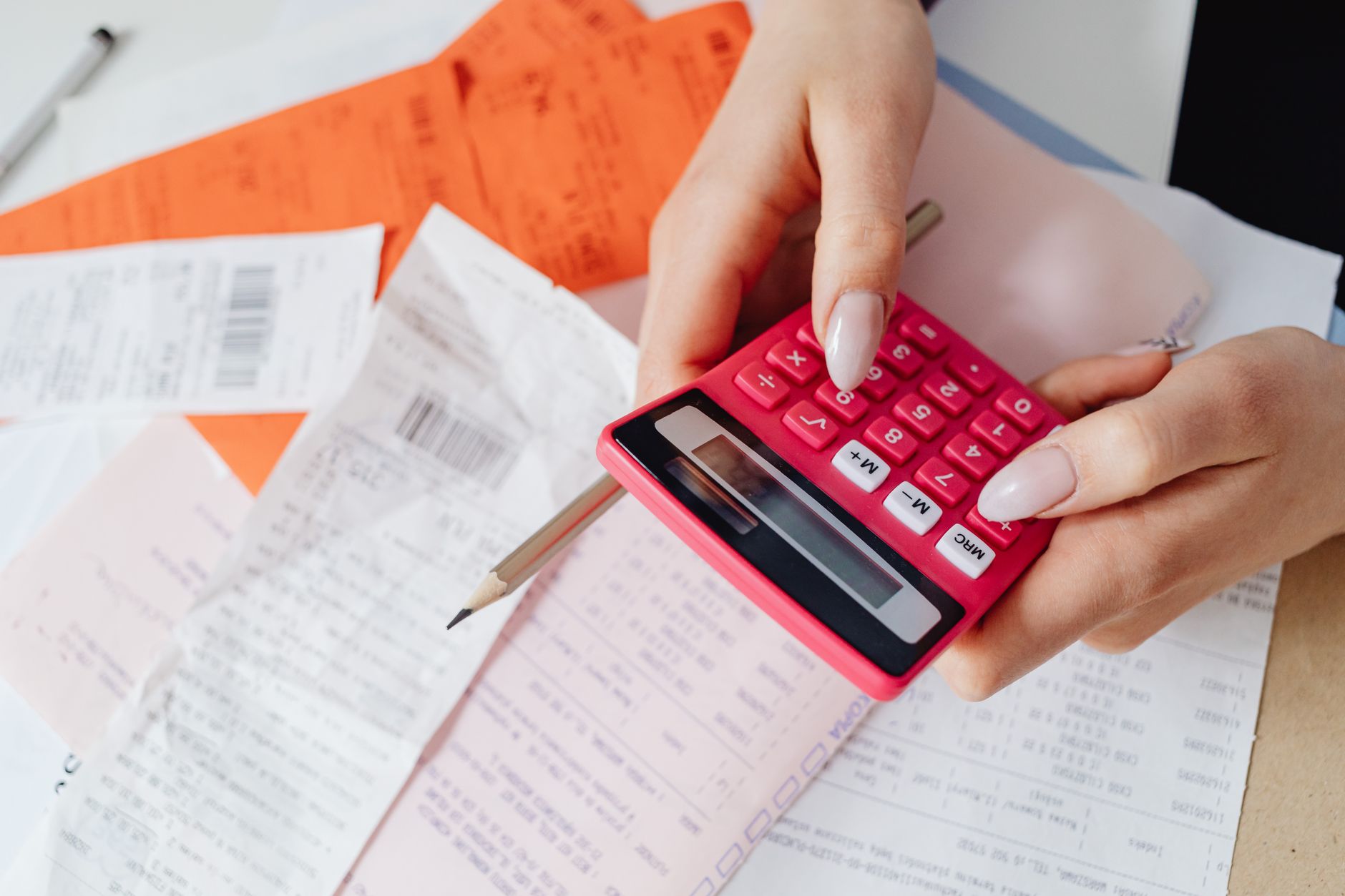
    Bottom line: budget for roughly $1,600 combined between the two fees on top of your vehicle’s base price, verify the exact current numbers on your own order screen since Tesla can adjust them, and don’t expect either fee to be up for discussion.

    Photo by Kaboompics.com.

  • Check Supercharger availability before you leave, not after you arrive.

    Check Supercharger availability before you leave, not after you arrive.

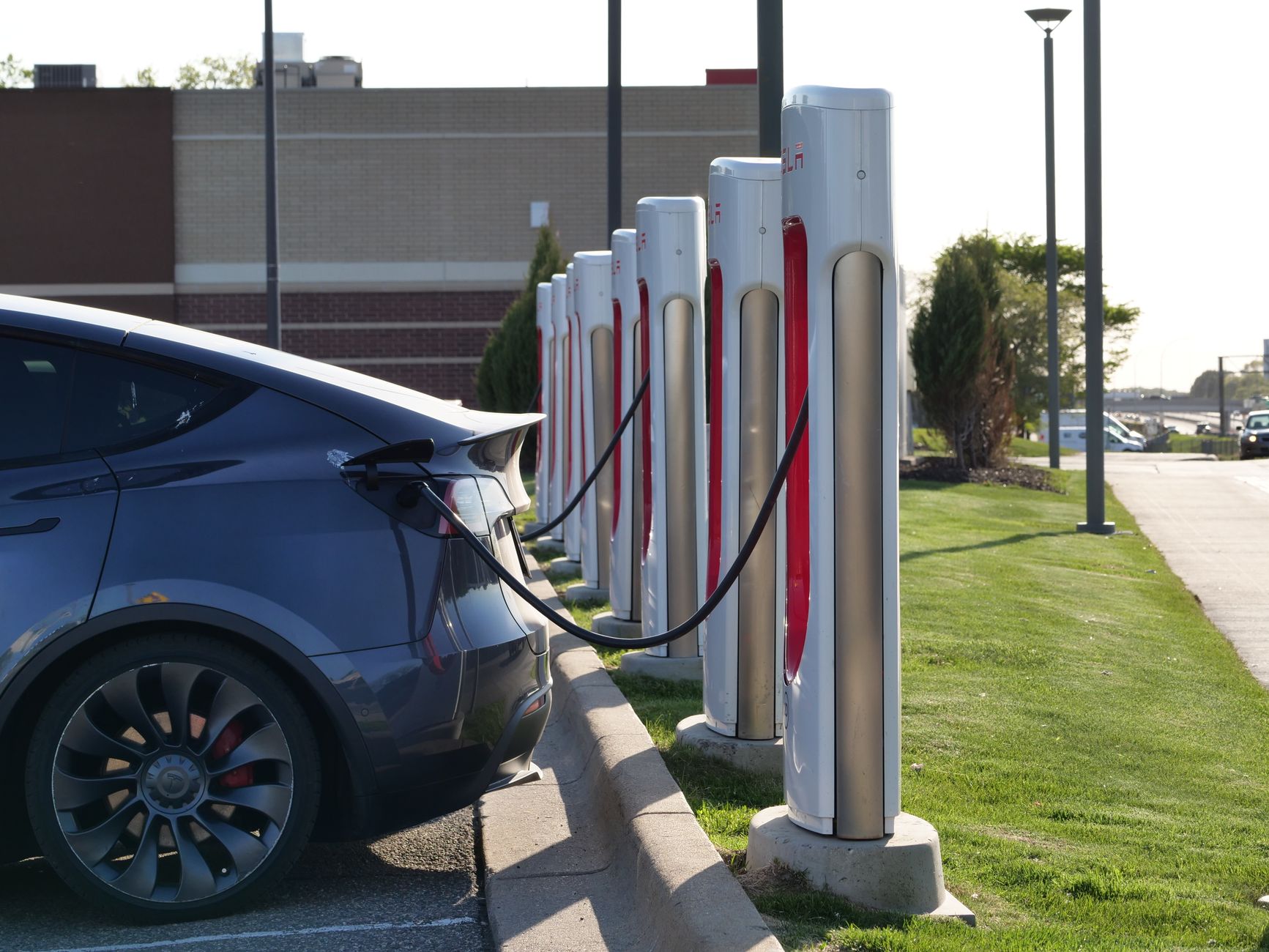
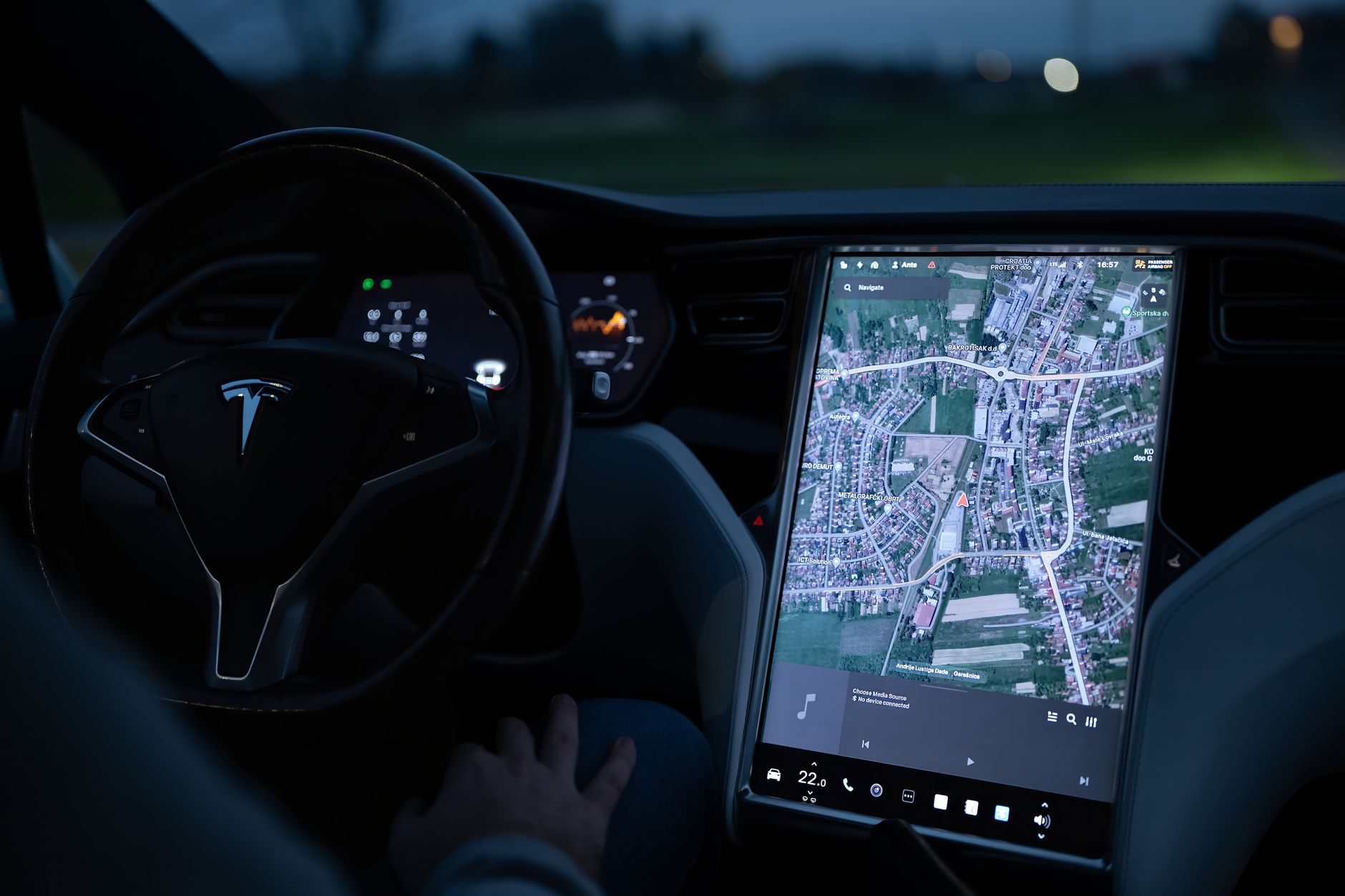
    Rolling up to a Supercharger with every stall taken is one of the more avoidable frustrations of a road trip. Your car’s built-in navigation already accounts for this: Tesla’s Trip Planner factors in stall availability along with your driving style, elevation, outside temperature, and traffic when it picks charging stops, and it shows both live and forecasted stall counts for Superchargers on your route, not just how many plugs a location has in total.

    That same data has been spreading outside the Tesla app. Google Maps added real-time Supercharger availability in its “Overview” section in late 2025, so drivers navigating with Google Maps instead of the car’s own screen could see green highlights showing open stalls without switching apps. As Tesla’s director of charging put it at the time, the next step was to go beyond live availability and show forecasted availability and wait times too.

    That next step arrived in mid-2026. As of a global rollout that began June 26, 2026, Google Maps shows an “On arrival” line beneath the live plug count for a Supercharger, predicting how many stalls will likely be open by the time you actually get there — not just how many are open right now. The forecast works because Tesla already knows how many vehicles are currently routing toward a given Supercharger, a capability it has now extended to non-Tesla EVs whose drivers opt in to share trip and usage data through Google Maps.

    Practically, this matters most on the two kinds of trips where a full station is genuinely a problem: a long road trip where a 20-minute wait turns into an hour of standing in line for a stall, and everyday charging near a popular urban Supercharger during rush hour. Before you leave — not after you’ve already merged onto the highway — check the forecasted availability at your planned stop, whether you’re looking at it in the car, the Tesla app, or Google Maps. If it looks tight, Trip Planner’s route usually offers a nearby alternative that doesn’t.

    Photo by Reinhard Bruckner.

  • How Tesla’s Safety Score actually changes your insurance bill.

    How Tesla’s Safety Score actually changes your insurance bill.

    If you shop Tesla Insurance, your quote isn’t fixed the way a traditional policy is. Tesla prices it around your Safety Score, a 0-100 number your car calculates every day from how you actually drive — hard braking, aggressive turning, unsafe following, forced Autopilot disengagements, excessive speeding, and a few other factors measured directly by the vehicle’s own sensors. Up to 30 days of daily scores are averaged into the number you see in the Tesla app, and Tesla’s own language is direct about the point of it: the score exists to “encourage safer driving and potentially reduce the cost of insurance.”

    Where Tesla’s Real-Time Insurance product is available, that score is one of several inputs — alongside your mileage, garaging location, vehicle trim, and coverage selections — that set your premium, and it’s recalculated monthly rather than locked in at signup. Drive more cautiously this month and your premium can drop at your next renewal; drive aggressively and it climbs. One state is the exception: Real-Time Insurance is not available in California, where Tesla offers a different policy that doesn’t factor in your Safety Score.

    The score got more forgiving to earn in 2026. Tesla’s Safety Score 3.0 update, which rolled out April 14, 2026, changed how the underlying Predicted Collision Frequency formula weighs individual factors, and added a notable incentive: every mile you drive with FSD (Supervised) engaged now counts as a perfect 100 toward your score, blended with your manual-driving percentage. In states where the FSD discount applies, that can meaningfully lower what you pay — though how much depends on how many of your miles are FSD miles versus manually driven ones, and the discount isn’t available everywhere yet.

    If you’re deciding whether to shop Tesla Insurance against a traditional policy, check two things before you compare quotes: whether Real-Time Insurance is even offered in your state, and what your current Safety Score looks like in the Tesla app. A high score going in is the main lever you actually control here — more than the model, trim, or coverage limits you pick.

    Photo by Magda Ehlers.

  • Tesla built its 10 millionth vehicle. Here’s what that means for owners.

    Tesla built its 10 millionth vehicle. Here’s what that means for owners.

    Tesla produced its 10 millionth vehicle on July 30, 2026, at the Fremont, California factory — a Diamond Black Model Y that rolled off the same production line where Tesla built its very first mass-market car. The company’s manufacturing account marked the moment on X: “10 million vehicles produced globally. Congrats to all Tesla teams!”

    The number is bigger than it looks. Fremont built Tesla’s one millionth vehicle back in 2020, which means the company produced its next nine million cars in just six years, across four assembly plants worldwide: Fremont, Gigafactory Shanghai, Gigafactory Berlin, and Gigafactory Texas. Tesla is the first dedicated EV maker to reach an eight-figure production total, a threshold no other all-electric automaker has hit.

    For a new or prospective owner, a production milestone like this isn’t just a corporate press moment — it’s a rough proxy for how mature the ecosystem around your car actually is. Ten million vehicles on the road means a deep used-parts and body-shop supply chain, a large enough fleet that most mechanical issues have already been documented and fixed in a software or service update, and a Supercharger network built to serve a customer base that size. It’s also a reminder of how quickly Tesla’s lineup has grown: most of those ten million cars are Model 3 and Model Y, the two vehicles this site covers most, which is part of why parts, accessories, and service appointments for those two models tend to be easier to find than for lower-volume vehicles like the Model S or Model X.

    None of that changes what you should do at delivery or during your first year of ownership — but it’s useful context the next time you’re waiting on a service appointment or shopping the used market: you’re buying into the most-produced electric vehicle lineup in history, not a niche product.

    Photo by Michael Li.

  • Model 3 trims: which one should you buy.

    Model 3 trims: which one should you buy.

    Tesla sells the Model 3 in four trims now, and the lineup changed enough recently that older comparisons floating around online are out of date. The former “Long Range” trim has been renamed Premium, and there’s a new entry-level Standard trim that wasn’t available before. Here’s what each one actually gets you, based on Edmunds’ pricing guide as of July 2026.

    Trim Price* EPA range 0–60 mph Drive
    Standard $38,380 321 mi 5.8 sec RWD
    Premium RWD $43,880 363 mi 4.9 sec RWD
    Premium AWD $48,880 346 mi 4.2 sec AWD
    Performance $56,380 309 mi 2.9 sec AWD

    *Prices include Tesla’s destination fee and are current as of this writing — always check Tesla’s configurator for the current number before you order, since pricing changes without much notice.

    Standard: the budget entry point

    This is the newest addition to the lineup, and it exists to hit a lower price point. You still get heated front seats, dual wireless phone charging, the 15.4-inch touchscreen, and Autopilot as standard equipment — Tesla didn’t strip the interior down to get here. What you give up is some range and quicker acceleration. It’s a reasonable choice if your daily driving is mostly local and the lower price matters more than maximum range.

    Premium RWD: the range leader, and the pick for most buyers

    Slightly counterintuitively, this is the longest-range Model 3 in the lineup at 363 miles, beating both AWD trims. It adds power-folding mirrors, heated rear seats, synthetic leather upholstery, and a nine-speaker sound system over the Standard. For drivers who do real road-trip mileage but don’t need all-wheel drive for weather or traction, this is the trim that makes the most sense.

    Premium AWD: for snow, rain, and slick roads

    Same feature set as Premium RWD, but with dual motors for all-wheel drive and quicker acceleration. The tradeoff is less range than the RWD version, since the second motor adds weight and draw. Worth the upgrade if you regularly drive in snow, on gravel, or anywhere traction is a real concern — otherwise the RWD trim gets you further on a charge for less money.

    Performance: quickest, shortest range

    The Performance trim trades range for speed and handling: a 2.9-second 0–60 time, adaptive sport suspension, larger brakes, and 20-inch performance tires. It has the shortest EPA range of the four trims at 309 miles. This one is for buyers who specifically want the quickest Model 3 Tesla sells, not for buyers optimizing for cost or range.

    Bottom line

    Most new owners are best served by Premium RWD — it has the longest range in the lineup and a meaningfully nicer interior than Standard, without paying for all-wheel drive or performance you may not need. Choose Standard if the lower price is the deciding factor, Premium AWD if you need the traction, and Performance if speed is the point.

    Photo by I’m Zion.

  • Do you need all-weather floor mats for your Tesla?

    Do you need all-weather floor mats for your Tesla?

    Your Tesla ships with thin carpet mats up front and not much else. They look fine on delivery day, but they soak up coffee, road salt, and mud like any other carpet — and unlike a gas car, a Tesla has extra cargo floors (the frunk, and the trunk under the rear hatch) that get the same treatment from grocery bags and gear.

    All-weather mats are one of the more genuinely useful accessories you can buy for a new Tesla. Here’s what to know before you do.

    What all-weather mats actually protect

    All-weather mats (sometimes called liners) are molded from a rigid or semi-rigid plastic rather than woven carpet. Raised edges around the perimeter form a shallow tray that contains spills, melted snow, and mud until you shake or hose it out, instead of letting it soak into the factory carpet underneath. Manufacturers like WeatherTech build Tesla-specific liners for the front and rear footwells, and separate liners are sold for the trunk and frunk — areas a gas car simply doesn’t have.

    Material matters more than it sounds

    Most quality all-weather mats are made from some form of thermoplastic elastomer (TPE) rather than hard rubber. A TPE liner from a maker like WeatherTech stays flexible in cold weather instead of going stiff and cracking, has no strong odor, and doesn’t off-gas the way cheaper PVC mats can. If a listing doesn’t say what material it’s made from, that’s usually a sign to look elsewhere.

    Fit is a safety issue, not just a cosmetic one

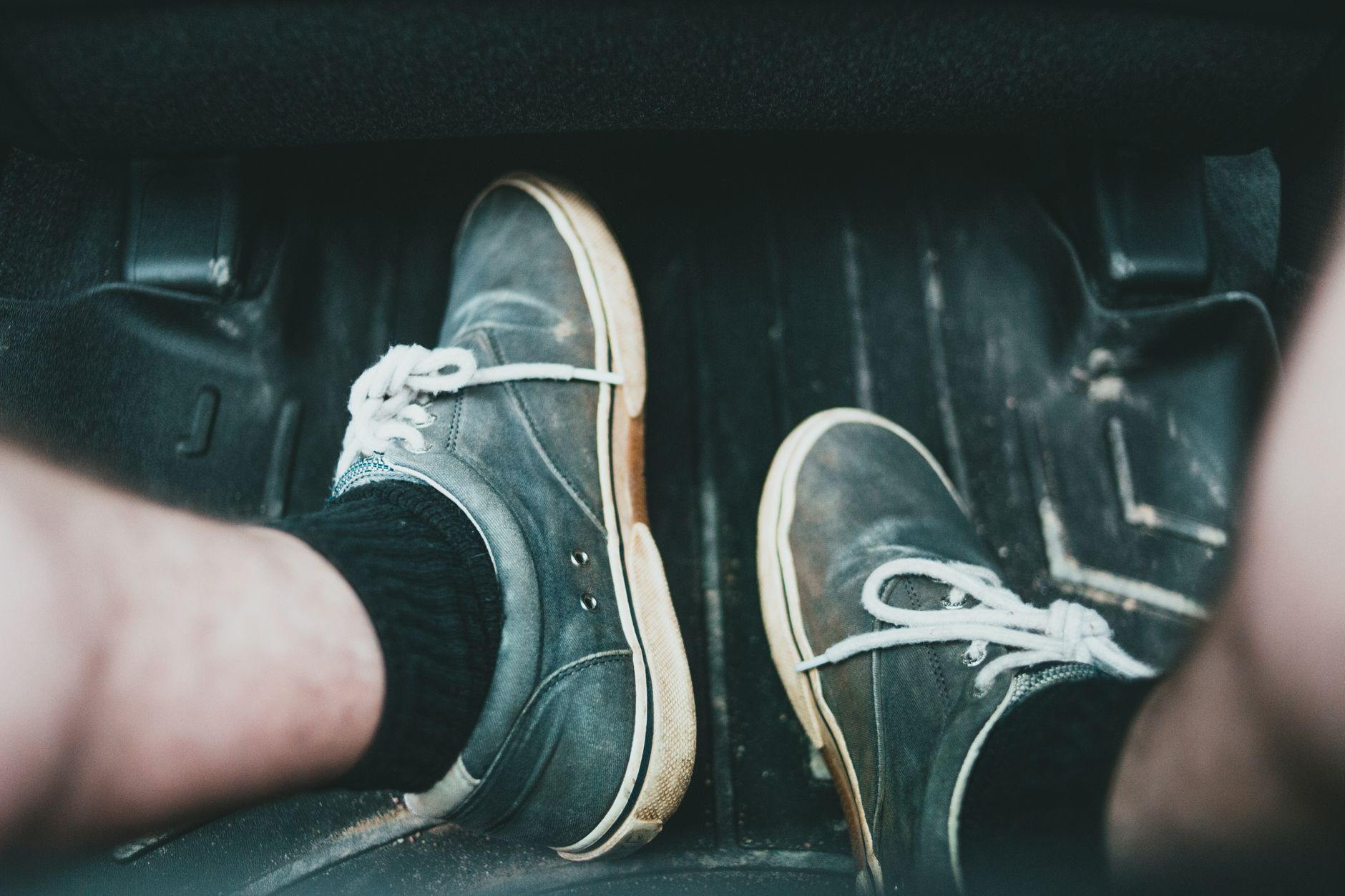
    This part isn’t marketing copy: floor mat fit is a documented safety problem. Loose or oversized mats can slide forward and interfere with a pedal’s return to idle. The National Highway Traffic Safety Administration traced a wave of unintended-acceleration incidents in the late 2000s partly to this exact failure mode, and it led to a recall of nearly 8 million vehicles. Since then, most automakers — Tesla included — build retention hooks into the footwell specifically to anchor mats in place.

    The practical takeaway: buy mats designed for your specific Tesla model and year, not a generic “universal fit” mat trimmed down with scissors, and make sure the mat actually clips into your car’s factory retention hooks rather than just sitting loose on top of them.

    What to look for when you buy

    • Custom-molded for your exact model and model year — Tesla’s interior has changed enough across refreshes that a Model 3 mat from a few years ago may not fit a current one.
    • Compatible with your car’s factory retention clips or hooks.
    • Raised edges deep enough to contain a real spill, not just a decorative lip.
    • TPE or similarly documented material, not an unlabeled “rubber-like” mat.

    Pricing varies by brand and how much of the car you cover, and climbs the more pieces you add (front, rear, trunk, frunk). Check the exact model-year fit and current price on the retailer’s own listing before you buy. It’s not the flashiest accessory you’ll buy, but it’s one of the few that pays for itself the first time you track in snow or spill a drink.

    Photo by Erik Mclean.

  • Trading in your car when you buy a Tesla: what to expect.

    Trading in your car when you buy a Tesla: what to expect.

    If you’re ordering a Tesla and have a car to get rid of, you don’t need a separate trip to a dealership. Tesla folds the trade-in into the same app you used to place your order, and the value gets applied straight to your purchase price.

    Here’s how it actually works, and what to have ready.

    How the trade-in process works

    Once you’ve placed your Tesla order, you submit the trade-in request through the Tesla app’s pre-delivery tasks: open the Trade-In section, select “Yes,” and enter your current vehicle’s details. Tesla accepts trade-ins on cars, trucks, vans, and SUVs — both gas and electric — but not motorcycles, RVs, or commercial vehicles.

    You’ll get an estimate back based on the information and photos you provide. That estimate is confirmed (or adjusted) when you physically hand off the trade-in vehicle — which happens at your delivery appointment, not before or after it. Tesla ties trade-in timing directly to your delivery date, so there’s no dropping the car off early or mailing in a title ahead of time.

    What paperwork to have ready

    Tesla’s own guidance is specific here: have your title, lien release, and any other ownership-transfer documents ready before your delivery appointment. Missing paperwork at handoff is one of the more common ways a trade-in (and sometimes the whole delivery) gets delayed.

    If you’re still paying off a loan on the trade-in vehicle, don’t rush to pay it off early. Tesla can factor the remaining loan balance into the transaction, and paying it off yourself beforehand can actually complicate the ownership transfer rather than simplify it.

    The offer is take-it-or-leave-it

    Worth knowing going in: Tesla’s trade-in offer isn’t a negotiation. It’s a fixed number, and Tesla does not match competing offers from dealerships or private buyers. That doesn’t make it a bad option — the convenience of a one-app process and having the credit applied directly to your purchase price is real, and it may reduce the sales tax you owe on the new vehicle depending on your state’s trade-in tax rules. But it does mean you should get at least one outside quote — from a dealership, an EV-focused buyer, or a private sale listing — before you accept, especially if your trade-in has low mileage or desirable options.

    Estimates typically hold for a limited window (measured in days or miles driven), so don’t request one too far ahead of your actual delivery date.

    Bottom line

    Trading in through Tesla is the simplest path if convenience matters more than squeezing out the last dollar of value. If you have the time, get an outside offer to compare against first — you can always take the better one.

    Photo by Gustavo Fring.

  • Supercharger etiquette: what to do when you pull up, and when to leave.

    Supercharger etiquette: what to do when you pull up, and when to leave.

    Most Supercharger stops don’t require any thought beyond plugging in. But at a busy station, a few habits make the difference between an easy stop and a line of cars waiting for a stall, and between a free charge and an unexpected fee.

    Charge to what you need, not to 100%

    Tesla’s own guidance is direct about this: the company wants drivers to “charge only as much as is needed for their trip, rather than all the way to 100%” when a station is busy. Charging speed also slows dramatically past 80%, so topping off to 100% at a crowded stop mostly means you sit longer for a small amount of extra range, while everyone behind you waits.

    Move your car when you’re done

    Tesla compares an occupied, fully-charged stall to a car left parked at a gas pump: something you’d never do, and something the Supercharger network is designed to discourage. Congestion fees kick in when a station is busy and your car has either hit 80% or finished its charging session, and Tesla gives you a five-minute grace period to unplug and pull away before the per-minute fee starts. Rates vary by location, but the fee only applies at stations that are already crowded, so an empty station won’t charge it even if you linger.

    Park to share power, not to block it

    Many Supercharger stalls share power in pairs, which means the car you park next to can affect your own charging speed. According to InsideEVs, parking next to a stall that’s already occupied and charging, rather than starting a new pair, helps balance the load between both cars instead of splitting a fresh pair’s shared power unevenly. It’s a small choice, but at a full station it adds up.

    Let the app do the watching

    You don’t need to sit in the car or hover nearby to avoid a fee. The Tesla app sends a notification as your charge nears completion and again once it’s done, so you can grab coffee or use the restroom and still get back before the grace period runs out. At a quiet station off-peak, none of this matters much. At a packed one on a holiday weekend, it’s the difference between a five-minute stop for the next driver and a ten-minute wait.

    Photo by Giant Asparagus.

  • What Tesla’s Full Self-Driving actually costs you now.

    What Tesla’s Full Self-Driving actually costs you now.

    If you’re budgeting for a new Tesla, or deciding whether to add Full Self-Driving to one you already own, the price has settled into a simple number: Tesla’s support site lists FSD (Supervised) at $99 a month, billed on a rolling subscription rather than a one-time purchase.

    That’s a real change from how Tesla used to sell the feature. For years you could buy FSD outright, with the price climbing as high as $15,000 before drifting back down. As of February 2026, that option is gone: Tesla moved to subscription-only sales, so a new order or an existing car without FSD can only add it as a monthly charge, not a lump sum.

    Who gets the discounted rate

    Not everyone pays the full $99. If you previously bought the older Enhanced Autopilot package, Tesla discounts your FSD (Supervised) subscription to $49 a month instead. It’s worth checking your Tesla account before you subscribe, since that discount applies automatically if your car qualifies rather than requiring a separate signup step.

    Hardware still matters

    The subscription itself doesn’t include any hardware upgrade. Tesla’s support page specifies you need FSD computer 3.0 (also called AI3) or newer to subscribe at all; older Hardware 2.5 cars aren’t eligible regardless of what you’re willing to pay. If your Tesla needs the upgrade, Tesla charges $1,000 plus tax and installation for the AI computer swap, separate from the monthly subscription fee.

    Should you subscribe or skip it

    Because it’s month-to-month, you’re free to turn FSD on for a road trip and cancel it before your next billing cycle rather than committing to it long-term. Tesla has also said the $99 rate won’t stay fixed forever, and that pricing will rise as the feature’s capabilities move closer to unsupervised driving, so locking in today’s rate isn’t a given if you wait. For most new owners, the practical approach is the same either way: try it for a month before deciding whether it’s worth keeping as a permanent line item in your Tesla ownership costs.

    Photo by Vladimir Srajber.