Blog

  • How many people fit in a Tesla? Compare seating across the lineup.

    How many people fit in a Tesla? Compare seating across the lineup.

    If you’re cross-shopping Teslas for a family or a regular carpool, seat count is one of the first filters that matters. Here’s how the current lineup breaks down, model by model.

    Model 3: five seats

    The Model 3 is a five-seat sedan, full stop — there’s no third-row or extra-seat option on any trim. According to U.S. News, all versions of the Model 3 come with five seats that fold in a 40:20:40 configuration, so you can drop part of the rear bench for cargo without giving up every seat.

    Model Y: five seats standard, seven as an option

    The standard Model Y also seats five. A seven-seat configuration exists, but it’s limited: per InsideEVs, the third row is only available on the Premium All-Wheel-Drive Long Range trim, for an extra $2,500. The two extra seats are small and best suited for kids rather than adults, since legroom back there is tight.

    Model Y L: six seats, built for the third row

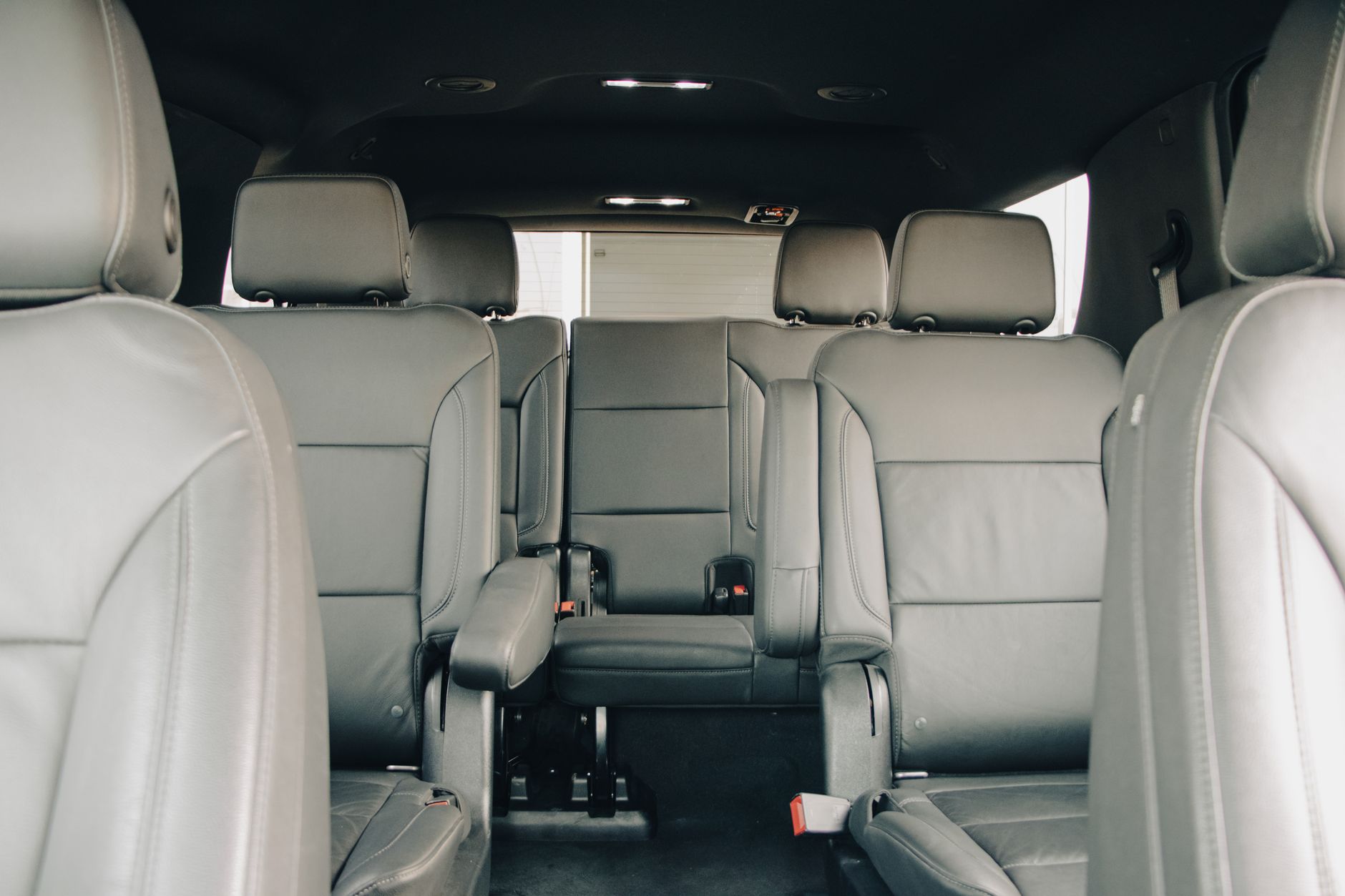
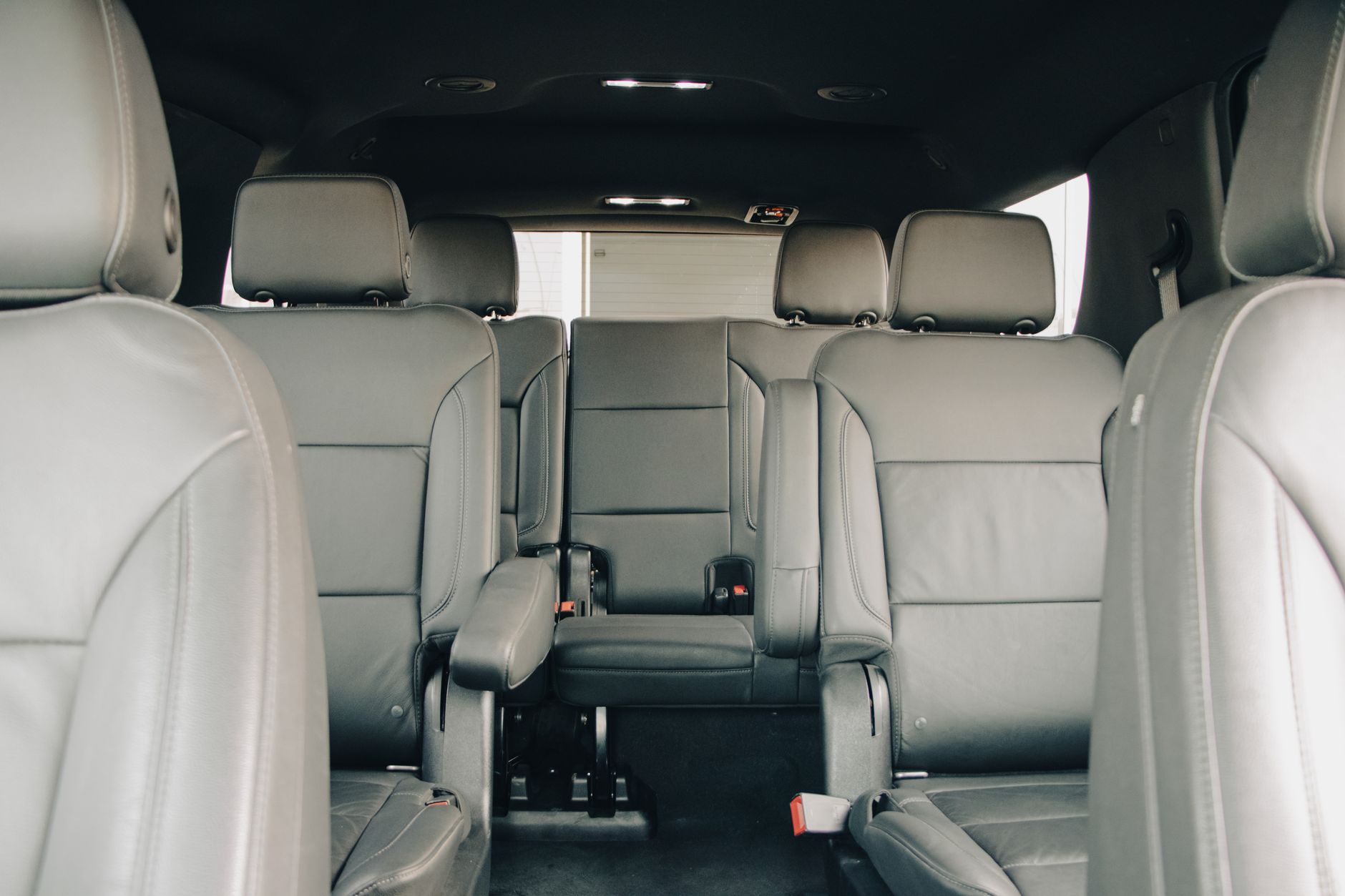
    If you actually need a usable third row, Tesla’s answer is the Model Y L, which launched in the US in July 2026. Rather than squeezing in a third-row bench, Electrek reports that Tesla stretched the wheelbase by about 5.9 inches and went with a 2+2+2, six-seat layout — second-row captain’s chairs instead of a bench, plus a proper third row. It starts at $61,990 as a Launch Series trim, and the front and second-row seats are heated and ventilated, with heated seats in the third row too.

    Cybertruck: five seats

    The Cybertruck seats five: two up front and a three-person bench in the second row, per U.S. News. There’s no six- or seven-seat configuration for it.

    Picking by seat count

    If five seats covers your household, the Model 3, standard Model Y, and Cybertruck all work, and the choice comes down to body style, range, and price rather than capacity. If you occasionally need a sixth or seventh seat for carpool duty or extended family, the seven-seat Model Y is the cheaper add-on, but treat those seats as kid- or short-trip-only. If a third row is a regular requirement rather than an occasional one, the Model Y L is built around that use case, with real captain’s chairs and a third row people can actually sit in.

    Photo by Dextar Studio ™.
  • Line up your insurance before delivery day.

    Line up your insurance before delivery day.

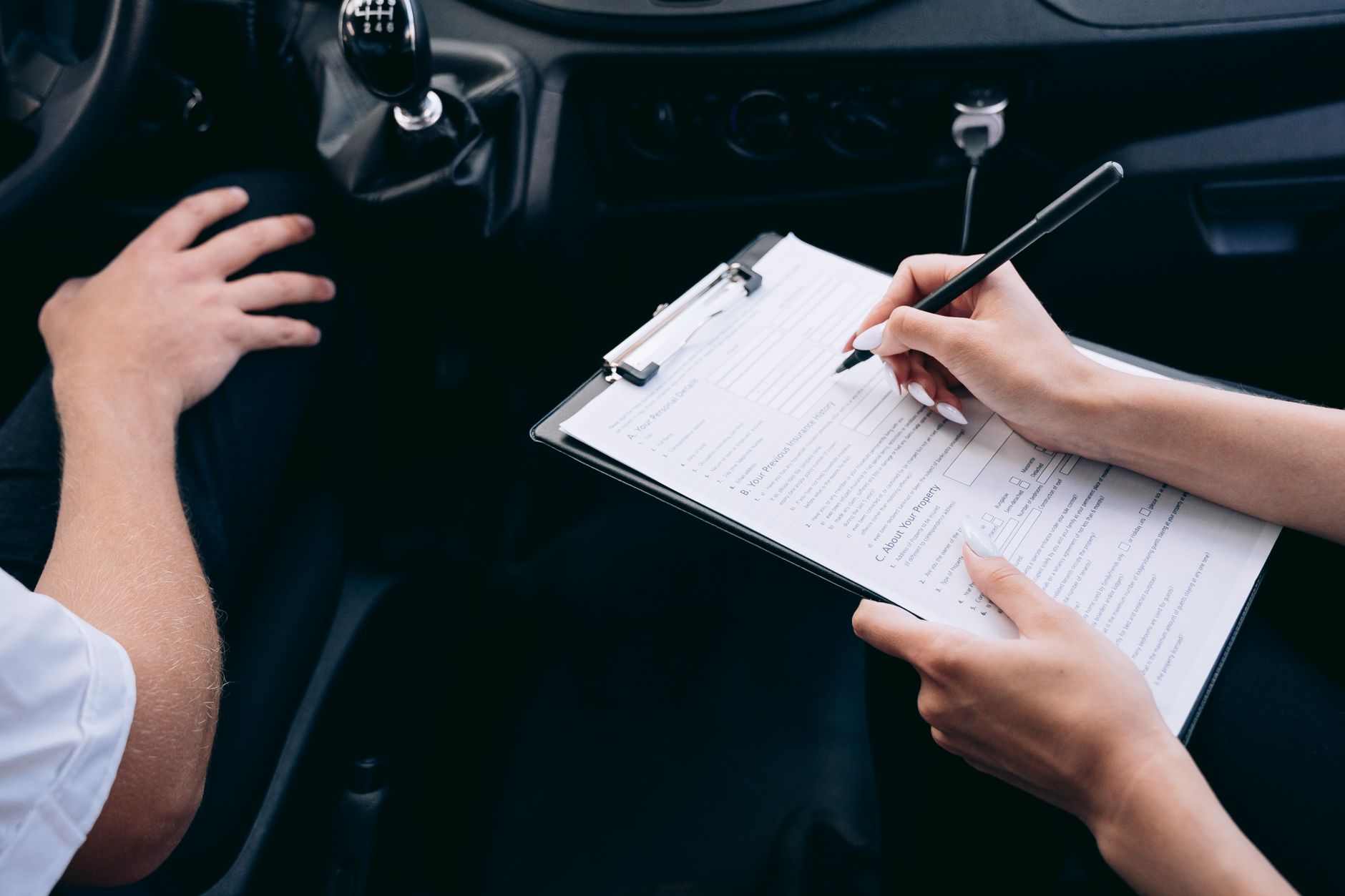
    Tesla will not let you leave with your new car until you can show proof of insurance. It’s one of the few items on the delivery checklist that has a hard deadline attached, so it’s worth handling before your appointment rather than in the parking lot.

    According to Tesla’s own delivery day support page, “Before your delivery appointment, you must submit your insurance details, final payment and necessary documents in the Tesla app.” Auto insurance is listed alongside your driver’s license and final payment as one of the required items at the appointment itself. Credit cards are not accepted for final payment, and buyers in Texas, New Mexico, Iowa, and Michigan have to submit final payment before they can even schedule a delivery appointment, so check your state’s rules early.

    Two ways to get covered

    You have two options, and Tesla is explicit that neither is required over the other. You can bring a policy from your current insurer, or you can buy a policy through Tesla Insurance, where it’s offered. Tesla’s support page states plainly: “You do not need to purchase a Tesla Insurance policy if you have insurance from any other carrier to cover the Tesla vehicle.”

    If you go the third-party route, call your existing insurer once you have a VIN and ask them to add the vehicle to your policy. Upload the resulting policy document in the Tesla app — Tesla says you can submit your current policy as long as it lists your insurer’s contact information.

    If you want to shop Tesla Insurance instead, there’s a timing catch: you can’t get a quote whenever you want. Tesla’s page says, “You will need a delivery date from Tesla and use that delivery date and your VIN to get a quote and purchase Tesla Insurance.” In practice, that means you can’t lock in a Tesla Insurance quote until your order has progressed far enough to have both a VIN and a scheduled delivery date — so don’t expect to shop it during the earlier ordering stage. You’ll also need a valid driver’s license on hand to get the quote. Tesla Insurance isn’t available everywhere; it only shows up as an option in the app in the regions Tesla currently offers it.

    What to bring on the day

    Once your policy is in place, either digital or third-party, get both a digital and printed copy ready. A phone battery dying or a spotty signal at the delivery center is a bad time to discover you only had the PDF saved in an email. Bring a physical insurance card or a printed proof-of-insurance document along with your driver’s license and any trade-in paperwork, so the only thing left to do at your appointment is the walkaround inspection and the drive home.

    Photo by Mikhail Nilov.

  • Do you need wheel locks for your Tesla?

    Do you need wheel locks for your Tesla?

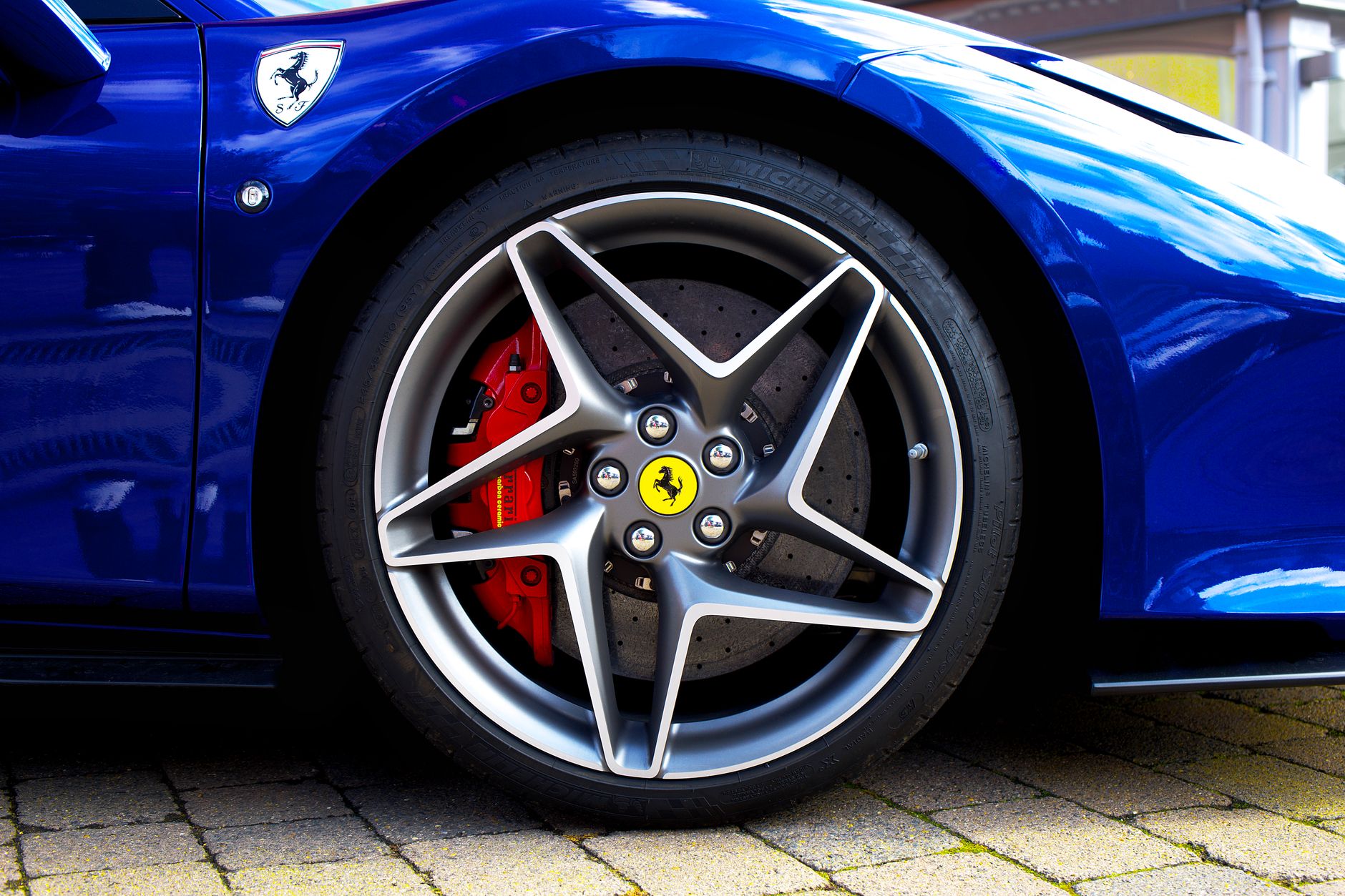
    Wheel locks aren’t standard equipment on any Tesla. Every lug nut on a Model 3, Model Y, Model S, or Model X uses the same M14x1.5 thread, and a 21mm socket removes any of them — which means anyone with a lug wrench from their own garage can take a wheel off yours in the time it takes to jack up the car. Wheel locks replace one lug nut per wheel with a lock that only a matching key can turn, so a generic socket spins uselessly against it.

    Whether that’s worth doing depends mostly on what’s on the car. Tesla’s factory wheels, and especially any aftermarket or larger wheel-and-tire package, hold real resale value and are a known target in areas with a history of wheel theft — locks are a deterrent, not a guarantee, but they raise the effort enough that most opportunistic theft moves to an easier car.

    Tesla sells its own wheel lock set for $50: four forged-steel locks plus one key, compatible with Model S, Model 3, Model X, and Model Y, though not Cybertruck. Third-party sets from brands like EVANNEX and KIKIMO generally run cheaper, in the $15–$30 range, and use the same M14x1.5 thread and cone-seat design as Tesla’s factory lug nuts — the main things to check before buying are that the seat type (cone vs. ball) matches your wheels and that the finish matches if you care about a uniform look.

    A few practical notes regardless of which set you buy. Torque them to the factory spec — 129 lb-ft for Model S, 3, X, and Y — the same as any other lug nut. Keep the key somewhere you’ll actually have it at a tire shop or during a roadside flat, not buried in a drawer at home; most owners keep it in the frunk with the tire-repair kit. And treat locks as a deterrent, not a lock in the safe sense — a determined thief with a lock-removal tool can still get through them, the same as with any car. They’re a low-cost way to make your wheels a less convenient target, not a guarantee they’ll never be touched.

    Photo by Auto Photographer.

  • Tesla’s Mobile Connector and NEMA adapters: which one you actually need at home.

    Tesla’s Mobile Connector and NEMA adapters: which one you actually need at home.

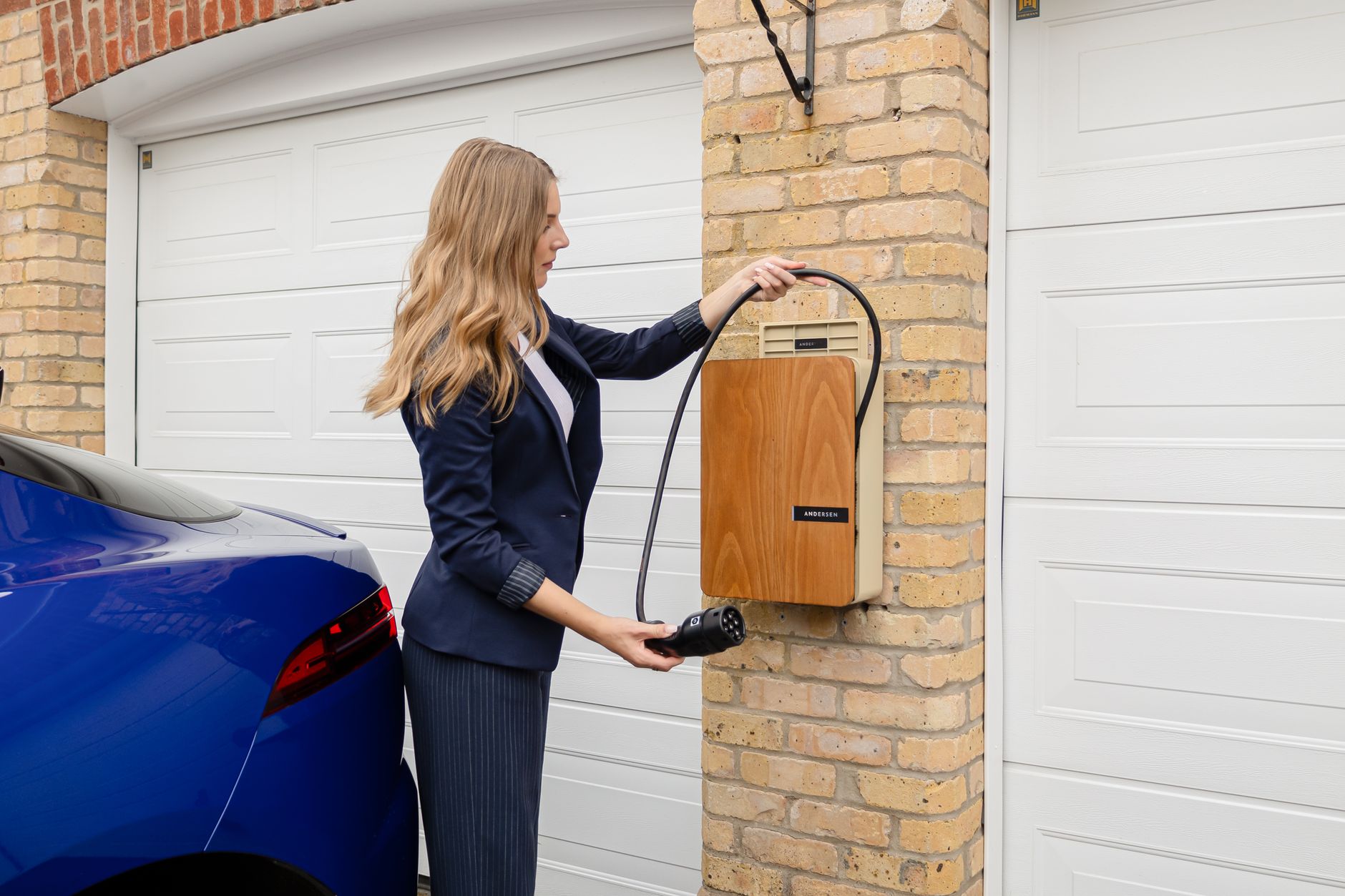
    Every new Tesla comes with a Mobile Connector in the frunk: a 20-foot charging cable bundled with two adapters, a NEMA 5-15 for a standard 120-volt household outlet and a NEMA 14-50 for a 240-volt, 50-amp outlet, plus a bag to keep it organized. For most new owners, the question isn’t which charger to buy — it’s which of the plugs already in your garage the Mobile Connector can use, and whether that’s fast enough.

    The NEMA 5-15 is the easy one: it goes into any ordinary wall outlet, no electrician required. Tesla’s own numbers put that at roughly 3 to 6 miles of range per hour depending on the model — enough to fully recharge overnight if you drive a normal daily commute, too slow to matter much if you show up near empty.

    The NEMA 14-50 is the one that changes the math. Plugged into a 240-volt outlet — the same type a stove or an RV hookup uses — it delivers roughly 23 to 30 miles of range per hour, which covers a full charge overnight even after a long day of driving. If your garage or driveway already has a 14-50 outlet, or an electrician can add one, you may never need to buy a dedicated Wall Connector at all.

    Outside those two, Tesla sells separate adapters — NEMA 6-50, 10-30, and 14-30 — for owners whose homes have a different 240-volt outlet already installed, like an older dryer outlet, rather than paying to add a 14-50. One thing worth checking before buying a used or third-party adapter: Tesla issued a voluntary recall on some 14-30, 10-30, and 6-50 adapters years ago after overheating reports, and still publishes the affected part numbers on that page. It doesn’t apply to the 5-15 or 14-50 adapters bundled with a new Mobile Connector, but it’s a two-minute check if you’re buying an older or secondhand one.

    If none of that matches what’s already installed, a hardwired Wall Connector is the alternative — faster and more convenient for daily use, but it requires a licensed electrician and its own circuit, which is a bigger upfront cost than an adapter that plugs into an outlet you already have. For most first-year owners, the Mobile Connector and whichever adapter matches an existing outlet is the cheaper starting point, with a Wall Connector as the upgrade once you know how much charging speed you actually need.

    Photo by Andersen EV.

  • Premium Connectivity: what Tesla’s $9.99-a-month subscription actually buys you.

    Premium Connectivity: what Tesla’s $9.99-a-month subscription actually buys you.

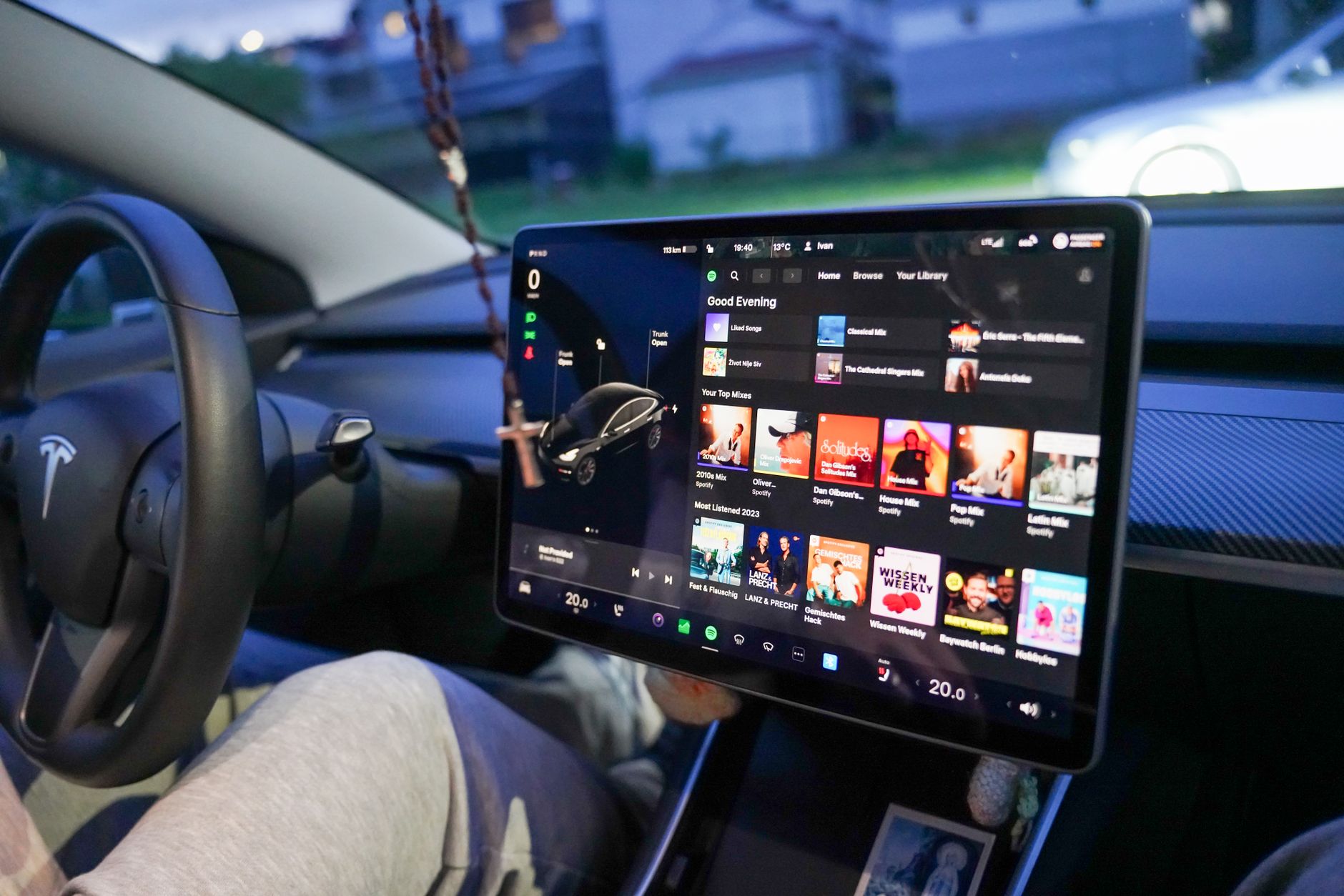
    Every new Tesla comes with eight years of free Standard Connectivity from the day it’s delivered. It covers basic maps and navigation, and Bluetooth music streaming, over Wi-Fi. Premium Connectivity is the paid layer on top of that, and it’s easy to buy without checking whether you actually need it.

    Premium costs $9.99 a month or $99 a year, plus tax, and you can turn it on or off anytime from the touchscreen or the Tesla app. In exchange, you get live traffic visualization, satellite-view maps, a live camera view for checking on Sentry Mode remotely, in-car video and music streaming, karaoke, an internet browser, and — the part that actually matters day to day — access to all of that over cellular data, not just Wi-Fi.

    That last point is the real dividing line. Standard Connectivity’s features mostly work once you’re connected to a known Wi-Fi network, like the one at home. Premium is what keeps live traffic and satellite maps working while you’re driving around town or on the highway, off any Wi-Fi network, on your phone’s cellular equivalent for the car.

    New orders typically include a complimentary Premium Connectivity trial at delivery, so you get a firsthand look before deciding whether to keep paying for it. According to Not a Tesla App, some current orders — including 2026 Model S and Model X — ship with Premium Connectivity included in the price rather than as a separate subscription, so check your own order confirmation before assuming you’ll be billed.

    Whether it’s worth keeping past the trial comes down to how you actually drive. If most of your trips are a commute you already know, and your car spends nights on home Wi-Fi, Standard Connectivity’s basic navigation and Bluetooth audio cover the essentials — Premium’s live traffic and satellite view are conveniences, not requirements. If you drive unpredictable routes, rely on live traffic to route around backups, or want to check Sentry Mode’s live camera from your phone while parked away from home, the $9.99 a month is a small cost against getting caught off guard by a closed lane or a break-in you don’t find out about until you’re back at the car.

    One thing Premium Connectivity does not affect: the Tesla app’s core remote features — locking, climate preconditioning, charge status, location — work over your phone’s own data connection regardless of which connectivity tier your car is on. You’re not losing basic remote access by skipping the subscription.

    Photo by Vladimir Srajber.

  • Found a problem at your Tesla delivery? Here’s what happens next.

    Found a problem at your Tesla delivery? Here’s what happens next.

    You ran the inspection, and something’s off: a paint chip, an uneven panel gap, a rattle from the trunk liner. It happens more often than Tesla’s marketing suggests, and it doesn’t mean your delivery is ruined. What matters now is how you document it and how quickly you report it.

    Start before you accept delivery. Tesla’s own delivery process walks you through confirming your vehicle, signing paperwork, and unlocking the car through the app, but it’s on you to actually look the car over first. Walk the exterior in good light, open every door plus the frunk and trunk, and run the touchscreen through its basics before you sign anything. If you’ve already worked through a delivery inspection checklist, bring it with you.

    For anything serious, the wrong color, wrong wheels, a cracked window, visible structural damage, you’re within your rights to decline delivery on the spot. Tesla will take the car back and assign you a different VIN, though that can mean a real wait for the next one. Save refusal for problems that are genuinely disqualifying, not for cosmetic nitpicks.

    For everything smaller, a scuff, a slightly uneven gap, a missing floor mat, accept delivery, but document the issue before you drive off. Photograph or video it on the spot, and get it written down with your delivery specialist rather than just mentioned out loud. Owners commonly describe this as getting a “due bill”: a record that a delivery-related repair is owed to you at no extra cost, separate from your standard warranty claims.

    Once you’re home, report anything you found through the Tesla app as soon as you can. How much time you have to get a delivery-specific issue corrected for free can vary by service center, so don’t assume a specific window applies to you. Ask your delivery advisor directly and, if possible, get the answer in writing rather than relying on general owner consensus.

    Then book the service appointment and bring your documentation. If your due bill items don’t automatically turn into an appointment, reference the delivery paperwork specifically when you schedule; it’s the difference between being told it’s normal wear and having it treated as something Tesla already agreed to fix. Keep your own copies of everything: timestamped photos, the written due bill, and the resulting case number. If a service center pushes back or reschedules weeks out, your original delivery-day documentation is what gets the appointment honored instead of dropped.

    Photo by Gustavo Fring.

  • Model Y vs. Model Y L: which one actually fits you.

    Model Y vs. Model Y L: which one actually fits you.

    Tesla now sells two versions of its best-selling SUV, and the gap between them is bigger than a few inches of sheet metal. The standard 2026 Model Y starts at $39,990 for rear-wheel drive and $41,990 for all-wheel drive, seats five, and offers 33.1 cubic feet of cargo space behind the second row. The Model Y L, which launched in the US this month, starts at $61,990 for its only current trim, seats six in a 2+2+2 layout, and stretches the wheelbase by 5.9 inches to make room for a real third row.

    That’s roughly a $20,000 difference for two extra seats and about 7 inches of added length. Whether it’s worth it comes down to one question: do you regularly need seats five and six, or would a roof box and an occasional second car cover the gap?

    The standard Model Y covers most single-family use cases on its own. It seats five adults reasonably comfortably and holds 33.1 cubic feet of cargo, or 75.5 cubic feet with the second row folded, with an EPA range rated at 357 miles. For a couple with one or two kids, or anyone who only occasionally needs a fifth passenger, the standard Model Y is the better financial call.

    The Model Y L exists for the households the standard car doesn’t fit: three kids who each need their own seat, a family that regularly carpools, or anyone who used to consider a Model X for its third row and can’t get one now that Model S and Model X have ended production. Tesla built the third row with real captain’s-chair-style seating in row two rather than a cramped bench, and lists 89 cubic feet of total cargo space with the third row folded down. The tradeoff is range and speed: EPA-estimated range drops to 325 miles, and 0-60 slows to 4.4 seconds.

    One more thing worth knowing before you order either one: the Model Y L currently ships in a single, fully loaded “Launch Series” configuration at $61,990. There’s no stripped-down trim yet, so the price gap versus a base Model Y is the full $20,000 — not something you can narrow by skipping options.

    Photo by Dextar Studio ™.

  • Tesla’s Q2 2026 earnings: what it means for owners.

    Tesla’s Q2 2026 earnings: what it means for owners.

    Tesla reported its second-quarter 2026 results on July 22, and the headline numbers cut two ways. Revenue hit a record $28.24 billion, up 26% year over year, and Tesla delivered 480,126 vehicles in the quarter — also a record, up 25% from a year earlier. Profit told a different story: operating income fell 57% to $398 million, pushing operating margin down to 1.4%, and non-GAAP earnings of $0.33 per share came in well under Wall Street’s expectations. Free cash flow turned negative for the first time in more than two years, as capital spending more than doubled to $5.79 billion. The stock fell sharply in the days that followed.

    None of that changes what’s sitting in your garage, but a few details in the report do matter if you already own a Tesla or are waiting on one.

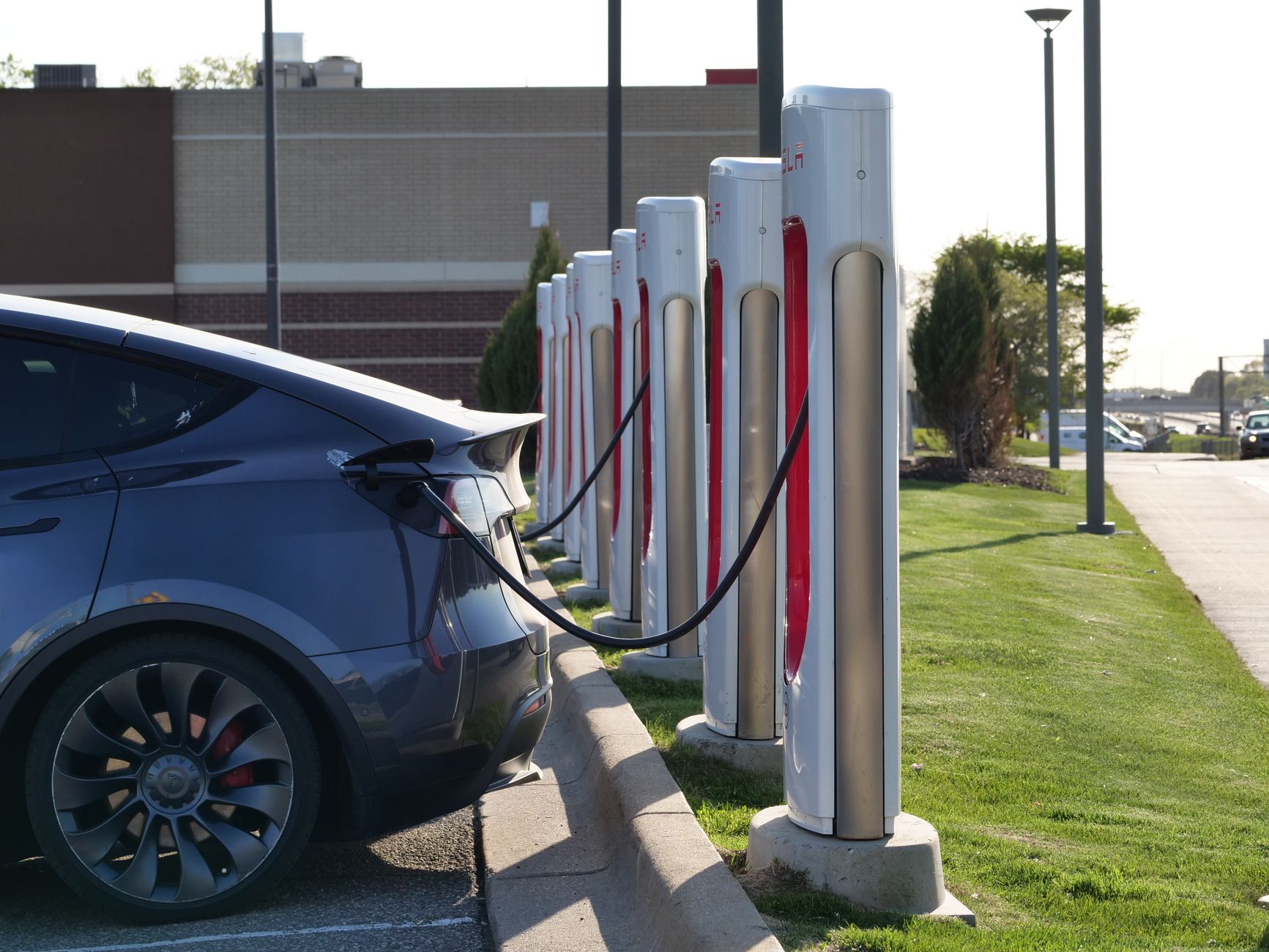
    The Supercharger network kept expanding. Tesla ended the quarter with 8,704 stations and 82,357 connectors, up 18% and 17% year over year, with more than 2,400 net new stalls added in the quarter alone. That’s the network you actually rely on for road trips, and it’s still growing faster than the vehicle lineup itself.

    Service got more profitable, not less. Tesla’s Services and Other segment — which covers repairs, parts, and used-vehicle sales — posted record quarterly profitability, with gross margin reaching 14%. A service business that makes money is generally a good sign for parts availability and appointment capacity, since it gives Tesla less reason to treat service as a cost center.

    FSD and Robotaxi kept scaling. Active FSD subscriptions reached 1.48 million, up 56% year over year, and Tesla’s Robotaxi service expanded to seven U.S. metro areas, including new unsupervised launches in Miami, Orlando, and Tampa in July.

    The profit miss traced mainly to two things that don’t touch the ownership experience directly: a collapse in regulatory credit revenue, down to $146 million from $439 million a year earlier following the federal EV tax credit’s expiration, and the capex surge funding Tesla’s AI and robotics push. Whether that spending pays off is a question for investors. For owners, the more relevant facts in this report are the ones about the charging network and the service department you’ll actually use.

    Photo by Giant Asparagus.

  • Mud flaps for your Tesla: do you need them, and how to pick a set that fits.

    Mud flaps for your Tesla: do you need them, and how to pick a set that fits.

    Tesla’s Model 3 and Model Y sit lower than most crossovers and sedans, and their smooth, panel-gap-minimized bodywork shows road grime more visibly than a typical car. Mud flaps, also sold as splash guards, mount behind each wheel well and block the spray of water, gravel, and road salt that your tires kick up, keeping it off the rocker panels, lower doors, and paint behind the wheels.

    Most Tesla-specific sets, like the EVANNEX mud flaps for Model 3 and BASENOR’s set for Model Y, are designed to use the factory bolt holes already in the fender liner, so installation doesn’t require drilling into the body. That’s worth checking before you buy: a flap designed for the wrong hole pattern either won’t mount cleanly or needs tape, which holds up worse over time and in cold weather.

    Fitment is the detail that trips people up. Tesla has changed the fender and bumper design more than once, the 2024+ Model 3 “Highland” refresh and the 2025+ Model Y “Juniper” refresh both moved mounting points compared to earlier model years, so a set built for an older Model Y won’t necessarily bolt onto a current one without modification. Confirm your exact model year against the listing’s fitment chart before ordering, not just the model name.

    Whether you need them depends on where you live and drive. On dry, well-maintained roads, they’re a cosmetic nice-to-have. If you deal with gravel roads, road salt in winter, or heavy rain, they’re a cheap way, most sets run well under $50, to protect paint and cut down on the grime you’re wiping off before every wash.

    Photo by Riku Keto.

  • Why your Tesla charges fast to 80% and crawls to 100%.

    Why your Tesla charges fast to 80% and crawls to 100%.

    If you’ve watched a Supercharging session, you’ve seen it: the kW number climbs fast at first, then drops off sharply somewhere past 80%. That’s not a problem with your car, it’s how every EV charging curve works. As InsideEVs explains, a battery naturally resists being pushed toward full charge, and both electrical resistance and heat buildup increase as the state of charge rises, so the vehicle’s battery management system throttles the current to keep temperatures in a safe range.

    Tesla confirms the same behavior directly. Tesla’s support page states that “charging speeds slow as the battery charges, so reaching 100% charge will typically take significantly longer than reaching 80%,” and notes that at high-use Superchargers, your car’s charge limit may be automatically capped at 80% to reduce congestion for other drivers waiting behind you.

    The practical takeaway differs for daily driving versus a road trip. At home overnight, the slow tail end costs you nothing, you’re asleep, and Level 2 home charging is already far slower than Supercharging, so the curve barely matters. On a road trip, it matters a lot. Charging from 10% to 80% might take roughly 25 to 30 minutes on a modern Tesla, but pushing from 80% to 100% at the same stop can take nearly as long as that entire first stretch.

    That’s why Tesla’s in-car navigation typically routes you to your next Supercharger with just enough charge to arrive, rather than filling to 100% at every stop. If you’re planning a multi-stop trip, it’s almost always faster overall to make an extra short stop at 80% than to sit through the slow final 20% once. Let the trip planner calculate the stops, it’s already accounting for this curve when it tells you how long to charge.

    Photo by Reinhard Bruckner.