Blog

  • Compare Tesla’s financing rate to a credit union loan before you sign.

    Compare Tesla’s financing rate to a credit union loan before you sign.

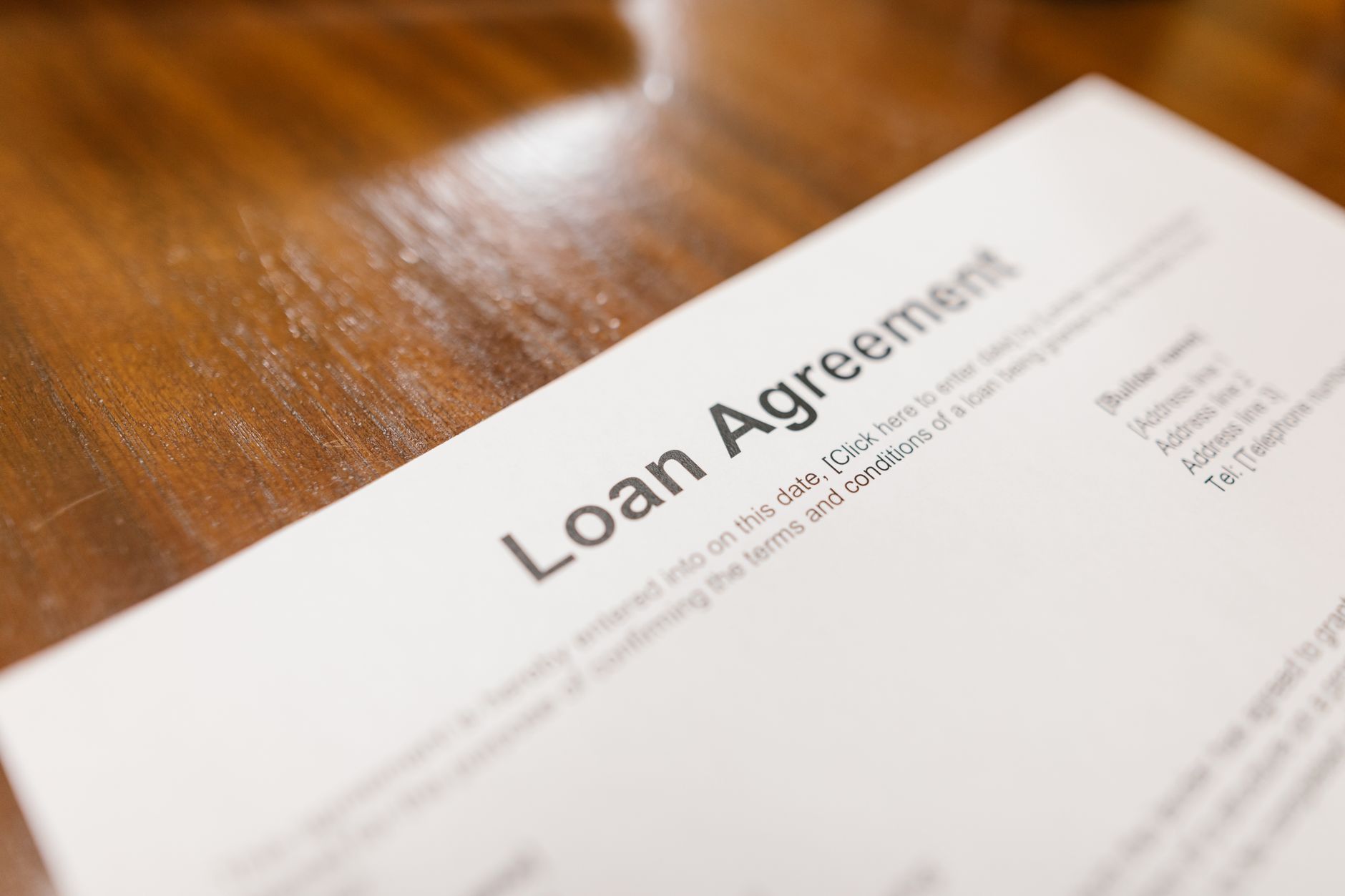
    Tesla advertises low promotional interest rates on its website, and as of October 2025, that meant 3.99% APR for 72 months on the 2026 Model S, Model X, and Model Y, provided you put down at least 3% of the purchase price. Skip the down payment and the rate rises to 4.99%. These offers move often, sometimes month to month, so the number Tesla shows you at checkout may not match what’s written here. Check Tesla’s own financing page for the current offer before you assume anything.

    The bigger question is whether that rate is actually good. Bankrate’s weekly survey put the average interest rate on a 60-month new-car loan at 6.96% as of July 22, 2026. Measured against that average, Tesla’s promotional rate is a real discount, if you qualify for it. Tesla’s advertised rates typically require strong credit, and the terms shift with each promotion cycle.

    A credit union loan is the other side of the comparison, and it’s worth getting a number before you walk into the financing conversation. Navy Federal Credit Union lists new-vehicle rates as low as 4.29% APR for 37-to-60-month terms and 4.59% for 61-to-72-month terms, as of July 24, 2026, for borrowers with strong credit histories. That’s higher than Tesla’s best promotional rate, but not dramatically so, and if you don’t qualify for Tesla’s top tier or don’t want to tie up cash in a down payment, a credit union pre-approval can end up cheaper overall.

    Rates vary by credit score, loan term, and lender, so the only reliable way to know which is cheaper for you is to get pre-approved by your bank or credit union before you order. Tesla lets you finance through outside lenders; it doesn’t require Tesla Financial Services. A pre-approval in hand gives you a real number to compare against whatever Tesla quotes at delivery, instead of guessing which one is the better deal.

    Photo by RDNE Stock project.
  • Model S vs. Model 3: which one actually fits you.

    Model S vs. Model 3: which one actually fits you.

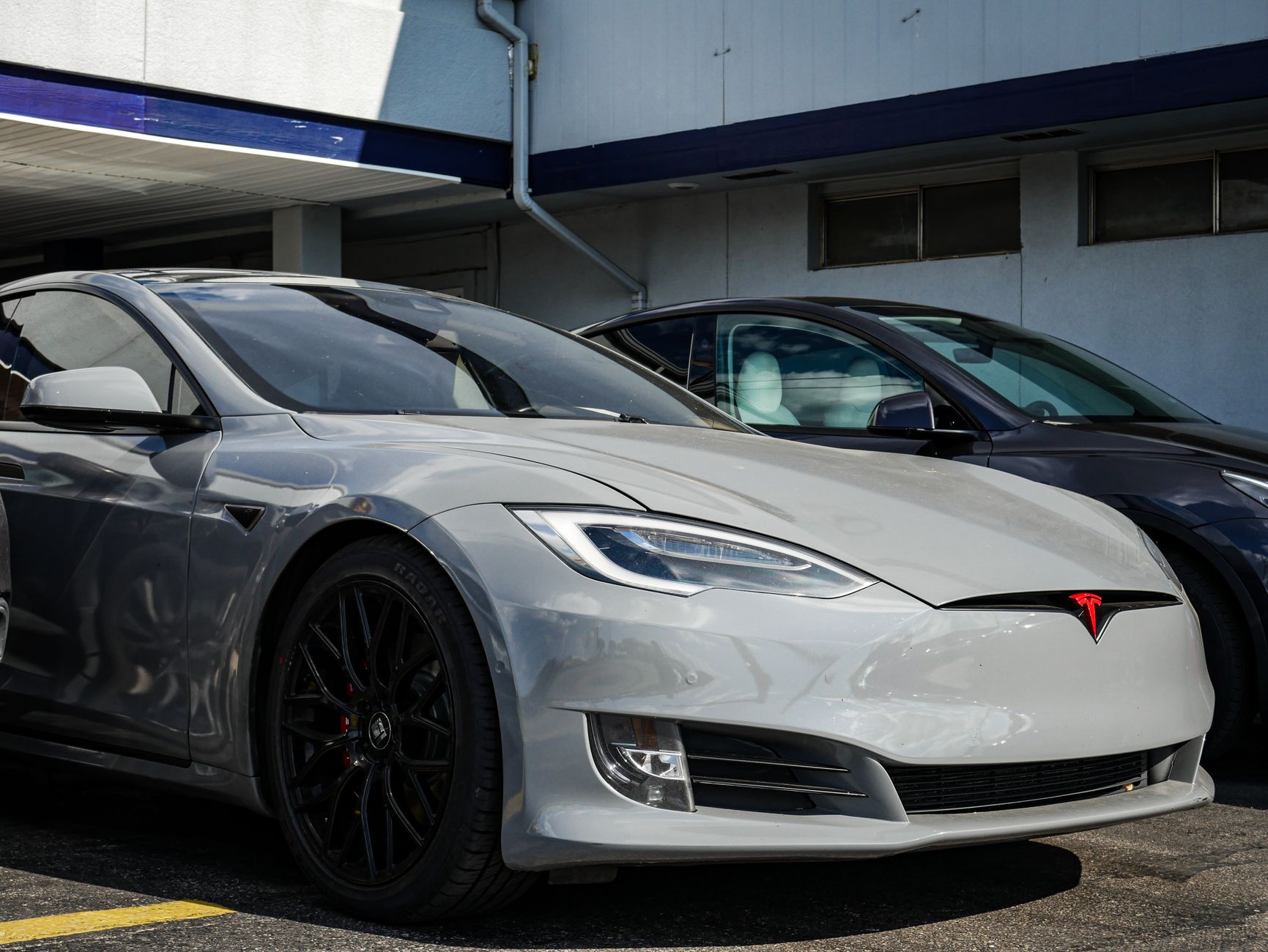
    The Model 3 and Model S sit at opposite ends of Tesla’s lineup: one is the brand’s entry-level sedan, the other its flagship. The price gap between them is over $55,000, so it’s worth being clear about what that money actually buys before you decide which one to order.

    Pricing and range

    Per Edmunds’ 2026 Model 3 pricing guide (prices include destination fee), the Model 3 starts at $38,380 for the Standard trim, rated for 321 miles of EPA-estimated range and a 5.8-second 0-60 mph time. Moving up, the Premium RWD ($43,880) actually gets more range than the Standard, at 363 miles, thanks to its wheel setup, while the Premium AWD ($48,880) trades a little range (346 miles) for all-wheel drive and quicker acceleration (4.2 seconds). The Performance trim tops the range at $56,380, with a 2.9-second 0-60 time and 309 miles of range.

    The Model S starts at $96,380 for the base Long Range trim, EPA-rated for 410 miles and a 3.1-second 0-60 time, which is quicker than every Model 3 trim except Performance. The Model S Plaid, at $111,380, adds a third motor and drops 0-60 to 2.3 seconds, with EPA range of 368 miles on its standard 19-inch wheels (309 miles on the optional 21-inch wheels).

    What the extra money buys, beyond the spec sheet

    The Model S’s biggest advantages over the Model 3 aren’t just numbers: it has more interior space, a longer wheelbase for a smoother ride, and a larger trunk plus a bigger frunk. It’s also Tesla’s most quiet and refined car on the highway. The Model 3, meanwhile, is the easier car to park, insure, and live with day to day for most first-time owners, and its Premium RWD trim actually beats the base Model S on range for well under half the price.

    Which one fits you

    If your budget is under $50,000 and you want the best range-per-dollar in Tesla’s lineup, the Model 3 Premium RWD is hard to beat. If acceleration matters more than anything else and cost isn’t the deciding factor, Model 3 Performance and Model S Plaid are both genuinely fast cars, with the Plaid’s 2.3-second 0-60 time in a different league from anything else Tesla sells. And if you want flagship interior space, ride quality, and features and the price doesn’t change your decision, the Model S is built for exactly that buyer, not for out-value-ing the Model 3.

    For most new Tesla owners weighing cost against features, the Model 3 remains the more practical starting point; the Model S is a deliberate upgrade for buyers who specifically want a larger, faster flagship sedan.

    Photo by HRK Gallery.

  • Why your Tesla delivery date keeps moving, and how to track it.

    Why your Tesla delivery date keeps moving, and how to track it.

    If the estimated delivery window on your Tesla order has shifted since you placed it, that’s normal, not a sign anything went wrong. Tesla is explicit about this on its own ordering support page: “Delivery timing estimates are subject to change.” The date you see isn’t a contractual promise, it’s a live estimate that moves as production and logistics move.

    According to Tesla, timing depends on “production, logistics and timely completion of your delivery tasks,” per its delivery day support page. In practice, that means a few things can push your date around: how fast your specific configuration is coming off the line, how far your vehicle has to travel to reach your delivery location, and how quickly you complete your own steps, like submitting insurance information and final payment.

    Where to actually check it

    Tesla is clear that the app, not an email you got weeks ago, is the source of truth: “The Tesla app will be the source of truth for updates regarding your delivery timing.” You can also see your current estimate in your Tesla Account online. If the app and an old confirmation email disagree, trust the app.

    What happens when your car is ready

    Once your vehicle reaches your delivery location, you’ll get a notification in the app to schedule your delivery appointment. That appointment is flexible: Tesla’s support page confirms you “can reschedule your appointment at any time from the Tesla app” if the timing doesn’t work for you. Before it’s finalized, you’ll need to submit your insurance details, final payment, and any required documents, and some states (Texas and Michigan among them) require payment before you can schedule the appointment at all.

    Changing your order can reset the clock

    If you’re tempted to tweak color, wheels, or trim while you wait, know that changes made before you have a VIN assigned can bump your place in line and push your date out further. If your priority is getting your car as soon as possible, it’s worth deciding on your configuration up front rather than adjusting it mid-wait.

    Bottom line: an estimate moving by a few days or weeks isn’t a red flag. Keep an eye on the Tesla app, respond promptly when it asks for insurance or payment details, and treat the appointment step, not the original estimate, as the date that actually matters.

    Photo by Kampus Production.

  • Tesla’s 2026 Summer Update: what actually changes in your car.

    Tesla’s 2026 Summer Update: what actually changes in your car.

    Tesla is rolling out its 2026 Summer Update, software build 2026.26, with the biggest changes centered on the in-car Grok voice assistant and navigation. The update is rolling out in waves and is expected to reach most vehicles by the end of July 2026, according to Not a Tesla App, which tracks official release notes.

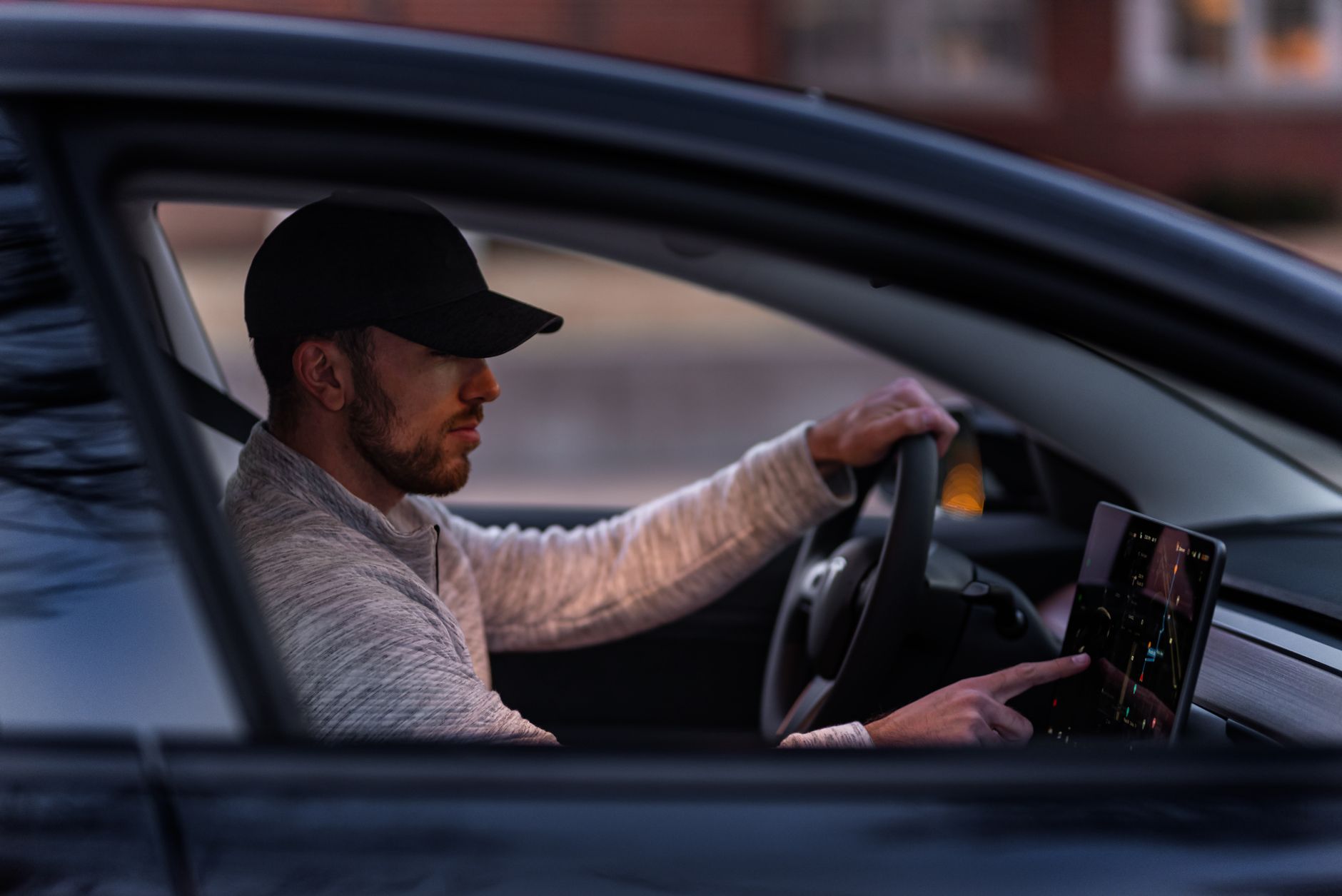
    Grok, the AI assistant Tesla introduced in 2025 as a chat feature, now handles real vehicle controls. You can ask it to place phone calls, search for and play specific songs, adjust the cabin temperature, or open the glovebox, all by voice, in addition to the navigation requests it already supported. Tesla says Grok is also expanding beyond the US, with Europe and parts of Asia next in line.

    Navigation gets smarter, too. Automatic Navigation already routed you home, to work, or to calendar events. With this update, it learns other places you go regularly, like a school drop-off on the way to work, and starts suggesting routes to them without you typing an address. It also starts favoring roads you’ve actually driven before over whatever route is technically fastest.

    What else is in the update

    • Self-driving stats in the app. If your car has FSD, a new section in the Tesla app shows your usage statistics, with an option to share them.
    • Vehicle wrap uploads. Owners with supported vehicles can upload a custom wrap design directly from the Tesla app instead of transferring files by USB.
    • Caraoke scoring. The in-car Caraoke feature now scores your performance while parked and saves high scores to your driver profile.
    • Supercharger search by name and the ability to add Apple Music tracks to your queue.

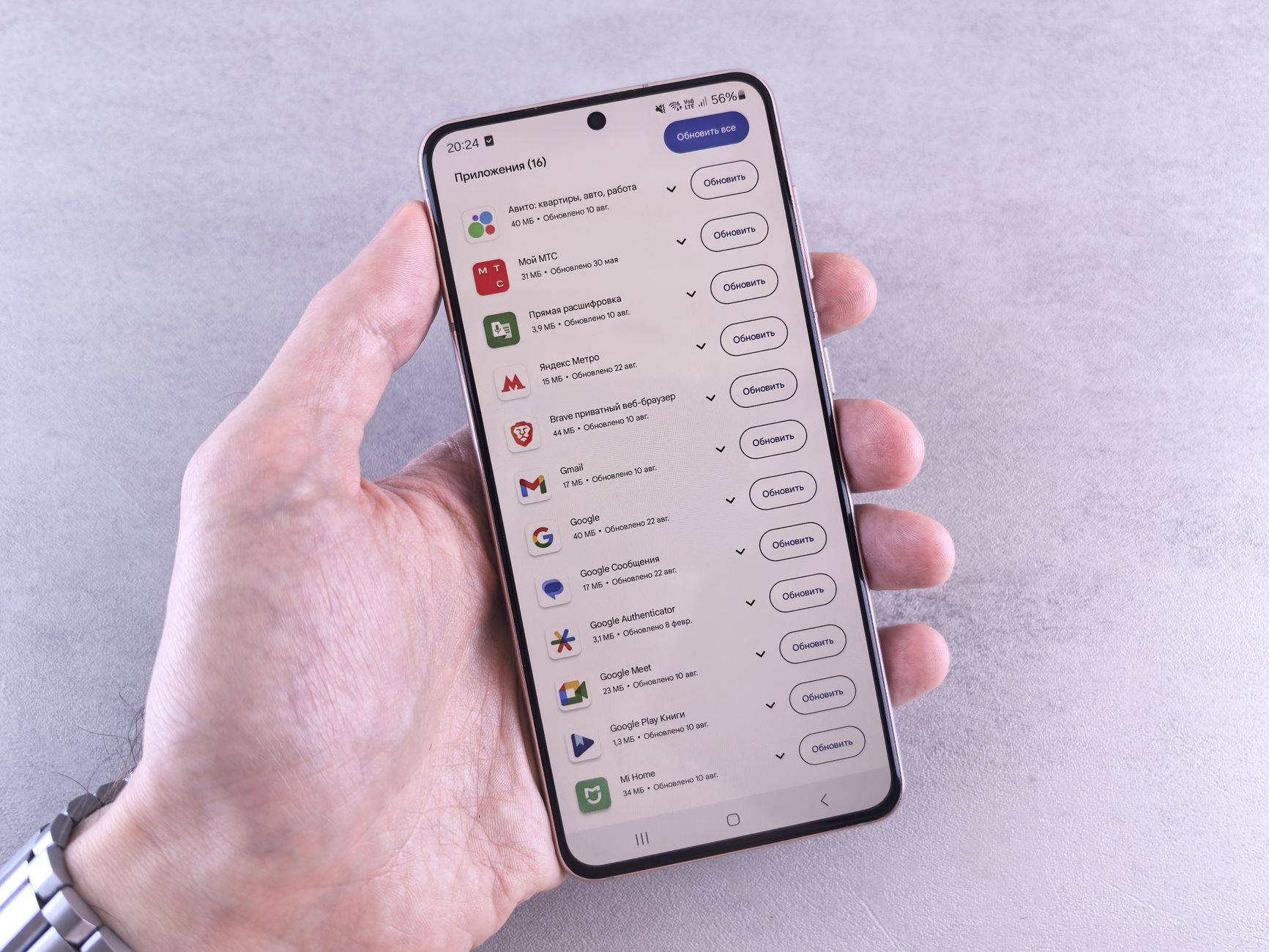
    None of this requires you to do anything. Updates install over the air, and Tesla typically notifies you in the app and on the car’s touchscreen when 2026.26 is ready to install on your specific vehicle. If you want to check now, look under Software in your car’s touchscreen settings, or the Software Update section of the Tesla app.

    As with past over-the-air updates, exact rollout timing varies by region, hardware, and vehicle configuration, so don’t be surprised if a neighbor with the same model gets it a few days before or after you do.

    Photo by Andrey Matveev.

  • Do you need an aftermarket wireless charger for your Tesla?

    Do you need an aftermarket wireless charger for your Tesla?

    Before you add a wireless phone charger to your Tesla accessories list, check whether your car already has one built in — for a lot of buyers, it does.

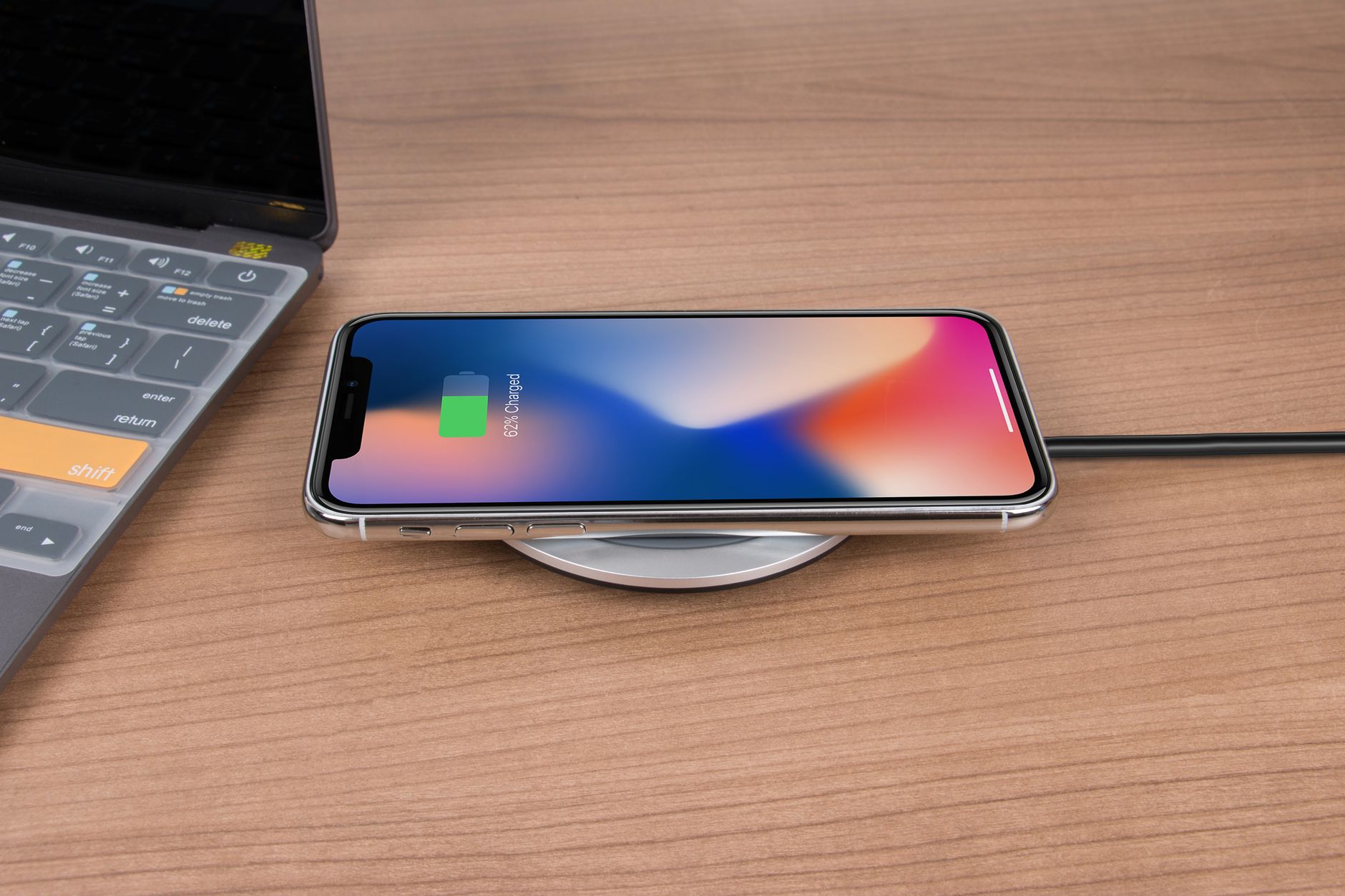
    Current Model 3 and Model Y both ship with a factory wireless charging pad in the center console. Tesla’s owner’s manual lists it as delivering up to 15W of power across two charging spots, enough to keep a Qi-enabled phone topped up on a normal drive. If your car has this pad, an aftermarket charger doesn’t add charging capability — it might only be worth it for a different mounting angle or a case that doesn’t sit flush on the factory pad.

    The catch is that not every Tesla has it. The 15W dual pad arrived with the redesigned Model 3 (Highland, starting late 2023) and Model Y (Juniper, starting 2025). Older Model 3 and Model Y builds, along with Model S and Model X, don’t have a factory pad in the same spot. For those cars, Tesla sells its own wireless charging dock as an accessory, which the company’s support page lists as providing up to 5W of power per phone across two docks — noticeably slower than the built-in pad on newer cars, but a straightforward, known-fit option if you don’t have one already.

    Whichever charger you’re using, the same rules apply: thin, non-metallic phone cases work best, and you should remove coins, keys, and any NFC cards — including your Tesla key card — before charging, since metal near the pad can cause damage or interfere with the charge.

    The short version: check your build date and console before you buy anything. If you already have the built-in pad, save your money for something else on the accessories list. If you don’t, Tesla’s own dock is a known-compatible option, though it’s worth weighing against your case and how many devices you actually need to charge at once.

    Photo by Rann Vijay.

  • What it actually costs to replace a Tesla battery.

    What it actually costs to replace a Tesla battery.

    Battery replacement cost is one of the first worries new Tesla shoppers bring up, and it’s worth separating the real numbers from the anxiety.

    Tesla’s warranty covers the battery and drive unit for 8 years, with a mileage limit that varies by model: 100,000 miles on rear-wheel-drive Model 3 and Model Y, 120,000 miles on their Premium and Performance trims, and 150,000 miles on Model S, Model X, and Cybertruck. Tesla guarantees a minimum of 70% battery capacity retention through that period — if your pack degrades below that threshold while under warranty, Tesla repairs or replaces it at no cost.

    Real-world data shows most owners never get close to that threshold. Recurrent’s analysis of thousands of Tesla Model 3 and Model Y batteries found the average pack retains more than 94% of its original range after three years and 40,000–50,000 miles, with degradation running roughly 1–2% per year after that. InsideEVs has documented individual Model 3s losing only about 12% of range at 200,000 miles — well short of the point where a battery would need replacing.

    That shows up in how rarely replacements actually happen: Recurrent puts the battery replacement rate for Model 3-era Teslas at around 2%, meaning the large majority of owners keep their original pack for the life of the car.

    If you do need a replacement outside the warranty window — from an accident, a defect that surfaces late, or genuinely heavy degradation — independent estimates put out-of-pocket costs around $12,000–$16,000 for Model 3 and Model Y, $13,000–$18,000 for Model S, and $11,000–$15,000 for Model X, varying by pack type and labor. Those figures explain why the warranty window matters, but they’re also a worst case that only a small share of owners will ever see.

    The practical takeaway: budget for a Tesla the way you’d budget for any car under warranty, and don’t let battery replacement cost drive your decision. The data says it’s an unlikely expense for most owners, not a routine one.

    Photo by Renee Razumov.

  • Charging your Tesla without a driveway.

    Charging your Tesla without a driveway.

    Not having a driveway or garage doesn’t rule out owning a Tesla, but it changes how you plan your charging. Here’s what actually works if you park on the street, in a shared lot, or in an apartment or condo garage.

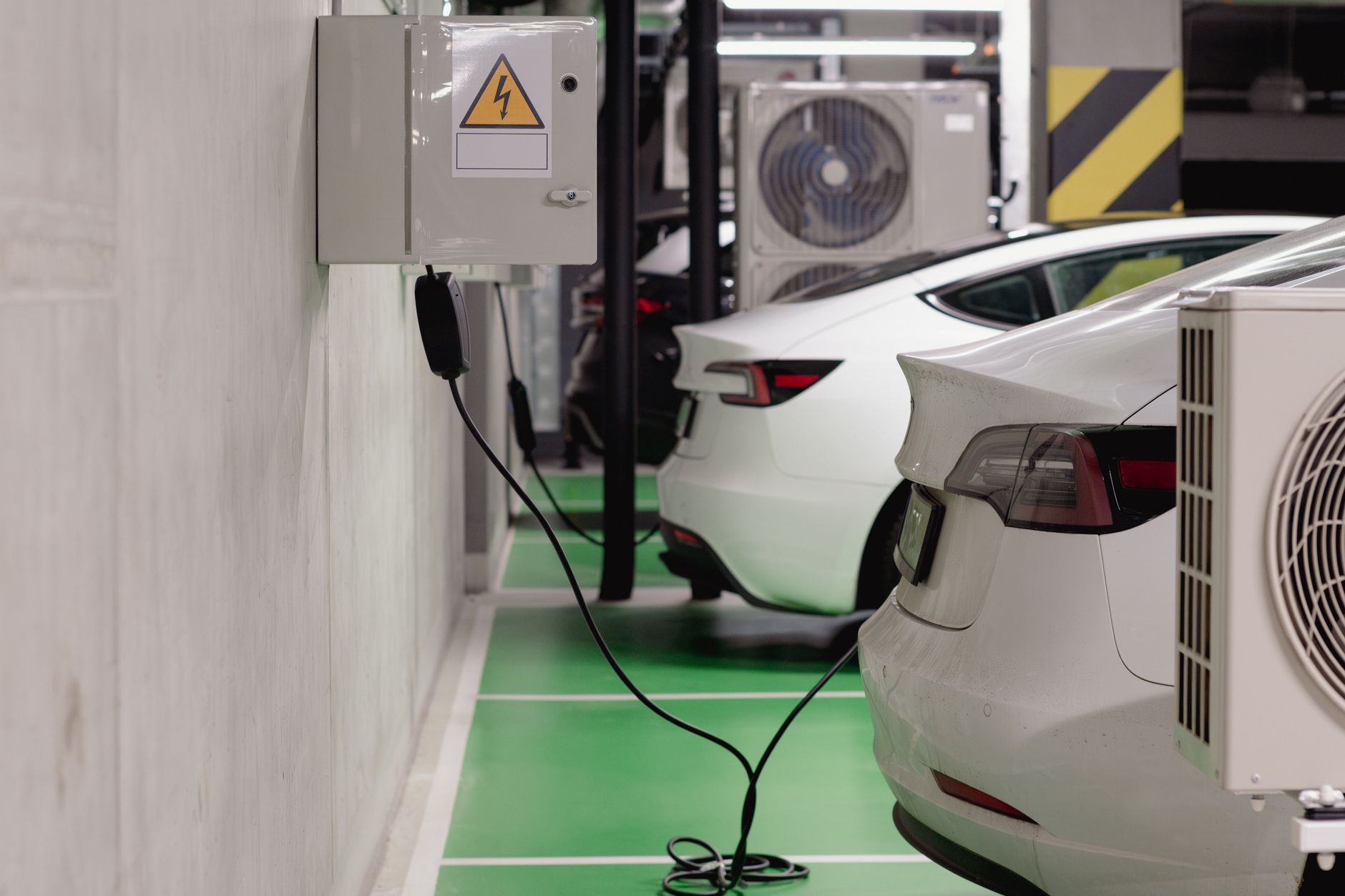
    Start by checking what your building already offers. Many apartment and condo communities already have EV charging installed in shared or assigned parking spaces, often through an agreement with the property manager or HOA. If yours doesn’t, ask about adding a shared Level 2 station — a building-installed charger is often the simplest long-term fix, since you charge overnight without leaving the property.

    If your building has no charging and no plan to add it, look at the outlet you do have access to. A standard 120V household outlet (Level 1) works with the mobile connector that comes with every Tesla, though it only adds a few miles of range per hour — enough to keep up with light daily driving, not enough to fill an empty battery overnight.

    Public Level 2 charging fills the gap for most apartment dwellers. It adds up to 37 miles of range per hour, which is plenty if you plug in while at work, shopping, or out for dinner. The Tesla app and in-car map show nearby stations, both Tesla and third-party.

    Superchargers cover everything else: road trips and the days you need a fast top-up with no other option. They add range far faster than Level 2, but cost more per mile than home charging, so they work best as a backup rather than an everyday routine.

    A workable routine for most renters combines two of these: a public Level 2 charger near work or a regular errand stop, plus occasional Supercharger visits when you’re running low. Before you commit to a Tesla without home charging, map out where you’d actually plug in on a normal week — a charger a five-minute walk from your building beats a great deal on paper if it turns charging into a chore.

    Photo by Jakub Zerdzicki.

  • Which Tesla has the longest range? Compare the current lineup.

    Which Tesla has the longest range? Compare the current lineup.

    If range is your top priority, the model you pick matters less than the trim and wheels you choose within it. Here’s how EPA-estimated range compares across the Teslas you can actually order today.

    The three models you can order new

    Model 3 tops out at 363 miles on the Premium Rear-Wheel Drive trim, dropping to 346 miles on Premium All-Wheel Drive with 18-inch wheels, according to Edmunds’ 2026 Model 3 pricing guide. The Performance trim trades range for speed.

    Model Y’s longest-range configuration is the Premium Rear-Wheel Drive trim at 357 miles, per Cars.com’s Model Y range breakdown. The Standard RWD trim is rated at 321 miles, Premium All-Wheel Drive at 327 miles, and the Performance trim at 306 miles — the largest range give-up of any Model Y trim, in exchange for a 3.3-second 0-60 time.

    Cybertruck is rated at 325 miles for both the base and Premium all-wheel-drive versions, and 320 miles for the tri-motor Cyberbeast, all on a shared 123-kWh battery pack, according to Cars.com’s Cybertruck pricing and specs guide.

    Model S and Model X still lead on paper, but you can’t order one new

    Model S remains Tesla’s longest-range vehicle at up to 410 miles, and Model X is rated up to 352 miles, per Cars.com’s Model S research page. Neither is a live option for a new order, though: Tesla ended Model S and Model X production in April 2026 and pulled the online configurator for both, according to Electrek, which reported only around 600 units remained in global inventory at the time. If you want one of these two, your only path is whatever pre-built inventory a Tesla store or the website still lists — not a custom order.

    What actually moves the needle

    Within any model, two choices cost you the most range: bigger wheels and all-wheel drive. Larger wheels create more aerodynamic drag and rolling resistance, which is why Model 3 loses range moving from its smallest wheel option to Performance’s 20-inch wheels, and why Model Y’s AWD trims consistently rate lower than their rear-wheel-drive counterparts. If maximum range matters more to you than all-wheel traction or the fastest 0-60 time, the rear-wheel-drive, smallest-wheel trim of whichever model you’re considering will get you the most miles per charge on paper.

    Remember that EPA figures are a comparison tool, not a guarantee. Cold weather, highway speeds, cargo, and driving style all pull real-world range below the sticker number, sometimes significantly in winter.

    Photo by Mihaela David.

  • What happens to your title and plates after your Tesla arrives.

    What happens to your title and plates after your Tesla arrives.

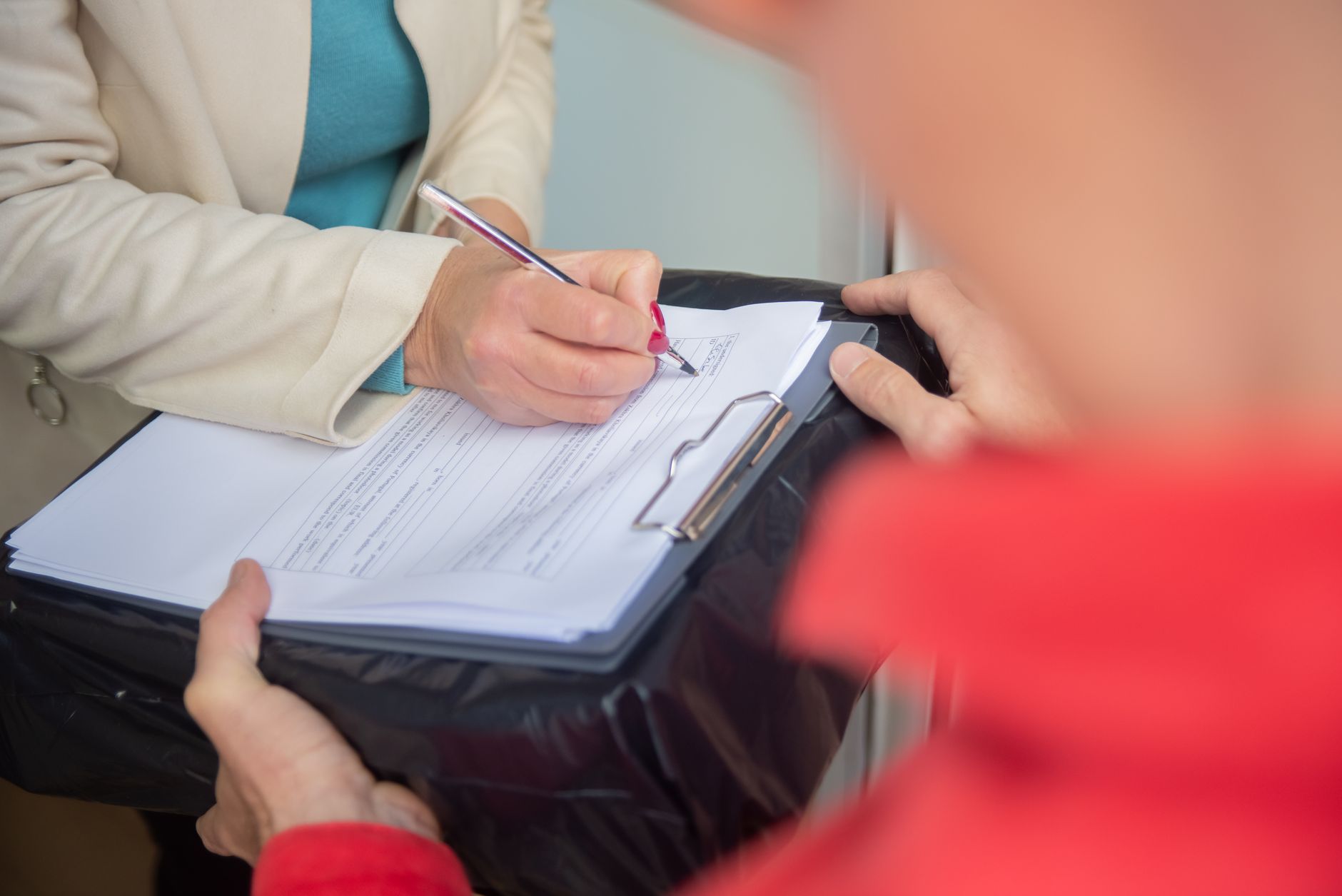
    Taking delivery of a Tesla doesn’t mean you drive away with permanent plates. In most states, Tesla starts your title and registration paperwork once delivery is complete and payment has cleared, and what happens next depends heavily on where you live.

    Tesla’s role changes by state

    According to Tesla’s registration support page, the process varies by state of registration. In some states, Tesla completes registration for you during your delivery appointment and the state DMV mails your title directly. In others, Tesla mails you a self-registration packet and you finish the process at your local DMV yourself. A third group has Tesla complete registration and later mail you your plates once the state has processed everything. There’s no single national process — the same order, placed in two different states, can play out on two very different timelines.

    Tesla’s after-taking-delivery support page confirms this directly: registration requirements and steps differ by state, and Tesla directs owners to state-specific guidance rather than a single universal timeline.

    Your temporary tag has an expiration date

    While permanent plates or your title are in process, you’ll typically drive on a temporary registration permit, often a paper tag taped inside your rear window or windshield. How long that permit lasts is set by your state, not Tesla, and it varies more than you’d expect. Texas issues a 30-day permit, per the Texas DMV. New York’s in-transit permits are also valid for 30 days, according to the New York DMV. Oregon allows up to 90 consecutive days, per Oregon’s temporary registration rule. If your permit is close to expiring and your plates haven’t shown up, contact your state DMV before you drive on an expired tag — don’t assume Tesla will automatically extend it.

    If it’s taking longer than expected

    Because title and plate timelines depend on state DMV processing as much as on Tesla, delays happen. If weeks have passed with no update, Tesla’s support line has a dedicated path for delivery paperwork questions: call (888) 518-3752 and follow the prompts for vehicles and new deliveries. Keep a copy of your delivery paperwork and any temporary permit documentation until your permanent plates and title are confirmed — you may need it if your permit needs to be reissued or extended while the state finishes processing your car.

    Photo by Mikhail Nilov.

  • Tesla’s FSD v14 Lite is moving toward wide release for older-hardware cars.

    Tesla’s FSD v14 Lite is moving toward wide release for older-hardware cars.

    Tesla has started testing a new build of FSD v14 Lite, the version of its driver-assistance software built for cars with the older Hardware 3 (HW3, also called AI3) computer, and the executive who leads Tesla’s AI team says it could be the one that reaches every eligible car. Software version 2026.20.6.10 began rolling out on July 20, 2026, but only to a small early access group described as “mostly belonging to the influencer community,” according to Tesla Oracle’s review of the release.

    Tesla AI chief Ashok Elluswamy wrote on X that this build is “likely going to wide release,” as reported by Not a Tesla App. Tesla has not given a timeline for when the update will reach the full HW3 fleet, and as of this writing it is still limited to early testers.

    Why this matters if you have an older Tesla

    Hardware 3 shipped in Tesla vehicles before the company moved to its newer Hardware 4 computer, and HW3 cars can’t run the full-size FSD v14 that HW4 cars already have. Lite is a smaller model distilled from HW4’s version 14 so HW3 cars can keep gaining capability without a hardware swap, per Tesla’s release notes for 2026.20.6.10. According to Not a Tesla App, HW3 cars are also expected to be excluded from the next major version, FSD v15, which is built for unsupervised driving — making Lite the main path HW3 owners have to newer features for now.

    What changes in this build

    Tesla’s release notes and early tester accounts, summarized by Tesla Oracle, point to several practical changes:

    • Starting Self-Driving from Park no longer requires pressing and releasing the brake pedal to confirm.
    • New “Arrival Options” let you choose where the car pulls over — parking lot, street, driveway, garage, or curbside.
    • A new Self-Driving app in the app launcher tracks your subscription and activation status.
    • Testers describe smoother highway driving, with fewer unnecessary lane changes and better traffic-light behavior, along with new parking and reversing capability.

    Early testers told Tesla Oracle the update feels “so much safer” than the older v12.6.4 software most HW3 cars were still running, though they noted parking maneuvers still need work.

    What to do now

    If your Tesla has Hardware 3, there’s nothing to opt into yet — the early access group is small and Tesla hasn’t said when a broader rollout starts. Check your car’s software version under Controls > Software, and watch for an update in the coming weeks if you’re not already in the early access program. As with any FSD (Supervised) release, you’re still required to keep your hands on the wheel and attention on the road; the feature assists with driving, it doesn’t replace you.

    Photo by Leonardo Gonzalez.