Blog

  • Tesla Model X trims compared: which one should you buy?

    Tesla Model X trims compared: which one should you buy?

    Tesla stopped taking custom orders for the Model X in April 2026. Electrek reported that production of both the Model S and Model X had ended, with roughly 600 finished vehicles left in global inventory, and Tesla’s online configurator for either car was taken down. Within days, Not a Tesla App reported that new Model X units had effectively sold out in the U.S. That means most people shopping for a Model X today are looking at Tesla’s remaining leftover stock, a used one, or a certified pre-owned listing, not a build-to-order car. The trim differences below still matter for that decision.

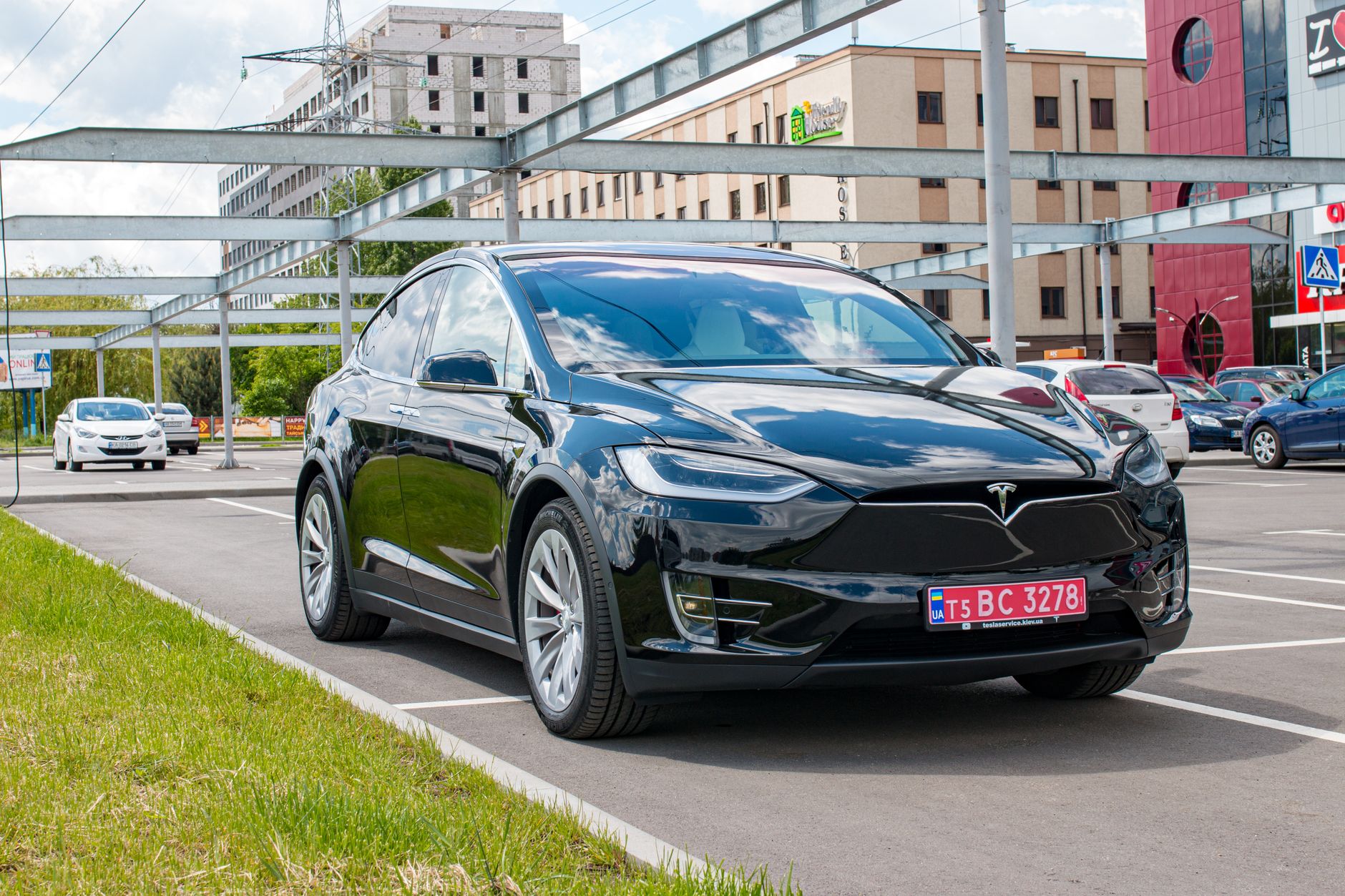
    Model X came in two trims: Model X (all-wheel drive) and Model X Plaid. Before Tesla wound down sales, the AWD trim started at $99,900 and Plaid started at $114,990, each including a bundled “Luxe Package” with Full Self-Driving (Supervised) and Supercharging credits, according to CarGurus’ 2026 Model X pricing breakdown. In April 2026, Tesla raised prices on the remaining inventory by $15,000 across the board, pushing AWD to $114,900 and Plaid to $129,900, per a July 2026-updated report. If you find a leftover new unit today, expect a price closer to the higher figure; a used one will vary by mileage and condition.

    Performance is where the two trims separate. The AWD trim uses two motors making about 670 horsepower, with an EPA-estimated range up to 352 miles, a 0-60 mph time of 3.8 seconds, and a 155 mph top speed, according to Cars.com’s 2026 Model X specs. Plaid adds a third motor for 1,020 horsepower total. That cuts 0-60 to 2.5 seconds and raises top speed to 163 mph, per Kelley Blue Book’s Plaid specs page, but range drops to an EPA-estimated 335 miles since the extra motor and hardware add weight.

    Seating is the other major decision. The AWD trim is available with 5, 6, or 7 seats: two rows for 5, or a third row for 6 (two second-row captain’s chairs) or 7 (a second-row bench), based on InsideEVs’ reporting on Model X seating configurations. Plaid is different: Tesla limited it to a single 6-seat layout, with dual second-row captain’s chairs and a third row, and has not brought back the 5- or 7-seat options for that trim, according to a separate Teslarati report. If you need to seat seven, the AWD trim is your only option.

    For most buyers, the AWD trim is the more sensible pick, even now. It covers long trips comfortably on a single charge, seats up to seven if you need the room, and costs meaningfully less than Plaid. Plaid is for buyers who specifically want supercar-level acceleration in an SUV body and are fine giving up seating flexibility and some range to get it. Neither trim is a car you can special-order anymore, so the practical question is less “which trim should Tesla build me” and more “which trim is the specific used or leftover unit I’m looking at, and does its price reflect that.” Whichever you’re considering, use the AWD-versus-Plaid gap above — roughly $15,000 to $30,000 depending on when it was built, a 1.3-second quicker 0-60, and a seating cap of six instead of seven — to judge whether the asking price makes sense.

    Photo by Borys Zaitsev.

    Photo by Borys Zaitsev.
  • NTSB releases preliminary report on fatal Katy, Texas Tesla crash

    NTSB releases preliminary report on fatal Katy, Texas Tesla crash

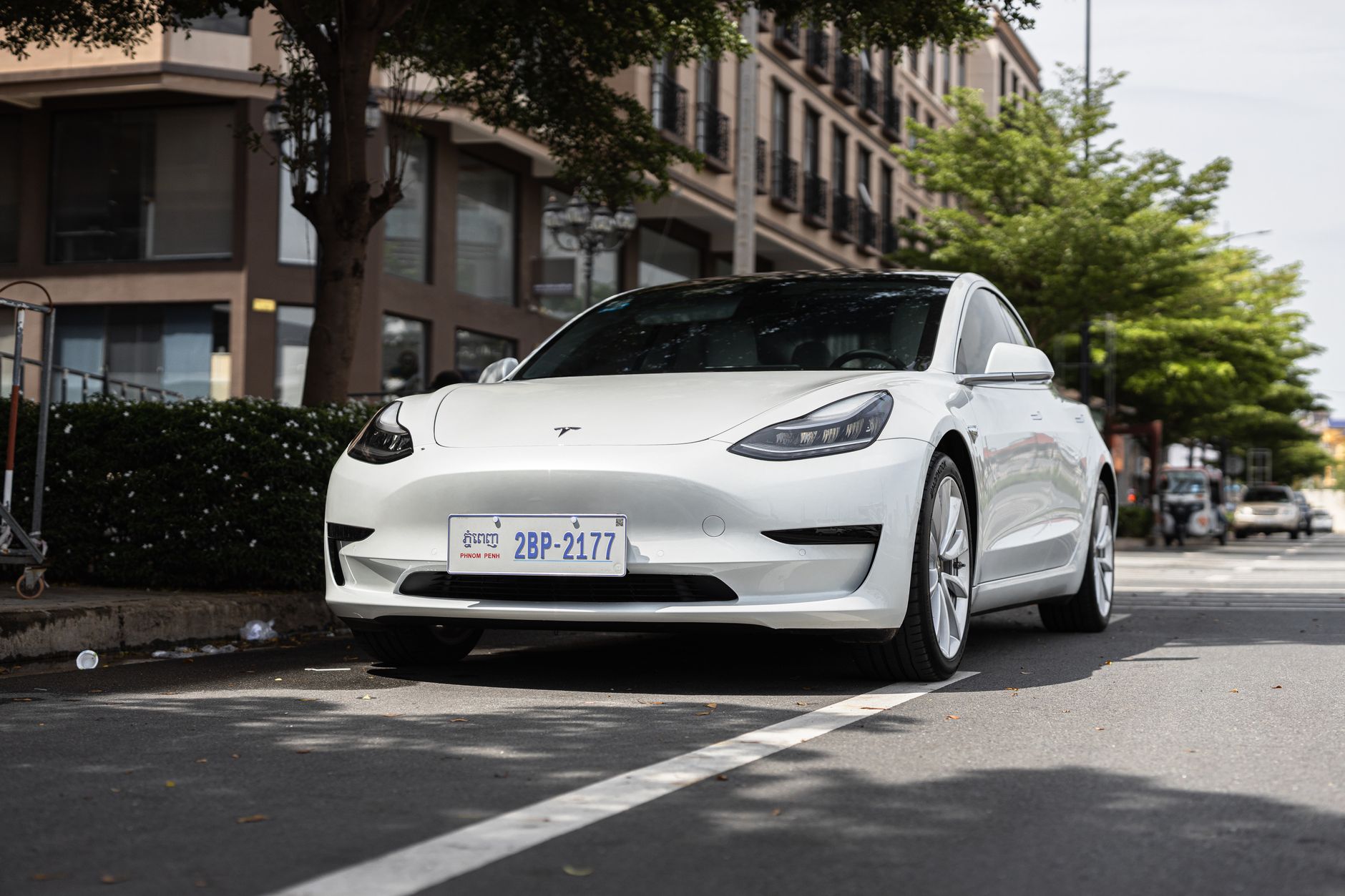
    The National Transportation Safety Board has released a preliminary report on a fatal crash involving a Tesla Model 3 in Katy, Texas, and the findings center on how the vehicle’s Full Self-Driving (Supervised) system was being used in the moments before impact.

    According to the NTSB’s investigation summary, the crash occurred on June 19, 2026, on Rose Hollow Lane, a residential street with a 30 mph speed limit. A 2025 Tesla Model 3, occupied only by its driver, left the roadway, partially entered a driveway, and struck a house, causing one fatality. The NTSB states that electronic data recovered from the vehicle showed the driver “manually overrode FSD (Supervised) by pressing the accelerator pedal to 100%,” and that the car’s speed exceeded 70 mph at the time of the crash.

    The agency’s report is explicitly preliminary. Under NTSB procedure, a preliminary report lists the facts gathered so far without assigning cause; that determination comes only in a later final report, which can take a year or more to complete. The NTSB says all aspects of this crash remain under review as the investigation continues. Separately, the National Highway Traffic Safety Administration has opened its own review of the incident, according to CNBC, as part of the agency’s ongoing oversight of Tesla’s driver-assistance systems.

    For current owners, the report itself is narrow: it describes a data point about accelerator-pedal input, not a finding about how FSD (Supervised) performed as a system. Tesla classifies FSD (Supervised) as a driver-assistance feature, not an autonomous one, and its own documentation states the driver must remain attentive and ready to control the vehicle at all times. The NTSB investigation is still open, and the agency has said its final report — including any probable-cause determination and safety recommendations — will follow at a later date.

    Photo by I’m Zion.

  • Do You Need a Roof Rack for Your Tesla? A Summer Buyer’s Guide

    Do You Need a Roof Rack for Your Tesla? A Summer Buyer’s Guide

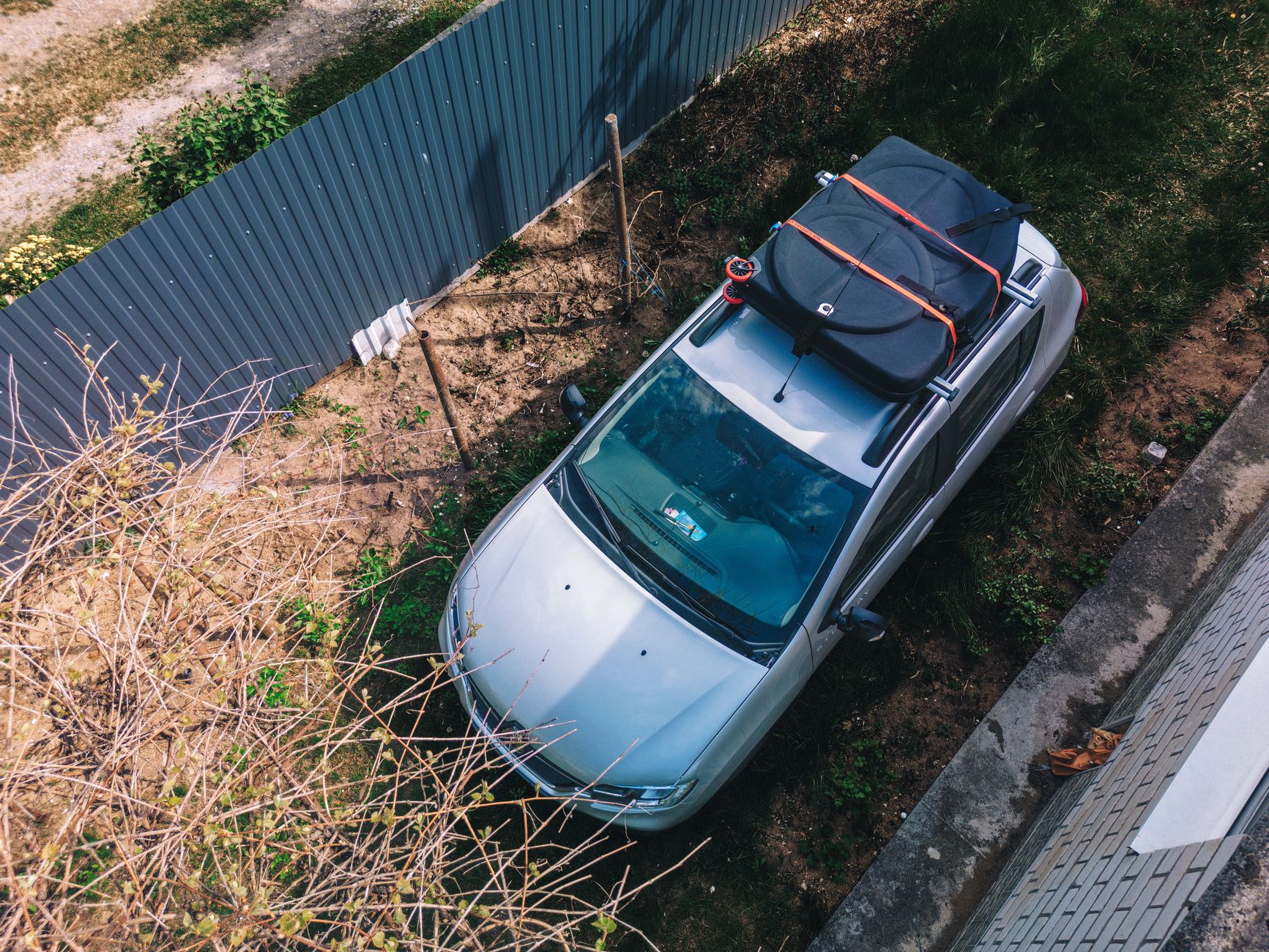
    Bikes, kayaks, and rooftop cargo boxes are summer staples, but a Tesla’s roof isn’t built like a traditional car roof. Model 3 and Model Y both use a one-piece panoramic glass roof with no rain gutters or factory rails, so before you strap anything to the top of your car, it’s worth knowing what your options actually are.

    Do you actually need one? If you occasionally haul a couple of soft bike bags or a small overflow bag, you may be fine using the trunk and frunk instead. But if you regularly carry bikes, skis, kayaks, or a cargo box for road trips, a roof rack is the safer and more practical choice than overloading the interior.

    Why clamp-on racks are the wrong move. Because Tesla’s glass roof has no rails or gutters to grip, generic clamp-on crossbar systems that grab the door frame or roof edge aren’t a good fit. Tesla’s own owner’s manual states that Model Y “supports the use of Tesla-approved roof racks using a Tesla mounting accessory,” and warns that failing to use an approved system “can cause significant damage” to the roof. In practice, that means you want a rack designed specifically for your Tesla’s roofline, not a universal clamp-on set built for a different vehicle.

    Your two real options. Tesla sells factory racks for both cars: the Model 3 Roof Rack runs $400 and is rated for a 150-lb dynamic load, with a 495-lb static load limit when the car is parked. The Model Y Roof Rack runs $500 with a 165-lb load rating. Both are listed as compatible with all trims of their respective models. The aftermarket alternative is a system built for Tesla’s bare-roof profile, like Yakima’s BaseLine system for Model 3, which is designed for cars “without factory roof rails, fix points or rain gutters” and runs around $605 as configured, with a comparable 165-lb load rating. Model Y aftermarket options are more limited since most third-party systems are built around either factory rails or dedicated fixed points that Tesla doesn’t publish for every trim.

    What to check before you buy:

    Load rating. Don’t exceed the rack’s stated dynamic limit (150-165 lbs depending on model), and remember that number includes the rack itself plus whatever you mount to it — bikes, a cargo box, and cargo hardware all count toward the total.

    Model and roof compatibility. Confirm the rack is listed for your specific model and glass-roof configuration; a rack built for a different vehicle’s rails won’t transfer safely.

    Static vs. dynamic limits. The dynamic rating applies while driving; a parked car can generally hold more, but don’t treat that as a driving limit.

    Installation. Factory racks bolt into Tesla’s designed mounting points and are the simplest way to stay within the manufacturer’s warranty guidance.

    For most Tesla owners who haul gear only a few times a year, a factory-fit rack sized to your actual cargo — bikes, a box, or a kayak — is the straightforward call. Skip anything marketed as a universal clamp-on fit; on a glass roof, it’s not worth the risk.

    Photo by Siarhei Nester.

  • Tesla Supercharger Idle Fees: What They Cost and How to Avoid Them

    Tesla Supercharger Idle Fees: What They Cost and How to Avoid Them

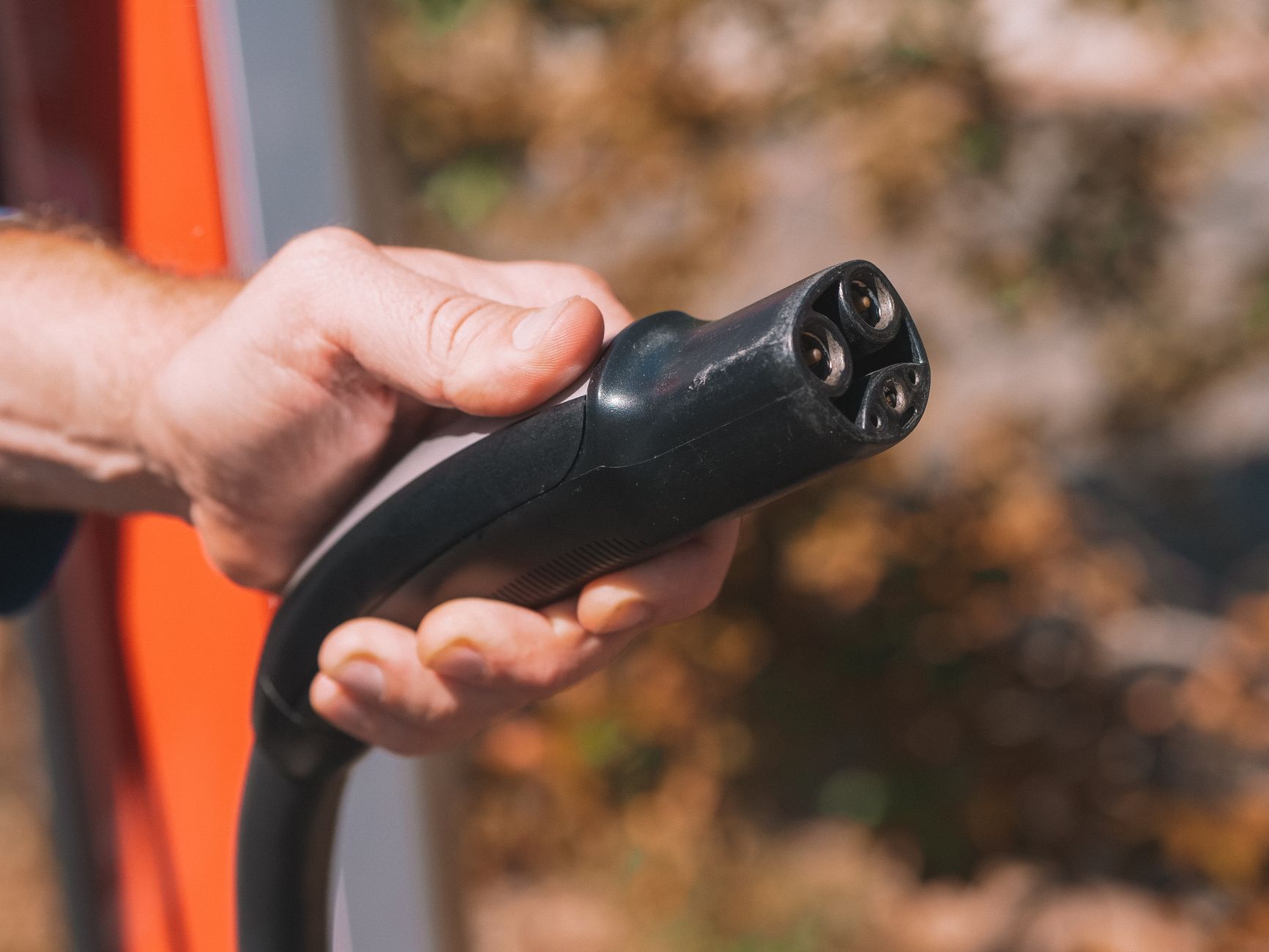
    If you leave your Tesla plugged in at a Supercharger after it’s done charging, you can get charged for the time you sit there. Tesla now calls this a congestion fee, though most owners still know it by its older name, the idle fee. Here’s when it applies, what it costs, and how to make sure it never shows up on your bill.

    According to Tesla’s own support page, a congestion fee applies only when a Supercharger site is busy and one of two things is true: your battery is already at or above 80%, or your charging session has already ended. In other words, you generally will not be charged just for stopping to charge during a slow, uncrowded visit. The fee exists specifically to keep stalls open at busy locations.

    You are not charged the instant your session ends or your battery crosses 80%. Tesla gives you a five-minute grace period to disconnect your vehicle and leave before fees start. If you unplug and pull out within that window, you pay nothing extra.

    As for cost, Tesla publishes a per-minute rate by country on its fee page, and as of this writing the listed rate for the United States is $0.50 per minute. Rates differ outside the U.S. because Tesla lists them by local currency, so if you’re charging abroad, check the same page for the number that applies where you are. Tesla’s page doesn’t spell out a higher tier for when a station is completely full, though some third-party pricing trackers have reported rates reaching roughly $1.00 per minute at fully occupied stations as of June 2026. Since Tesla doesn’t confirm that tier on its own site, treat it as a possibility rather than a guarantee, and use the app to see the exact rate at your specific stall before you assume anything.

    How you’ll know a fee applies

    You don’t have to guess. Tesla says you’ll be notified on the vehicle touchscreen and in the Tesla app if congestion fee conditions are met, and you can check the battery threshold where fees kick in in both places as well. Once you unplug, whatever you owe is billed automatically to the payment method saved in your Tesla app, the same way your charging session itself is paid for.

    How to avoid the fee entirely

    • Treat the charging-complete notification as a real alert, not a suggestion. Head back to your car within five minutes of your session ending or your battery hitting 80% if the station looks busy.
    • At quieter Superchargers with open stalls, this generally isn’t something to worry about, since the fee is tied to the site being busy in the first place.
    • If you know you’ll be away from the car, don’t start a Supercharging session you can’t return to promptly. Consider topping off at your next stop instead.
    • Charging past 80% at a crowded Supercharger is the situation most likely to trigger a fee, so if you’re on a road trip and the stalls are full, charging to what you need for the next leg rather than to 100% keeps you clear of it.

    The short version: idle, or congestion, fees are Tesla’s way of keeping Supercharger stalls moving at busy locations. They’re avoidable in almost every case just by watching your phone or the car’s screen and moving your car once you’re done.

    Photo by Kindel Media.

  • What Tesla’s Warranty Covers, and For How Long

    What Tesla’s Warranty Covers, and For How Long

    Every new Tesla comes with several separate warranties, not one blanket policy. Knowing where each one starts and stops tells you which repairs Tesla pays for and which ones land on your credit card.

    The Basic Vehicle Limited Warranty runs 4 years or 50,000 miles, whichever comes first. It covers repair or replacement of parts that fail under normal use because of a defect in materials or workmanship. A related warranty covers the airbags and seatbelts: the Supplemental Restraint System is covered for 5 years or 60,000 miles.

    The battery and drive unit have their own, longer warranty, and the terms depend on the model. Model S, Model X, and Cybertruck are covered for 8 years or 150,000 miles. Model 3 RWD and Model Y RWD/AWD are covered for 8 years or 100,000 miles, while Model 3 and Model Y Premium and Performance variants get 8 years or 120,000 miles. Across every model, Tesla guarantees the battery retains a minimum of 70% of its capacity through that period — if it drops below that threshold before the warranty runs out, Tesla repairs or replaces it.

    Body rust is handled separately: rust perforation caused by a manufacturing defect is covered for 12 years with no mileage limit, for vehicles purchased after February 1, 2019. The touchscreen and Media Control Unit carry a shorter window — 2 years or 25,000 miles — under Tesla’s parts and paint warranty.

    None of this covers routine wear. Tesla’s warranty language specifically excludes the gradual loss of performance from normal wear and tear. In practice, that means tires, wheels, brake pads, wiper blades, cabin and HEPA filters, and routine services like alignments and fluid top-offs are the owner’s responsibility, even during the 4-year basic warranty period. Damage from an accident, misuse, or unauthorized repairs is also outside the warranty’s scope.

    If you’re buying used, the coverage doesn’t reset, but it doesn’t disappear either. Tesla’s warranty transfers to the next owner as long as the ownership change is processed properly in Tesla’s system, so a used Tesla still under its original battery or basic warranty carries that remaining time and mileage forward. When Tesla itself sells a used vehicle whose basic warranty has already expired, it typically adds a Pre-Owned Vehicle Limited Warranty of 1 year or 10,000 miles, and any remaining balance on the original battery and drive unit warranty still applies on top of that.

    The practical takeaway: for the first 4 years or 50,000 miles, most mechanical defects are Tesla’s problem, not yours. The battery and drive unit stay protected far longer. But tires, brakes, and routine maintenance are out-of-pocket from day one, warranty or not — so budget for those separately rather than assuming the warranty absorbs them.

    Photo by Gustavo Fring.

  • xAI rebrands to SpaceXAI. Grok keeps its name inside Tesla vehicles.

    xAI rebrands to SpaceXAI. Grok keeps its name inside Tesla vehicles.

    The company that makes Grok, the voice assistant available in Tesla vehicles, has a new corporate name. On July 6, 2026, xAI’s account on X switched its handle to @SpaceXAI and debuted a new logo showing the old xAI mark folding into the SpaceX brand, according to Engadget and Yahoo Finance. The move completes a corporate merger that had already taken effect months earlier.

    What actually changed

    SpaceX and xAI first combined on February 2, 2026, in an all-stock deal that SpaceX announced on its website and that CNBC reported valued the combined companies at about $1.25 trillion, with SpaceX itself valued near $1 trillion and xAI near $250 billion. Elon Musk followed up in May 2026 with a post on X stating that xAI would be “dissolved as a separate company, so it will just be SpaceXAI, the AI products from SpaceX.” The July 6 rebrand put that plan into visible effect by retiring the xAI name and logo. SpaceX separately completed a $75 billion initial public offering in June 2026, one of the largest on record, according to Yahoo Finance.

    Grok itself did not get a new name. The chatbot, its mobile apps, the SuperGrok subscription tier, and its developer API all continue to use the Grok brand — the rebrand applies to the parent company, not the product.

    What it means for Grok in Tesla vehicles

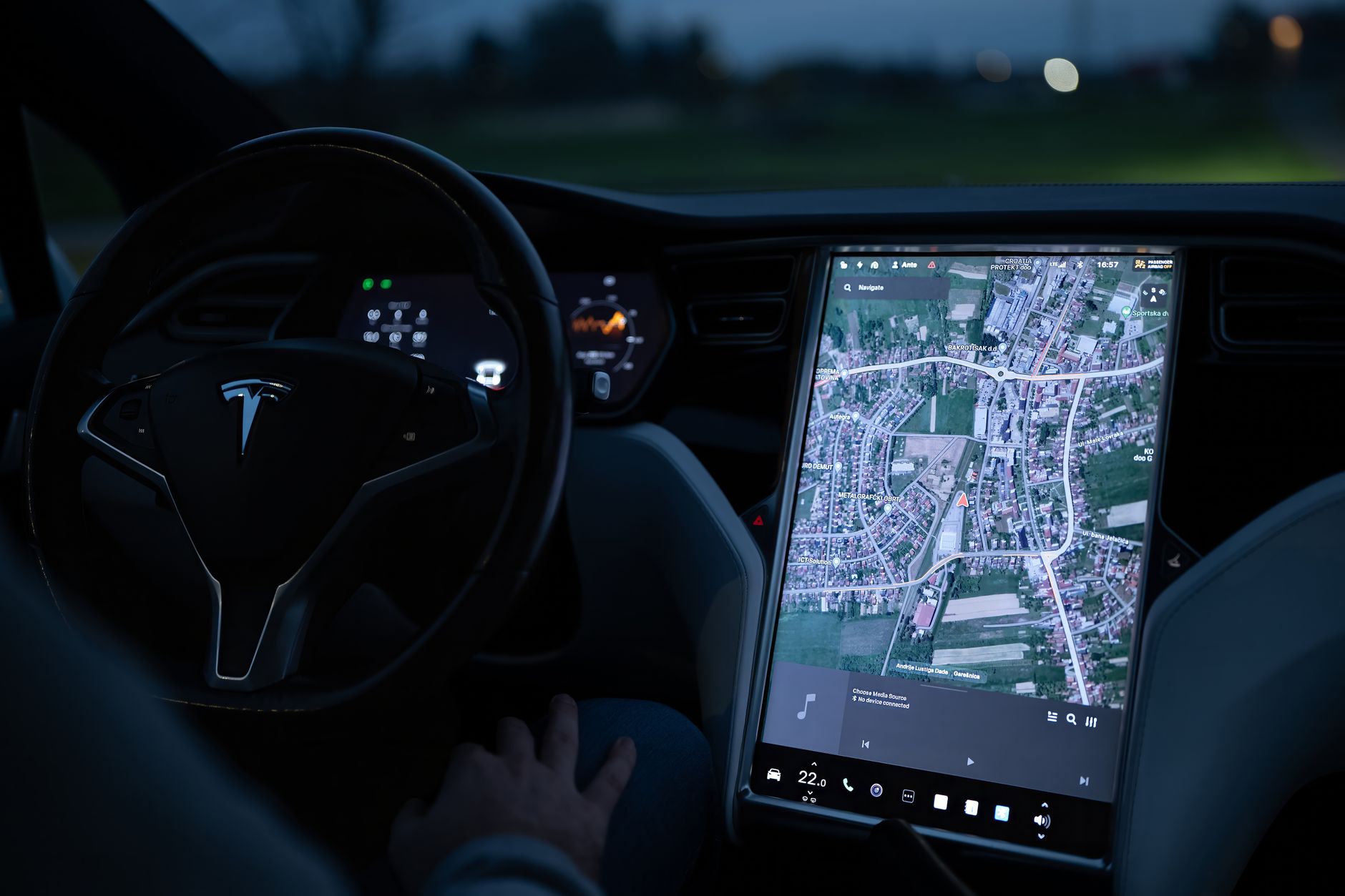
    Grok has been available as an in-car voice assistant on Tesla vehicles equipped with an AMD infotainment processor and running vehicle software version 2025.26 or later, covering the Model S, Model 3, Model X, Model Y, and Cybertruck, according to Tesla’s support page. Using it requires Premium Connectivity or a stable Wi-Fi connection, but no separate Grok account or subscription is currently required. Tesla says driver conversations with Grok are processed by the company behind the assistant under its privacy policy and are not linked to a specific vehicle or owner. The feature remains in beta and cannot control vehicle functions such as climate or media playback; a software version of 2025.44.25 or later is needed for Grok to handle navigation commands.

    As of July 15, 2026, neither Tesla nor SpaceXAI has published a statement describing any change to how Grok functions inside Tesla vehicles as a result of the corporate rebrand. The name change affects the parent company’s branding on X and in its own communications, not the Grok product Tesla owners interact with through the car’s touchscreen or steering-wheel microphone button.

    The two companies do have financial ties that predate the rebrand. Tesla disclosed a $2 billion investment in xAI’s Series E funding round in January 2026 and said the companies signed a framework agreement for evaluating future AI collaborations, according to TechCrunch. That investment carried over to SpaceX once the acquisition closed. Tesla has not announced any new product changes tied to the SpaceXAI name itself, so owners using Grok in their vehicles should not expect any functional difference from the rebrand alone.

    Photo by Vladimir Srajber.

  • Do you need a tow hitch for your Tesla? A summer buyer’s guide

    Do you need a tow hitch for your Tesla? A summer buyer’s guide

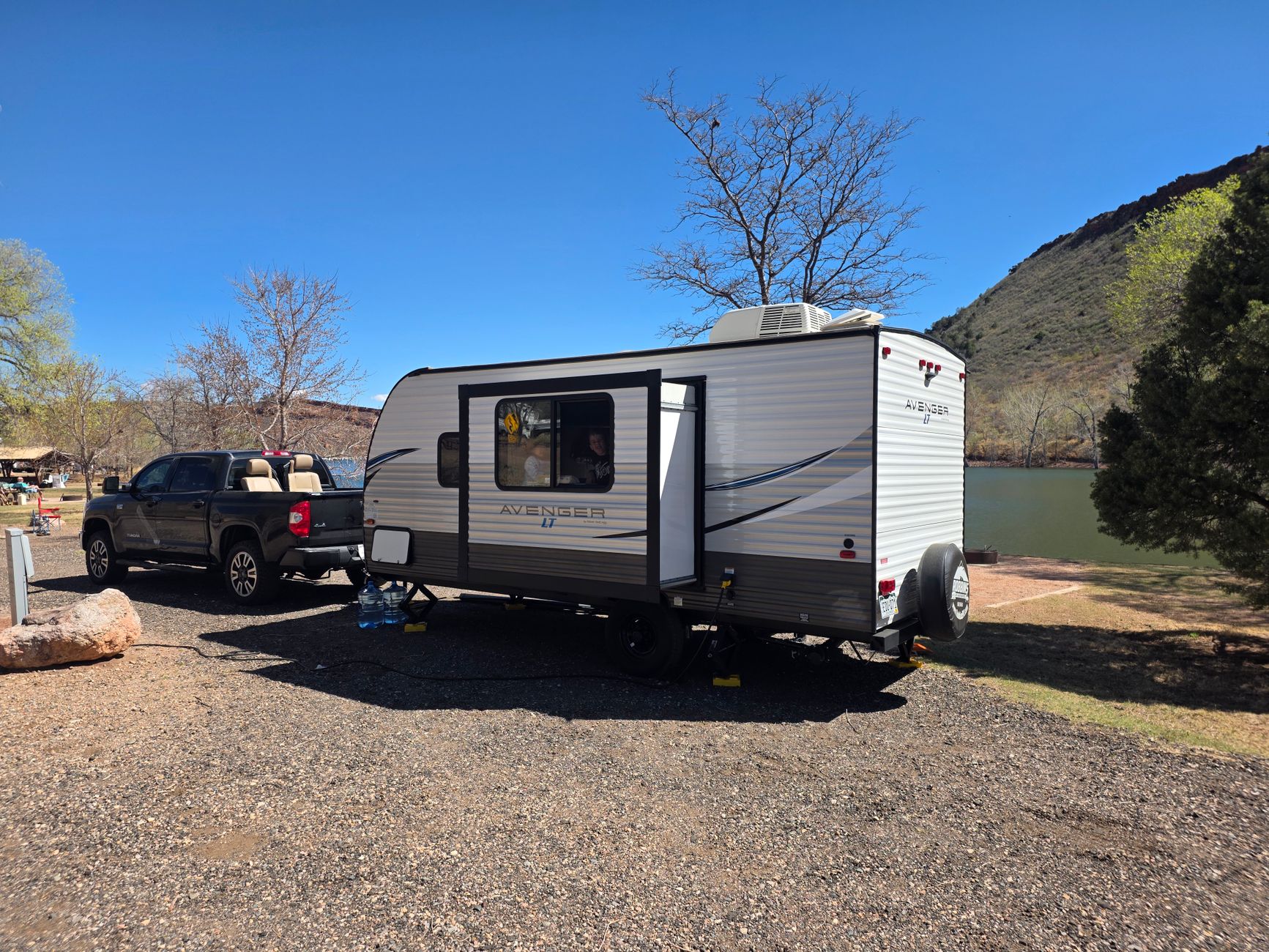
    If you are loading up bikes, a small trailer, or a camper for a summer road trip, you need a tow hitch first. Tesla sells factory tow packages for most of its lineup, and a hitch is also required for accessories like a bike rack, not just for pulling a trailer. Here is what each model supports, how much it can tow, what towing does to your range, and how to decide between Tesla’s own hitch and an aftermarket one.

    Which Tesla models offer a tow hitch

    Tesla sells an optional Model Y Tow Package for $1,300, which adds a steel tow bar with a 2-inch hitch receiver, a 7-pin trailer connector, a wiring harness, and the software for Tow Mode. It works on all Model Y trims. A similar Model 3 Tow Package is also $1,300 and uses a 4-pin connector, but it only fits rear-wheel-drive and all-wheel-drive Model 3 cars built in 2024 or later.

    Model X also requires the optional towing package to pull a trailer or mount an accessory carrier, according to Tesla’s Model X owner’s manual. Cybertruck is the exception: every Cybertruck comes with a built-in 2-inch hitch receiver, per the Cybertruck owner’s manual, though you still need to buy a ball mount separately. As of this writing, Tesla does not sell a factory tow package for Model S, so owners who want to tow have to go the aftermarket route.

    Towing capacity by model

    • Model 3: up to 2,200 lbs with the tow package installed.
    • Model Y (5-seat): up to 3,500 lbs on any wheel size, with a 350-lb tongue weight limit, per the Model Y owner’s manual. The 7-seat Model Y Premium drops to 2,000 lbs when all seven seats are occupied.
    • Model X: up to 5,000 lbs on 20-inch wheels, or 3,500 lbs on 22-inch wheels, with tongue weight limits of 500 lbs and 350 lbs respectively.
    • Cybertruck: up to 11,000 lbs on the Tri Motor with a 1,100-lb tongue weight limit, or 7,500 lbs on the Long Range dual-motor version with a 750-lb tongue weight limit.

    Tongue weight (how much the trailer pushes down on the hitch) matters as much as total capacity. Loading a trailer wrong, even one under the max rating, can cause sway or reduce your car’s handling.

    What towing does to your range

    Towing cuts your range more than most drivers expect, mainly because of aerodynamic drag rather than the extra weight alone. In a real-world test covered by InsideEVs, a Model Y towing a 3,000-lb boat for 98 miles ran at about 45 percent efficiency, meaning the driver used up a little over half his expected range. A separate InsideEVs test of a Model 3 pulling a much lighter 750-lb trailer still saw roughly a 40 percent efficiency loss. Tesla’s own product page for the Model Y Tow Package also warns that towing reduces range and that Trailer Mode must stay on whenever a trailer is attached. In practice, plan for 30 to 50 percent less range on tow trips, more if you are hauling a tall or boxy load at highway speed, and plan your charging stops accordingly.

    OEM versus third-party hitches

    Tesla’s own tow packages are installed at a Tesla Service Center and integrate directly with Tow Mode, which adjusts stability control and braking for a trailer. That integration is the main reason to choose the factory option, especially for Model Y and Model 3 owners who also want a bike rack, since Tesla’s own hitch-mounted bike rack requires a Tesla-installed hitch receiver. Third-party hitches from established trailer-hitch makers can be less expensive and, in some cases, less visually intrusive when not in use, but they will not always come with Tesla’s Tow Mode software integration, and installation quality varies by shop. If you only need a rack for two bikes and never plan to tow a loaded trailer, a lower-capacity third-party hitch may be enough. If you plan to tow near your vehicle’s rated capacity, the factory package is the safer, simpler choice since Tesla designs and tests it against the car’s own specifications.

    Photo by Vadim Bostanzhy.

  • Tesla Cybertruck trims compared: which one should you buy?

    Tesla Cybertruck trims compared: which one should you buy?

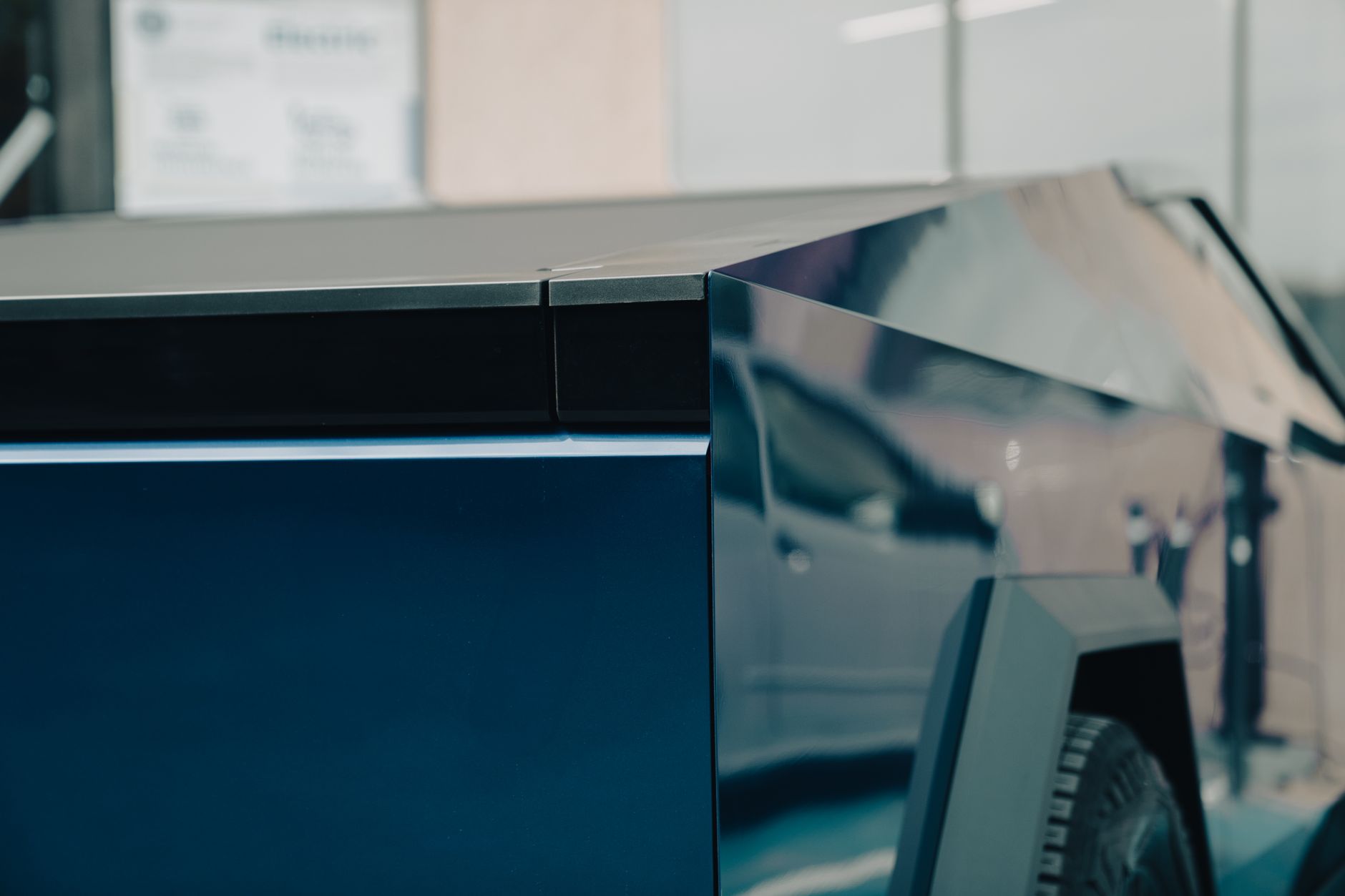
    Tesla’s Cybertruck lineup has changed more than once in the past year, so it’s worth checking what’s actually for sale before you configure one. As of July 2026, Tesla sells the Cybertruck in three trims: AWD, Premium AWD, and Cyberbeast. A cheaper single-motor rear-wheel-drive version existed briefly in 2025 but was discontinued after only a few months on sale due to weak demand, so it’s no longer an option if you’re ordering today.

    Cybertruck AWD — $69,990

    This is the current entry point into Cybertruck ownership, priced at $69,990 before destination fees (about $71,985 out the door, per Cars.com). It uses two motors for all-wheel drive, delivers an EPA-estimated 325 miles of range, and gets to 60 mph in about 4.1 seconds. It can tow up to 7,500 pounds. To hit this price, Tesla trims some comfort features compared to the higher trims: you get adaptive damping instead of air suspension, 18-inch wheels, cloth seats, and a smaller 7-speaker audio system rather than the Premium’s 15-speaker setup, and it skips the rear touchscreen and front seat ventilation.

    Cybertruck Premium AWD — $79,990

    The Premium trim shares the same dual-motor setup, 325-mile range, and roughly 4.1-second 0-60 time as the base AWD, but adds the features many buyers actually want day to day. It steps up to adaptive air suspension, which also raises max towing capacity to 11,000 pounds, plus 20-inch wheels, leatherette seats, a rear passenger touchscreen, ventilated front seats and heated rear seats, and the upgraded sound system. For most buyers cross-shopping full-size trucks, this is the trim that matches Cybertruck’s original marketing promises most closely.

    Cyberbeast — $99,990

    The Cyberbeast is the performance flagship. It swaps in a third motor for a tri-motor all-wheel-drive setup rated at 845 horsepower, cutting the 0-60 time to about 2.6 seconds — noticeably quicker than the other two trims. Range drops slightly to an EPA-estimated 320 miles because of the added weight and power draw of the extra motor. It carries over the Premium trim’s air suspension, wheels, and interior features, and matches its 11,000-pound tow rating. Tesla cut the Cyberbeast’s price by $15,000 in early 2026 as part of a broader lineup restructuring, bringing it down from a prior high of around $114,990 to its current $99,990.

    Which one should you buy?

    • Cybertruck AWD makes sense if you want the lowest possible entry price and don’t mind giving up creature comforts like air suspension, ventilated seats, or the rear screen. It still tows enough for a boat trailer or small camper.
    • Premium AWD is the trim most buyers cross-shopping the Cybertruck against a Ford F-150 Lightning or Rivian R1T should look at first. The extra $10,000 buys real functional upgrades — more towing capacity, air suspension for a smoother ride, and interior comfort features — not just badges.
    • Cyberbeast is for buyers who care most about acceleration and don’t mind paying roughly $20,000 more than the Premium for it. The range and towing numbers are close to the Premium’s, so the extra cost is really about speed and bragging rights rather than added practicality.

    Whichever trim you’re considering, confirm current pricing and configuration on Tesla’s order page before you commit — the Cybertruck lineup has already been restructured twice in the past year, and Tesla can adjust prices with little notice.

    Photo by Florian Avramescu.

  • Choosing a Home Level 2 Charger for Your Tesla

    Choosing a Home Level 2 Charger for Your Tesla

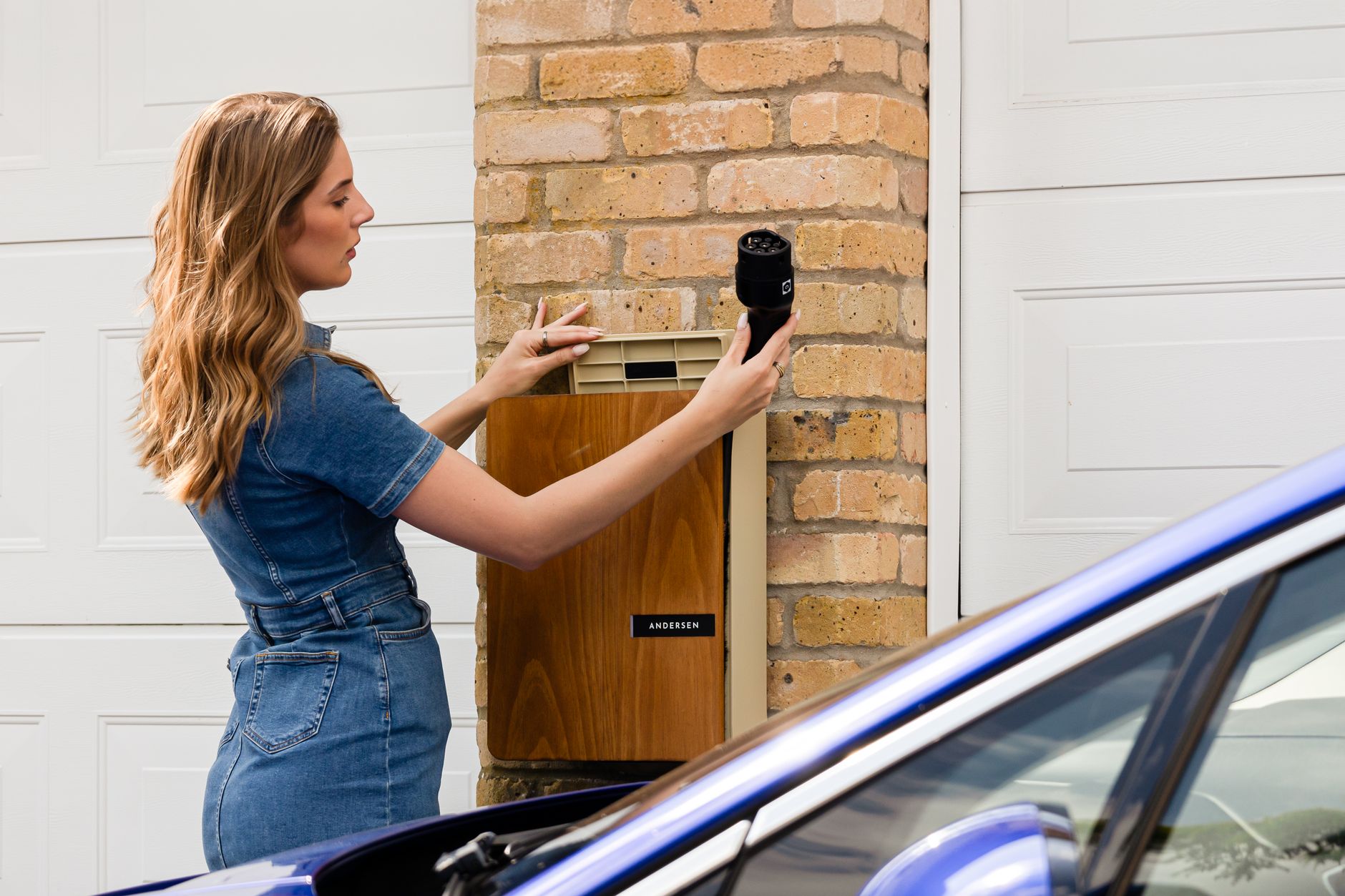
    Every new Tesla ships with a Mobile Connector, a portable charging cable that plugs into a wall outlet. Many owners eventually add a dedicated, hardwired charger instead. Both approaches use what’s called Level 2 charging, which runs on a 240-volt circuit, the same voltage as a clothes dryer, and charges much faster than a standard 120-volt household outlet. Here is how the two options compare and how to decide which one fits your home.

    The Mobile Connector that comes with your car includes an adapter for a standard 120-volt outlet and a second adapter for a 240-volt outlet often called a NEMA 14-50, the same style of outlet used for RV hookups and some electric ranges. On a regular 120-volt household outlet, Tesla states you can expect to add about 3 miles of range per hour. Plugged into a 240-volt NEMA 14-50 outlet instead, the same cable adds roughly 23 to 30 miles of range per hour, depending on your model.

    A dedicated Level 2 wall charger, such as Tesla’s Wall Connector, is wired directly into your home’s electrical panel instead of plugging into an outlet. Tesla’s Wall Connector can deliver up to 48 amps, or 11.5 kW, of power, adding up to 44 miles of range per hour for most models. Third-party Level 2 chargers work the same way. InsideEVs reports that most current Level 2 chargers output 48 to 50 amps, now the standard for most electric vehicles, and that some higher-capacity chargers reach 80 amps for vehicles built to use that much power.

    Amperage determines both charging speed and what your home’s electrical system needs to support it. Tesla’s Wall Connector can be configured anywhere from 12 to 48 amps, so an electrician can dial it down to fit a smaller available circuit if your panel doesn’t have room for the full 48-amp setup. You’ll charge more slowly, but you avoid a bigger, more expensive circuit. The Mobile Connector on a 14-50 outlet tops out lower than a fully configured Wall Connector, which is usually enough for overnight charging but slower if you drive a lot of miles each day.

    Installing either a new 240-volt outlet or a hardwired wall charger involves similar steps. InsideEVs recommends hiring a licensed electrician, ideally one experienced with EV charging installations, because the job requires a load calculation to confirm your home’s panel can handle the added draw, and inexperienced electricians may not know current code requirements. Most local building departments require a permit for a new 240-volt circuit, and the same source advises pulling one so the work gets inspected. Your electrician will check whether your panel has enough spare capacity, sometimes called ampacity, for the new circuit. If it doesn’t, you may need a panel upgrade, which adds to both the cost and the timeline.

    Tesla’s own pricing page gives a starting point for budgeting. Tesla lists the Mobile Connector at $300, with installation of a new outlet costing $0 to $1,500 depending on how much electrical work is needed. The Wall Connector costs $535, with typical installation running $750 to $1,500, and the Universal Wall Connector, which adds a plug usable by non-Tesla EVs, costs $600 with similar installation pricing. Actual cost depends heavily on the distance between your panel and where you park, and whether your panel needs upgrading.

    Which option fits depends on your setup. If your garage already has a 240-volt outlet from a dryer, welder, or RV hookup, plugging in the Mobile Connector you already own is the cheapest way to start home charging right away. If you don’t have one, drive well over 30 miles a day, or plan to keep the car for years, a hardwired Wall Connector is usually worth the extra upfront cost. Tesla itself recommends the Wall Connector as its preferred solution for regular home charging, since it’s built for daily use and charges faster than a portable cable. Either way, this is informational only; get a quote from a licensed electrician who can inspect your specific panel before you commit to equipment or installation costs.

    Photo by Andersen EV.

  • How Tesla’s Referral Program Works, and What You Actually Get

    How Tesla’s Referral Program Works, and What You Actually Get

    Tesla’s referral program lets an existing owner share a personal link that gives you, a new buyer, a reward when you use it to order a Tesla. It is worth being clear about what this is and is not. It is not a government rebate and has nothing to do with federal or state EV tax credits, which are set by law and apply based on your income, the vehicle’s price, and where it was assembled, regardless of who referred you. Tesla’s referral program is a private marketing program that the company designed, runs, and can change or cancel whenever it wants, as it has done several times in the past.

    Tesla owners get a unique referral link tied to their Tesla Account. To use one, you have to click a friend’s or family member’s link and start your order through it before you check out. Tesla’s own Refer and Earn support page is explicit that referral links “cannot be applied after you place your order,” so there is no way to add one retroactively once your order is already in the system.

    As of July 2026, Tesla’s Refer and Earn page, with terms last updated February 24, 2026, lays out three categories of reward. Buyer benefits go to first-time Tesla owners who purchase through a friend’s link, and they are a one-time perk that only applies to your first qualifying Tesla purchase. Referrer benefits go to the person who shared the link, capped at up to 10 purchase referrals per calendar year and up to 30 demo-drive referrals over the life of their account, and these show as pending in the Tesla app until a set grant date, after which they expire 12 months later. Loyalty benefits go to existing owners who buy another qualifying Tesla using the same account, even without using anyone’s referral link, capped at 10 times over the life of the account. Tesla’s page also notes that residents of Ohio and Virginia can qualify for buyer and loyalty benefits but not referrer benefits, a state-by-state difference worth checking if you live there.

    The actual dollar-and-perk amounts change often, so treat any specific figure as a snapshot rather than a guarantee. According to a March 2026 report from Not a Tesla App, buyers who order a Model 3, Model Y, or a premium Cybertruck trim through a referral link currently receive a three-month trial of Tesla’s Full Self-Driving (Supervised) feature, while the referrer receives a $500 Tesla credit. Model S and Model X were removed from the program entirely in March 2026 as Tesla winds down production of those models, so referral links currently carry no purchase perk on those two vehicles. For comparison, InsideEVs reported that back in 2023 the same referral program gave Model 3 and Model Y buyers $500 off plus three months of free FSD, which shows how much the specific numbers can shift even over a couple of years.

    Because Tesla sets these terms unilaterally, the safest approach is to check the current offer on Tesla’s own referral page or inside the order flow right before you buy, rather than relying on anything you read weeks or months earlier, including this article.

    GetTesla also participates in this program, and readers can find the site’s current referral link elsewhere on GetTesla.com if they want to use it when placing an order.

    Photo by Viralyft.