Blog

  • Tesla plans one of its biggest Superchargers yet, in San Francisco.

    Tesla plans one of its biggest Superchargers yet, in San Francisco.

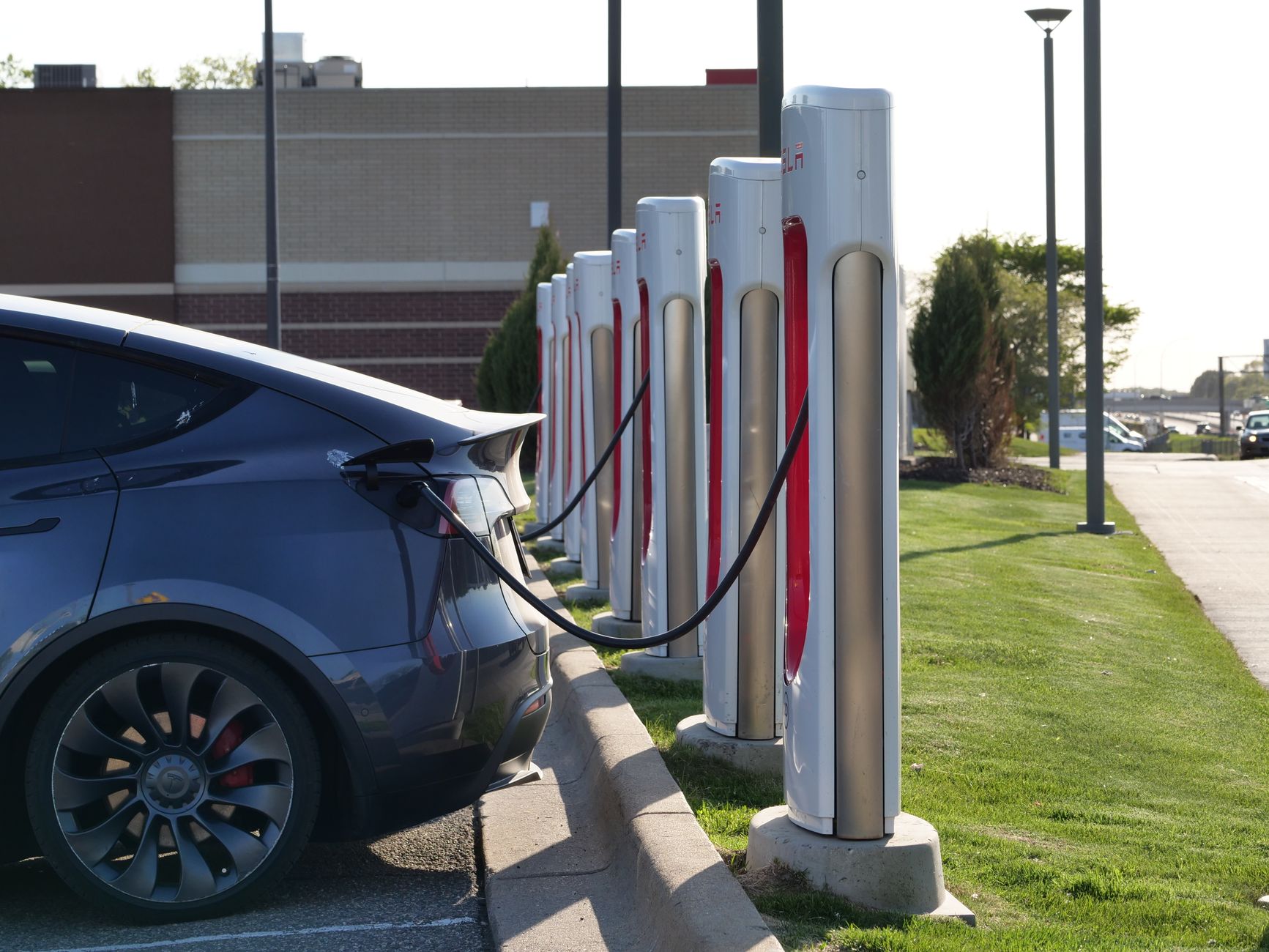
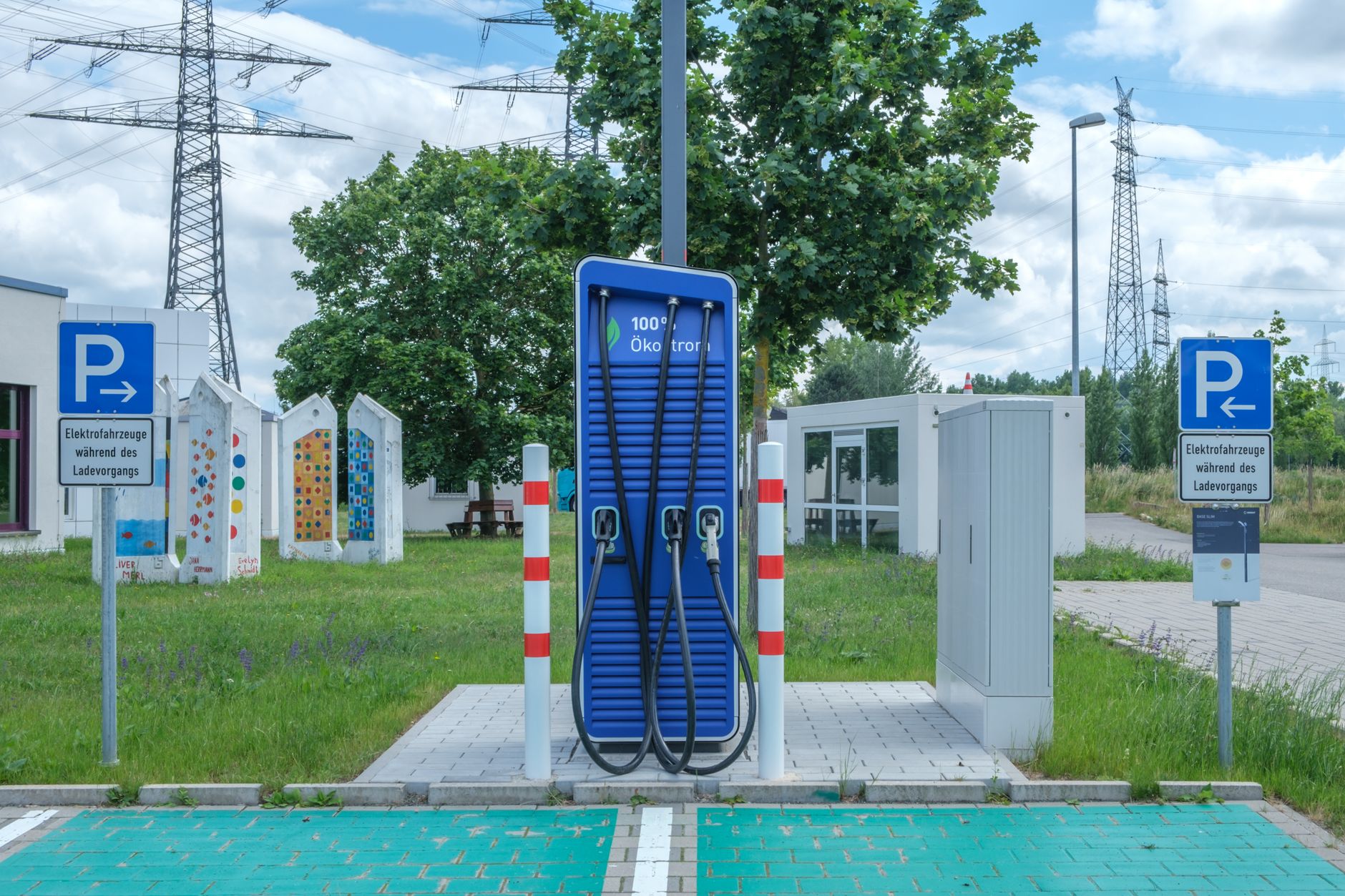
    Tesla has filed planning permits for a 124-stall Supercharger station in San Francisco, according to Electrek’s review of the filing, published August 12, 2026. If built as proposed, it would be one of the largest Supercharger sites Tesla has put forward in a dense city center rather than along a highway corridor.

    Where and how big

    The site sits on a triangular lot at the corner of Alemany and Bayshore on the city’s south side, next to US-101, currently used as a taxi storage lot. The filing calls for 124 V4 charging stalls run by 16 Tesla power cabinets, with the V4 hardware capable of charging at up to 500 kW — though as with other 500 kW-rated Supercharger sites, most current Tesla models can’t draw that full rate yet. The plan also includes a 400-square-foot amenity building with two ADA-accessible restrooms and a small vending area for coffee and snacks.

    Why a station this size, in a city

    Most Supercharger stations near or above 100 stalls have gone up along interstate routes to serve road-trip traffic between cities, not inside dense urban neighborhoods. San Francisco has a heavy concentration of Tesla owners who live in apartments or homes without off-street parking, which means many of them rely on public charging entirely rather than topping up overnight at home. A large in-city station is a bet on that specific kind of owner needing frequent, fast charging close to where they live, not just travelers passing through.

    What’s not decided yet

    Electrek’s report is based on planning permits, not a confirmed construction start — the filing is an early step, and no timeline for breaking ground or opening has been published. Permitted plans can still change size or scope before a project is actually built. If you charge in the San Francisco area, treat this as a station to watch for, not one to plan a trip around yet.

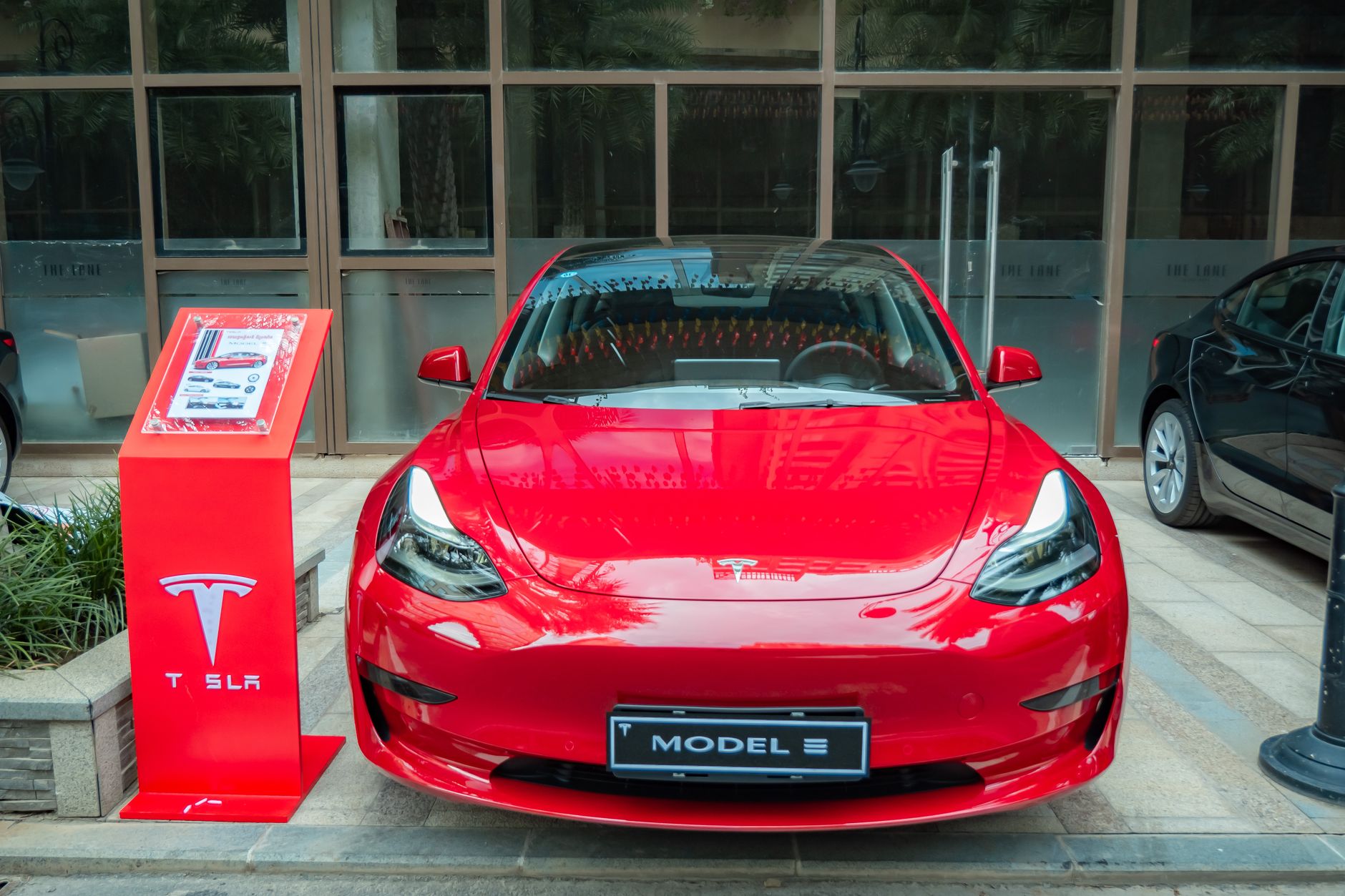
    Photo by Reinhard Bruckner.
  • Do you need aero wheel covers for your Tesla?

    Do you need aero wheel covers for your Tesla?

    If your Tesla came with plain-looking plastic discs snapped over the wheels, that’s not a base-trim placeholder — it’s an aerodynamic part. Removing it for a more “open” wheel look has a real, measurable cost in range.

    What they actually do

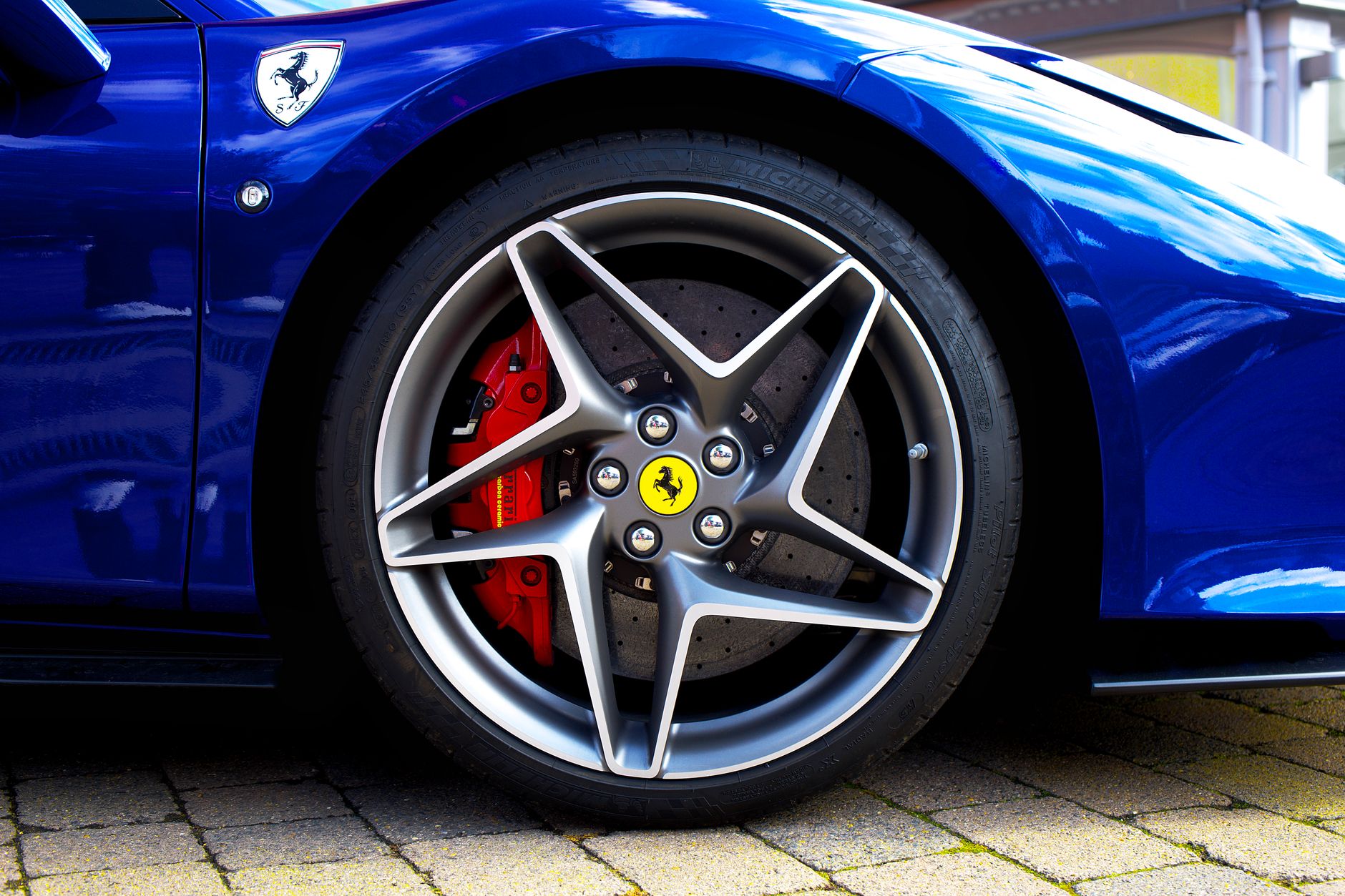
    Wheels and tires account for roughly a quarter of a car’s total aerodynamic drag, and Tesla’s aero covers are shaped to smooth airflow around that area. A former Tesla aerodynamics engineer has said wheel design is one of the biggest single levers for a road car’s efficiency, and independent testing backs up that the covers matter in practice: Electrek’s 2019 real-world test measured about a 3% range improvement at highway speed with the covers on. More recently, InsideEVs ran a 70-mph efficiency comparison on a Model Y Long Range and found the aero-covered wheels consistently used less energy per mile than the same wheels bare.

    How much range that’s worth

    The gain is small in percentage terms — low single digits — but it’s concentrated at highway speed, which is exactly when range anxiety tends to show up on a road trip. At city speeds, where aerodynamic drag matters less relative to rolling resistance and stop-and-go losses, the covers make little difference. If most of your driving is local errands, don’t expect to notice it; if you regularly drive highway miles at 65-75 mph, a few extra percent of range is a real, if modest, benefit.

    What they cost

    Tesla sells its own covers through its parts shop — Teslarati reported Model 3 Aero covers at $25 apiece and Model Y Gemini covers at $35 apiece when Tesla restocked them, sold individually rather than as a set, and specific to whether your car is a pre-refresh or refreshed model. Current shop listings show the same $25 Model 3 price point, though stock availability varies. Aftermarket versions exist from third-party sellers at a range of price points, but Tesla’s own covers are designed to match the factory wheel exactly, which matters for both fit and the aerodynamic shape doing its job.

    Should you keep them on

    If your car came with aero covers and you’ve been tempted to pull them for a sportier look, know what you’re trading away: a small but real hit to highway range for a cosmetic change. If you’ve already removed them, or bought a trim that doesn’t include them, buying a set back is inexpensive and reversible — worth it if range matters more to you than the exposed-wheel look, skippable if it doesn’t.

    Photo by Mike Bird.

  • Massachusetts wants to shrink its EV rebate. Here’s what’s proposed.

    Massachusetts wants to shrink its EV rebate. Here’s what’s proposed.

    Massachusetts hasn’t cut its EV rebate yet, but the state has started the process that could shrink it. If you’re planning to buy a Tesla in Massachusetts and count on the MOR-EV rebate to help pay for it, here’s what’s actually happening and when it matters.

    What the rebate pays today

    Right now, Massachusetts offers a $3,500 rebate for buying or leasing a new battery-electric vehicle with an MSRP up to $55,000 — a cap that a base Model 3 or a lower-trim Model Y still fits under. Income-qualifying residents in programs like SNAP or MassHealth can add another $1,500 through MOR-EV+, and trading in an old gas or diesel vehicle at the same time adds $1,000 more. None of that has changed.

    What Massachusetts is proposing to change

    On July 17, 2026, the state’s Department of Energy Resources filed proposed amendments to the regulation that governs MOR-EV. The proposal would lower the vehicle price caps for light-duty new and used vehicle rebates, adjust rebate amounts for pickup trucks and heavier vehicle classes, and — most relevant if you’d rely on the extra $1,500 — add a new income threshold as an eligibility requirement for the MOR-EV+ adder that doesn’t currently exist.

    The state hasn’t published the specific new dollar figures or income cutoffs in the proposal text itself; the amendment describes the direction of the changes without locking in exact numbers yet, which will get worked out through the rulemaking process below.

    Nothing changes until this process finishes

    This is a proposal, not a done deal. The public comment period runs through 5 p.m. on September 4, 2026, with a virtual hearing on September 1 and an in-person hearing on September 2. Massachusetts residents can weigh in before any final version takes effect. Until the state adopts a final rule, the current $3,500 base rebate, $55,000 price cap, and existing adders stand as they are today.

    What to do if you’re buying soon

    If you’re ordering a Tesla in Massachusetts in the next few weeks, the rebate you’d get today is the one described above — the proposed changes aren’t in effect and won’t be decided until after the comment period closes. If you’re relying specifically on the MOR-EV+ income adder and your purchase timeline stretches into the fall, it’s worth checking mor-ev.org again closer to your delivery date, since that’s the piece most likely to gain new restrictions once the rule is finalized.

    Photo by Beth Fitzpatrick.

  • What Tesla’s FSD 14.3.8 and the Summer Update actually change

    What Tesla’s FSD 14.3.8 and the Summer Update actually change

    Tesla began rolling out software 2026.26.6.5 on August 26, bundling FSD (Supervised) v14.3.8 with the long-delayed Summer Update. Here’s what actually changed, and who gets it.

    It’s a Hardware 4 release — Hardware 3 gets something different

    Per Tesla’s official release notes, FSD v14.3.8 is built for Hardware 4 cars (recent Model S, 3, X, Y, and Cybertruck). Tesla says the update upgrades the reinforcement-learning stage of the FSD neural network, rewrites the AI compiler for roughly 20% faster reaction time, and improves parking-spot selection and traffic-light handling at complex intersections. Hardware 3 cars are not getting v14.3.8 — instead they’re getting a separate, distilled version called FSD v14.1 Lite, with a more limited feature set. If you’re not sure which hardware your car has, check your software version screen before assuming either update applies to you; Tesla’s staged rollouts mean it can take days to weeks to reach every eligible car even within the same hardware tier.

    The Summer Update lands for everyone

    Separate from FSD, the Summer Update portion reaches all supported models and adds Grok voice commands, Automatic Navigation that adapts to routes you drive often, three new traction control modes, and an estimated range figure that now factors in battery aging over time. The new traction control modes are worth knowing by name if you drive somewhere that gets real weather: Auto handles normal conditions, Slippery Surface is meant for icy or wet roads, and Stuck Assist is built for snow, mud, or sand — the car resets to Auto every time you start a new drive, so it’s not something you have to remember to switch back.

    Dirty Tesla put the update through a first drive the day it started rolling out:

    That’s one driver’s real-world impressions on release day — treat it as a demo, not a guarantee of how the update will behave in your car, especially since Tesla’s staged rollout means your own vehicle may be running an earlier version for a while yet. For what’s actually changed and for which hardware, the release notes linked above are the source to check.

    Photo by Vladimir Srajber.

  • What it actually costs to get a Level 2 charger installed at home.

    What it actually costs to get a Level 2 charger installed at home.

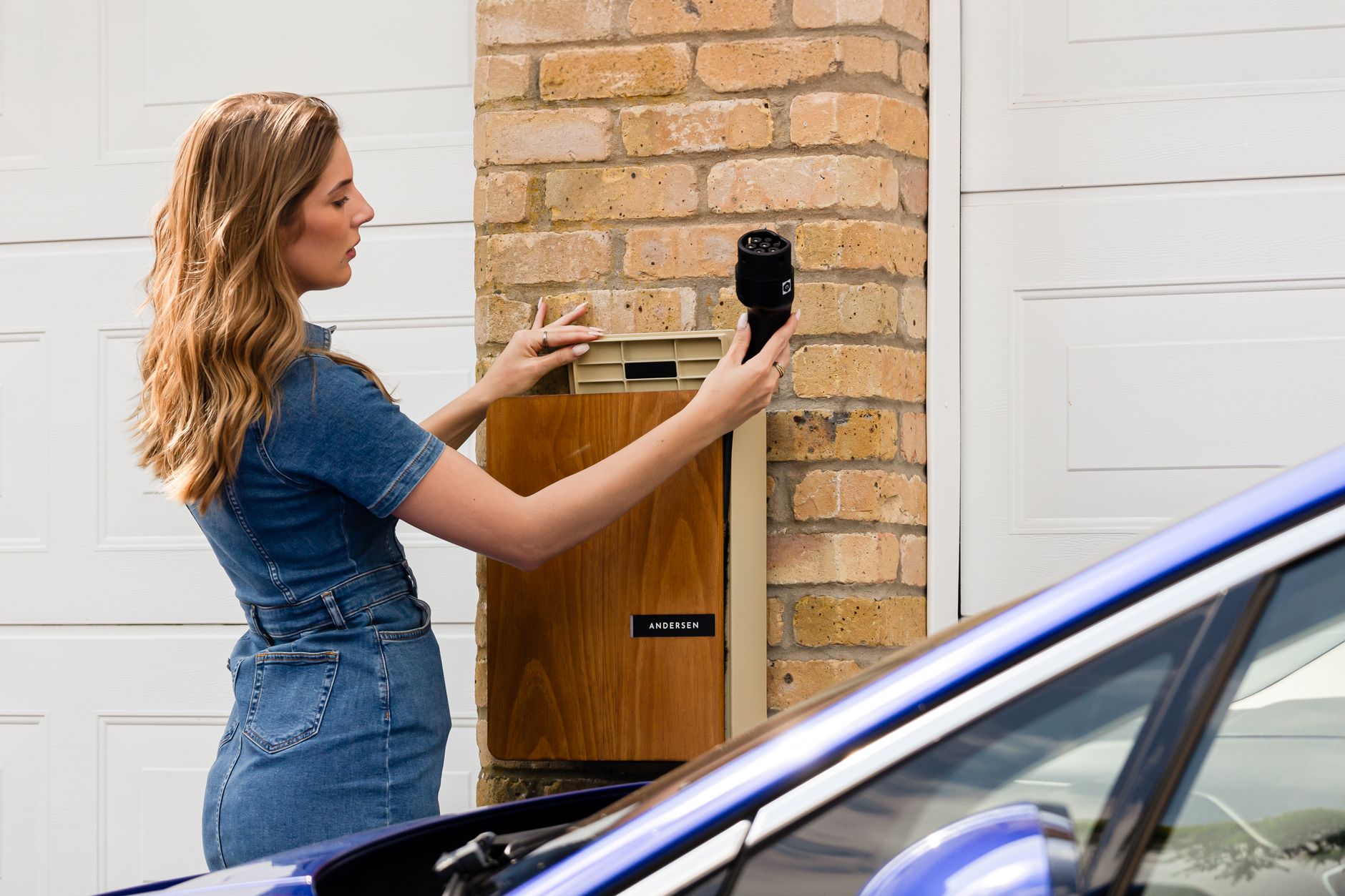
    A Level 2 home charger itself is only part of what you’ll pay. The bigger variable is what it costs to get it professionally installed — and that depends heavily on your home’s existing electrical setup.

    The basic breakdown

    According to a cost guide from The Garage Guide, updated in March 2026, a straightforward installation runs $200–$600 in electrician labor, with electrical permits typically costing $50–$300 depending on your municipality. If your home’s electrical panel already has enough spare capacity, a simple installation can come in around $700–$1,400 total, including the charger itself.

    The panel upgrade is what changes the math

    The biggest cost swing comes down to whether your electrical panel can handle the added 240-volt circuit without modification. If it can’t, a panel upgrade adds roughly $1,000–$3,000 on top of everything else, according to the same guide — and a separate breakdown from EVIQO (updated June 2026) puts a full 60A-to-200A panel upgrade at $4,500–$8,500 in more involved cases. Distance also matters: running wire from the panel to where you actually park adds cost too, and a detached garage that needs trenching can add another $300–$2,000 or more.

    Don’t count on a federal tax credit right now

    If you’ve read that a federal tax credit covers 30% of installation costs, that credit — Section 30C — expired on June 30, 2026, so it no longer applies to installations happening now. What’s still worth checking is your state or utility company: many offer their own rebates for Level 2 charger installations, separate from the expired federal credit, and availability varies a lot by location.

    The practical takeaway

    Before you commit to a specific charger, get a quote from a licensed electrician who can actually look at your panel and the distance to your parking spot — that’s what determines whether you’re looking at a $700 job or a $3,000+ one. Ask specifically whether your panel has room for the new circuit, since that single answer drives most of the cost difference.

    Photo by Andersen EV.

  • Plan around Supercharger crowds this Labor Day weekend.

    Plan around Supercharger crowds this Labor Day weekend.

    Labor Day weekend is one of the heaviest road-trip travel periods of the year, and that means Superchargers along popular routes fill up. A little planning ahead of time can save you from sitting in a charging line.

    Use the trip planner before you leave, not after

    Tesla’s built-in Trip Planner maps out charging stops along your route and adjusts your plan in real time based on traffic, weather, and current stall availability at each station. Run your route the night before you leave, not the morning of — on a holiday weekend, stall availability can shift quickly as other drivers plan around the same stretches of highway you are.

    Check real-time stall availability, and have a backup stop in mind

    The car’s navigation screen shows how many stalls are open and how busy a station currently is before you commit to it. If a Supercharger on your route is showing heavy use, check whether there’s a second station within a few minutes’ detour — busy corridors like I-95, I-5, and I-80 often have more than one Supercharger location within range of each other, and splitting traffic between two options beats everyone converging on the same one.

    Charge during off-peak hours where you can

    According to Tesla’s own fee schedule, a Supercharger site can apply a congestion fee once the station is busy and your car is already above 80% charge or stays plugged in after it’s done — and separately, idle fees kick in once a station is more than half full, roughly doubling once it’s completely full. Both are designed to keep stalls turning over on exactly the kind of high-traffic weekend Labor Day tends to be. Charging earlier in the morning or later in the evening, rather than midday, generally means a less-busy station and a lower chance of either fee applying. If your schedule is flexible, shifting a stop by even an hour can make a real difference.

    Don’t top off past what you need

    Charging speed also slows well before 100%, so topping off further than you need for the next leg just occupies a stall longer than necessary — and can trigger the congestion fee described above. On a busy weekend, charging to the percentage that gets you comfortably to your next stop, rather than to 100%, keeps the line moving for everyone, yourself included on the way back.

    Photo by Giant Asparagus.

  • The base Model 3 is sold out for 2026. Here’s what to expect if you order now.

    The base Model 3 is sold out for 2026. Here’s what to expect if you order now.

    If you order the base Model 3 today, don’t expect it before next year. As of late August, Tesla’s configurator is showing delivery estimates for the $36,990 base Model 3 stretching into January through March 2027, according to Forbes. New Model 3 and Model Y inventory has also been largely unavailable, with only occasional units appearing briefly on Tesla’s inventory page before disappearing.

    It’s not every trim

    The wait isn’t uniform across the lineup. The pricier Premium Model 3 ($42,490) is showing much shorter estimates — October or November delivery in California, per the same report. The new long-wheelbase Model Y L Premium Launch Series has also been pushed out, to December. If timing matters more to you than price, a higher trim may get you into a car months sooner.

    Why the wait got longer

    This isn’t a demand surge — it’s a deliberate inventory strategy. After the $7,500 federal tax credit ended in September 2025, Tesla moved away from the discounting and overproduction it used earlier that year and has kept inventory lean since. In its own Q2 2026 numbers, Tesla delivered more vehicles (467,762) than it produced (442,936), shrinking on-hand inventory by roughly 25,000 units. Model 3 deliveries were actually down 28.4% year-over-year that quarter. Fewer cars sitting on lots means fewer options for a buyer who wants something this month.

    What this means for your order

    If you’re planning to order a base Model 3, go in expecting a multi-month wait and build your budget and any trade-in timeline around that. If you want a car sooner, check Tesla’s inventory page for existing builds — those ship in days, not months, though you’re limited to whatever configurations happen to be sitting in stock. And if a specific delivery window matters (end-of-quarter, before a lease ends, before a move), a Premium trim or an in-stock unit is currently the more reliable path to hitting it than ordering a new base Model 3.

    Photo by Makara Heng.

  • Tesla raised Cybertruck prices by $5,000. Here’s what it means for buyers.

    Tesla raised Cybertruck prices by $5,000. Here’s what it means for buyers.

    Tesla raised Cybertruck prices by $5,000 across two of its three trims on August 24, according to Electrek. If you’re shopping for a Cybertruck, here’s what actually changed.

    What the new pricing looks like

    The Dual Motor All-Wheel Drive trim went from $69,990 to $74,990, and the Premium All-Wheel Drive trim went from $79,990 to $84,990 — both $5,000 increases. The top Cyberbeast trim held steady at $99,990. Tesla didn’t announce the change; it simply updated the order pages.

    Worth knowing if you’ve been watching the price: earlier this year, Tesla briefly sold the same Dual Motor Cybertruck for around $60,000 during a promotional stretch. Buyers ordering today are paying about $15,000 more for essentially the same truck.

    Why now, and what it means for your order

    The increase comes as Cybertruck production is running well below plan. Electrek reports Tesla’s Cybertruck facility is building at roughly 10% of its planned 250,000-unit annual capacity, with U.S. sales under 20,000 a year and about 3,000 trucks sitting in inventory. A price increase during a demand slump is unusual, but it does line up with Tesla’s broader 2026 pattern of protecting margin over chasing volume on this model — the opposite of the discounting it leaned on with Model 3 and Model Y earlier in the tax-credit transition.

    For a prospective buyer, the practical takeaway is simple: check the configurator for current pricing before you order, since Tesla can — and does — adjust Cybertruck prices with no advance notice. If you already have an order in at the old price, that price should still be honored; changes like this typically apply only to new orders placed after the update.

    If you’re cross-shopping trucks, remember the Cyberbeast’s price held flat, which narrows the gap between it and the now-pricier Premium trim — worth factoring in if all-wheel-drive performance matters to you.

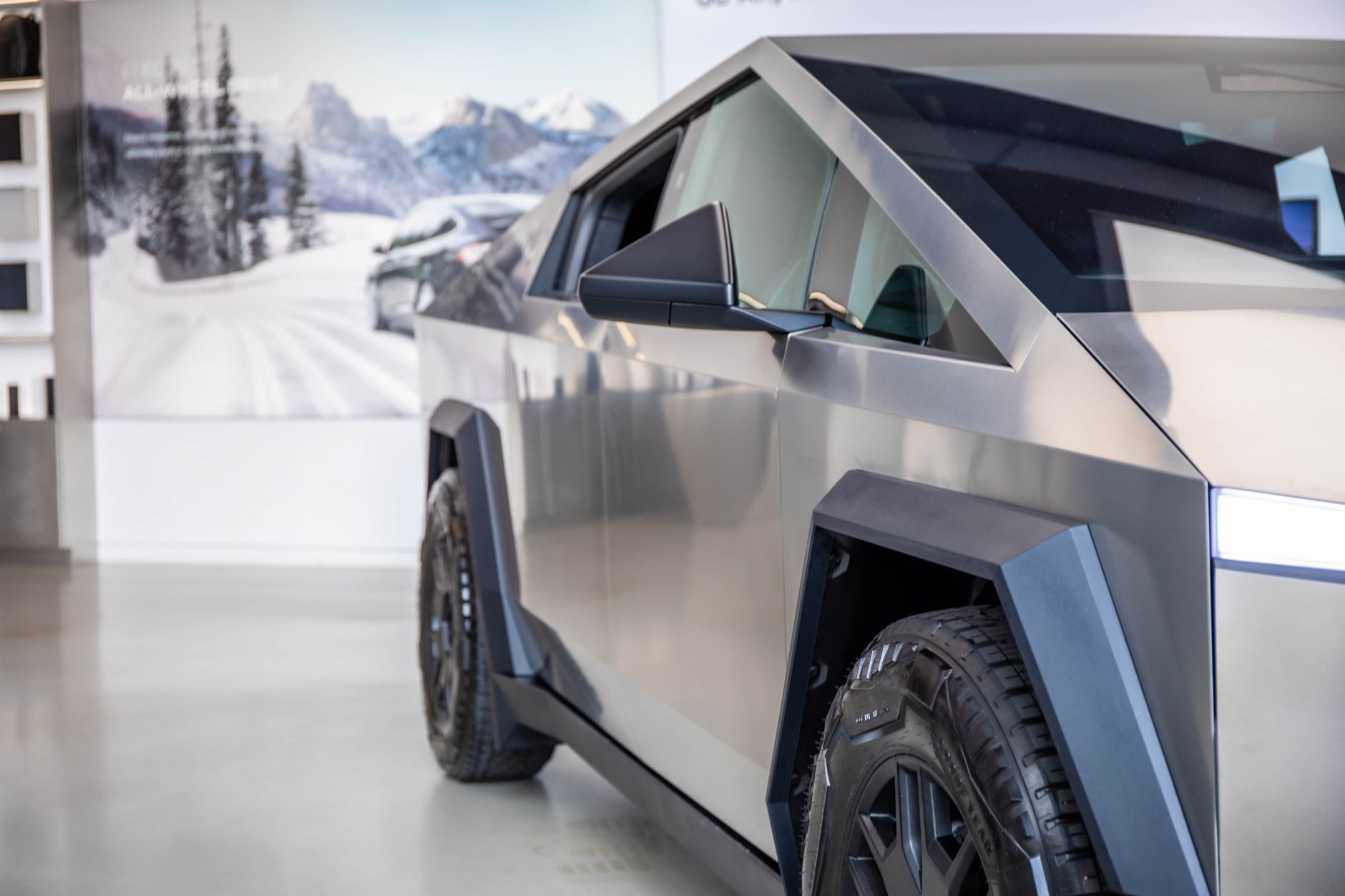
    Photo by Richard Harris.

  • Do you need a jump starter for your Tesla? Here’s how to pick one.

    Do you need a jump starter for your Tesla? Here’s how to pick one.

    If your Tesla’s 12-volt battery dies, the touchscreen goes dark, the door handles won’t present, and you can’t get in — even if the traction battery still shows 60 percent range. That’s because a Tesla runs two separate battery systems, and the small 12-volt battery, not the large lithium-ion pack, controls the locks, the computer, and the accessories (Capital One). A portable jump starter kept in the frunk means you’re not waiting on a tow truck when it happens.

    Why this happens even to newer Teslas

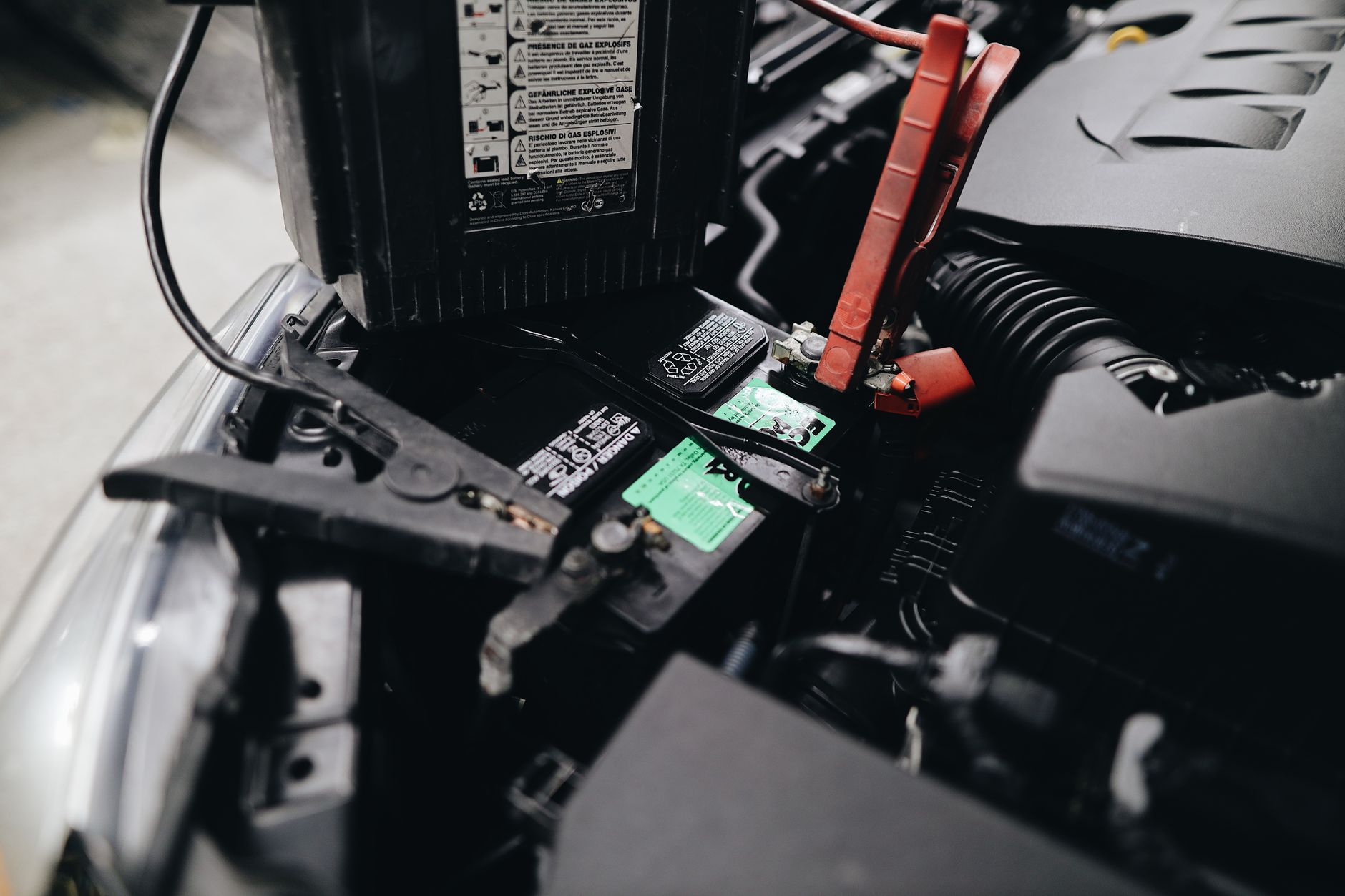
    The 12-volt battery runs constantly in the background, powering sensors, the infotainment system, and the electronics that unlock the doors, and it can drain even while the car is parked and plugged in — leaving you locked out with no way to open the doors normally (Capital One). On Model 3 and Model Y, recovering it means connecting an external power supply to jump points near the front tow hook, behind a small access panel, then waiting roughly ten minutes for the car’s systems to reboot before the doors and screen come back (Capital One).

    What to buy

    Skip the bulky lead-acid jump box from the trunk of an old gas car and buy a compact lithium jump starter instead — it’s small enough to live in the frunk permanently and won’t take up meaningful cargo space. The NOCO Boost Plus GB40 is a common choice: a 2.4-pound lithium pack rated for 1,000 peak amps, enough to start gas engines up to 6.0 liters or diesels up to 3.0 liters, with an IP65-rated case and reverse-polarity protection. NOCO lists it at $99.95 as of August 2026 (NOCO); jump-starter prices move around with sales, so check current pricing before you buy. It also works as a USB power bank and flashlight, which is useful if you’re stuck after dark.

    Where to keep it

    Store it in the frunk rather than the trunk — that’s where the jump points are, and you don’t want to be digging through cargo in the dark to find it. Check it every few months. Lithium packs hold a charge far longer than lead-acid jump boxes, but they still self-discharge slowly, and you don’t want to find out it’s flat at the same time your car’s 12-volt battery is.

    Photo by Julia Avamotive.

  • Avoid these first-week Tesla mistakes.

    Avoid these first-week Tesla mistakes.

    Delivery day gets most of the attention: the inspection, the paperwork, the walk-around. What trips up new owners is usually smaller and comes a few days later, once the excitement settles and the car is just… a car you have to actually operate. A handful of habits and assumptions cause most of the early frustration. Here’s what to get right in the first week.

    Charging to 100% every night without knowing your battery chemistry

    Tesla’s charging guidance depends on which battery pack is in your car, and mixing up the two leads to unnecessary wear. For standard NCA/NMC packs (most Long Range and Performance trims), Tesla tells owners to charge to 80% or 90% for daily use and save 100% for road trips. For the LFP pack used in rear-wheel-drive Model 3 and Model Y trims, the advice flips: Tesla recommends keeping the charge limit at 100% and fully charging at least once a week, because LFP chemistry tolerates a full charge without the same degradation risk and needs the occasional top-off for accurate range readings (InsideEVs). Check your car’s spec sheet or the charging screen in the app before you set a limit out of habit.

    Assuming you have two key cards

    Tesla has historically included two RFID key cards with every new Model 3 and Model Y, meant to serve as a backup to the phone key. Owner’s manual language confirming that has quietly disappeared, and reporting indicates Tesla may now sell key cards separately, at roughly $40 each, rather than bundling them (InsideEVs). The phone key works well day to day, but a dead phone, a software glitch, or a service visit will leave you locked out with no backup if you never checked what actually came in the car. Confirm what you received before you need it.

    Running Sentry Mode nonstop without watching what it costs you

    Sentry Mode uses the car’s cameras and onboard computer to record while parked, and it draws meaningfully on the battery to do it. Tesla’s own engineering team has cited overnight drain around 7.2 kWh, roughly 10% of a Long Range pack’s capacity, in a single day of use, and said a 2024 software update was targeted at cutting that by about 40% (Electrek). Leaving Sentry on by default in a driveway or a garage you already trust can quietly eat into your range before you’ve learned your car’s normal consumption. Decide where you actually need it rather than leaving it on everywhere by default.

    Expecting a charging cable in the trunk

    Tesla stopped including the Mobile Connector (the cable that lets you charge from a standard household outlet) as standard equipment with new vehicles, selling it separately instead (InsideEVs). If your home Level 2 charger installation is still pending, or you’re relying on outlet charging for the first week, don’t assume the car came with a way to do that. Check your order and the frunk before delivery day, not after.

    None of these are dealbreakers, but each one is an easy problem to avoid entirely by spending ten minutes with the app and the glovebox contents before your first full week of driving.

    Photo by 04iraq.